Troubleshooting
Quick answers to the things people ask most often.
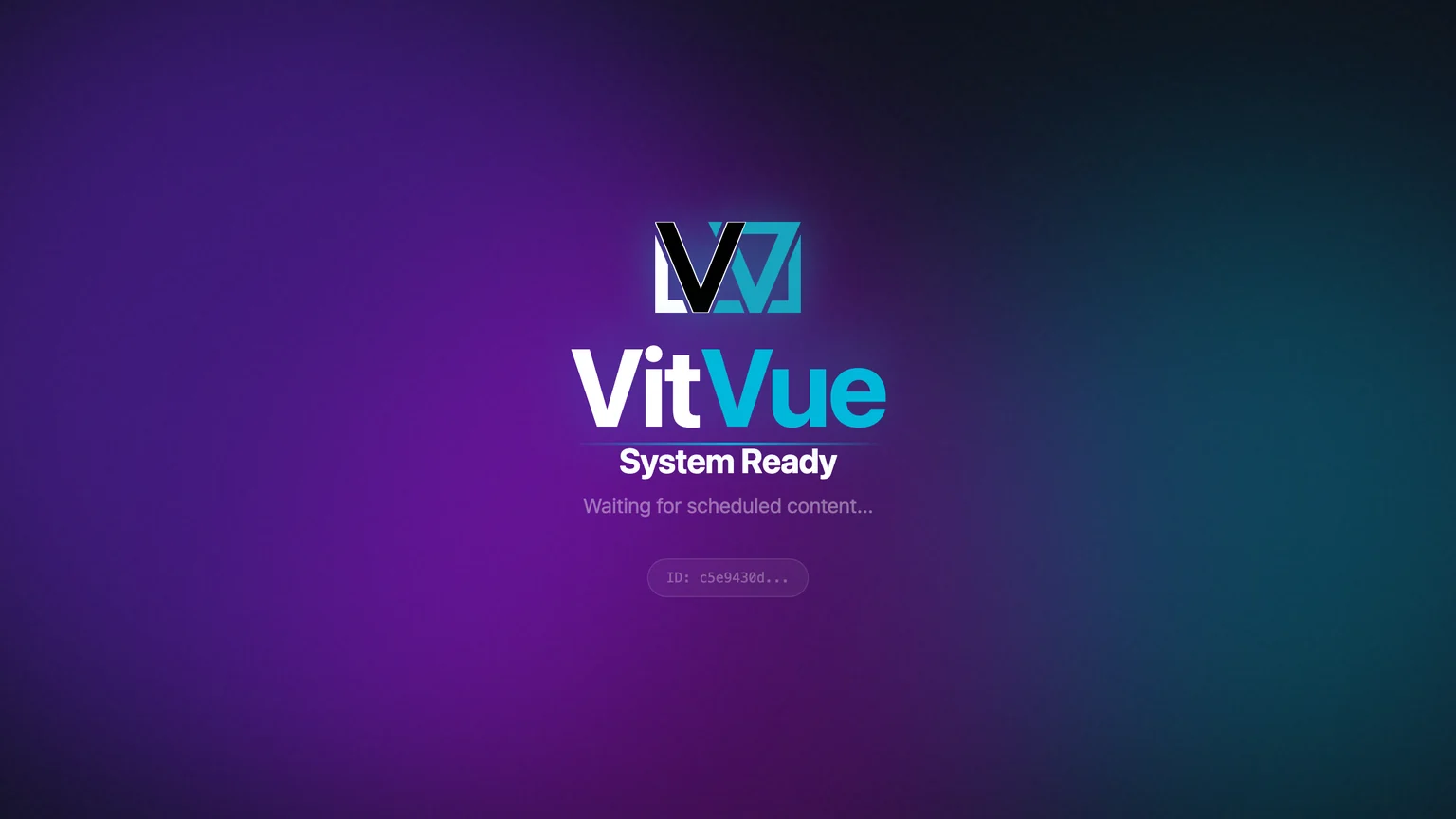
The screen shows "System Ready"
System Ready / "Waiting for scheduled content…" means the screen is paired but nothing is assigned to it yet — or nothing is scheduled to play right now. Assign a slide or playlist on the Publishing step. If you're using schedules, check that an item's time window covers the current time.
The screen is offline
VitVue caches content locally, so an offline screen keeps playing the last content it downloaded — a short Wi-Fi drop does not interrupt what is already playing. Check the device's network; when it reconnects, it automatically updates to the latest published content.
Wrong orientation
If a screen is showing landscape content on a portrait display (or vice versa), the slide is the wrong shape — there is no orientation setting on the screen itself. Open the slide in the editor and use the Resize button in the toolbar to switch between Landscape and Portrait, then publish. See Managing screens.
The pairing code isn't working
A pairing code is good until the countdown next to it on the TV runs out — 10 minutes on the current player, 60 seconds on players that haven't updated yet. If yours stopped working, read the code currently on the TV and enter that one. Each code belongs to a single screen — full flow in Pairing a screen.
I can't see Billing or Settings
Those sections are for administrators. If you have the editor role you'll see Screens, Slides Library, Playlists, Widgets, and Apps — but not Media Library, Insights, or Branding & Theme. Ask an administrator on your account to change your role if you need more access — see Account & billing.
Still stuck?
Reach the team via the contact page and we'll help you get your screens running.