Apps & widgets
Live, self-updating content blocks you can drop into any slide.
Two galleries
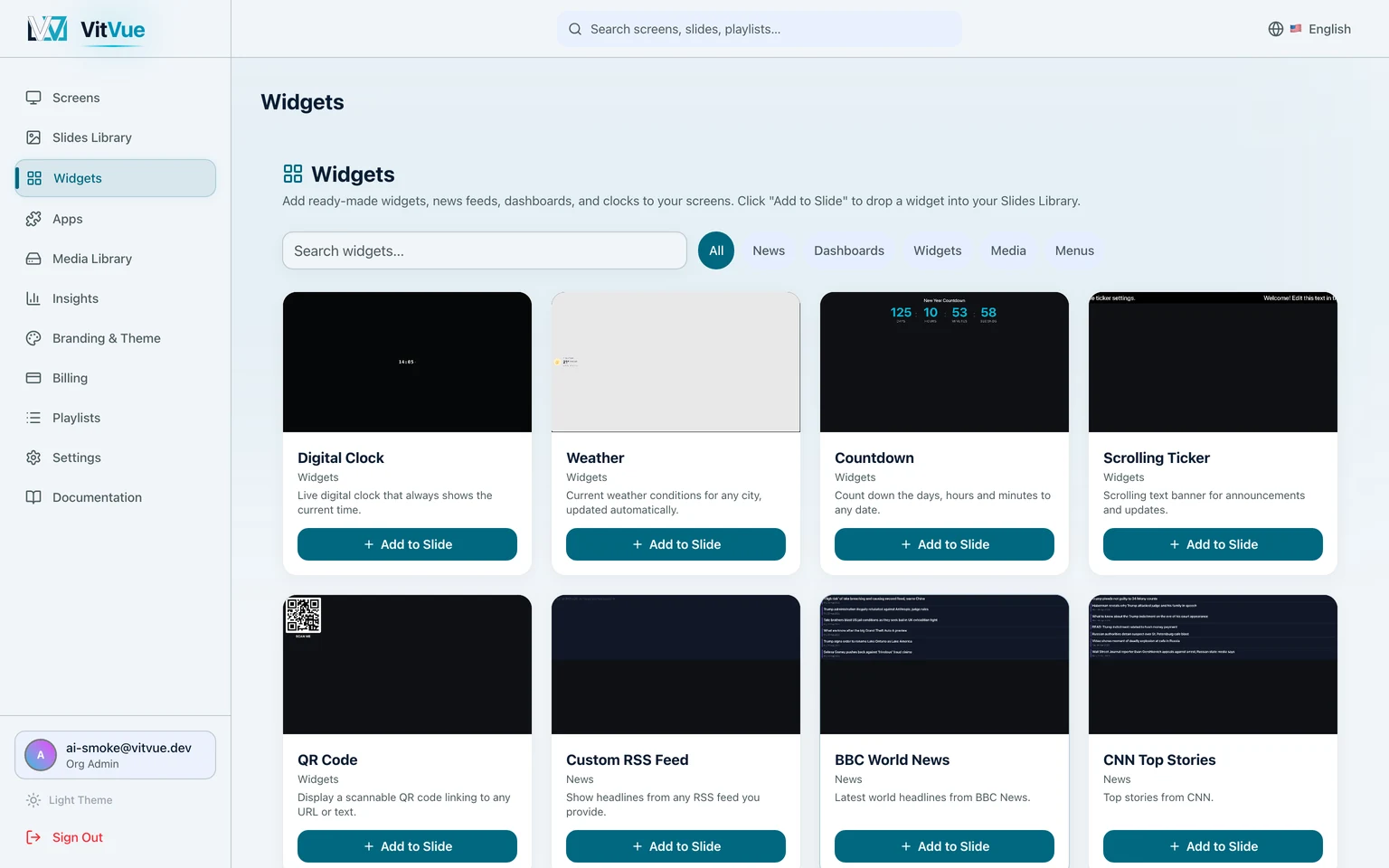
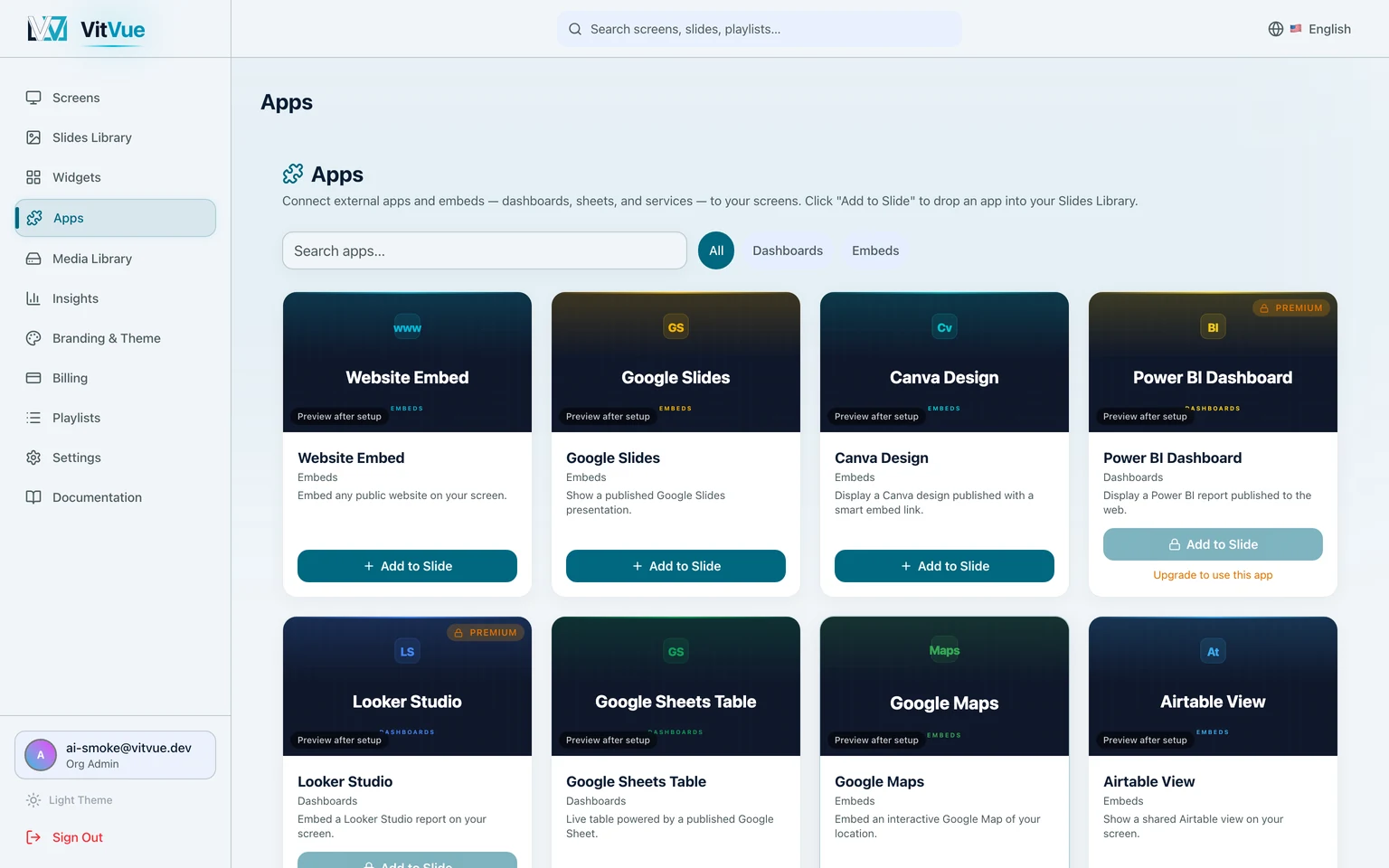
Widgets holds blocks that stand on their own — clocks, weather, countdowns, QR codes, menu boards, tables, and news feeds from dozens of sources. Apps holds blocks that show an outside service: a Google Sheet, a dashboard, a shared calendar, a Slack channel. Both sit in the dashboard sidebar, and both appear as tabs in the editor.
Putting one on a screen
- Press
Add to Slideon the card. There is no install step — you choose whether to start a new slide or drop the block into one you already have. - In the editor, position and size it like any other element, and fill in whatever it asks for — a city, a feed URL, a sheet link.
- Publish the slide, or schedule it, as usual.
Always up to date
Apps render live on the screen and refresh themselves automatically — a news feed shows current headlines, a weather widget tracks today's forecast, a ticker stays on market time. You never republish a slide just to update an app.
Plans
Most apps are available on every plan. A few premium apps are part of higher tiers — the gallery labels them, and your plan determines what you can install.