Slides & media
Your slides and your uploaded files each have a home in the dashboard.
Slides Library
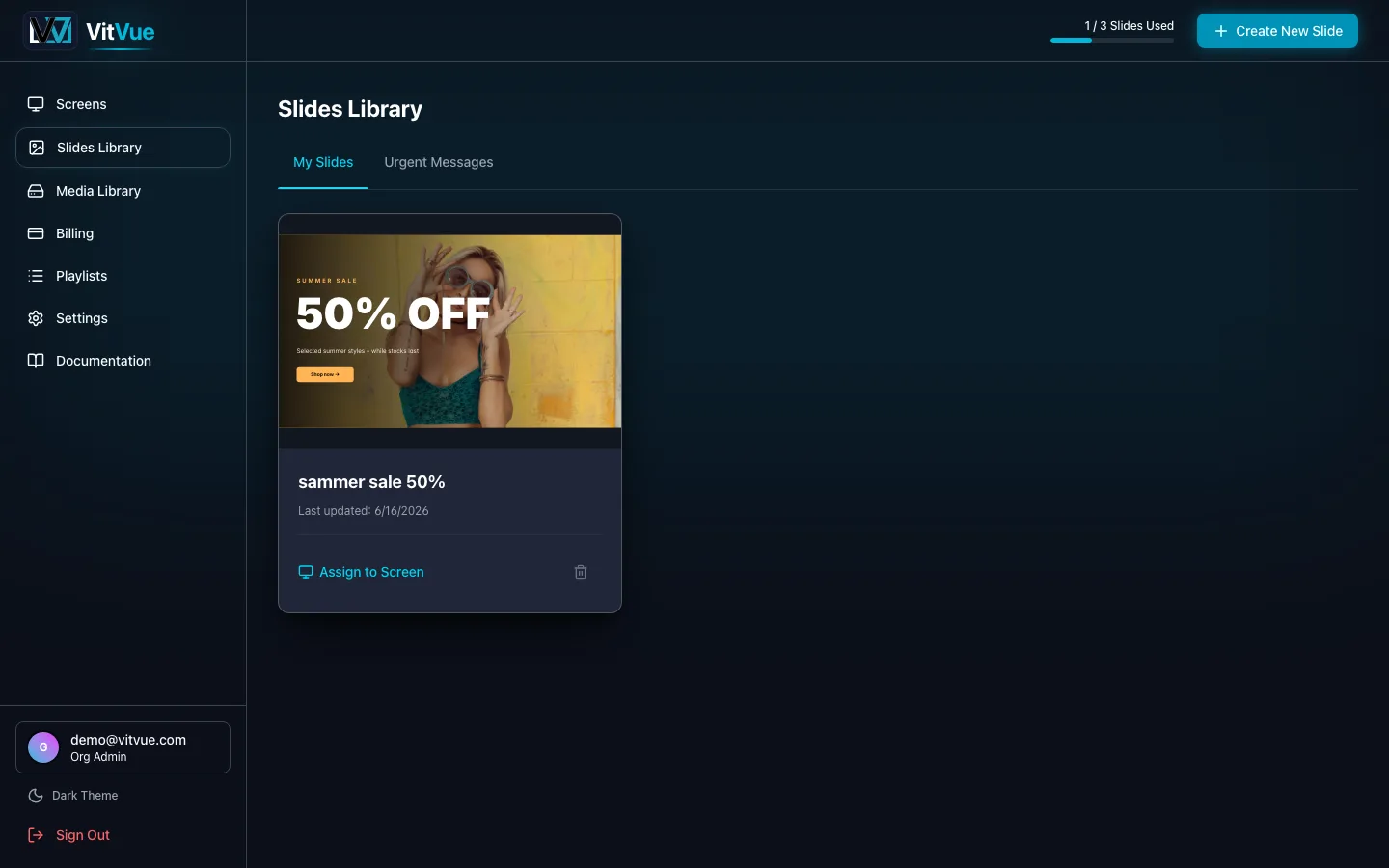
Slides Library lists every slide on your account. From here you can create a slide, open it in the editor, assign it to screens, and delete it. Each slide records which engine built it — Canvas or Puck — so the player knows how to render it. Older Puck slides are converted to Canvas the first time you open them, which is a one-way change. See The editor for what you can build, and Playback insights for how often each slide actually went up.
Media Library
Media Library is where you upload and manage images and videos to reuse across slides. Uploaded media counts toward your plan's storage allowance.
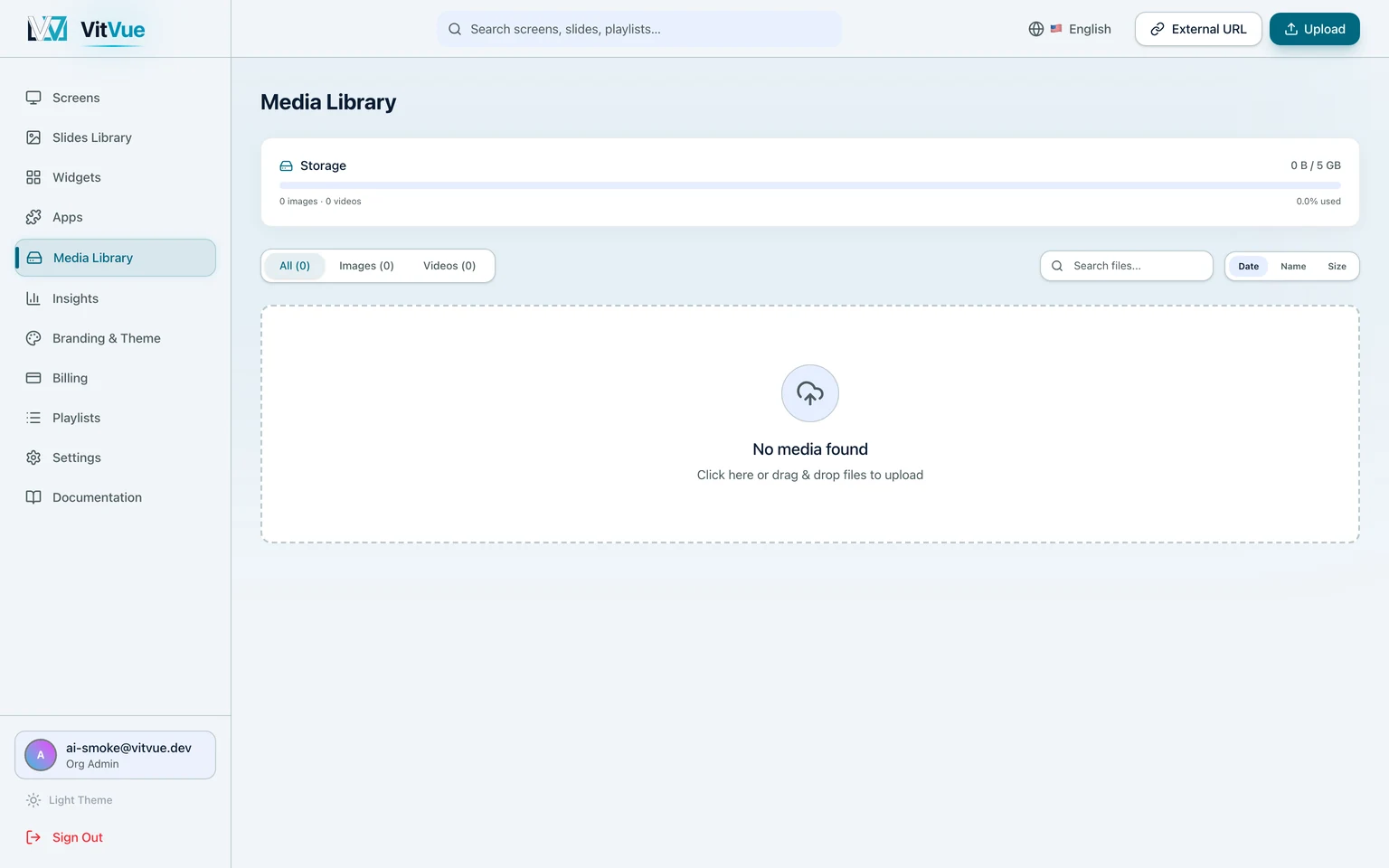
- Upload once, reuse the same asset in any number of slides.
- Supported content includes images and videos for use in Canvas and Puck.
Previewing a slide
Open any slide in preview to see exactly how it will render on a screen — animations, frames, and timing included — before you publish it. Ready to go live? Head to Publishing & assignment.