Digital Signage Software vs Hardware Compared
Compare digital signage software vs hardware to cut setup costs, manage every screen centrally, and choose the right system for your locations today.
On this page
A screen in a restaurant, clinic, gym, or retail store should not require a support ticket every time a promotion changes. Yet that is exactly what many legacy setups create: a TV, a dedicated media player, cables, mounting work, local updates, and someone responsible for fixing it all when the screen goes dark.
The real question behind digital signage software vs hardware is not whether you need screens. It is how much equipment, labor, and ongoing maintenance you need to keep those screens useful. For most location-based businesses, the right answer starts with the screens they already own and a software layer that gives teams central control.
Digital Signage Software vs Hardware: The Core Difference
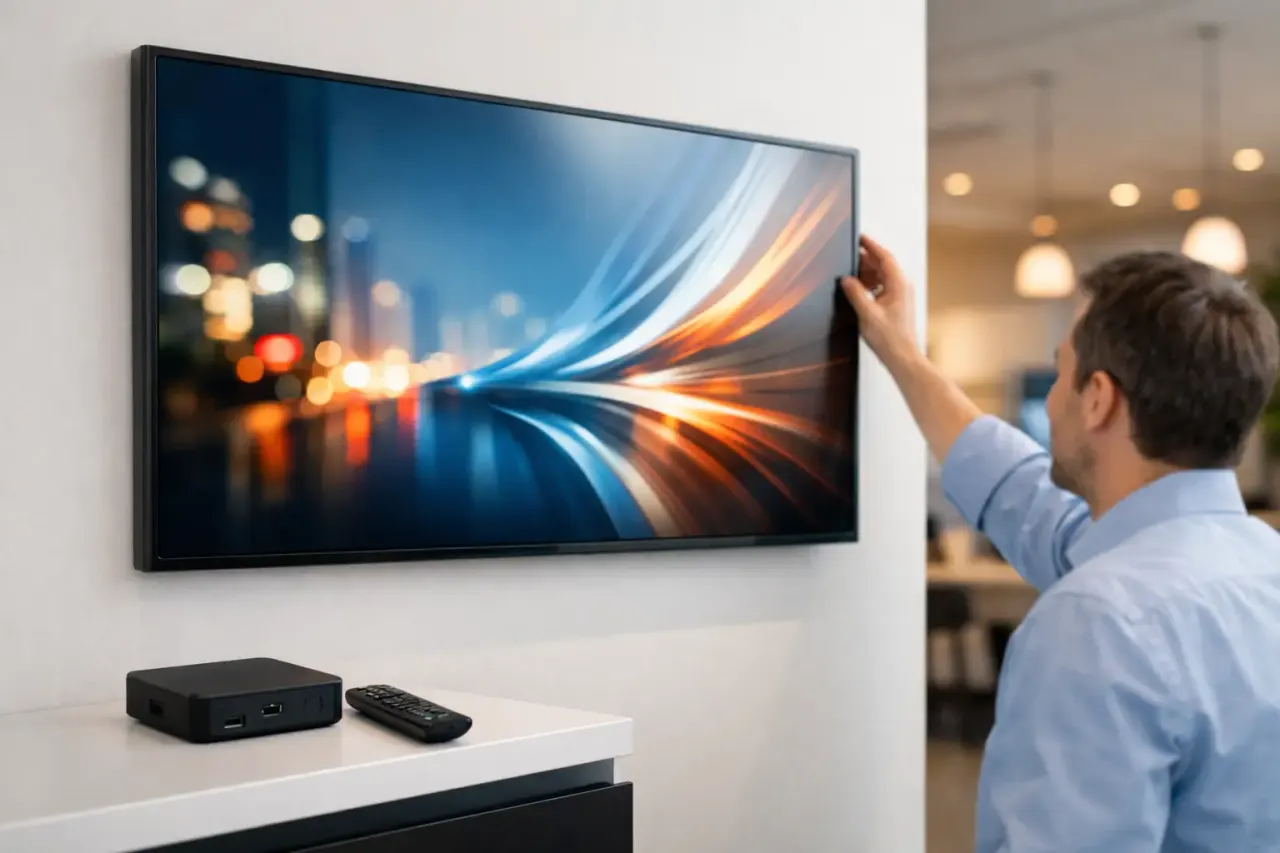
Digital signage hardware is the physical equipment used to display and deliver content. That can include commercial displays, external media players, cables, mounts, network gear, and sometimes on-site computers. Traditional systems rely on a dedicated player connected to each TV. The player receives content, stores it locally, and sends it to the display.
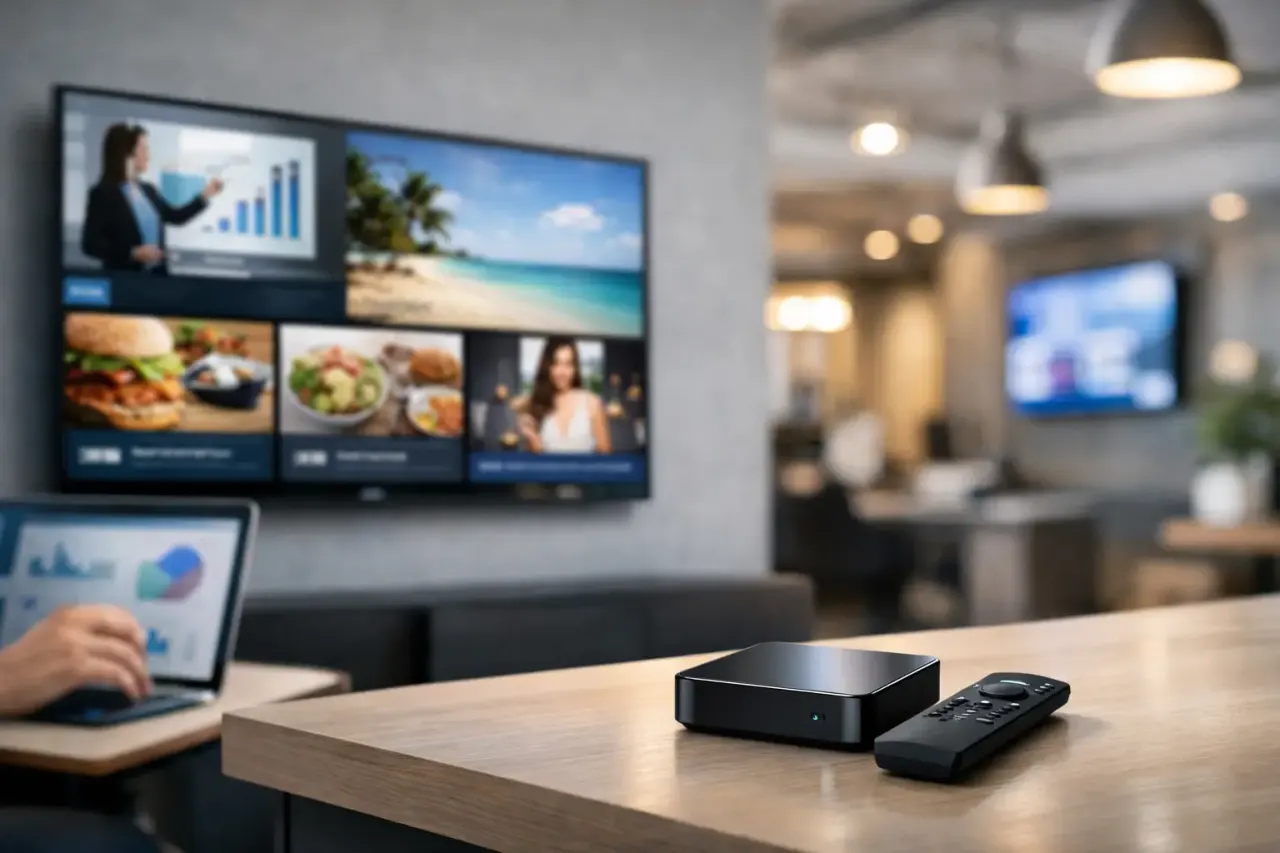
Digital signage software is the control system. It is where your team creates content, assigns playlists, schedules campaigns, pushes updates, and checks whether screens are online. In modern cloud-based setups, the software can run directly on compatible Smart TVs or through an inexpensive streaming stick, removing the need for a separate media player in many deployments.
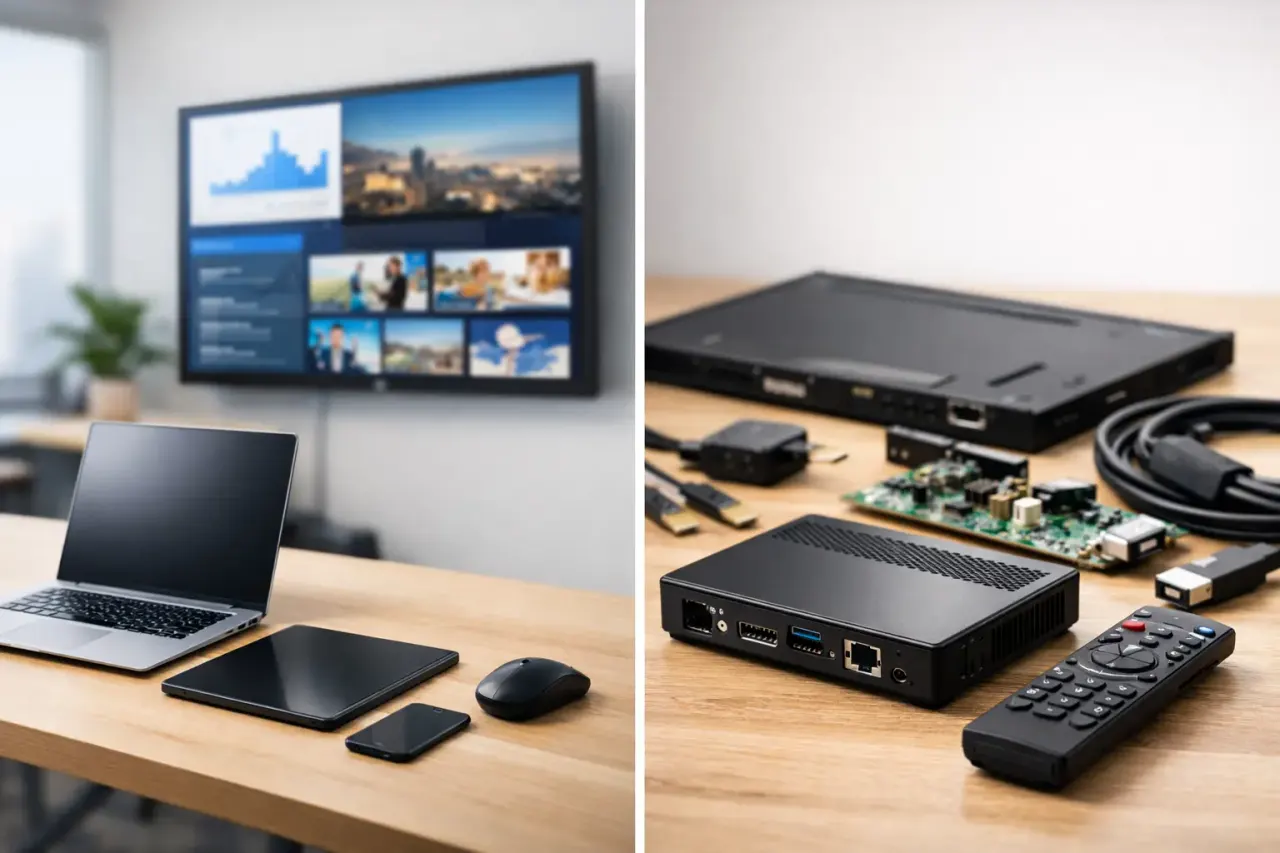
You need some physical display hardware either way. The practical comparison is usually dedicated signage hardware versus software that makes existing screens easier to manage.
Why Traditional Hardware Adds More Than Upfront Cost
A dedicated media player can seem like a small line item. Multiply it across 10, 50, or 200 screens, then add mounting, cabling, configuration, replacement units, and technician time. The initial purchase becomes only one part of the cost.
Hardware also creates more points of failure. A player can lose power, disconnect from Wi-Fi, need an operating system update, or fail outright. If it is mounted behind a screen at a remote location, a simple issue can turn into a site visit. That is not a reason to avoid hardware entirely. It is a reason to be intentional about every device you add.
For a single lobby display, the burden may be manageable. For a franchise group with screens across dozens of sites, hardware-heavy deployments create a recurring operational task. Store teams need instructions. IT needs visibility. Marketing waits longer to launch a campaign because every update depends on local equipment working as expected.
The hidden cost is the workflow
USB-based updates are a common example. Someone designs a promotion, exports files, loads a USB drive, sends instructions to each location, and hopes every manager updates the right screen at the right time. There is little proof that the content is live, current, or even playing.
Cloud software replaces that loop with a dashboard. A team member updates the message once, targets the relevant screens or locations, and publishes it. For time-sensitive offers, event notices, menu changes, and internal communications, that difference matters more than the device itself.
Where Digital Signage Software Creates the Advantage
The strongest software-first systems reduce the work between having an idea and seeing it on screen. That starts with content creation. A drag-and-drop editor and ready-made templates help non-designers build professional displays without waiting on an agency or internal creative team.
From there, centralized scheduling gives operators control over timing. A breakfast menu can run in the morning, a lunch special at midday, and a happy hour promotion later in the day. A gym can rotate class schedules, trainer highlights, and membership offers by time or day. A clinic can show check-in instructions during busy periods and seasonal health reminders at other times.
The benefit is not simply that content changes. It changes consistently across every selected location.
Central control without a local IT project
For multi-location businesses, the dashboard is the operational center. It lets a corporate team publish brand-wide campaigns while allowing approved local managers to add location-specific information. Corporate can protect brand standards. Local teams can still promote a community event, adjust a service message, or highlight inventory that is relevant to their customers.
Remote monitoring is equally valuable. A screen that looks fine on opening day can later lose connectivity or stop displaying the intended playlist. Software with uptime monitoring and play history gives teams a way to spot issues without calling each location to ask someone to check the TV.
Offline playback is another practical feature. If a connection drops temporarily, the screen should continue playing the most recently downloaded content rather than going blank. Internet reliability still matters, but a short outage should not erase the customer experience.
When Dedicated Hardware Still Makes Sense
Software-first does not mean hardware-free in every situation. There are cases where a dedicated media player or commercial-grade display is the better fit.
High-traffic environments that run screens for long hours may benefit from commercial displays built for extended use. Outdoor signage, video walls, unusual display orientations, and high-resolution interactive installations can also require specialized equipment. Some enterprise environments have strict network, security, or device-management policies that favor a standardized player fleet.
A dedicated player can be useful when a display's built-in operating system is not supported, underpowered, or no longer receiving updates. It may also be the right choice if a business needs a specific integration that depends on external hardware.
The key is to avoid treating those exceptions as the default. A simple employee announcement screen does not need the same equipment stack as a 24/7 airport video wall. Match the system to the job.
A Better Cost Comparison for Growing Teams
When evaluating options, compare the full cost over time, not just the price of a screen or subscription. Ask what it takes to deploy one display, then multiply that by your expected screen count.
A hardware-heavy rollout may include a commercial display, media player, mount, cables, installation, device provisioning, and replacement inventory. A software-first rollout may use an existing Smart TV or a consumer TV paired with a supported streaming stick, plus a monthly software subscription. The second option is often faster to launch and easier to expand, especially when locations already have usable screens.
Subscription pricing deserves the same scrutiny as equipment pricing. Look for a plan that scales clearly by screen count and includes the capabilities you need: scheduling, playlists, remote publishing, monitoring, storage, and role-based access. The lowest monthly price is not a win if it leaves your team managing screens manually or paying extra for core features later.
How to Choose the Right Setup
Start with an inventory, not a product demo. Identify the TVs you already own, their operating systems, where they are located, and what each screen needs to accomplish. A screen behind a reception desk has different requirements from one used for menu boards or internal training.
Then consider who will operate the system. If marketing, operations, or local managers need to make frequent updates, prioritize software that is easy to use without IT involvement. If every content change requires a technical specialist, adoption will slow down and screens will become stale.
Next, decide how much standardization you need. A single business may want one playlist across all screens. A franchise group may need shared brand content with local variations. A platform should support both without forcing every location into a separate, difficult-to-manage workflow.
Finally, plan for visibility. You should be able to answer three questions quickly: Is the screen online? What is playing now? Did the campaign run when it was scheduled? If the system cannot provide those answers, it is not giving you real control.
The Practical Choice for Most Indoor Displays
For standard indoor business displays, software usually delivers the larger operational gain. It turns existing TVs into managed communication channels without adding a dedicated player, complicated installation, or a new IT burden at every location. VitVue is built around that model: create, schedule, publish, and monitor content from one place while using compatible screens your business already has.
Hardware still has a role when the environment demands it. But for everyday promotions, menus, welcome screens, employee updates, and customer information, adding more boxes behind more TVs rarely improves the result. Better control does.
Start with one high-value screen and give it a clear job, such as promoting a daily offer or reducing front-desk questions. Once your team can update that message in minutes and verify it is playing, expanding to the next location becomes a business decision, not an installation project.