Restaurant Menu Screen Software That Cuts Update Time
Restaurant menu screen software helps teams update pricing, promos, and dayparts from one dashboard without USB drives or extra media players across stores.
On this page
A lunch special sells out at 12:20. The printed board still promotes it, the counter team has to explain the change repeatedly, and a manager is hunting for the right USB file. Restaurant menu screen software replaces that scramble with a controlled, on-screen update that can reach one display, one location, or every store in minutes.
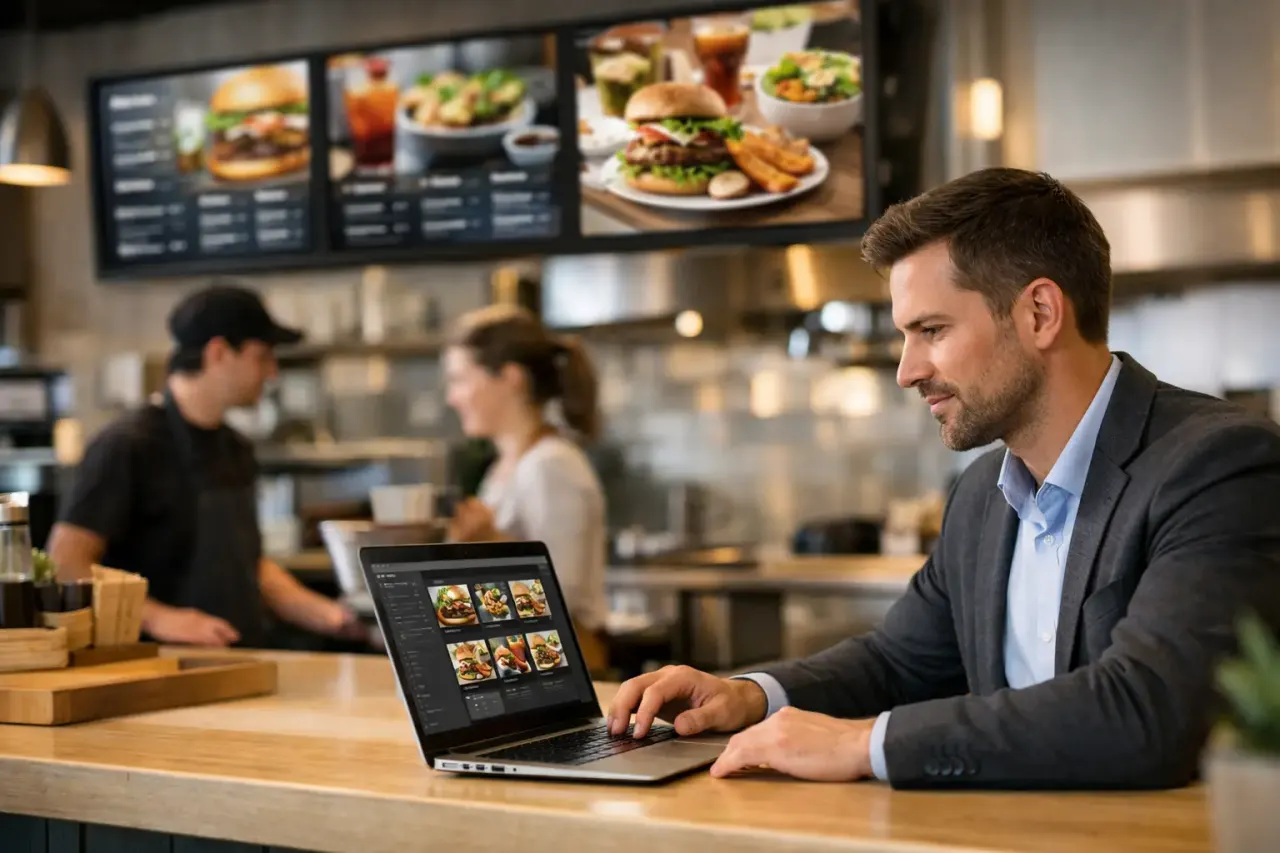
For restaurant operators, menu screens are not just digital décor. They are a live sales and operations tool. They show guests what is available, guide attention toward profitable items, support daypart changes, and reduce friction at the counter or drive-thru. The right system makes those jobs easier without adding media players, complicated installs, or another platform that only IT can manage.
What Restaurant Menu Screen Software Should Solve
The basic promise is simple: create menu content, publish it to screens, and change it whenever the business changes. But a useful platform has to solve the problems that appear after the first screen goes live.
Menus change often. Prices move, ingredients run short, seasonal offers arrive, and limited-time items need to disappear the moment inventory runs out. A static file on a flash drive cannot keep pace, especially when the same promotion runs across several locations. Centralized management matters because it gives approved teams one place to update content and know what guests are seeing.
Dayparts create another operational challenge. Breakfast, lunch, dinner, late-night, and happy hour can each require different menus, prices, and visual priorities. Staff should not have to remember to swap files at 10:30 a.m. or after a shift change. Smart scheduling lets the right playlist appear automatically based on the time and day.
Then there is consistency. A franchise group may need every store to run the same campaign, while each location still needs room for local pricing, store hours, or regional promotions. Restaurant menu screen software should support both. Corporate teams need control where brand consistency matters. Local operators need enough flexibility to keep messages accurate.
The Features That Actually Save Time
Not every digital signage feature has the same value in a restaurant. Start with the workflows that eliminate repetitive work and prevent visible mistakes.
A simple editor and usable templates
Restaurant teams move quickly. If a manager needs a design degree to change a price or replace a photo, the screen becomes another bottleneck. A drag-and-drop editor allows teams to update text, images, menu sections, and promotional callouts without rebuilding an entire layout.
Templates matter for the same reason. They give teams a branded starting point for menu boards, featured items, order-ahead prompts, loyalty promotions, and limited-time offers. The goal is not to make every screen look identical. It is to make approved content fast to produce and hard to get wrong.
Scheduling that follows restaurant operations
A screen should work on the restaurant's schedule, not the other way around. Look for playlist scheduling that can assign breakfast menus in the morning, lunch boards before the midday rush, and dinner promotions later in the day.
This is especially useful for brands with rotating deals. A weekday offer can run only during its valid window. A weekend campaign can start and stop automatically. If a promotion is no longer available, it should not remain on screen because someone forgot a manual update.
Multi-screen control without duplicate work
Many restaurants use more than one screen. A quick-service location may have separate displays above the counter, near pickup, in the dining room, and at the drive-thru. Each display may need different content, but all of it should be managed from the same place.
A strong platform lets teams group screens, assign playlists, and push updates by location or screen type. That means a new beverage campaign can go everywhere, while a pickup screen continues to show order status messaging and a dining-room display runs community or hiring content.
Proof that screens are online
A menu board that goes dark during service is not a minor technical issue. It creates customer confusion and puts pressure on staff. Remote monitoring gives operators visibility into whether displays are online and whether they are playing the intended content.
Playback history also helps when several teams are involved. Marketing can verify that a campaign was deployed. Operations can confirm that daypart content was scheduled correctly. Store teams spend less time taking photos of screens to prove what is live.
Offline playback for real-world conditions
Internet connections are generally reliable until they are not. A restaurant menu screen should continue playing scheduled content if connectivity drops temporarily. Offline playback prevents a short network interruption from turning into blank screens during a busy period.
It does not remove the need for reliable internet, and it will not allow new emergency content to arrive until the connection returns. But it provides a practical layer of continuity that restaurant operators should expect.
Choosing the Right Setup for Your Locations
The best setup depends on the type of restaurant, the number of locations, and how frequently content changes. A single independent café may prioritize low cost and easy editing. A regional chain may need location groups, permission controls, standardized templates, and campaign reporting.
The first decision is often hardware. Legacy signage systems typically require a dedicated media player connected to every TV. That can add purchase costs, cables, device management, and more points of failure. If your existing Smart TVs or streaming-stick-connected TVs can run the signage experience, you can reduce the amount of hardware that has to be installed and supported.
That does not mean every existing display is automatically the right fit. Check screen brightness, placement, resolution, operating hours, and whether the TV platform is supported. A bright drive-thru or window-facing display has different requirements than an indoor dining-room screen. Reusing hardware is smart when it supports the guest experience, not when it forces a poor viewing experience.
Next, consider who will manage content. A store manager may need permission to change an item availability message but not alter brand-wide pricing or creative. Marketing may build campaigns, while operations controls scheduling. The platform should make these responsibilities clear instead of turning every user into a full administrator.
Finally, assess rollout speed. A pilot at one location can uncover layout issues, viewing-distance problems, and process gaps before a larger deployment. Once the templates and screen groups are set, expansion should be straightforward. The point is to avoid making every new store a custom signage project.
A Practical Rollout Plan
Start by mapping the guest journey. Identify what each screen needs to accomplish: speed up ordering, promote high-margin items, answer common questions, guide pickup traffic, or support a specific campaign. A screen with no clear job often becomes cluttered and ignored.
Build content around readability first. Prices, item names, and category headers should be easy to scan from the actual ordering distance. Avoid shrinking type to fit every item on one crowded slide. If the menu is extensive, use well-organized sections and rotation carefully. Guests should not have to wait through several slides to find core items.
Set rules for urgent changes. Decide who can remove an unavailable item, who approves price changes, and how quickly an update should be published. This process matters as much as the software. A fast platform is most valuable when the team knows exactly who owns the decision.
Then automate recurring schedules. Assign dayparts, weekly specials, and campaign dates once. Review them before launch, but do not rely on manual switching every day. This is where digital menus move from a prettier version of a printed board to an operational system.
VitVue is built for this lower-friction model: teams can turn compatible TVs into centrally managed screens, publish content in real time, schedule playlists, and monitor displays without adding traditional media players to every location.
Common Mistakes to Avoid
The most expensive mistake is treating a digital menu like a static poster. If content only changes once a quarter, the business is paying for flexibility it does not use. Plan regular use cases from the start, such as daypart menus, limited-time offers, out-of-stock messaging, and location-specific updates.
Another mistake is overloading the screen. Motion, product photography, promotions, nutrition notes, and menu categories all compete for attention. Use movement with purpose. A well-designed static price area can be more effective than constant animation near the ordering decision.
Also avoid measuring success only by whether the screens are installed. Track practical outcomes: fewer manual menu swaps, faster campaign launches, fewer pricing errors, stronger promotion visibility, and less time spent coordinating updates across locations. These are the gains that justify the system after rollout.
Restaurant menu screens work best when they reflect the pace of the operation. Give your team an easy way to keep information current, give guests a clearer path to order, and let the screen do useful work through every service period.