Smart TV Digital Signage Software Explained
Smart tv digital signage software lets businesses manage screens without media players. Cut hardware costs, update content fast, stay in control.
On this page
If you're still updating screens with a USB drive, you're not running digital signage - you're babysitting it. Smart tv digital signage software changes that by turning the TVs you already own into centrally managed displays that can be updated in minutes, not after a round of store visits, phone calls, or manual file swaps.
That shift matters most when screens are tied to daily operations. A restaurant changing menu specials, a retailer promoting a weekend sale, a gym rotating class schedules, or a clinic sharing wait-time updates all need content that stays current without creating extra work. The value is not just prettier screens. It is faster communication, lower hardware spend, and much better control across one location or fifty.
What smart TV digital signage software actually does
At a basic level, smart tv digital signage software gives you a way to create content, send it to screens, schedule when it plays, and confirm that it is actually running. The screen becomes part of a managed system instead of a standalone TV with a slideshow stuck on repeat.
For most businesses, that means logging into a dashboard, choosing a layout or template, dropping in images, videos, menus, pricing, announcements, or branded messaging, and assigning that content to one or more screens. From there, the software handles playback, scheduling, and remote updates.
The best platforms also solve the problems that show up after launch. They keep screens playing even if the internet drops. They let you organize different playlists by location or screen type. They show device status, uptime, and playback history so you're not guessing whether a promotion is live in every store.
Why businesses are moving away from media players
Traditional digital signage setups usually rely on external media players connected to each display. That model still works, but it adds cost, setup time, and more points of failure. Every extra box means more cables, more mounting issues, more device management, and more support tickets.
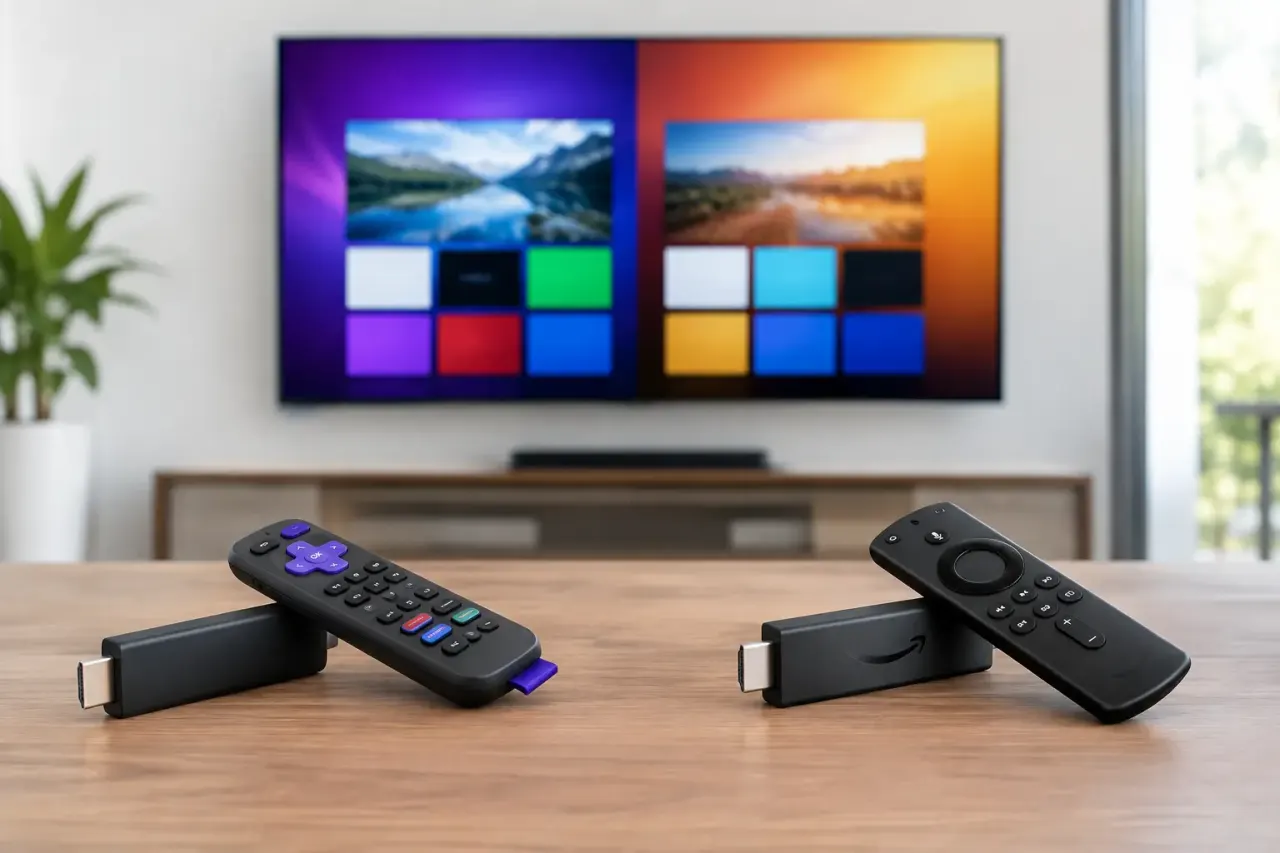
Smart TV-based signage cuts that overhead. If the TV can run a signage app directly, or if a low-cost streaming stick can handle playback, you can avoid the heavier hardware footprint that older systems depend on. For operators trying to roll out signage across multiple locations, that difference adds up fast.
This is where the economics get attractive. Instead of buying dedicated players for every screen, businesses can use existing TVs and focus budget on the software layer that actually controls the network. That usually means lower upfront costs and a faster path from purchase to live deployment.
There is a trade-off, though. Not every Smart TV operating system behaves the same way. App support, storage, performance, and remote management options can vary by brand and model. If you're planning a larger rollout, consistency matters. A mixed fleet of random consumer TVs can work, but standardized hardware makes life easier.
What to look for in smart TV digital signage software
The right platform is not the one with the longest feature list. It is the one that reduces effort day to day while giving you enough control to scale.
Simple content creation
Most buyers do not want design software. They want to get a promotion, menu board, internal notice, or branded loop on screen quickly. A drag-and-drop editor, ready-made templates, and support for common media types make a real difference here. If every screen update feels like a design project, adoption drops.
Centralized scheduling and deployment
This is where software earns its keep. You should be able to schedule breakfast menus in the morning, lunch promotions at noon, and event messaging at night without touching the screen itself. For multi-location teams, assigning different content by region, store, or department is just as important.
Remote monitoring
A screen that is black, frozen, or playing outdated content is worse than no screen at all. Good smart tv digital signage software shows whether displays are online, what they played, and whether updates were delivered. That visibility saves time and protects brand consistency.
Offline playback
Internet interruptions happen. Stores lose connectivity. Local networks get flaky. If content stops every time the connection drops, the system is not ready for real operations. Offline playback keeps approved content running until the network returns.
Multi-screen control
Some businesses only need one TV in a lobby. Others need menu boards, promo screens, waiting room displays, and employee communications across many sites. The software should handle both without forcing you into an enterprise-only setup from day one.
Where smart TV signage works best
The strongest use cases tend to be practical, repeatable, and time-sensitive. Restaurants use screens for menu boards, limited-time offers, and daypart scheduling. Retail stores use them for promotions, product callouts, and seasonal campaigns. Gyms rotate class schedules, membership offers, and instructor-led announcements.
Hotels can manage lobby messaging, event notices, and amenity promotions across different areas. Clinics and medical offices use signage for queue information, service reminders, and patient education. Schools and corporate offices often need a quick way to distribute announcements across common areas without relying on someone to update each screen manually.
The pattern is simple. If the content changes often, needs to stay accurate, or has to be managed across multiple locations, software-first signage usually beats USB-based workflows and old hardware stacks.
Smart TV digital signage software vs USB signage
USB signage looks cheap at first because the hardware is already there. In reality, the labor cost shows up later. Someone has to export the files, load the USB drive, walk to the screen, plug it in, and repeat the process every time content changes. Across multiple locations, that process becomes slow and unreliable.
Smart TV software replaces that with remote control. One dashboard, one update, multiple screens. That alone is enough to justify the switch for many businesses.
There is also a compliance angle. If pricing, promotions, operating hours, or policy messaging must be accurate everywhere, manual updates introduce risk. Digital signage software reduces that gap because content can be pushed live at the same time across the network.
What buyers often miss during evaluation
A lot of teams focus on whether the content looks good. That matters, but operations matter more.
Ask how long it takes to onboard a new screen. Ask whether non-technical staff can make updates without training. Ask how the platform handles failed devices, expired playlists, and inconsistent TV hardware. Ask what reporting you get once the system is live.
It is also worth checking pricing logic. Some platforms look affordable until screen count grows, storage fills up, or basic scheduling is locked behind higher tiers. Buyers should understand what changes as they expand from a few displays to a wider rollout.
For many SMBs and multi-location operators, the ideal setup is straightforward: no dedicated media player, fast deployment, centralized control, and enough visibility to know every screen is doing its job. That is the gap newer platforms are built to fill.
How to choose the right smart TV digital signage software
Start with your screen environment. Are you using existing Smart TVs, adding streaming sticks, or standardizing new displays across locations? Your answer affects compatibility and rollout speed.
Next, map your update workflow. If content changes daily or weekly, ease of use matters more than advanced design controls. If different locations need localized messaging, screen grouping and scheduling become essential. If uptime matters, monitoring and offline playback should be non-negotiable.
Then look at who will actually manage the system. If the answer is store managers, front desk staff, or marketing coordinators, the platform needs to be easy enough for them to use without IT support. That is one reason businesses move toward software built for quick adoption rather than complex AV installations.
A platform like VitVue fits this model well because it focuses on speed, centralized control, and lower hardware dependence. That combination is especially useful for teams that want digital signage live in minutes, not after a long implementation cycle.
Smart tv digital signage software is not just a cheaper way to run screens. It is a better operating model for businesses that need content to move as fast as the day does. The right setup keeps your message current, your team out of the weeds, and your screens working like part of the business instead of one more thing to manage.