Digital Signage Without Media Player
Run digital signage without media player hardware using Smart TVs or streaming sticks. Cut costs, update screens fast, and manage every display.
On this page
If you're still mounting a separate box behind every screen, paying for HDMI extenders, or sending staff out with USB drives, you're carrying cost and complexity you probably don't need. Digital signage without media player hardware is now a practical setup for businesses that want faster rollouts, lower spend, and tighter control across one location or hundreds.
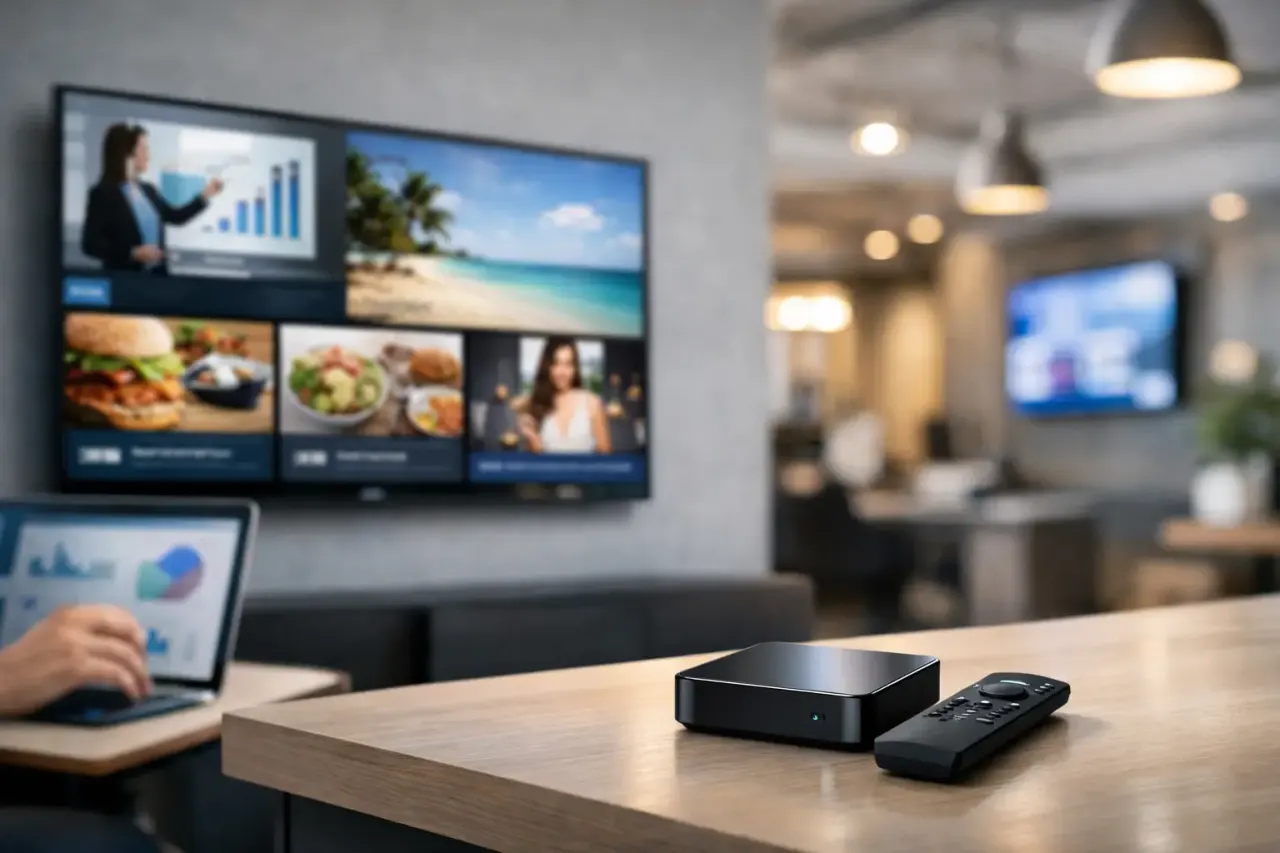
That shift matters because the old model was built around dedicated devices. Each screen needed its own player, its own power source, its own point of failure, and often its own troubleshooting process. For a restaurant, retail chain, clinic, gym, or office team, that adds up fast. More hardware means more procurement, more installs, more support tickets, and more time spent checking whether content is actually live.
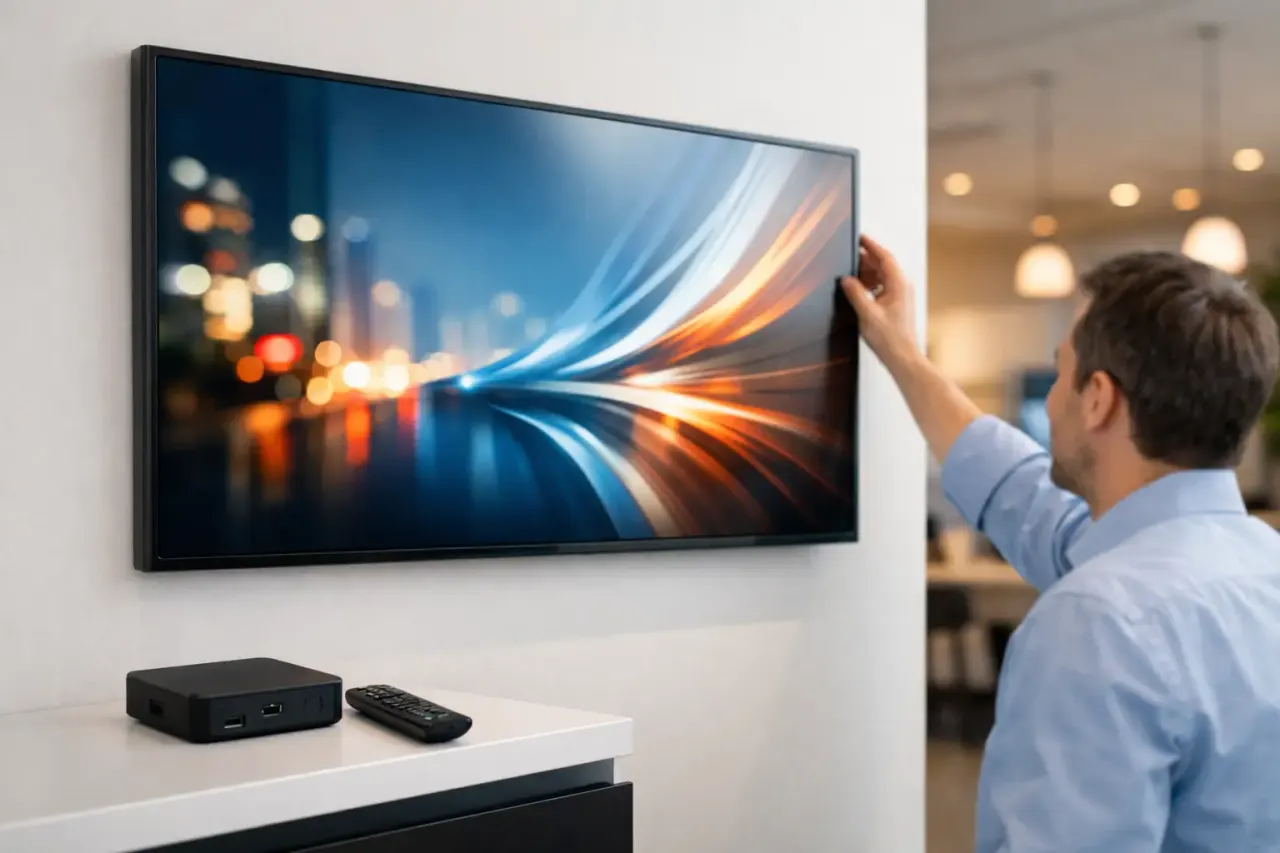
A software-first approach changes the economics. Instead of treating every display like a mini IT project, you use the screen's built-in smart operating system or a low-cost streaming device to run your signage software. The result is simpler deployment and fewer moving parts. No extra box if the TV can already do the job.
What digital signage without media player really means
In practical terms, digital signage without media player means your content plays directly through a Smart TV app or through a lightweight streaming stick instead of a traditional external media player. You still have a content management system behind it. You still create playlists, schedule promotions, update menus, and monitor screens remotely. What's removed is the dedicated hardware layer that used to sit between the CMS and the display.
That distinction is important. "Without media player" does not mean "without a system." It means using simpler, more accessible hardware that most businesses already have or can buy at a much lower cost. For many teams, that's the difference between launching signage this month and delaying it for another budget cycle.
Why businesses are moving away from dedicated players
The biggest reason is cost, but it is not just the purchase price of the box. Traditional media players bring hidden operational costs that show up later.
First, there is installation. Every added device needs to be mounted, powered, connected, and sometimes secured. Then there is maintenance. If a player freezes, loses connection, or fails completely, someone has to diagnose the issue. Across multiple sites, that often means staff calls, remote troubleshooting, or truck rolls.
Then there is consistency. A lot of businesses end up with mixed hardware over time because they replace pieces as they fail. That makes support harder. One screen behaves one way, another needs a different fix, and updates are no longer uniform.
By contrast, using Smart TVs or approved streaming sticks keeps the setup lighter. Fewer devices mean fewer failure points. It also reduces visual clutter behind the display, which matters in customer-facing spaces.
Where this model works best
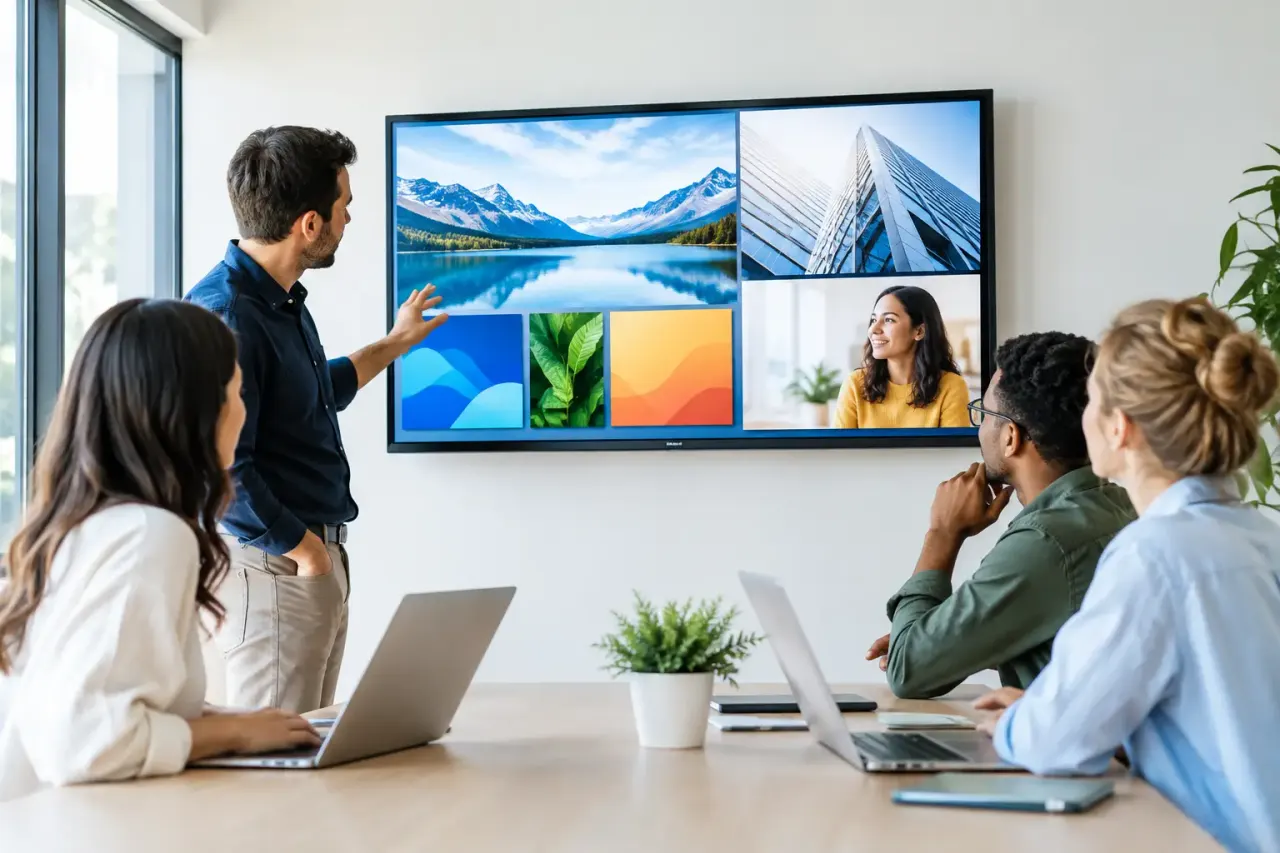
This setup is a strong fit for businesses that need speed and scale without a heavy IT process. Retail stores use it for promotions, seasonal campaigns, and brand messaging. Restaurants use it for menu boards and daypart updates. Gyms run class schedules and member announcements. Clinics and dental offices use waiting room screens for education and wayfinding. Hotels use it for lobby messaging and event schedules. Schools and offices use it for internal communication.
It is especially useful for multi-location operators. When five, fifty, or five hundred screens need updates, centralized control matters more than hardware sophistication. If a district manager, marketing lead, or operations team can push changes from one dashboard, the value shows up immediately.
The real advantages of digital signage without media player hardware
The first win is faster deployment. If a screen already exists and connects to Wi-Fi, you can often get it live in minutes instead of planning a full installation. That shortens time to value and reduces implementation friction.
The second is lower upfront spend. Removing dedicated players from the budget lowers the cost per screen. That makes expansion easier, whether you're piloting in two locations or rolling out chain-wide.
The third is simpler management. Modern signage platforms let you create content, assign it to screens, schedule it by location or daypart, and verify playback from a central dashboard. You are not relying on someone in-store to swap files manually.
The fourth is better resilience than many buyers expect. With offline playback, screens can continue showing assigned content even if connectivity drops temporarily. That matters in real operating environments, where networks are not always perfect.
The trade-offs to understand
This approach is not magic, and it is not identical in every environment. It depends on the screens you have, the content you run, and the level of control you need.
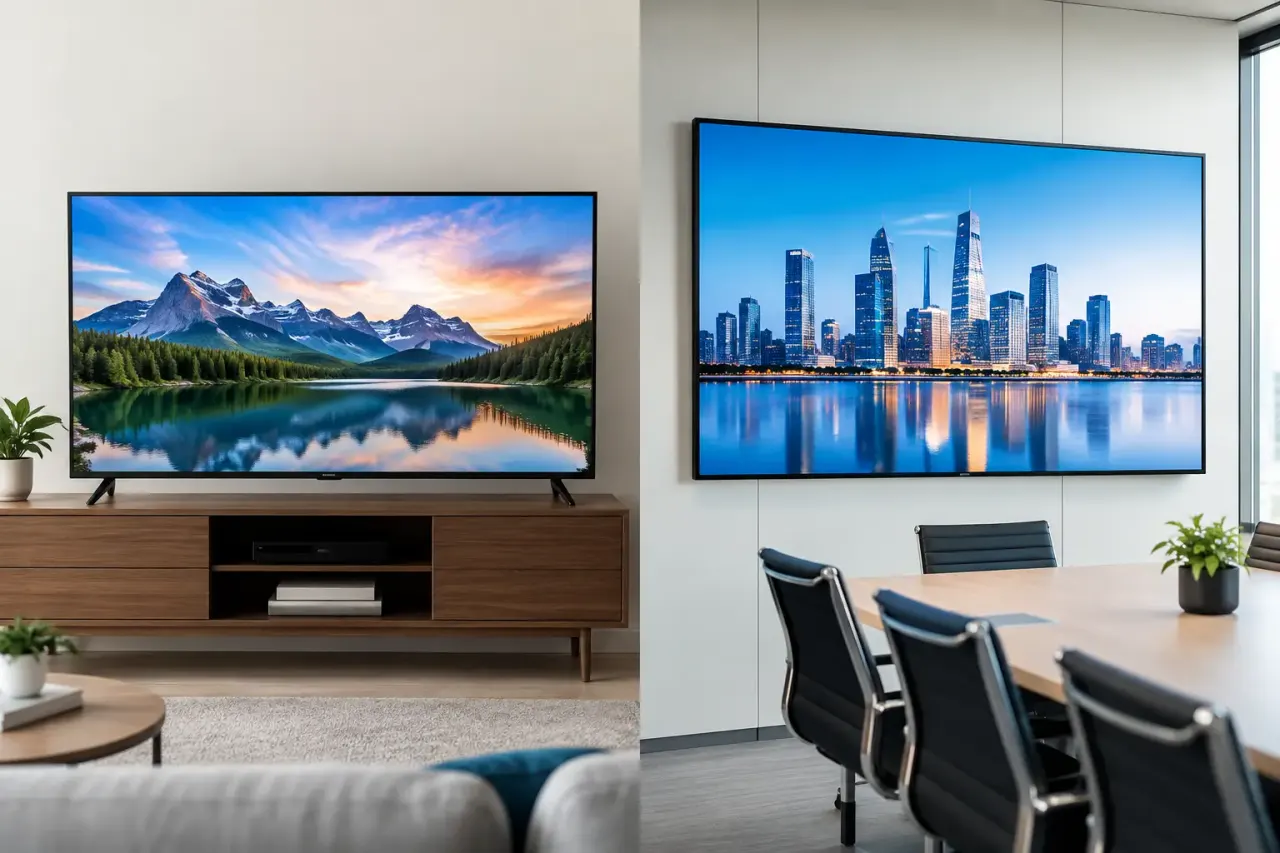
Some Smart TV operating systems are better than others. Device compatibility, app performance, and update policies vary by brand and model. If your existing TVs are older, underpowered, or inconsistent across locations, performance may be uneven. In those cases, adding a standardized streaming stick can actually improve reliability while still avoiding traditional media players.
Content type matters too. If you are running extremely heavy motion graphics, advanced interactive experiences, or specialized integrations, a dedicated player may still have a role. But for the majority of business signage needs - promotions, menus, announcements, dashboards, schedules, and branded loops - app-based playback is more than enough.
Network quality also matters. Cloud-managed signage is only as easy as the connectivity behind it. Good platforms reduce that risk with caching and offline playback, but stable internet still improves content syncing, proof of play visibility, and real-time updates.
What to look for in a platform
If you want digital signage without media player complexity, the software layer becomes the main decision. That platform needs to do more than publish content. It should remove manual work and give you confidence that screens are actually doing what they should.
Start with content creation. A drag-and-drop editor and ready-made templates speed up production, especially for teams without designers. Then look at scheduling. You should be able to set content by time, date, location, and screen group without rebuilding playlists every week.
Remote deployment is non-negotiable. If updates still depend on store staff, you have not really solved the operational problem. Monitoring matters just as much. You need visibility into online status, uptime, and play history so you can spot issues before customers do.
For larger organizations, role-based access, SSO, APIs, and support for many locations become increasingly important. Those are the features that turn signage from a one-off marketing tool into a manageable system.
A simpler rollout model for multi-location teams
The easiest deployments follow a straightforward path. Use the screens you already have where possible. Standardize with a supported Smart TV app or streaming stick when needed. Connect each screen to a central dashboard. Then assign content by region, brand, store type, or campaign.
That model gives operators control without slowing down local execution. Corporate can push mandatory campaigns across the network, while local teams can keep approved content relevant to their own market. You get consistency where it matters and flexibility where it helps.
This is where platforms like VitVue fit naturally. The value is not just that there is no traditional hardware. The value is that teams can create, schedule, deploy, and monitor screens from one place without turning signage into an IT project.
Is digital signage without media player right for you?
For most SMBs and multi-site brands, yes. If your goal is to modernize in-store communication, replace USB workflows, and stop managing a pile of external boxes, this is usually the smarter path. It is faster to launch, easier to maintain, and more cost-effective to scale.
If you have a highly customized environment with unusual performance demands, the answer may be more mixed. In that case, it is worth validating your screen hardware, testing content playback, and deciding whether native Smart TV apps or streaming sticks give you the best consistency.
The bigger point is this: digital signage should not require a complicated hardware stack to be reliable. Most businesses do not need another box behind every screen. They need content control, scheduling, visibility, and confidence that updates happen on time.
That is why this model keeps gaining ground. It matches how businesses actually operate - lean teams, tight budgets, multiple locations, and no appetite for avoidable hardware. If your screens can already do the job, your signage system should let them.