Smart TV Signage vs Media Players Compared
Compare smart TV signage vs media players to reduce hardware costs, deploy faster, and choose the right setup for your screens at scale with less IT.
On this page
A restaurant manager needs to swap lunch promotions across six locations before 11 a.m. A retail team needs every screen to show the same weekend offer. In both cases, the real question behind smart TV signage vs media players is simple: how much hardware, setup time, and ongoing support should it take to keep screens current?
For many businesses, a dedicated media player was once the default answer. It connected to a TV, ran signage software, and gave the screen a purpose beyond streaming. That setup still has a place in certain environments. But modern Smart TVs and low-cost streaming sticks have changed the math. With the right cloud-based signage platform, businesses can launch and manage displays without adding a separate box behind every screen.
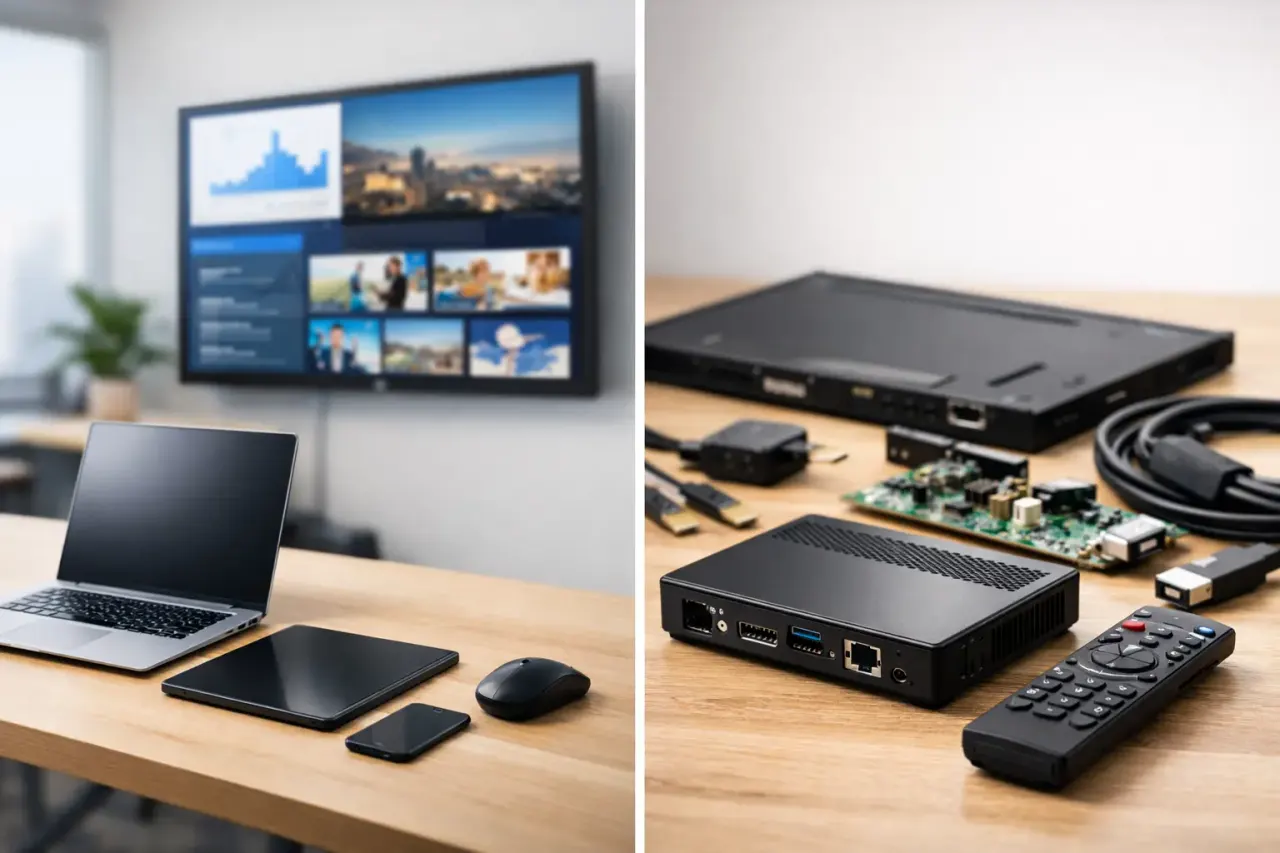
Smart TV Signage vs Media Players: The Core Difference
Smart TV signage uses the operating system already built into a compatible television, or an affordable streaming device connected to the TV. The signage app receives content from the cloud and displays scheduled playlists, images, videos, menus, announcements, and more.
A traditional media player is separate hardware. It connects to the screen through HDMI and runs the digital signage software independently of the TV. Depending on the model, it may be a compact commercial player, a mini PC, or a purpose-built device from a signage vendor.
The difference is not just technical. It affects your upfront cost, installation process, replacement cycle, power management, and the number of things your team needs to troubleshoot. If you have 30 screens, one extra device per screen quickly becomes 30 more purchases, power supplies, cables, network connections, and potential points of failure.
When Smart TV Signage Makes More Sense
Smart TV signage is a practical fit when your priority is speed, lower hardware spend, and centralized control without an IT-heavy rollout. If you already have compatible Smart TVs in your locations, the hardware may already be in place.
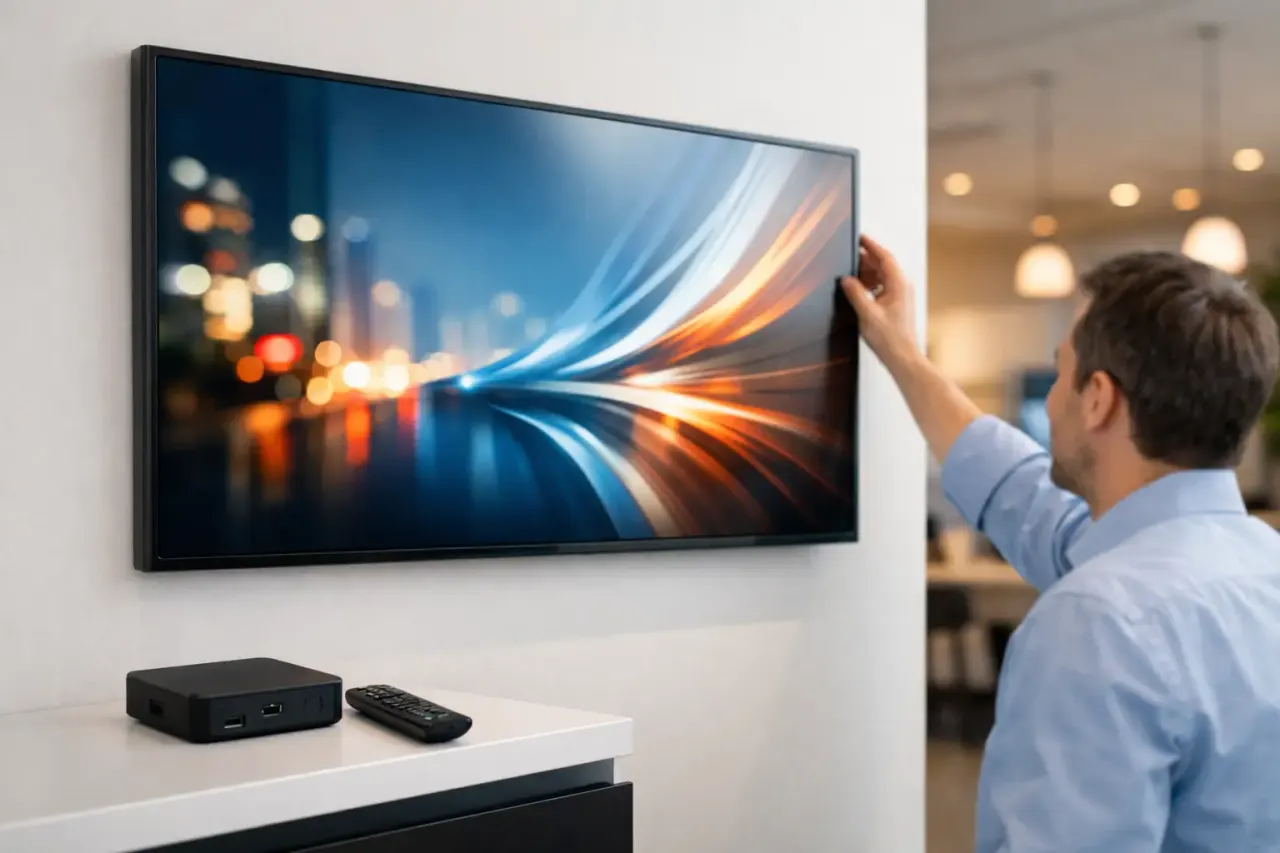
That changes the deployment process. Instead of mounting a player, connecting cables, assigning inputs, and finding a place to hide another device, your team installs an app, pairs the screen to a dashboard, and pushes content. For a small business, that can mean getting a lobby display or menu board live in minutes. For a multi-location operator, it can mean rolling out a consistent screen experience without sending technical staff to every site.
This approach is especially useful for restaurants updating daily specials, gyms promoting classes, clinics sharing wait-time information, retail stores running location-specific promotions, and offices displaying internal communications. These teams need content control more than they need a complicated hardware stack.
A modern platform should still give you the operational features that matter: scheduling by daypart, remote content updates, playlist management, proof that screens are online, and offline playback when an internet connection drops. Smart TV signage is not a return to USB drives and manual updates. Done well, it is cloud-managed signage with less equipment.
The cost advantage is bigger than the player price
It is easy to compare only the price of a media player against the price of a Smart TV app. That misses the full cost.
Every dedicated player can require a mounting solution, HDMI cable, power cable, outlet access, setup time, replacement inventory, and support when a connection is loose or an input changes. Across multiple sites, those small costs and delays add up. The more screens you operate, the more valuable a simpler setup becomes.
Smart TV signage also helps when replacing older displays. Rather than buying a commercial screen plus a separate player, you may be able to choose a compatible consumer or business-grade Smart TV and manage it directly. For cost-conscious operators, that can lower the barrier to expanding digital signage beyond one flagship location.
It reduces friction for local teams
Store managers and front-desk staff should not need to become device technicians. They need a screen that turns on, shows the right content, and can be updated from a central team.
With fewer components, there is less room for simple but disruptive errors: the TV is on the wrong HDMI input, a player has been unplugged during cleaning, a remote has changed the source, or a cable has failed. A simplified setup does not eliminate every support issue, but it makes day-to-day management more predictable.
When Dedicated Media Players Are Still the Right Choice
Media players are not obsolete. They can be the better choice when the environment has unusual technical demands or when the TV operating system cannot support the signage application you need.
For example, a media player may make sense for large video walls, highly customized interactive displays, screens with specialized peripherals, or installations where processing requirements exceed what a TV or streaming stick can handle. Some organizations also have strict hardware standards, locked-down networks, or long equipment replacement cycles that favor a standardized player model.
Commercial-grade media players can also offer more control in edge cases. If a deployment requires advanced integrations, custom applications, multiple display outputs from one device, or a specific operating system, dedicated hardware may be justified.
The key is not to buy media players by habit. Buy them when the use case requires them. A simple promotional display, menu board, lobby screen, or employee communication screen usually does not need the same hardware architecture as a complex command center or interactive kiosk.
Compare the Operational Trade-Offs
The best choice depends on what your team needs to manage after installation, not just what looks good on a purchasing spreadsheet.
Smart TV signage generally wins on fast deployment. There is less hardware to ship, mount, and configure. It also reduces physical clutter behind the display and gives location teams fewer devices to touch. If your screens are spread across restaurants, stores, offices, or franchise locations, this simplicity can be a major operational advantage.
Media players can offer greater flexibility for specialty applications, but that flexibility comes with responsibility. Someone has to manage the player inventory, firmware, cables, power, and device replacement process. For organizations with an experienced IT team and demanding technical requirements, that may be acceptable. For teams trying to move faster with fewer resources, it can become unnecessary overhead.
Reliability is another important consideration. A well-designed cloud signage platform should support offline playback, so screens continue displaying downloaded content if connectivity is interrupted. That matters whether the app runs on a Smart TV, a streaming stick, or a media player. The bigger reliability question is often how many physical components your setup introduces.
What to Check Before Choosing a Smart TV Approach
Not every Smart TV is the same. Before standardizing on a hardware-light signage model, confirm that the screens you own or plan to buy are compatible with your signage platform. Check the supported operating systems, available app store access, storage requirements, and whether the device can stay powered and connected reliably in your environment.
Also look at how the platform handles screen monitoring. Centralized scheduling is useful, but you also need visibility. Can you see whether a display is online? Can you confirm what playlist is assigned? Can you update content across every location instantly, while still allowing local offers or messages where needed?
For multi-location businesses, permissions matter too. Corporate teams may need control over brand campaigns, while individual sites need a limited ability to display local hours, events, or inventory-driven promotions. The right platform gives both groups clear boundaries without forcing every update through a support ticket.
VitVue is built around this hardware-light model, helping teams manage compatible Smart TVs or streaming-stick-connected screens from one dashboard while keeping content, schedules, and playback visibility in one place.
Make the Hardware Fit the Job
The decision between Smart TV signage and media players should start with the screen’s job. If the goal is to communicate clearly, update quickly, and stay consistent across locations, avoid adding hardware that does not create meaningful value.
Use dedicated media players for the installations that genuinely demand advanced processing or specialized control. For everyday business displays, a Smart TV or streaming stick paired with centralized signage software can deliver the speed and oversight teams need without turning every screen into an IT project.
Choose the setup your staff can deploy, support, and scale confidently. The best signage system is the one still showing the right message when your next promotion changes.