How to Choose Digital Menu Board Software
Choosing digital menu board software? Learn what matters most for restaurants and multi-site teams, from setup speed to scheduling and uptime.
On this page
Lunch rush is not the moment to discover your menu screens need a USB swap, a manual reboot, or a call to someone who "handles the TVs." If pricing changes, limited-time offers, and daypart menus are part of daily operations, your screens need to move at the same speed.
That is where digital menu board software stops being a nice upgrade and starts becoming an operational tool. The right platform does more than display menu items. It helps you update pricing fast, schedule changes by location, keep branding consistent, and know whether every screen is actually live.
What digital menu board software should actually do
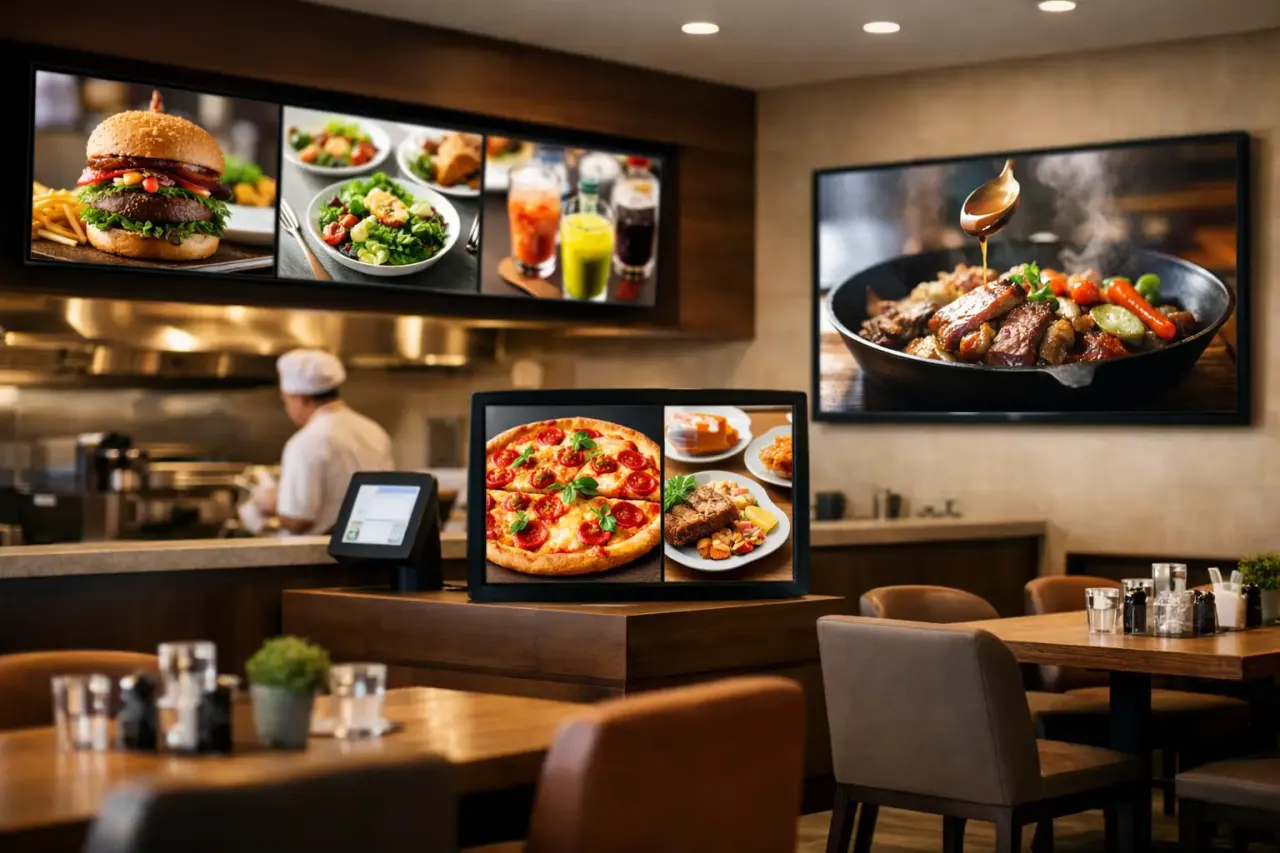
A menu board is not just a screen with pretty design. It is a live sales surface. For quick-service restaurants, cafes, concessions, food halls, and franchise brands, every delay in updating that surface creates friction. Staff answer more questions, promos run too long, and pricing mistakes become customer-facing.
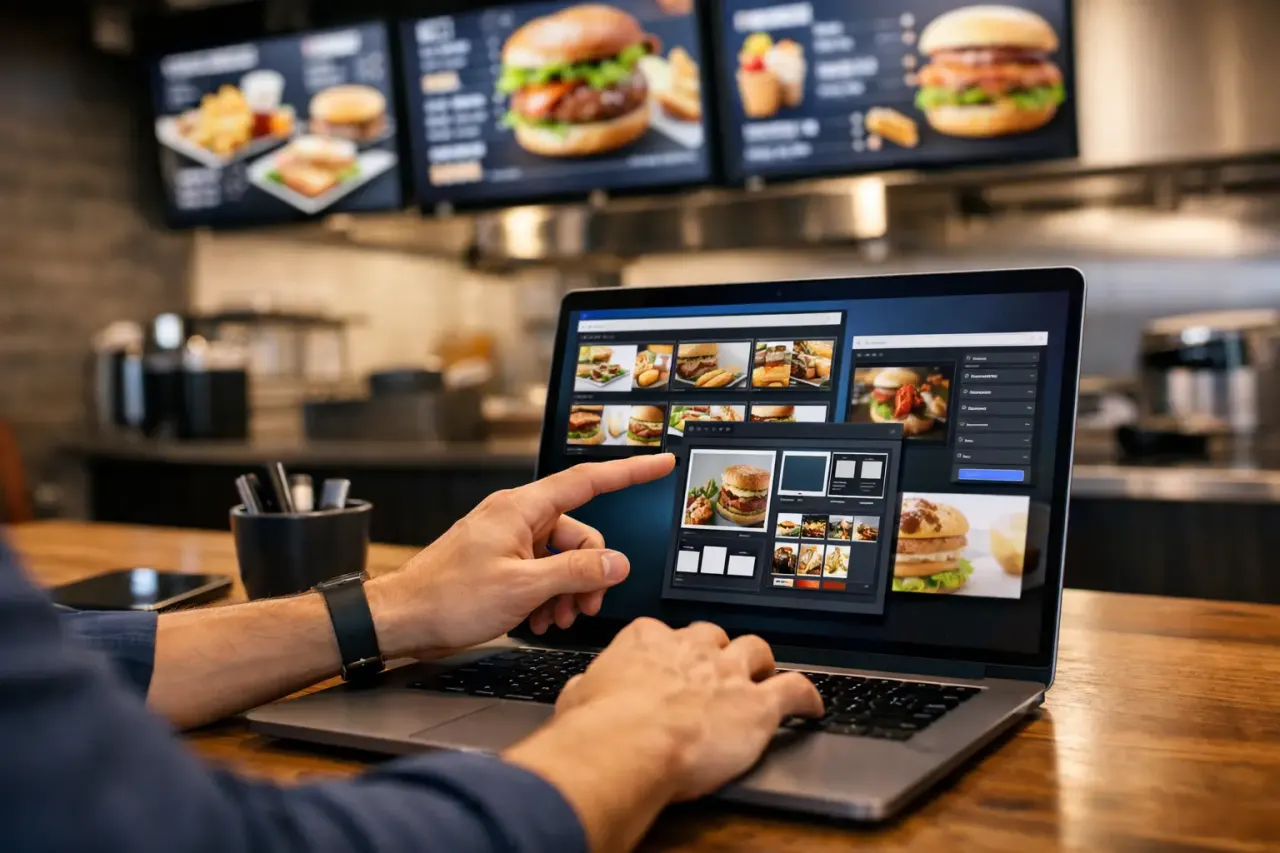
Good digital menu board software solves that by giving your team one place to create, manage, and publish content. You should be able to build layouts, swap items, update prices, schedule breakfast-to-lunch transitions, and push those changes to one screen or hundreds without being on-site.
That sounds basic, but many businesses are still piecing this together with USB drives, consumer casting tools, or signage systems built for corporate lobbies rather than menu operations. Those workarounds usually fail in the same places: speed, consistency, and visibility.
The biggest buying mistake: focusing on the screen, not the workflow
A lot of teams start by asking which TV to buy. That matters, but it is not the hard part. The harder question is how your team will manage content every day after installation.
If updating a menu requires a designer, a store manager, and a support ticket, the system is too heavy. If each location edits its own content without guardrails, brand consistency disappears fast. If corporate can publish changes but cannot confirm playback, you are still guessing.
The best software makes routine work easy. It gives non-technical teams a simple editor, clear scheduling controls, and centralized oversight. That means marketing can own promotions, operations can control rollout timing, and store teams do not have to improvise.
What to look for in digital menu board software
Fast setup without extra hardware
This is usually where costs start creeping up. Traditional signage setups often require separate media players, cabling, mounting changes, and more hands-on IT work than expected. That may be fine for complex installations, but it is often overkill for standard menu displays.
If your business already has Smart TVs or can use low-cost streaming devices, software that runs on that setup can cut both time and hardware spend. No dedicated box at every screen means fewer failure points and less equipment to purchase, ship, replace, and support.
For growing brands, that difference adds up quickly. Ten locations with three screens each is one thing. Fifty locations with multiple displays per site turns hardware overhead into a serious line item.
Centralized control across locations
Single-store operators need simplicity. Multi-location brands need control. Those are not the same requirement, and good software should handle both.
You want one dashboard where authorized users can manage every screen, every playlist, and every location. That includes the ability to push a chain-wide promotion, localize pricing for a region, or make a one-off update for a single store. Without central control, scale becomes manual work.
This is especially important for franchises and regional groups. Brand standards need to stay consistent, but local operators still need room for location-specific offers, inventory changes, and event-based promotions.
Scheduling that matches how menus actually change
Menus are rarely static. Breakfast ends. Happy hour starts. Seasonal offers launch. Certain items sell out. Some locations need weekday pricing that others do not.
Your software should let you schedule by time, date, daypart, and screen group without making that process complicated. If scheduling is clunky, teams avoid using it and fall back to manual updates. That is when errors pile up.
A useful test is simple: can your team schedule an entire week of menu changes in one sitting, then trust the screens to update automatically? If the answer is no, the platform is creating work instead of removing it.
Easy content editing for non-technical teams
Restaurants do not need a complex design suite just to change a combo price or add a seasonal drink. They need a drag-and-drop editor, reusable templates, and clear formatting controls that keep layouts clean.
That matters even more when different teams touch the system. Marketing may create branded templates. Operations may update pricing. Local managers may need to toggle approved content. The software should make each role clear without opening the door to messy edits.
Templates are especially useful here. They help teams move fast while keeping menu structure, font treatment, spacing, and promotional areas consistent across every location.
Reliability and offline playback
A menu board that goes black during service is not a small issue. It affects ordering speed, customer confidence, and staff workload. Reliability matters as much as design.
Look for software that supports offline playback so screens keep showing approved content even if connectivity drops. Also look for uptime visibility. If a screen is offline, you should know quickly instead of hearing about it from a store hours later.
This is one of the clearest differences between consumer-grade workarounds and software built for business operations. A screen is only useful if it is on, current, and visible when customers are ready to order.
Proof that content is actually playing
Publishing is not the same as playback. A lot of systems let you send content but give you limited confirmation about what happened next.
For operators managing multiple sites, play history and device status matter. You want to know whether a promotion ran on time, whether a screen missed an update, and whether a device has gone offline. That visibility helps with compliance, troubleshooting, and simple peace of mind.
If your current process ends with "we think it updated," you do not have enough control.
Where cheaper options fall short
There is always a temptation to patch something together with shared folders, slideshows, USB sticks, or screen casting apps. For one screen in one location, that may look cost-effective at first.
The problem shows up later. Manual processes break under repetition. Updates depend on whoever is in the building. Version control gets messy. Promotions stay up too long. One location forgets to change pricing. Another location restarts the wrong screen.
Even low-cost tools can become expensive when they consume labor or create pricing errors. The cheapest option on paper is often the most expensive once you count time, inconsistency, and lost sales opportunities.
The real ROI is operational, not just visual
Digital menus look better than static boards, but the stronger business case is operational control. Faster updates reduce lag between decision and execution. Scheduling reduces repetitive tasks. Central management reduces store-level burden. Better uptime reduces customer-facing problems.
There is revenue impact too. Timed promotions, upsell placement, and cleaner presentation can improve average order value. But even before that, there is a simpler win: your team spends less time fighting screens.
That is why buyers should look past flashy demos and ask practical questions. How fast can a new location go live? How many steps does it take to update pricing? Can one person manage dozens of screens? Do we need extra hardware? Can we prove every display is online?
Those answers tell you more than a polished interface ever will.
Who needs more advanced capabilities
Not every buyer needs enterprise controls on day one. A single cafe may only need simple templates and straightforward scheduling. A regional chain may need role-based permissions, screen grouping, and rollout control. A franchise network may also need audit trails, stronger governance, and support for many users across many markets.
This is where flexibility matters. You want software that is easy enough to use now but does not force a platform change once your screen count grows. A system like VitVue fits that model well because it keeps deployment light while still giving teams centralized control, scheduling, monitoring, and content management without adding traditional signage hardware.
That balance matters. Too simple, and you outgrow it. Too complex, and adoption slows down because nobody wants to touch it.
How to make the final decision
Start with your daily reality, not a feature checklist. Map out who updates menus, how often changes happen, how many locations you manage, and what currently causes delays. Then compare platforms against those operational needs.
If your goal is to modernize menu screens without adding hardware headaches or IT dependency, prioritize speed to launch, ease of use, centralized control, scheduling depth, and proof of playback. Everything else is secondary.
The best digital menu board software is the one your team will actually use consistently under real-world pressure. If it helps you launch fast, update in minutes, and stay in control across every screen, it is doing the job that matters.