Retail Digital Signage Software That Scales
Retail digital signage software helps stores update screens fast, cut hardware costs, and manage every location from one dashboard.
On this page
A weekend promo should not depend on who remembers the USB drive.
That is still how many retail teams run screens - one store at a time, one update at a time, with no clear way to confirm what is actually playing. Retail digital signage software fixes that. It gives operators, marketers, and store managers one place to control content across every screen, push changes in real time, and know whether displays are online without chasing each location.
For retailers, the value is not just prettier screens. It is faster execution, lower hardware spend, cleaner brand consistency, and fewer operational gaps between headquarters and the sales floor.
What retail digital signage software actually does
At its core, retail digital signage software is the system behind the screen. It handles content creation, scheduling, deployment, and monitoring so teams can manage in-store messaging at scale. That might mean a single boutique updating a front-window display, or a franchise brand rolling out new pricing across 200 locations before opening.
The software matters because the screen itself is only part of the setup. A smart TV on the wall does nothing useful unless the content can be changed easily, organized by location, and played reliably. Good software turns screens into an active retail channel instead of a static fixture.
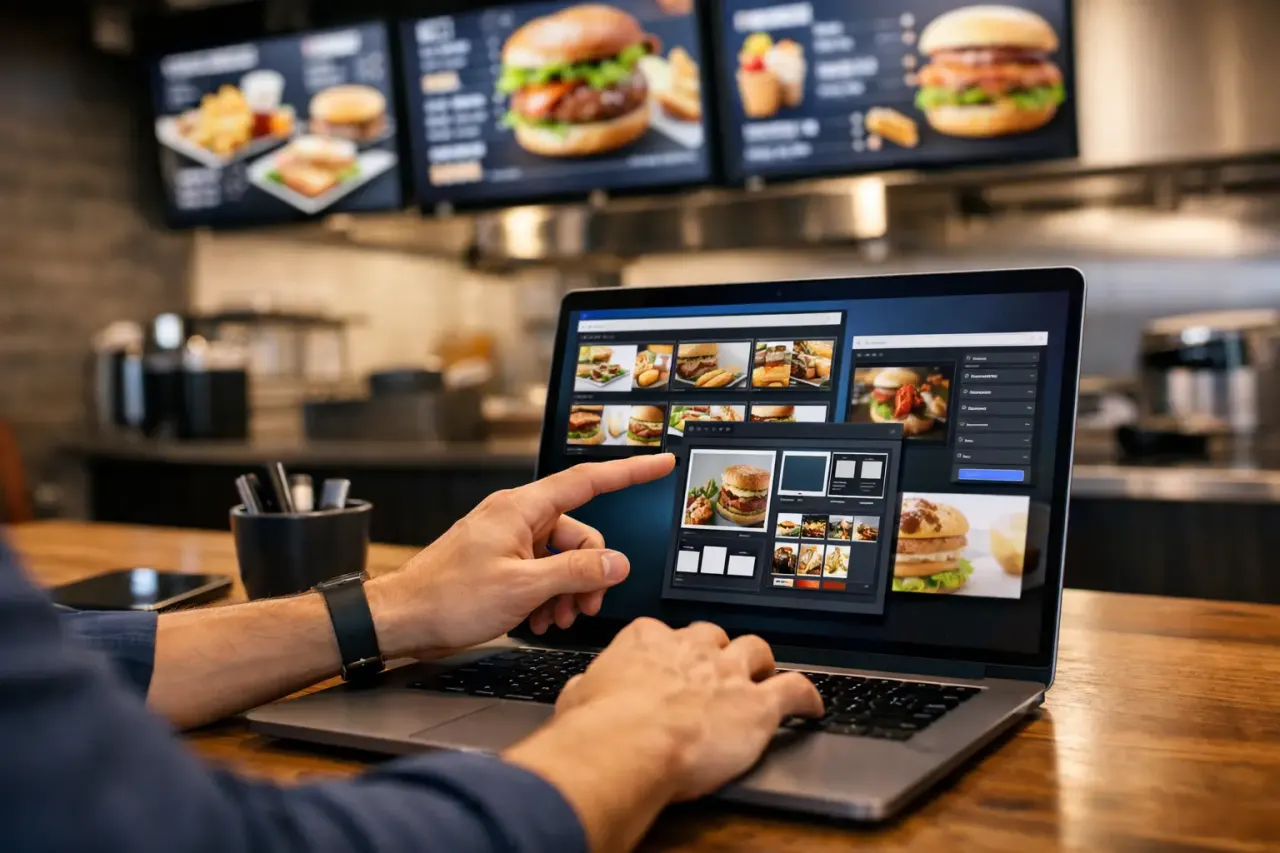
In practical terms, that usually includes a visual editor, media uploads, playlists, daypart scheduling, screen grouping, remote updates, and proof that the screen is actually online. Better platforms also support offline playback, so a temporary internet issue does not leave a blank display in the middle of store hours.
Why older signage workflows break down in retail
Retail moves quickly. Promotions change weekly. Pricing changes faster. Seasonal campaigns, vendor ads, loyalty offers, and local store messages all compete for space. If your signage process relies on manual updates, delays are built in.
The first problem is speed. Sending files to stores and hoping someone updates them on time is slow even for five locations. At 25 or 50, it becomes a constant follow-up task. The second problem is consistency. One store may show the new promotion, another may still run last week’s creative, and a third may have the right file sitting in a folder but never scheduled.
Then there is visibility. Many retailers do not know a screen is offline until a customer or employee mentions it. By that point, the missed impression is already gone. The bigger the footprint, the more expensive that blind spot becomes.
This is why retail digital signage software has shifted from a nice-to-have tool to an operational system. It closes the gap between content planning and in-store execution.
What to look for in retail digital signage software
Not every platform is built for retail conditions. Some are designed for highly customized enterprise installations with dedicated media players, long setup cycles, and heavier IT requirements. That may fit a narrow use case, but for most operators it adds cost and friction where speed should win.
The better approach is software that works with the screens you already have or with low-cost TV setups, while still giving centralized control. That balance matters. Retail teams need something simple enough to roll out fast and strong enough to manage multiple locations without turning every screen change into a support ticket.
Fast content creation and scheduling
Store teams and marketing teams both need usable tools. A drag-and-drop editor, reusable templates, and playlist scheduling reduce the time between idea and live screen. If every update requires design rework or technical support, the system will slow down adoption.
Scheduling should also be flexible. A retailer may want breakfast offers in the morning, apparel promos in the afternoon, and event messaging at night. The software should make that easy by time, date, location, and screen group.
Centralized control across locations
For multi-store brands, this is non-negotiable. Corporate teams need to launch campaigns once and apply them across selected stores, while still leaving room for local variations. A flagship may need one set of creative. Outlet locations may need another. Regional inventory differences may require different offers.
Good signage software supports both control and flexibility. Too much central lock-in creates bottlenecks. Too much local freedom creates inconsistency.
Reliability without extra hardware complexity
Traditional digital signage often depends on separate media players, more cables, more points of failure, and more installation time. That model raises both upfront cost and ongoing support demands.
A lighter setup is often the smarter retail move. Software that runs on Smart TVs or simple streaming-stick-connected TVs can get locations live faster and reduce hardware overhead. For many retailers, that means fewer truck rolls, less troubleshooting, and no need to standardize around bulky add-on devices.
Monitoring and proof of play
If a screen goes dark, the issue needs to be visible from a dashboard. If a campaign is scheduled, someone should be able to confirm it played. Uptime reporting and play history are not just technical extras. They help operations teams spot problems early and help marketing teams verify execution.
That level of visibility becomes even more useful when stores are spread across states, franchise groups, or different time zones.
The real business case: cost, speed, and control
Retail buyers usually start with the screen, but the decision is really about operations.
A cheaper platform that still requires dedicated hardware, manual updates, or constant troubleshooting is not actually cheaper over time. Labor costs rise. Delays increase. Campaigns miss their window. On the other hand, a system that lets you launch fast, manage everything centrally, and keep screens running with minimal intervention tends to pay off quickly.
This is especially true for small to mid-sized retail groups. They often need enterprise-level control without enterprise-level complexity. They do not want a six-month rollout. They want to get screens live in minutes, use existing TVs where possible, and avoid pulling in IT for every location.
That is where simpler cloud-based platforms stand out. They reduce the barriers that used to make digital signage feel like a large capital project.
Where retail digital signage software delivers the most value
The obvious use case is promotion, but retail screens do more than advertise sales.
They help stores move slow inventory with targeted messaging. They support upsells at checkout. They reinforce loyalty programs. They guide foot traffic with wayfinding or category callouts. They also improve the customer experience by replacing outdated printed signage with current, dynamic messaging.
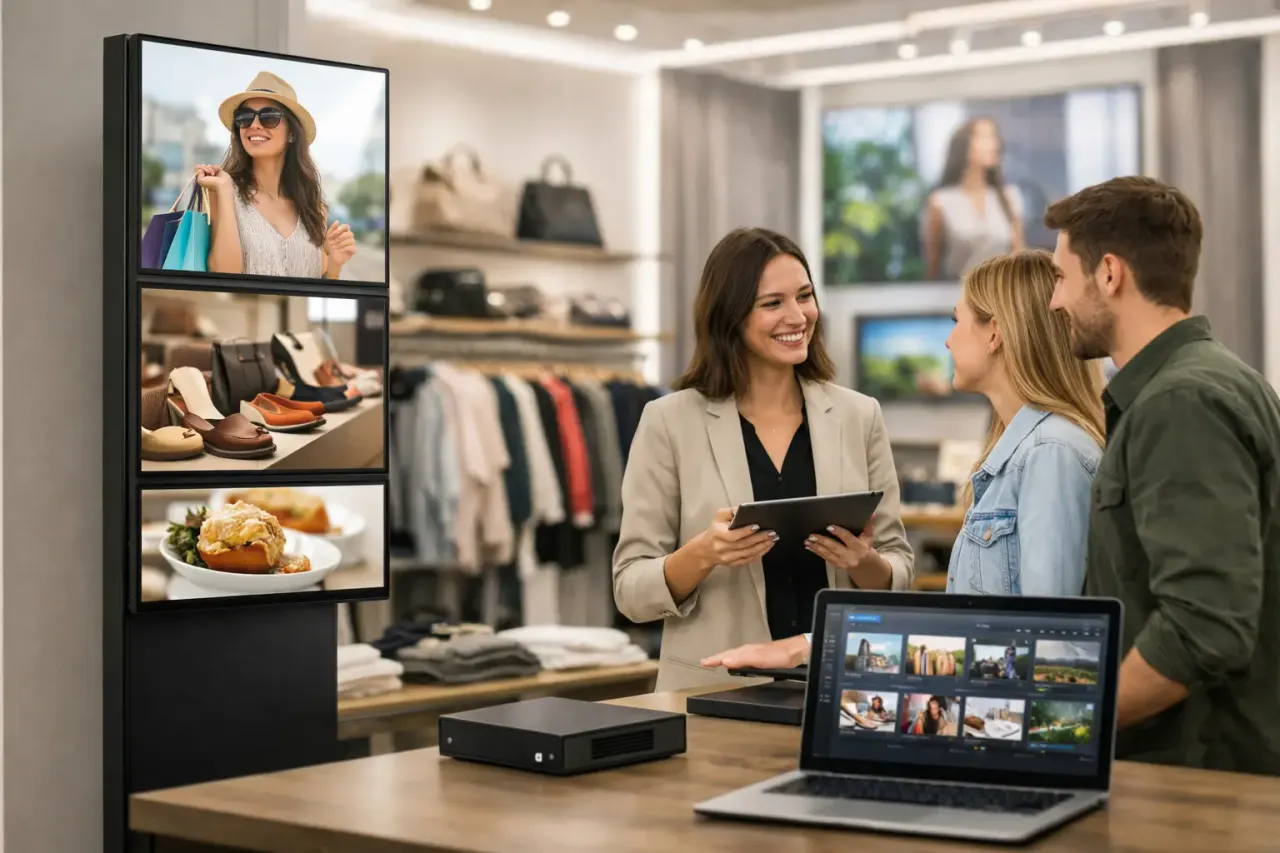
For stores with multiple departments or zones, different screens can support different goals. A window display may focus on attraction. A screen near fitting rooms may drive add-ons. A checkout display may rotate limited-time offers, financing options, or membership incentives.
There is also a staffing benefit. When prices, events, and announcements can be updated remotely, store employees spend less time dealing with printed materials or ad hoc signage requests.
Common mistakes when choosing a platform
The first mistake is buying for features you will never use while ignoring rollout friction. A long feature list looks good in a demo, but if the setup depends on complex hardware or technical support, adoption slows down fast.
The second mistake is underestimating scale. A solution that works for three screens in one store may not work well for 80 screens across multiple regions. Permissions, screen grouping, scheduling logic, and remote visibility matter much more as the footprint grows.
The third mistake is overlooking offline behavior. Retail environments are not perfect. Internet interruptions happen. If playback stops every time connectivity drops, the customer experience suffers.
A more practical choice is software built around everyday operating conditions - easy to deploy, easy to update, and resilient enough to keep playing when the network is less than perfect.
A better way to roll out screens in retail
The strongest retail signage setups are usually the simplest ones. Use the TVs you already have when possible. Standardize the content workflow. Give headquarters visibility. Let stores stay focused on customers instead of screen maintenance.
That is why many retail teams are moving away from legacy signage stacks and toward software-first systems. Platforms like VitVue reflect that shift by removing dedicated hardware requirements, shortening setup time, and putting screen control in one dashboard. For operators, that means less installation friction and more day-to-day control.
Retail does not need more technology to manage. It needs tools that reduce delays, lower cost, and make every screen easier to run. The right software does exactly that - and once the process is simple, stores actually keep using it.