How to Create Restaurant Playlists That Sell
Learn how to create restaurant playlists that match dayparts, guide guest decisions, promote specials, and stay consistent across every location daily.
On this page
A restaurant screen has only a few seconds to earn attention. During a lunch rush, guests are deciding what to order, staff are moving fast, and a static menu board cannot respond to what the business needs most. Learning how to create restaurant playlists turns that screen time into a practical sales and operations tool.
The goal is not to fill every display with motion. It is to show the right message at the right moment: breakfast offers before 11 a.m., high-margin add-ons at lunch, family bundles at dinner, and loyalty prompts when the line slows down. A well-built playlist gives each screen a job and makes updates easier across one location or fifty.
Start With the Screen's Job, Not the Content
Before selecting images, videos, or templates, decide what each screen needs to accomplish. A drive-thru menu, a counter-facing display, a waiting-area TV, and a kitchen screen do not serve the same audience. Giving them one identical loop usually creates clutter.
A counter-facing screen should help guests decide quickly. Keep its messages simple: featured meals, combo upgrades, limited-time items, and clear calls to action. A waiting-area display has more room for brand stories, loyalty enrollment, catering, community events, or social content. Screens visible to staff may focus on shift reminders, safety notices, and operational updates.
This distinction matters because playlist performance is not just about views. It is about outcomes. If a screen is near the register, measure whether it supports add-on sales. If it is in a pickup area, ask whether it reduces repetitive questions or directs customers to an ordering app. Give each playlist one primary purpose, then build around it.
How to Create Restaurant Playlists by Daypart
Restaurants change throughout the day. Your screens should change with them. A breakfast guest is looking for speed and familiarity. A late-afternoon guest may be open to snacks or beverages. Dinner customers may respond to bundles, premium upgrades, and group-friendly offers.
Build separate playlists for the dayparts that matter to your operation. For many restaurants, that means breakfast, lunch, afternoon, dinner, and late night. A quick-service location may need more precise windows around commuter traffic or school dismissal. A full-service restaurant may use lunch and dinner playlists, plus a weekend brunch version.
Each playlist should reflect the menu items, promotions, and customer behavior of that period. Lunch content might lead with fast combos and mobile pickup. Dinner content can feature shareables, desserts, and beverage pairings. Avoid simply changing the clock or swapping one slide. The offer, pace, and message hierarchy should change too.
Scheduling removes the manual work. Set playlists to start and stop automatically, then let the system handle the transition. This prevents the familiar problem of a breakfast special still playing at 3 p.m. or a happy-hour slide appearing after the offer expires.
Use a Simple Playlist Formula
A restaurant playlist should feel intentional, not like a slideshow assembled from every asset the marketing team has. For most guest-facing screens, a short loop performs better because repeat customers should not have to wait several minutes to see the message that matters.
A practical loop often includes five content types:
A hero promotion that leads with the item or offer you want to sell most.
A product spotlight that makes one menu item visually easy to understand.
An add-on prompt for sides, drinks, desserts, or premium upgrades.
A utility message, such as ordering instructions, pickup guidance, or hours.
A brand or loyalty message that gives customers a reason to return.
Not every playlist needs all five. A menu-adjacent display may prioritize products and add-ons. A lobby screen can carry more utility and brand content. The key is balance: guests need enough information to act, but not so much that the message becomes background noise.
Aim for slides that stay on screen long enough to read without stopping the flow. Text-heavy messages need more time than a product image with three words. Short videos can work well for food appeal, but keep them purposeful. If a clip does not clarify the offer or create appetite, it is using valuable screen time without moving the sale forward.
Design for the Distance Between the Screen and the Guest
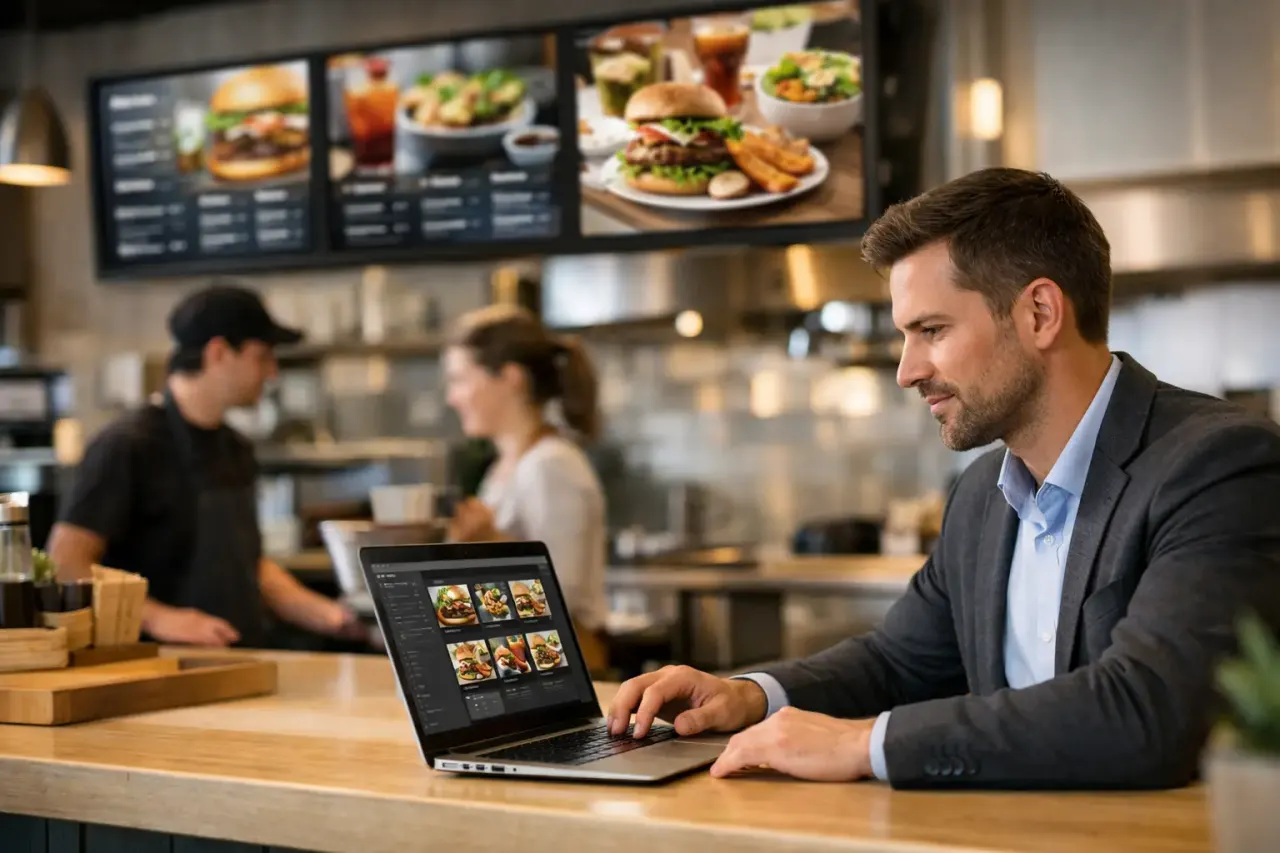
Restaurant content is often created on a laptop and viewed from six to fifteen feet away. That gap changes everything. Small text, dense pricing tables, thin fonts, and low-contrast colors may look acceptable during review but fail in the dining room.
Use large type, high-contrast colors, and one clear message per slide. Lead with the product name or offer, then support it with a short detail. If a price is necessary, make it easy to scan. Food photography should look like the item guests will receive. Over-styled images may win creative approval but create disappointment at the counter.
Keep the visual system consistent across locations. Guests should recognize the same colors, tone, and promotional structure whether they visit a suburban storefront or an airport unit. Consistency also makes local updates faster because managers are working from approved layouts instead of recreating content from scratch.
Match Playlist Length to Location and Traffic
There is no universal ideal length. It depends on dwell time and screen placement. Guests standing in a fast-moving line need quick, high-priority messages. Customers seated in a waiting area can absorb a longer loop with more variety.
For a counter display, keep the main promotional loop compact and repeat core messages often. If a limited-time offer is the priority, it should appear more than once in a longer sequence. For dining-room or waiting-area screens, rotate in brand storytelling, seasonal campaigns, and local announcements without pushing the main promotion out of view for too long.
Traffic patterns should influence the schedule as well. If your location sees a surge from 11:45 a.m. to 1:15 p.m., simplify the playlist during that window. Show the fastest-to-order choices, pickup instructions, and high-margin add-ons. Save slower brand content for off-peak periods, when guests have more time to notice it.
Plan for Store-Level Flexibility Without Losing Control
Multi-location restaurants need two things that can feel at odds: central brand control and local relevance. Corporate teams need to protect pricing, promotions, and visual standards. Local managers may need to highlight a community event, adjusted hours, a local hiring push, or an item unavailable at one store.
The answer is not to give every location unrestricted access to every playlist. Create a core set of centrally managed content, then reserve designated slots for local messages. For example, a playlist can contain four approved campaign slides and one location-level slide. The brand stays consistent while managers gain a useful, controlled way to communicate.
This structure is especially valuable for franchises. Headquarters can publish a new seasonal campaign once, schedule it across participating locations, and confirm that it is playing. Local operators can still communicate what matters in their market without relying on emailed files, USB drives, or last-minute print materials.
Keep Promotions Current and Screens Operational
A great playlist loses value the moment it shows an expired offer, incorrect price, or unavailable item. Build a simple review process before content goes live. Confirm the offer dates, participating locations, pricing, legal language, and product availability. Then schedule an automatic end date so old creative does not linger.
Operational visibility matters just as much as creative quality. If you manage multiple restaurants, you need to know which screens are online, what playlist is playing, and whether a critical update reached every location. A centralized platform such as VitVue makes that practical by allowing teams to schedule, publish, and monitor content from one dashboard using the TVs they already own.
Do not wait for a major campaign to test your process. Push a small update, confirm playback, and identify who owns content approval at the store and brand levels. That routine creates confidence when a promotion changes quickly or a weather event requires an immediate customer message.
Measure What Changes at the Register
Restaurant playlists should be treated like an active sales channel, not wall decoration. Start with a clear test. Feature a specific beverage, dessert, or bundle for two weeks, then compare its sales to a comparable period. If possible, compare locations using the playlist against similar locations that are not.
Sales data is the strongest signal, but it is not the only one. Watch whether staff receive fewer questions about pickup, hours, or ordering options after a utility message runs. Ask managers whether guests mention the promotion. Review play history to make sure the test content was actually displayed when intended.
Some offers will work better than others, and that is useful information. A high-margin add-on may outperform a deep discount. A short product video may beat a static image in one setting but distract from ordering in another. Keep the winning patterns, remove weak slides, and make the next playlist more focused.
The best restaurant playlists make the guest experience feel easier while helping the operation sell with more intention. Start with one screen, one daypart, and one measurable goal. Once the process works, expanding it across your locations becomes a controlled update, not a production project.
Read our guide to digital menu boards for restaurants. Explore VitVue digital menu board software.