Retail Promotion Display Software That Moves Sales
Retail promotion display software gives store teams instant control of every promotion, from one screen to every location, without USB drives or IT delays.
On this page
A promotion can lose its value before the first customer sees it. A price changes, inventory runs low, a weekend offer is extended, and the screen at the front of the store is still showing last week’s message because someone has to find the file, load a USB drive, and visit every location.
Retail promotion display software replaces that delay with direct control. It gives retail teams one place to create, schedule, send, and verify promotional content across every in-store screen. No media-player rollout. No waiting for a local manager to update a file. No guessing whether the right offer is live.
For retailers running frequent campaigns, that difference is operational, not cosmetic. Screens become a channel your team can actually use at the speed of the business.
Why static promotion workflows break down
Printed signs still have a role. They work for permanent wayfinding, shelf labels, and areas where a screen does not make sense. But they are slow and costly when promotions change often. Each revision means new artwork, printing, shipping, installation, and removal. The more locations you have, the more chances there are for inconsistent execution.
USB-based digital signage is only slightly better. The screen may be digital, but the workflow is still manual. Marketing sends files. Store teams download them. Someone plugs in a drive, chooses the right file, and hopes the playlist is correct. If a display goes offline or plays old content, central teams may not know until a customer or manager points it out.
That process creates familiar problems: expired offers stay on screen, locations launch campaigns late, regional pricing is mixed up, and staff spend time managing displays instead of serving customers. Retail promotion display software is designed to remove those handoffs.
What retail promotion display software should do
The core job is simple: put the right promotional message on the right screen at the right time. But the capabilities behind that outcome determine whether a platform saves time or creates another task for your team.
Create content without a design bottleneck
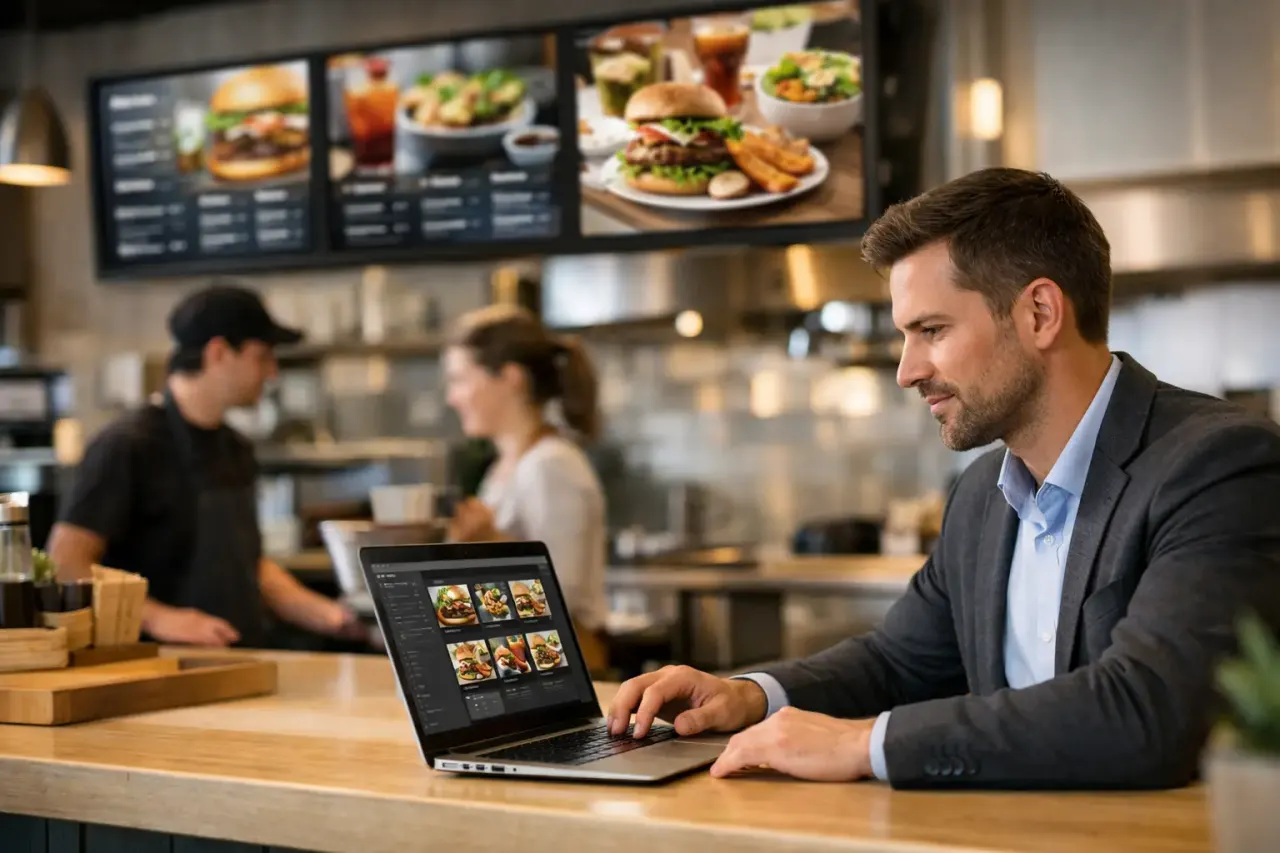
Retail teams need the freedom to make a quick promotion look on-brand without rebuilding every asset from scratch. A drag-and-drop editor and ready-made templates help store marketers, district managers, and operations teams build content for flash sales, new arrivals, loyalty offers, seasonal campaigns, and product bundles.
The best setup supports images, video, text, pricing, QR codes, and branded layouts in one workspace. Templates should make routine changes fast while still giving marketing teams control over fonts, colors, and approved campaign formats.
A template is not a substitute for strong creative. It is a way to prevent every location from improvising its own version of a promotion.
Schedule campaigns before the rush starts
A promotion display is more useful when it follows a schedule automatically. A breakfast offer should not run after lunch. A Friday-only event should not remain on screen through Monday. Holiday creative should change when the campaign starts, not when someone remembers to update it.
Scheduling lets teams prepare content in advance and assign it to specific dates, times, screens, or groups of locations. That matters for retailers with different store hours, regional offers, or campaign calendars. A national brand may use one creative direction while allowing localized pricing or inventory messages where needed.
The trade-off is governance. The more teams that can publish, the more carefully you need to define who approves content and who can send it live. Good software supports fast publishing without turning every screen into an open editing surface.
Push urgent updates in real time
Not every retail message belongs on a calendar. Inventory can shift quickly. A weather event may change what customers need. A vendor promotion may be extended. An item may need to be pulled from sale immediately.
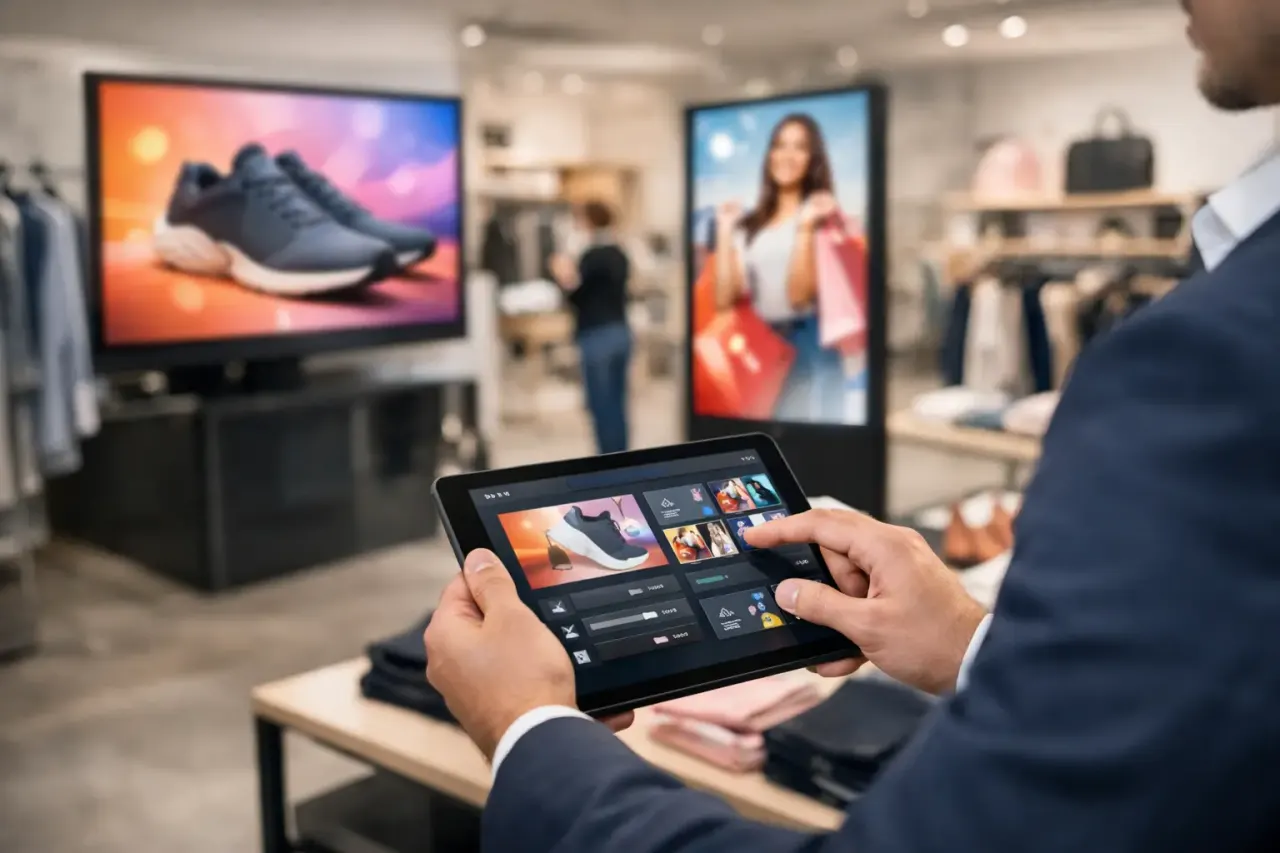
Real-time content pushing lets an authorized user replace or update a promotion from a central dashboard. For multi-location retailers, this can prevent the costly gap between a decision at headquarters and execution on the sales floor.
Speed is valuable, but it should not mean chaos. Look for the ability to target a single screen, a store group, a region, or every location. A message meant for one market should not accidentally appear across the country.
Keep playing when the connection drops
Retail locations do not always have perfect internet connectivity. If a screen goes blank every time the network blinks, it is not a dependable promotional channel.
Offline playback keeps previously published content running even when a connection is temporarily unavailable. When the network returns, the display can receive its latest update. This is especially useful for stores in older buildings, pop-up locations, malls, and areas where network performance can vary.
Offline playback does not eliminate the need for a stable connection. It gives your store a better fallback than a blank screen during a disruption.
Show you what is actually live
A campaign is not complete when it is uploaded. It is complete when the intended screens are online and playing the intended content.
Screen status, uptime reporting, and play history give operations and marketing teams visibility without calling stores for confirmation. If a device is offline, a display has not checked in, or a playlist is not running as planned, your team can act before the issue becomes a customer-facing problem.
This is where digital signage becomes an operational system rather than a set of TVs. Visibility helps protect campaign consistency, especially across franchise groups, districts, and large store networks.
Where digital promotion screens earn their space
A screen should have a clear job. Simply placing digital displays around a store does not guarantee sales. The strongest use cases appear at moments where a customer is choosing, waiting, or moving toward a purchase.
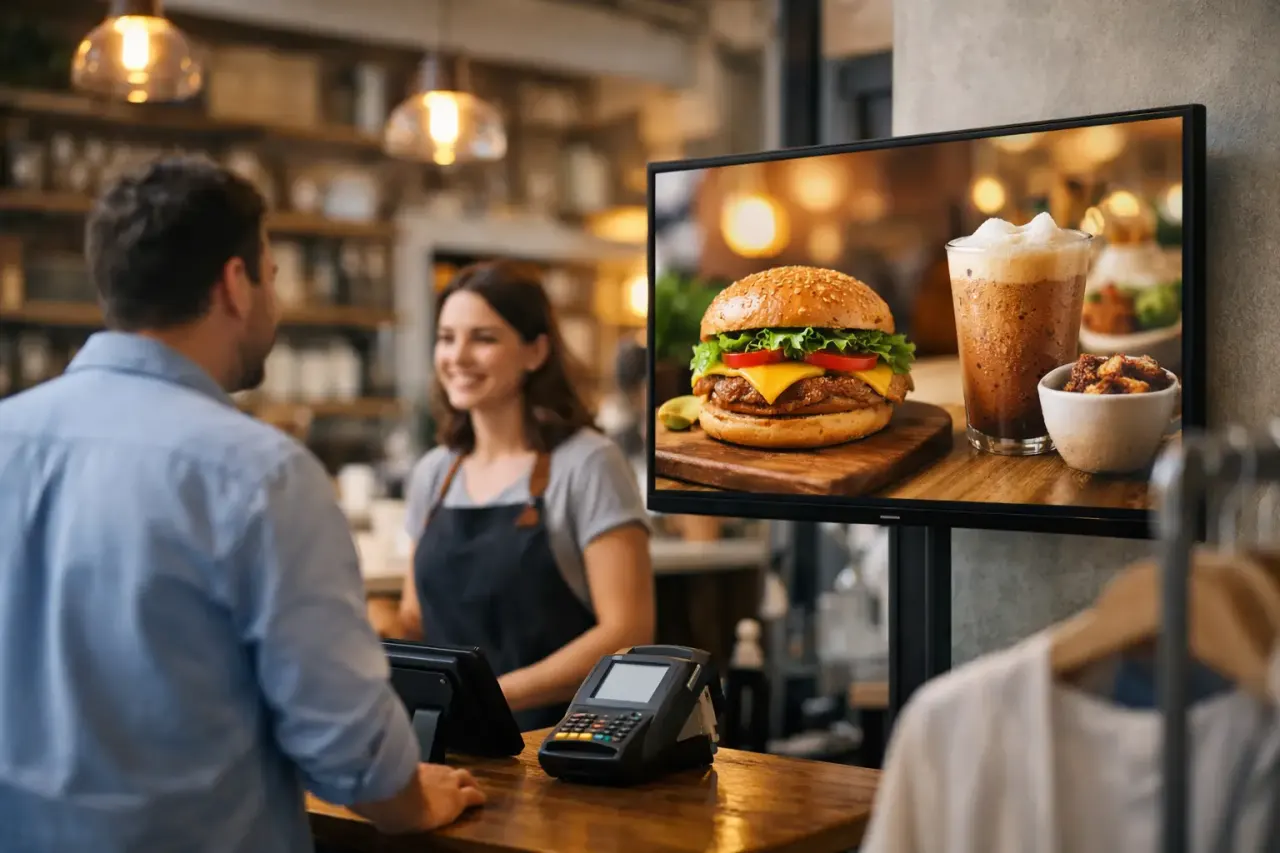
At the entrance, screens can establish the day’s offer, seasonal campaign, or loyalty incentive. Near high-traffic aisles, they can highlight bundles, product education, and limited-time pricing. At checkout, they can support add-on purchases, membership enrollment, gift cards, or next-visit offers.
In fitting rooms, service counters, and waiting areas, promotions can work alongside useful information. A customer who is waiting has more time to notice a message, but the content still needs to be relevant. Repeating a generic brand video for ten minutes is not a promotion strategy.
For stores with multiple screens, playlist management matters. You may want the same campaign to run everywhere, while reserving certain displays for product-specific messages or local store updates. The right software makes that structure manageable without creating separate files for every screen.
How to choose a platform without adding IT work
Start with your existing hardware. Many retailers already have Smart TVs in stores or can connect inexpensive streaming devices to compatible screens. A platform that works with that setup can reduce upfront costs and avoid a lengthy hardware project.
Then look at the daily workflow. Can a non-technical team create a promotion, set its dates, choose locations, and publish it in minutes? Can you organize screens by store, region, or campaign? Can managers see which displays are online? These questions matter more than a long feature list that nobody uses.
Also consider how your needs will change. A single location may only need simple scheduling. A franchise group may need permissions, location-level control, shared templates, and approval workflows. An enterprise team may require single sign-on, API integrations, or white-label capabilities. The right choice depends on screen count, team structure, and how much local flexibility your brand allows.
VitVue is built for this practical path: use TVs you already own, manage content from one dashboard, and keep promotional screens current without dedicated media players or an IT-heavy install.
A faster way to launch your first campaign
Do not begin by trying to digitize every message in the store. Start with one promotion that changes frequently or creates the most execution friction. A weekly offer, a new-product launch, or a loyalty campaign is usually a strong first test.
Build one approved layout, then create a small set of variations for different products, prices, or locations. Assign the campaign to a limited number of screens, schedule its start and end times, and check screen status after it goes live. Compare the process with your old method: how long did updates take, how many people were involved, and did every location display the correct message?
Once the workflow is proven, expand to more screens and campaigns. The goal is not to fill every display with motion. The goal is to make promotional communication faster, more consistent, and easier to control.
Your next promotion should not wait for a USB drive to make its way across the store network. Put it on screen while the offer still has momentum.
Read our guide to cloud based digital signage software.