Digital Signage for Small Business That Pays Off
Digital signage for small business can cut update time, promote what matters, and keep every screen on message without new, costly hardware or IT help.
On this page
A lunch special changes at 10:45 a.m. A retail promotion ends early. A clinic needs to alert patients about a delayed provider. If the message is trapped on a printed poster or a USB drive in the back office, the screen is already working too slowly. Digital signage for small business gives operators a faster way to control what customers, visitors, and employees see at the exact moment it matters.
The value is not simply replacing static signs with moving content. It is reducing the time, cost, and inconsistency behind everyday updates. The right setup lets a business change a message from one dashboard, schedule it by time or location, and confirm that every screen is online without calling an IT vendor.
Why Digital Signage for Small Business Is Different
Small businesses do not need a complicated broadcast network. They need screens that are easy to launch, easy to update, and reliable when the store is busy. That usually means avoiding the old model of dedicated media players, custom installations, and one-off content changes that require someone on-site.
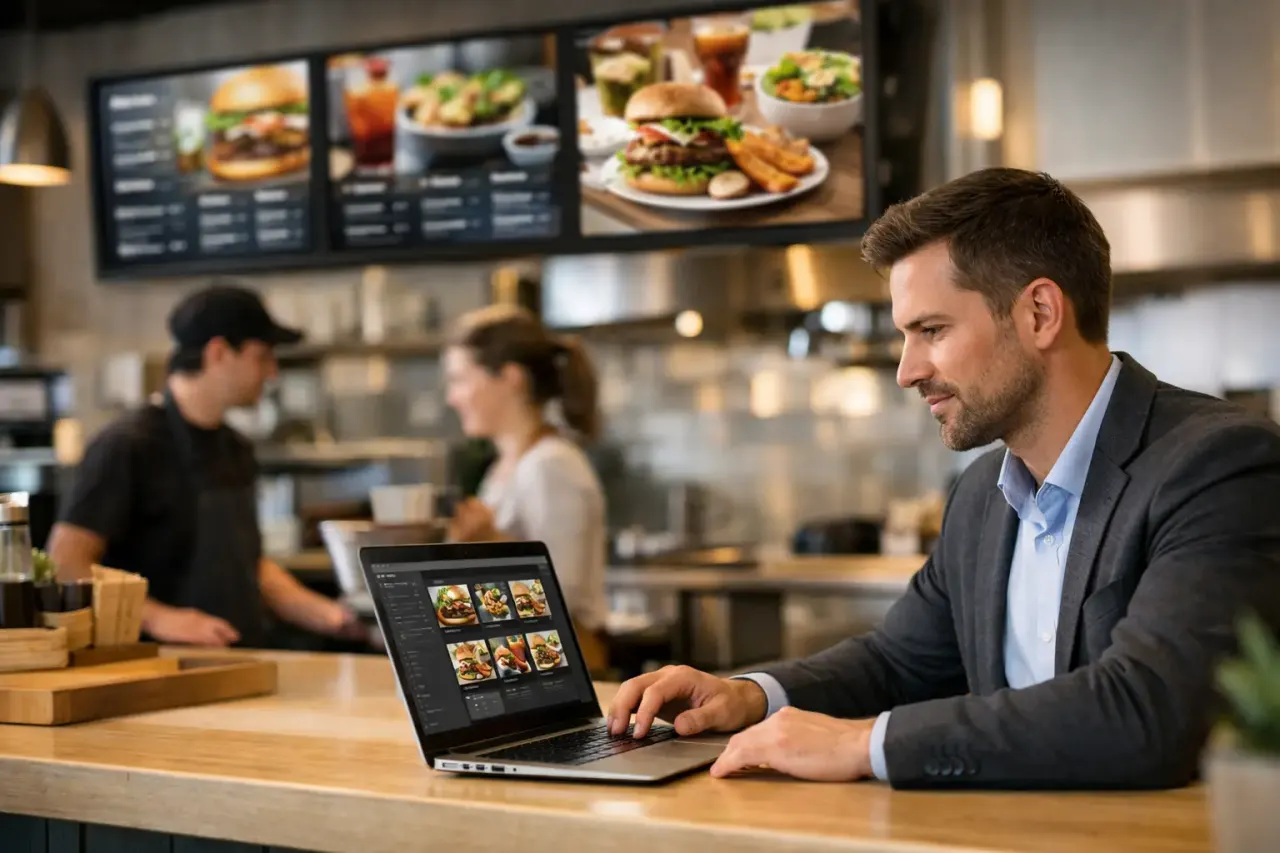
A restaurant may need breakfast, lunch, and dinner menus to change automatically. A gym may need to rotate class schedules, membership offers, and local announcements. A retail team may want to promote high-margin products without printing new signage every week. The need is practical: put the right message in front of the right people, then change it quickly.
That is why hardware matters as much as software. If a business already owns Smart TVs, or can connect affordable streaming sticks to its existing screens, the rollout can start without a large capital purchase. No dedicated media player means fewer devices to buy, configure, replace, and troubleshoot.
Start With the Job Each Screen Needs to Do
Before choosing templates or building playlists, decide what each display is responsible for. A screen near the entrance has a different job than one at the register, in a waiting room, or behind the counter.
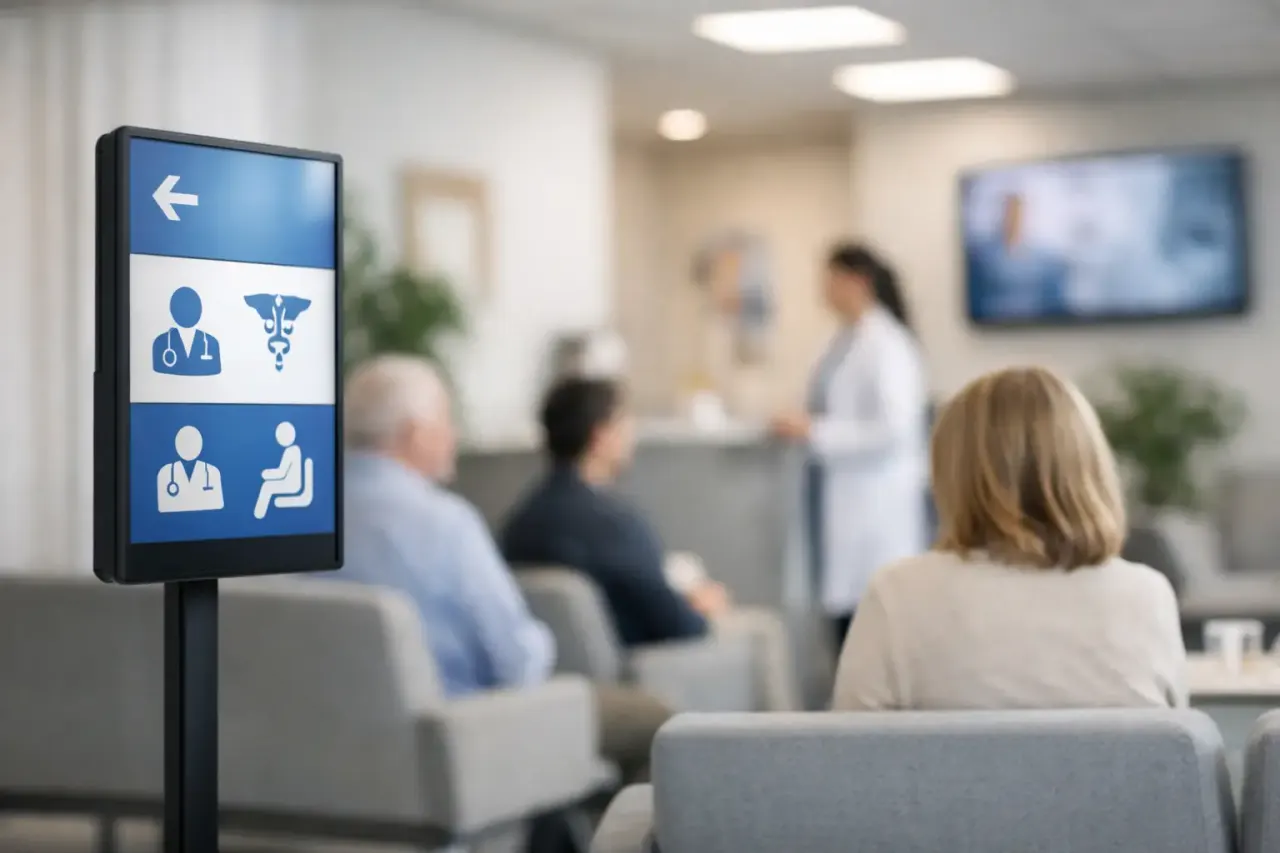
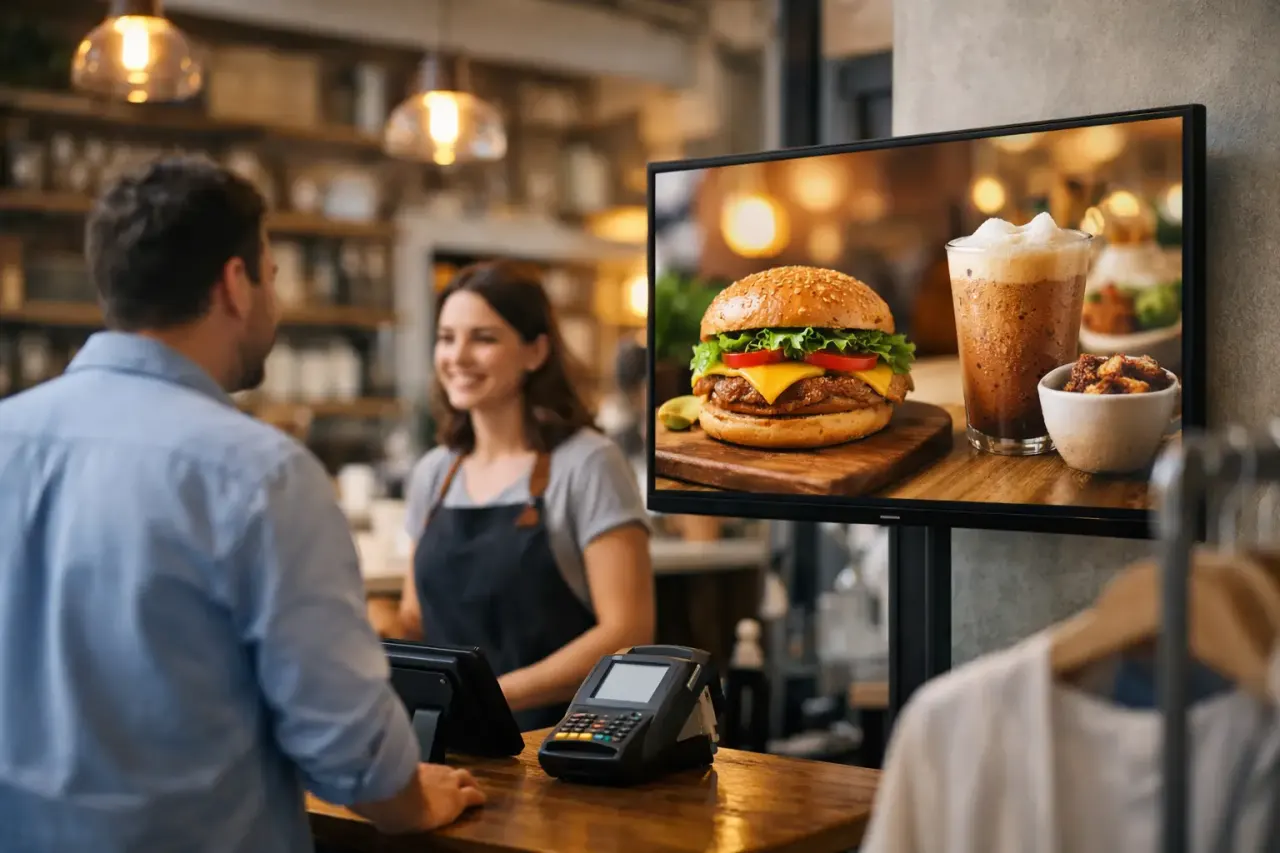
At the entrance, the display may set expectations with hours, featured offers, and wayfinding. At checkout, it can drive add-on purchases or promote loyalty enrollment. In a waiting area, it can reduce uncertainty with estimated wait information, service explanations, and useful reminders. In staff-only areas, it can communicate safety updates, shift information, or internal recognition.
Trying to put every message on every screen usually weakens the result. A customer should be able to understand the point of a slide in a few seconds. Keep the most important message large, specific, and easy to act on. A QR code can work when there is a clear reason to scan it, but it should support the message rather than become the message.
Build Content That Works From Across the Room
Most digital signage is seen in passing. Customers are walking, waiting in line, talking to staff, or looking at products. Content needs to be legible before it needs to be clever.
Use high-contrast colors, large type, and a simple visual hierarchy. One offer, one image, and one call to action will often outperform a crowded slide with five competing messages. If a price, deadline, or promotion is critical, make it the largest element on the screen.
Templates are useful because they keep branding consistent and reduce the time needed to create updates. But do not treat them as fixed artwork. A good template should make routine changes fast: swap an image, update a price, change a date, and publish. This is especially valuable for multi-location businesses, where local teams may need room-specific messages while corporate or regional teams maintain brand standards.
Motion can help catch attention, but too much animation becomes visual noise. Short transitions and subtle movement are usually enough. The goal is communication, not a distraction that competes with the in-person experience.
Replace Manual Updates With Scheduling
The fastest screen update is the one that happens automatically. Scheduling lets businesses prepare content in advance and assign it to the hours, days, or locations where it belongs.
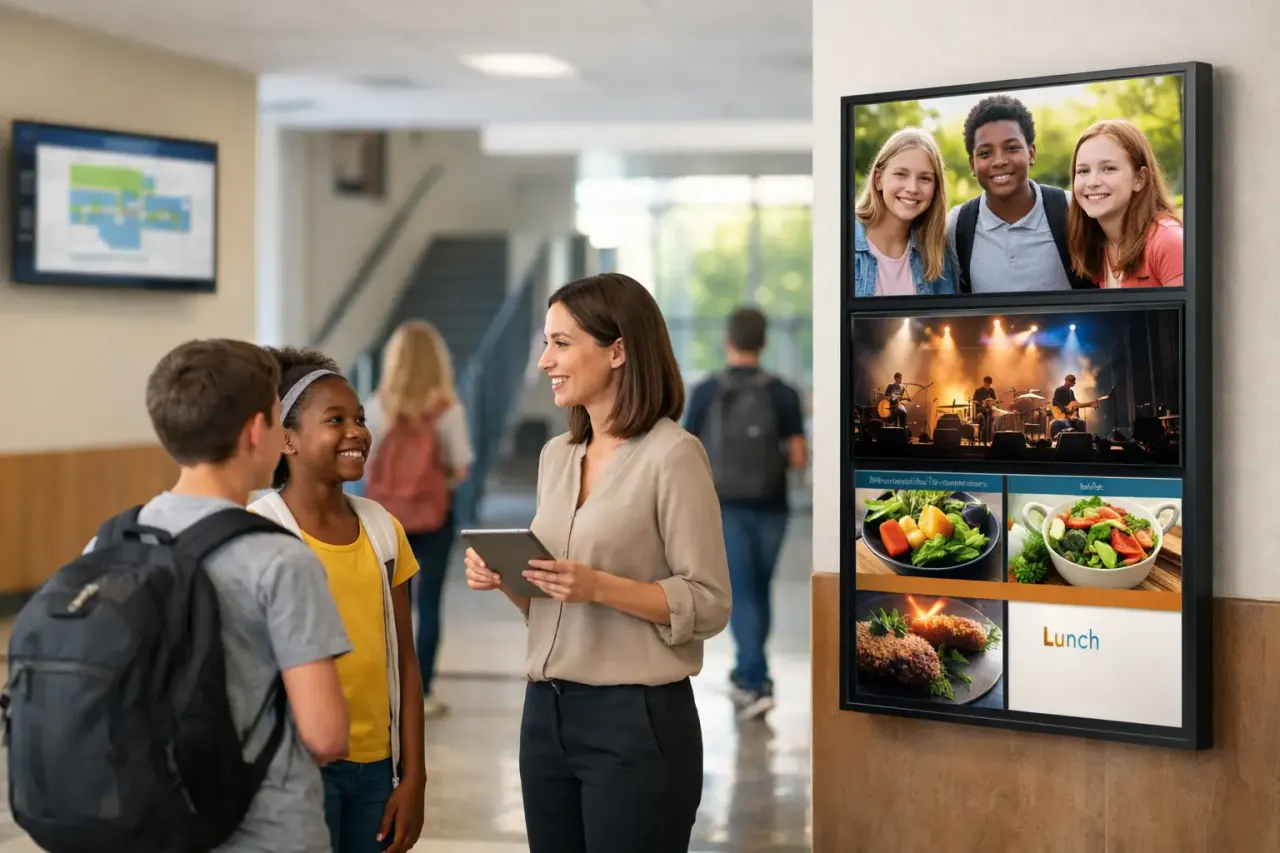
A cafe can show coffee promotions in the morning and meal deals after noon. A hotel can display event information during check-in hours, then switch to local recommendations in the evening. A school can run arrival instructions in the morning, lunch information midday, and pickup reminders before dismissal. The screens stay relevant without requiring a staff member to remember each change.
Scheduling also prevents expired promotions from lingering on screen. That is a small operational detail with a real customer impact. When a sign advertises an offer that ended yesterday, staff have to explain the mismatch at the counter. Automated start and end times reduce those avoidable conversations.
For recurring content, create reusable playlists instead of rebuilding campaigns from scratch. A weekly class schedule, monthly promotion, holiday message, or employee recognition slide can be saved, adjusted, and scheduled again in minutes.
Central Control Matters More as You Grow
One screen is easy to manage manually. Five locations with three screens each are not. Once a business has multiple displays, central control becomes the difference between a signage program and a collection of TVs playing outdated content.
A centralized platform should let an authorized team member create content, assign it to selected screens, and publish changes in real time. It should also support screen groups, so a franchise operator can update every lobby display while a local manager changes only the screen in one store.
Visibility is equally important. Businesses need to know whether a display is online, what it played, and whether a scheduled campaign actually reached the screen. Remote monitoring and play history replace guesswork with a clear operational view. If a TV loses connectivity or goes offline, the team can address it before customers notice.
Offline playback is worth checking as well. Internet interruptions happen. A screen that can continue showing its previously downloaded playlist is more useful than one that goes blank the moment Wi-Fi drops.
What to Look for in a Digital Signage Platform
The best platform depends on screen count, content complexity, and how often messages change. A single independent store may prioritize fast setup and simple templates. A growing franchise group may need location permissions, shared playlists, analytics, and stronger administrative controls.
For most operators, the practical requirements are straightforward:
Support for the Smart TVs or streaming devices you already use
A browser-based dashboard that does not require on-site configuration for every update
A drag-and-drop editor and ready-made templates for fast content creation
Scheduling by screen, location, date, and time of day
Remote screen status, uptime visibility, and playback history
Role-based access so local teams can update approved content without changing everything
Be careful with platforms that appear inexpensive but require proprietary players, complicated installations, or paid technical support for basic changes. The monthly subscription is only one part of the cost. Hardware purchases, truck rolls, staff time, and slow updates can make a cheaper-looking option more expensive over time.
VitVue is built for this lower-friction model, turning compatible Smart TVs or streaming-stick-connected screens into centrally managed displays without adding traditional media players. The practical benefit is simple: teams can get screens live quickly, manage content from one place, and avoid putting routine signage work on IT.
Measure What the Screens Actually Change
Digital signage is not always measured by a single direct conversion. A lobby display may reduce repeated questions. A menu board may speed ordering. A retail promotion may increase attachment rate for a featured item. Start by choosing the outcome that matches the screen's job.
For promotions, compare sales of the featured product before, during, and after the campaign. For operational messages, ask staff whether certain customer questions decline after the content is introduced. For multi-location programs, review whether every site is running the current campaign on time. Uptime and playback data help confirm delivery, while sales and operational metrics show whether the message was useful.
Do not expect every screen to produce the same result. A screen at the entrance may be best for awareness, while a display near checkout may be better for immediate action. Test one variable at a time, such as the offer, image, call to action, or placement. Small changes are easier to learn from than a complete redesign every week.
Launch Small, Then Make It Repeatable
A strong first deployment does not require twenty screens. Start with one or two high-visibility locations where a timely message can solve a clear problem. Build a small library of branded templates, schedule content for the next two weeks, and establish who owns updates.
Then document the process. Decide who can publish, how local requests are handled, and how often content is reviewed. This keeps digital signage from becoming another neglected channel after the initial launch.
The best screen program feels almost invisible to the team running it: current offers appear on time, routine messages stay accurate, and every location stays aligned. That is the standard worth building toward - not more screens for their own sake, but clearer communication with far less effort.