Offline Playback Digital Signage That Keeps Working
Offline playback digital signage keeps screens running when Wi-Fi drops, so every location can deliver scheduled messages without costly media players.
On this page
A lunch rush is not the time to discover that the internet connection is down and every menu screen has gone blank. The same applies to retail promotions, gym class schedules, clinic check-in instructions, and hotel guest information. Offline playback digital signage keeps approved content playing from local storage when a screen temporarily loses its connection.
That capability changes digital signage from a nice-to-have display into a dependable operating tool. Your team can still publish campaigns, update pricing, and manage locations centrally when they are online. But when a local network drops, the screen continues displaying the right playlist instead of showing an error, freezing on old content, or requiring someone to find a USB drive.
What offline playback digital signage actually does
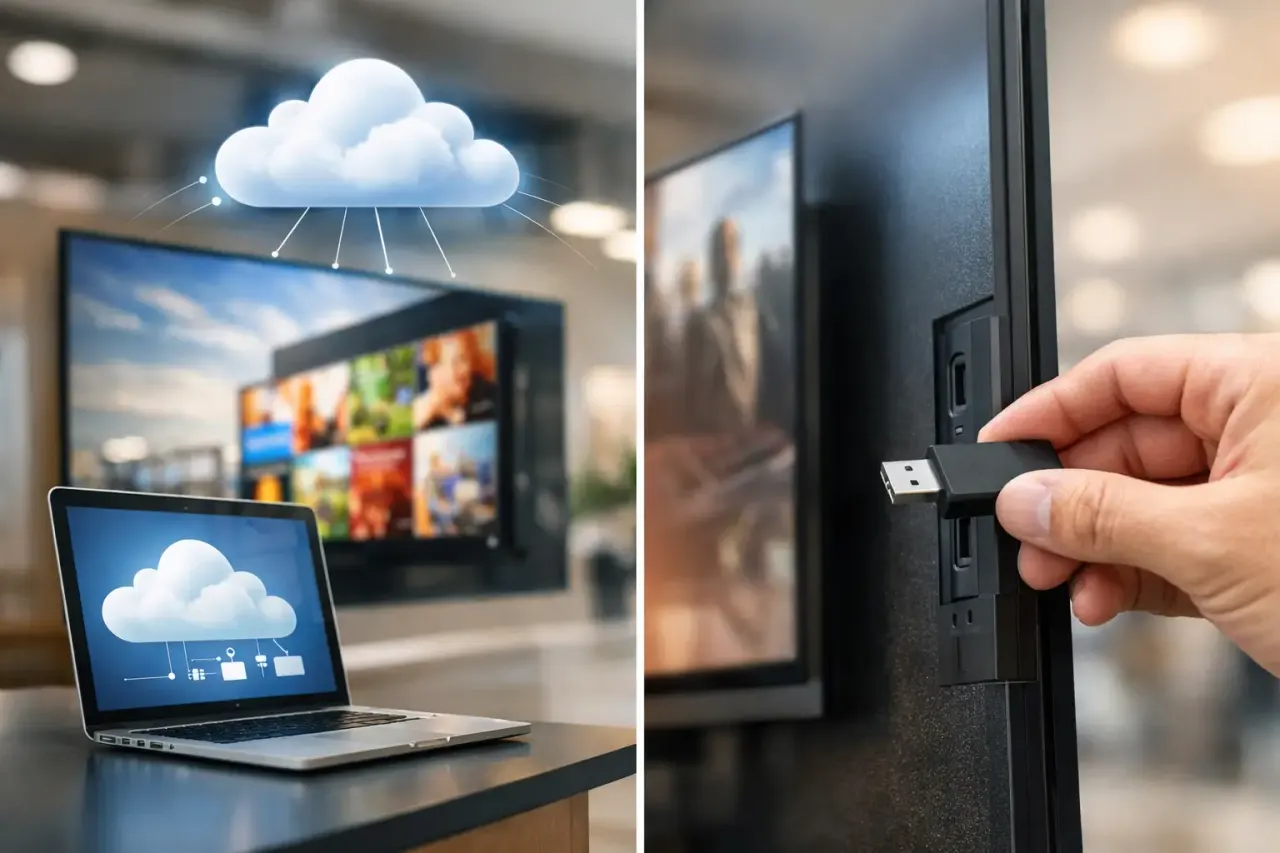
Offline playback means a signage player or smart TV app downloads scheduled media and playlist instructions before they are needed. The files are stored on the device itself. If Wi-Fi or Ethernet becomes unavailable, the display continues playing the downloaded content according to its schedule.
This is different from a screen that streams every video, image, or webpage in real time. Streaming-only setups depend on a live internet connection for every piece of content. When that connection fails, so does the viewer experience.
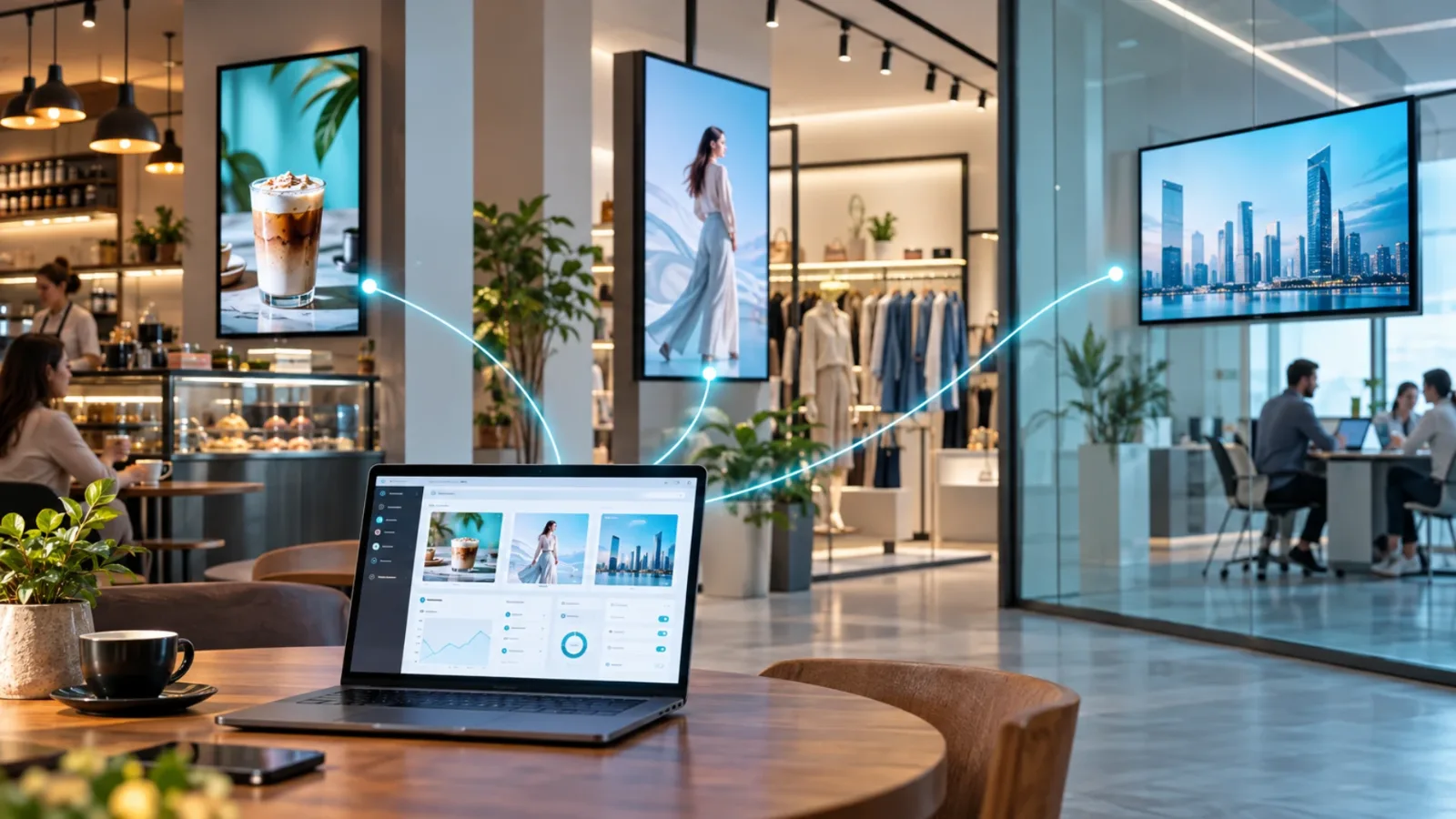
A well-designed offline system gives you both central control and local reliability. While screens are connected, administrators can push new campaigns, adjust schedules, confirm device status, and review proof of play. During an outage, each screen follows its last successfully synced schedule until the connection returns.
That distinction matters for businesses with public-facing screens. Guests do not care whether the problem is a router, an ISP outage, or a network policy change. They only see whether the screen is useful.
Why continuous playback matters at the location level
Internet outages are not rare edge cases. A location may have spotty guest Wi-Fi, a router restart, construction-related service interruptions, or a temporary issue with the local provider. Even strong networks have maintenance windows and occasional failures.
For a single back-office display, a short interruption may be tolerable. For a chain of restaurants, a retail group, or a busy clinic, it can create inconsistent messaging across locations. One store is promoting a seasonal offer while another has a blank screen. One lobby shows check-in instructions while another reverts to a generic TV channel.
Offline playback protects several day-to-day priorities:
Customer communication: Menus, wayfinding, wait-time messaging, safety notices, and promotions remain visible.
Brand consistency: Locations continue running the same approved creative, even if their network conditions differ.
Staff efficiency: Local teams do not need to troubleshoot screens or replace content manually during an outage.
Revenue support: Promotional displays keep working during the moments customers are physically in front of them.
The goal is not to treat connectivity as unimportant. It is to remove a single point of failure from the customer experience.
How offline playback works in practice
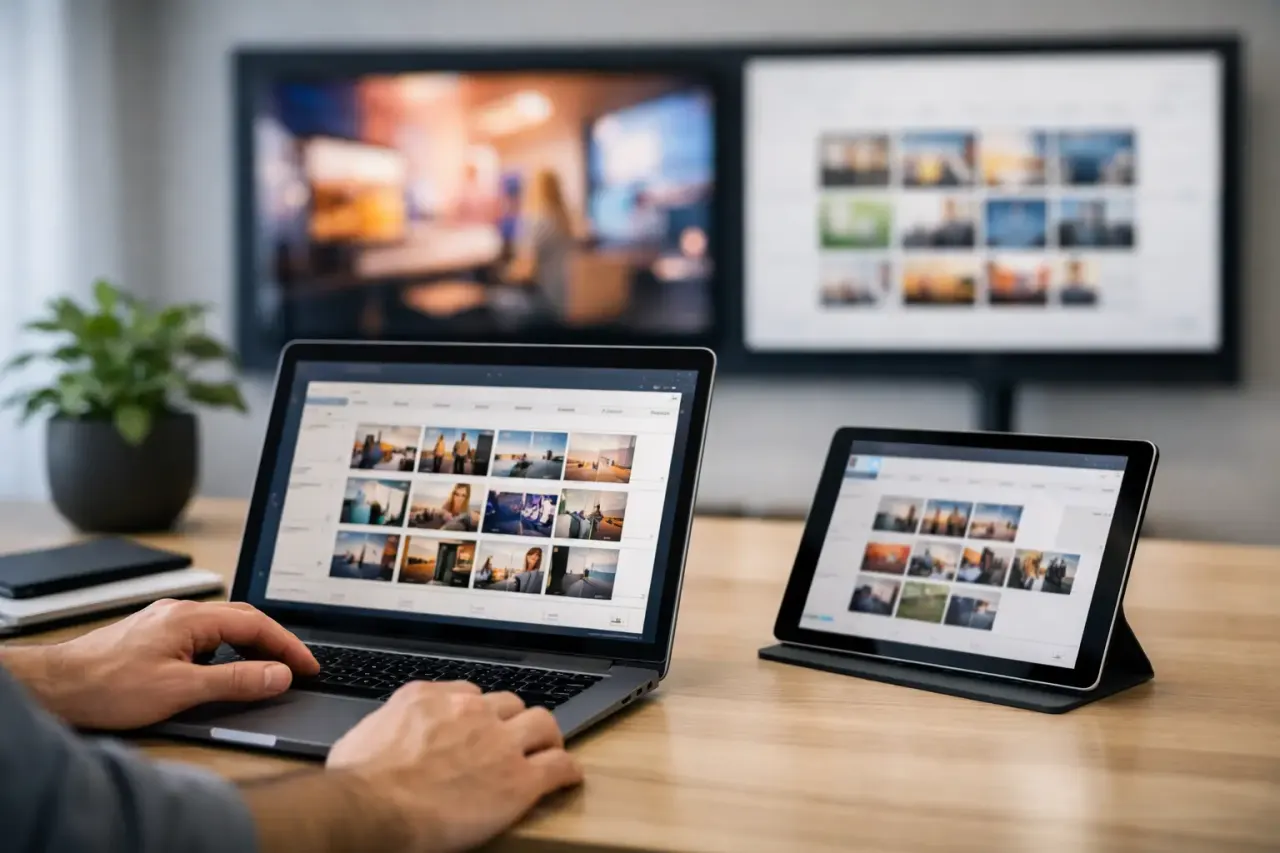
The process should be simple. You build a playlist, assign it to one or more screens, and set the schedule from a central dashboard. Before the scheduled start time, the signage app downloads the required images, videos, and configuration data to the device.
When the device is online, it checks for updates and reports its status. If the network goes away after the download is complete, playback continues locally. Once the connection returns, the app reconnects, sends its status, and receives any new content or scheduling changes.
Content is cached before it is needed
Caching is the core of dependable offline signage. The device needs enough available storage to hold the media scheduled for playback, particularly if your playlists include long or high-resolution videos.
This is why storage limits deserve attention when evaluating a platform. A screen that can cache a few lightweight images has different needs than a display running a full-day playlist with multiple video assets. For most businesses, the practical answer is to keep content purposeful: use compressed, high-quality videos, remove expired files, and avoid loading every screen with assets it will never play.
Schedules continue locally
Offline playback should preserve more than a single fallback image. The better approach is for the screen to retain its assigned playlist and time-based rules. A restaurant can continue switching from breakfast menus to lunch menus. A gym can maintain class announcements by time of day. A retail location can keep a weekend promotion active through its planned end date.
There is one trade-off: a change made while the screen is offline cannot appear until it reconnects. That is expected. Offline playback ensures continuity, not real-time updates without a network. For urgent, location-specific messaging, it is worth having a separate operational backup plan, such as staff instructions or printed notices, if a prolonged outage is possible.
Status returns when the connection does
A central dashboard cannot report live status from a device that has no connection. Once the screen is back online, it should check in automatically. This lets administrators see that the device has reconnected and resume normal management without asking on-site staff to confirm every detail.
For multi-location teams, this visibility is as valuable as offline playback itself. You need to know which screens are active, which content was assigned, and where attention is required. Otherwise, a centralized signage program can quickly become another manual follow-up task.
Where offline playback delivers the most value
Nearly every location-based business benefits from fewer blank screens, but the use case determines the priority.
Restaurants need menus and upsell promotions to remain available during service. If the internet drops at 11:45 a.m., the screen should not become a black rectangle over the counter. Retail teams need campaigns, pricing callouts, and product storytelling to continue through busy shopping hours. Hotels rely on lobby information, event details, and guest messaging that may be scheduled days in advance.
Clinics and dental offices can keep check-in guidance, service explanations, and waiting-room content running without placing extra work on front-desk staff. Schools and offices can continue displaying announcements, room information, and internal communications even when network access is temporarily disrupted.
For franchise and multi-site operators, offline readiness also reduces operational variance. Some locations have excellent connectivity. Others may be in older buildings, shared retail centers, or areas with less reliable service. The signage experience should not be determined by the weakest local connection.
What to look for in an offline-capable signage platform
Not every digital signage tool handles offline operation the same way. Ask direct questions before you deploy.
First, confirm that the platform downloads media to the device rather than relying only on a browser session or live stream. Then ask whether scheduled playlists continue to run offline, how much local storage is available, and what happens when a file fails to download.
Also consider the hardware model. Traditional signage systems often require a dedicated media player behind every screen. That can work, but it adds purchase costs, cables, replacement inventory, and more devices for IT to support. A platform that runs on compatible Smart TVs or affordable streaming sticks can reduce that burden substantially.
VitVue is built around that lower-friction model: use screens you already own where possible, manage content from one place, and keep locally downloaded playlists playing through temporary connectivity issues. No dedicated media-player rollout is required for every display.
Finally, look beyond the outage itself. Offline playback is most useful when paired with scheduling, multi-screen management, content templates, and device monitoring. Those features turn resilience into a repeatable workflow rather than a technical checkbox.
Set up for reliable offline playback
A few operating habits make a major difference. Publish important campaigns ahead of time so devices have time to download assets before the scheduled launch. Keep screens powered on and connected during regular sync windows. Avoid treating large, uncompressed video files as the default format, especially across locations with slower connections.
It also helps to define content ownership. Someone should know who approves menus, promotions, brand updates, and emergency messages. Centralized software removes the need to visit each location, but it cannot resolve unclear approval processes.
Before a wider rollout, test one or two screens under real conditions. Confirm that the playlist is fully cached, disconnect the network, and verify that scheduled content continues as expected. Then reconnect and make sure the screen reports back to the dashboard. This simple test gives operators confidence before signage becomes part of a daily customer workflow.
The strongest digital signage setup is not the one with the most hardware. It is the one that stays useful when conditions are imperfect. Give each screen a locally stored plan, keep control centralized, and your locations can keep communicating when the network cannot.