Hotel Lobby Display Software That Works
Hotel lobby display software helps teams update screens fast, cut hardware costs, and manage guest messaging across one or many properties.
On this page
The front desk is answering check-ins, housekeeping requests, parking questions, breakfast timing, Wi-Fi issues, and local recommendations - often all at once. That is exactly where hotel lobby display software earns its keep. A lobby screen should not be a decorative TV looping stale slides from a USB drive. It should reduce friction for guests, support staff, and keep property messaging current without adding another daily task.
For hotels, the value is simple. The lobby is your highest-traffic communication point, and it changes by the hour. Early arrivals need check-in guidance. Conference guests need wayfinding. Families want pool hours and breakfast times. Management wants to promote upgrades, dining, events, and local partnerships. If the screen cannot be updated quickly and centrally, it becomes background noise instead of a useful operational tool.
What hotel lobby display software should actually do
Good hotel lobby display software is not just a content player. It is a control system for on-property communication. The basics matter: create content quickly, schedule it by time or day, publish updates without touching the TV, and confirm the screen is online and playing the right content.
That sounds straightforward, but hotels usually run into the same problems. One property may still use a USB stick. Another may rely on a front desk manager to change slides manually. A third may have a digital signage setup that needs a dedicated media player and outside support every time something breaks. All three approaches create delay, inconsistency, or unnecessary cost.
A better setup uses the TVs you already have, or low-cost streaming devices when needed, with centralized software that handles content, playlists, scheduling, and monitoring from one dashboard. That matters even more for multi-property groups, where brand consistency and local flexibility have to coexist.
Why old lobby screen workflows break down
Most hotels do not set out to create bad signage workflows. They inherit them. A screen gets installed for a grand opening, someone loads a few slides, and then the process stays frozen while operations move on. Six months later, the welcome screen still shows an expired brunch promotion and a holiday event from last season.
The real problem is not screen quality. It is workflow quality. If changing content requires finding the right file, walking to the TV, plugging in a device, and hoping the formatting still works, updates happen less often than they should. Staff stop trusting the screen. Guests stop reading it.
Legacy digital signage can fail in the opposite direction. It may offer plenty of technical power, but require dedicated hardware, complex installs, and more IT involvement than a hotel team wants to deal with. That is hard to justify when the actual need is clear: update messages fast, across one or more properties, with minimal overhead.
The best use cases in a hotel lobby
A lobby display has to do more than show a welcome message. It should support the guest journey and lighten the load on the front desk.
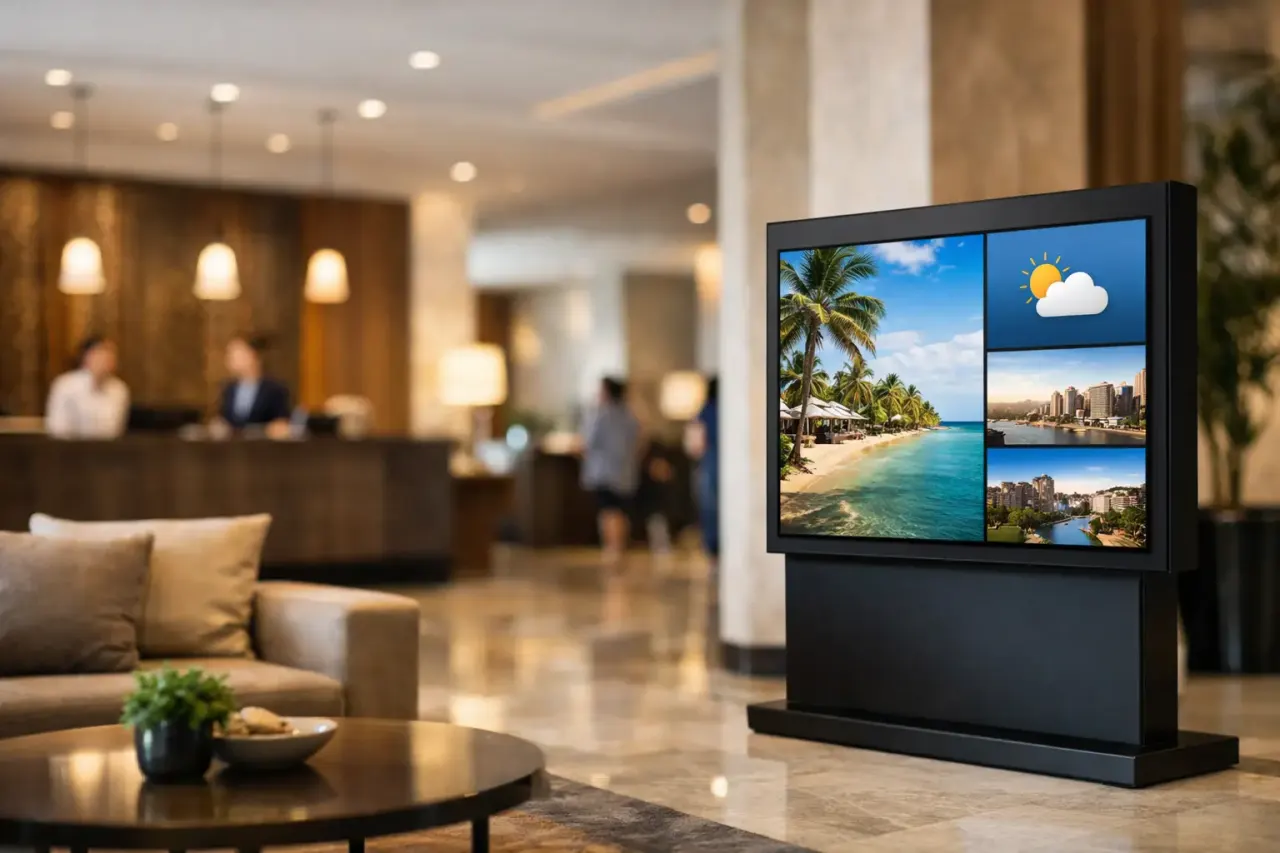
The most effective screens usually combine service information with revenue opportunities. That means check-in and checkout times, breakfast hours, event schedules, weather, transportation notes, Wi-Fi instructions, local recommendations, meeting room guidance, and promotions for on-site dining or late checkout. If your property hosts events, wayfinding becomes especially valuable. A well-placed screen can prevent a long line of guests asking where Ballroom B or Meeting Room 4 is.
There is also a timing advantage. Different messages matter at different hours. Morning content can focus on breakfast, shuttle departures, and local traffic. Afternoon content can shift to check-in instructions and amenity highlights. Evening content can promote the bar, restaurant, room service, or next-day events. This is where scheduling matters. One static loop all day is easy to deploy, but it leaves relevance on the table.
What to look for when evaluating hotel lobby display software
Start with deployment. If the software requires proprietary hardware or a complicated install, costs rise fast and rollout slows down. Many hotel teams do not need another box behind every screen. They need software that works with Smart TVs or inexpensive streaming-stick-connected TVs and can be live in minutes.
Next, look at content creation. A drag-and-drop editor and ready-made templates save time, especially for teams without in-house designers. Front office and operations staff should be able to build a clean screen layout without filing a ticket or waiting on marketing.
Scheduling is another non-negotiable feature. Hotels run on shifts, occupancy patterns, and event calendars. The software should let you program content by hour, day, or date range so promotions and service updates appear automatically when they are relevant.
Monitoring matters more than many buyers expect. A screen is only useful if it is on, connected, and showing the right playlist. If you manage multiple properties, you need visibility into uptime and play history without calling each site. That is one of the clearest gaps in USB-based signage and one of the strongest reasons to move to cloud-managed software.
Offline playback is worth asking about too. Hotel internet is not always perfect, especially across older buildings or large properties. If connectivity drops, the screen should keep playing stored content rather than going black.
Single-property hotels and multi-location groups need different control
A boutique hotel with one lobby screen has different needs than a regional group managing 40 properties. The software should fit both without becoming bloated or difficult.
For a single property, speed and simplicity usually matter most. The goal is to update the screen without relying on IT, expensive hardware, or a steep learning curve. One login, one dashboard, and fast publishing often gets the job done.
For multi-location operators, the priority shifts to central control. Corporate teams may want to push brand-wide campaigns, while each property still needs room to add local details like event schedules, dining hours, or parking instructions. Good hotel lobby display software supports both. You want centralized standards without turning every property update into a corporate bottleneck.
This is also where user permissions become important. Marketing may manage branded templates. Property managers may edit local promotions. Front desk or operations staff may only need access to a limited set of approved content areas. The more screens you manage, the more valuable this structure becomes.
Cost is not just software pricing
Buyers often compare monthly subscription cost first, but lobby display decisions are rarely won or lost on software fees alone. The bigger cost question is what the system demands around it.
Dedicated media players, installation labor, maintenance time, and support complexity can easily outweigh the software itself. A platform that removes extra hardware and cuts setup friction usually wins on total cost, even if the monthly subscription is not the absolute lowest option.
There is also the cost of stale messaging. If your lobby screen is not updated because the process is annoying, you lose promotional value and operational usefulness every day it sits there. Guests ask more repetitive questions. Staff spend more time answering them. Offers go unseen. Event attendees get confused. Those costs do not always show up in a budget line, but they are real.
A practical rollout approach for hotel teams
The smartest rollout is usually small and fast. Start with the lobby, define the core messages guests ask for most, and build a content schedule around those moments. Keep the first version practical. Service hours, directions, amenities, promotions, and event notices are enough to prove value quickly.
Then standardize the workflow. Decide who owns content, who approves updates, and how often playlists change. If you run multiple properties, create a few reusable templates that preserve brand consistency while leaving room for local edits.
From there, expand only if it makes sense. Some hotels add screens in meeting areas, elevators, breakfast zones, fitness centers, or bar entrances. That can work well, but the lobby is usually the clearest starting point because it has the highest traffic and the most direct effect on guest communication.
For operators who want a low-friction path, platforms like VitVue are built around that model: use existing screens, skip traditional media players, manage content centrally, and push updates fast without involving an IT team.
The real standard is operational usefulness
The best hotel lobby display software does not impress people because it is technically elaborate. It works because the front desk trusts it, management can control it, and guests get useful information at the right time.
That is the standard worth buying against. Not more hardware. Not a longer feature list for its own sake. Just a system that makes lobby communication faster, cheaper, and easier to manage across the realities of hotel operations.
If a screen can answer common guest questions before they reach the desk, promote the right offer at the right time, and stay current without turning into a staff burden, it is doing exactly what it should.
Browse ready-made digital signage apps like weather, menus, clocks and news tickers.