Smart Television Versus Commercial Display
Smart television versus commercial display: compare cost, durability, brightness, control, and deployment to choose the right screen for your business.
On this page
A screen that looks great on a showroom wall can become an expensive problem after months of running promotions, menus, or guest information. The smart television versus commercial display decision is not really about which screen is better. It is about choosing the right operating model for your location, hours, content, and budget.
For many businesses, a Smart TV paired with digital signage software is the fastest way to replace USB drives and static posters. For others, a commercial display is the smarter long-term purchase because the screen must run longer, brighter, and more reliably. The right answer depends on what happens after installation, not just what the display costs on day one.
Smart Television Versus Commercial Display: The Core Difference
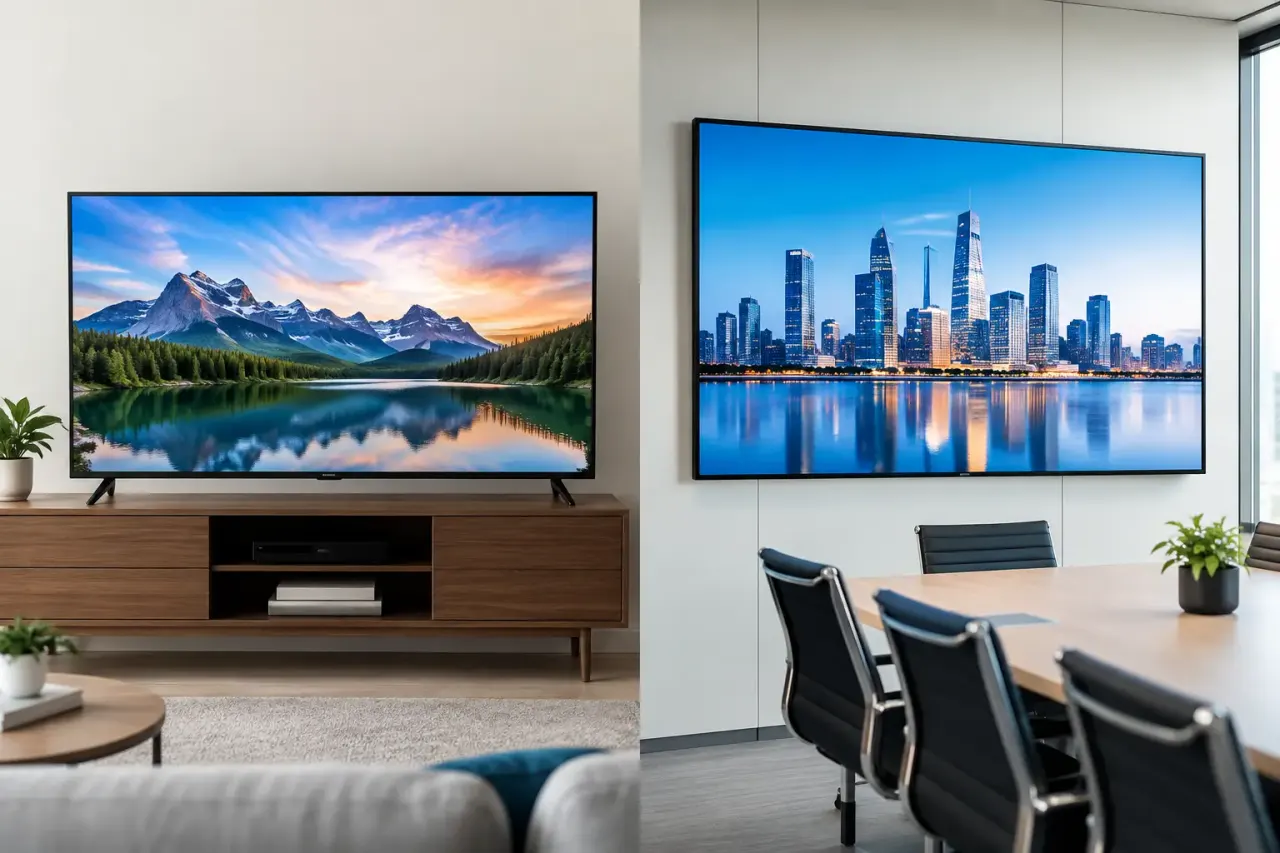
A Smart TV is built primarily for home entertainment. It is designed for a few hours of daily use in a controlled indoor environment, often with a consumer-grade warranty and features meant for streaming shows, gaming, and personal viewing.
A commercial display is built for business use. It is designed to show content for extended hours, often 16/7 or 24/7, with stronger cooling, higher brightness options, commercial warranties, and management features that support larger screen networks.
That distinction matters when a screen becomes part of operations. A restaurant menu board, retail promotion screen, hotel lobby display, or clinic check-in screen cannot be treated like a living room TV if downtime creates confusion, missed sales, or extra work for staff.
Still, commercial-grade does not automatically mean necessary. A neighborhood café with one indoor display running during breakfast and lunch has different needs from a 40-location retailer with screens operating from open to close every day.
Where Smart TVs Make Sense
Smart TVs are a practical fit when screen time is limited, the environment is controlled, and the business needs a low-cost path to digital signage. They are especially useful for small businesses moving away from printed materials or manually updated USB content.
A standard Smart TV can work well for an indoor waiting room, staff communications board, gym class schedule, salon promotion screen, or a restaurant display that runs only during business hours. The upfront savings can be substantial, especially when you already own compatible screens.
The key is to pair the screen with a platform that gives you business-level control. Without centralized signage software, a Smart TV is still a consumer device that requires someone to update apps, replace files, and troubleshoot content at each location.
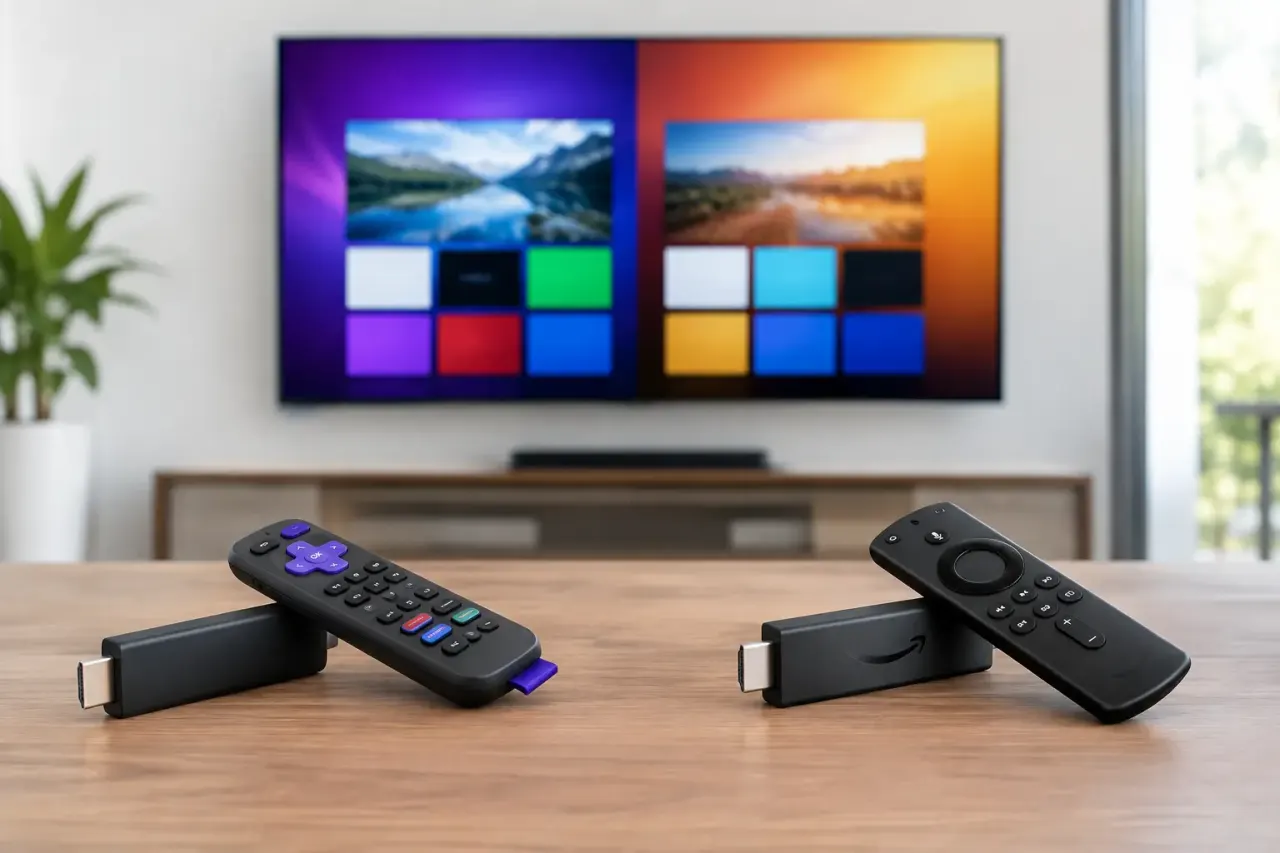
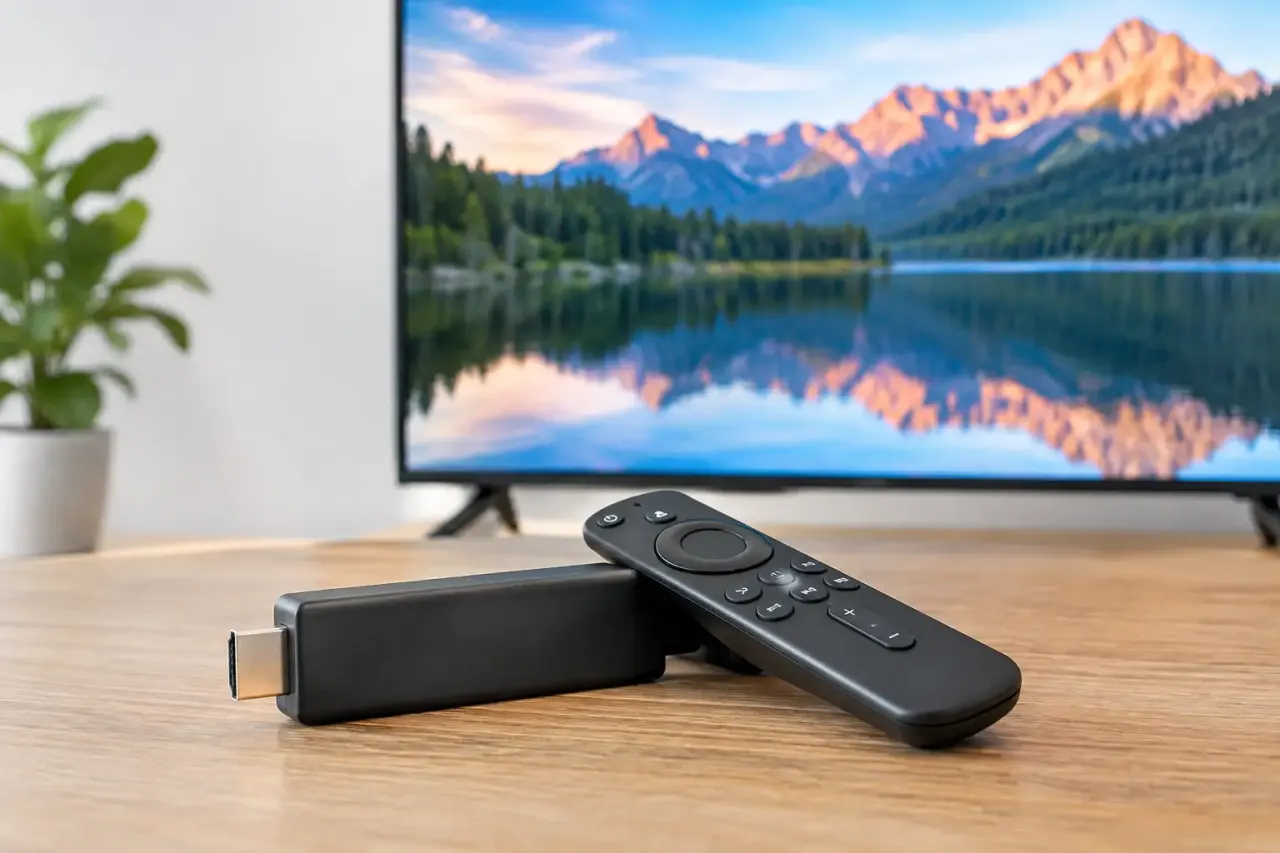
With the right software layer, teams can create content, schedule it by daypart, send updates to many screens, and confirm that displays are online from one dashboard. VitVue helps businesses use supported Smart TVs or streaming-stick-connected TVs this way, without adding a dedicated media player to every screen.
That approach can be the right balance for operators who want live updates and consistent messaging without a large hardware purchase or IT-heavy deployment.
The advantages of using a Smart TV
The most obvious advantage is cost. Consumer TVs are easy to source, frequently discounted, and available in a wide range of sizes. Setup is also familiar. Most teams already know how to mount a TV, connect it to Wi-Fi, and power it on.
Smart TVs can also reduce deployment time for a single location or a smaller screen network. If your content is simple and your operating hours are reasonable, you can have a digital menu, rotating promotions, or internal communications running quickly.
The trade-off is that the business assumes more risk around longevity, warranty coverage, and screen consistency. Consumer models change frequently, operating systems vary, and not every Smart TV is equally suitable for signage use. Confirm app compatibility, automatic startup behavior, network reliability, and power settings before standardizing on a model.
When a Commercial Display Is Worth the Higher Price
Commercial displays earn their higher price when uptime, brightness, and longevity matter more than the initial hardware budget. They are designed for the conditions that make consumer TVs struggle: long operating hours, continuous loops, public spaces, bright interiors, and demanding multi-location use.
If a screen runs all day in a retail storefront, quick-service restaurant, airport-adjacent hotel, busy lobby, or corporate facility, a commercial display can prevent avoidable replacement and service costs. Its internal components are typically engineered to manage heat over long periods. That matters because heat is one of the main reasons screens lose performance over time.
Brightness is another major difference. A typical consumer TV may look acceptable in a dim room, then become hard to read near windows or under strong overhead lighting. Commercial displays are available in higher-brightness models that keep menus, pricing, and calls to action visible in challenging spaces.
Commercial screens also tend to provide more practical installation options. Many support portrait orientation, remote power controls, scheduling, and commercial mounting standards. Some include features for video walls or built-in signage players, though those capabilities are only useful if they match your deployment plan.
Commercial displays fit high-stakes screens
Use a commercial display when screen failure would disrupt the customer experience or create a real operational burden. That includes digital menu boards, wayfinding displays, pricing screens, lobby directories, queue management, and promotional displays that operate for long hours.
They are also the better choice for locations where replacing a failed screen is difficult. A display mounted high above a counter, installed in a video wall, or deployed across a dispersed franchise network should be selected for reliability first. Saving a few hundred dollars on hardware can disappear quickly when service calls, shipping, labor, and lost display time are added up.
This does not mean every screen in a business needs to be commercial grade. A mixed fleet is often sensible. Use commercial displays for customer-facing, high-use, or high-brightness locations, and use Smart TVs for lower-risk internal or short-hour screens.
Compare the Total Cost, Not Just the Purchase Price
The purchase price is easy to see. The operating cost is where the decision becomes clearer.
A Smart TV costs less upfront, but may need replacement sooner if it is used beyond its intended duty cycle. It may also carry a consumer warranty that does not cover commercial use. Before buying, read the warranty terms rather than assuming a familiar household brand is protected in a business setting.
A commercial display costs more initially but may last longer under sustained use and include warranty coverage designed for business environments. It can be the lower-cost option over several years if it prevents repeat hardware purchases and staff time spent responding to failures.
There is also the cost of managing content. A screen network becomes expensive when each update requires a person to visit the device, plug in a USB drive, or walk employees through changes. Centralized scheduling and remote publishing often deliver more day-to-day value than a premium hardware feature that never gets used.
Ask a straightforward question: if a promotion changes at 10 a.m., can the right content appear on every relevant screen by 10:05? If the answer is no, the workflow needs attention regardless of the display model.
What to Check Before You Buy
Start with daily runtime. A screen operating six to eight hours indoors has a different hardware requirement than one running 18 hours in a sunlit entrance. Then evaluate the viewing environment. Measure ambient light, distance from the audience, and whether viewers need to read small text, prices, or detailed instructions.
Next, consider content. Static slides and simple promotions place fewer demands on a display than fast-moving video, live data, or high-resolution brand visuals. If you need portrait mode, confirm that the screen supports it for prolonged use and that your signage content is designed for that layout.
Finally, plan for control. The display is only one part of a digital signage system. You need a dependable network connection, automatic content playback after an outage, remote visibility into device status, and a simple way to manage screens by location, department, or campaign.
Make the Screen Fit the Job
Choose a Smart TV when you need an affordable indoor screen with moderate daily use and a fast path to managed signage. Choose a commercial display when the screen must stay bright, run long hours, withstand public-facing use, and deliver dependable uptime.
The strongest deployments do not overbuy hardware or underinvest in control. Match each screen to its real workload, give your team one place to manage content, and start with the locations where faster updates will make the biggest difference.