How to Manage Digital Signage Remotely
Learn how to manage digital signage remotely with less hardware, faster updates, centralized control, and better screen visibility.
On this page
A promotion changes at 9:00 a.m., but half your stores are still showing last week’s offer by lunch. That’s usually the moment teams start asking how to manage digital signage remotely without adding more hardware, more vendor calls, or more work for IT. The good news is that remote signage management is not complicated when the system is built for centralized control from the start.
What remote digital signage management actually means
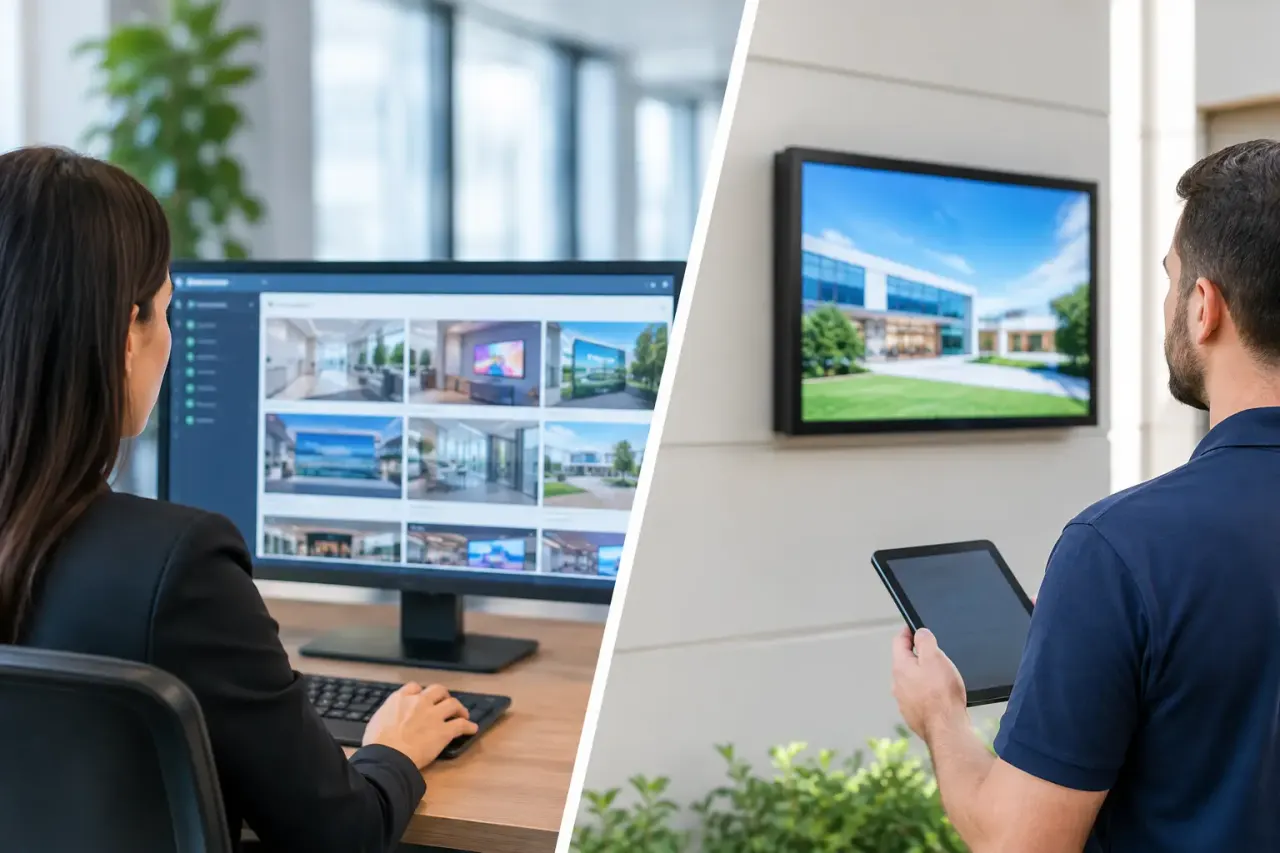
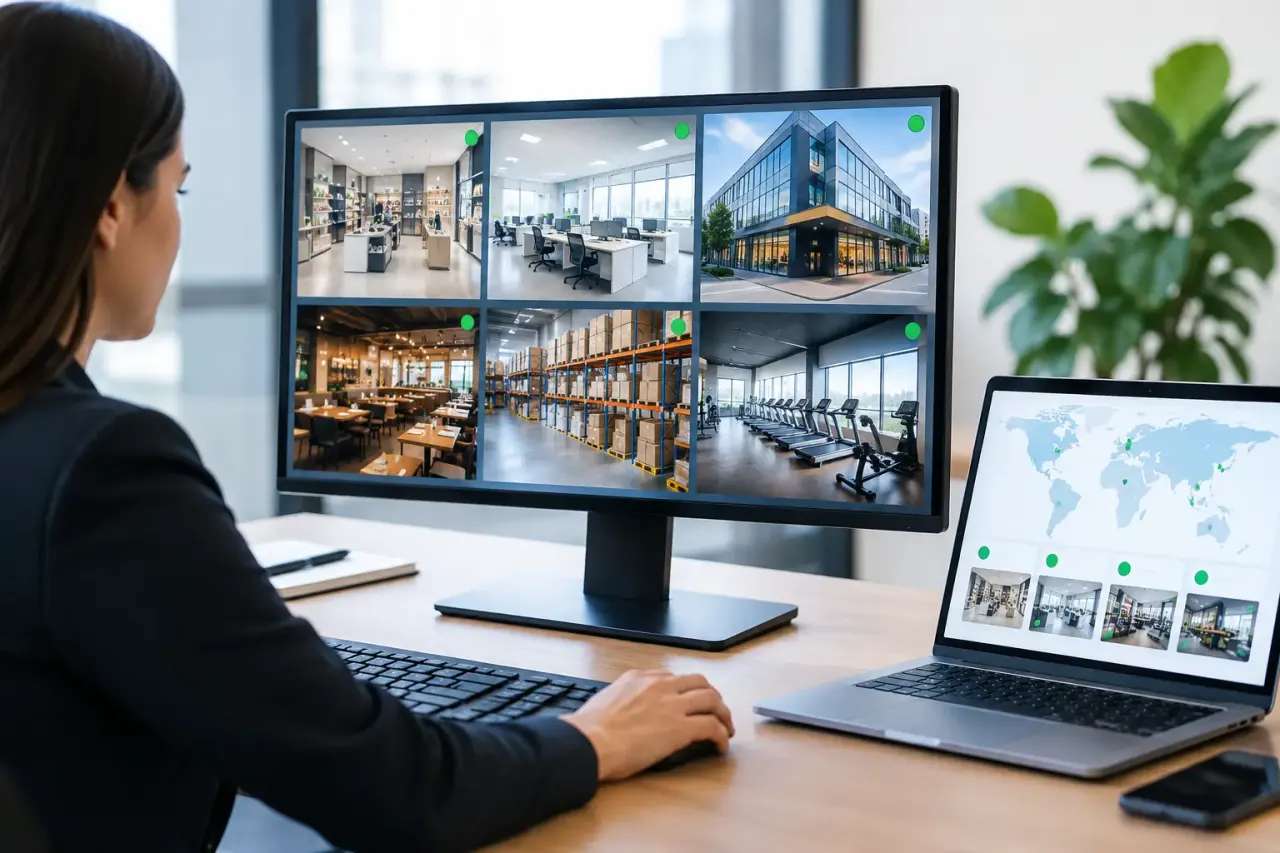
Remote management means you can control screen content, schedules, device status, and playback across one location or hundreds from a single dashboard. You are not walking into each site with a USB drive. You are not relying on store staff to update files manually. And you are not guessing whether a screen is online or still playing the right content.
For most businesses, that changes the entire operating model. A restaurant group can push a lunch promo to every menu board before the rush. A retail chain can update seasonal creative across regions without waiting on local teams. A clinic can swap messaging instantly when hours, services, or wait-time notices change.
That’s the practical value. Faster updates, fewer mistakes, and less operational drag.
How to manage digital signage remotely without adding complexity
The simplest setup is usually the best one. If your signage system requires dedicated media players, site-by-site installation, or constant IT support, remote management starts to lose its advantage.
A more efficient approach uses Smart TVs or TVs connected to low-cost streaming devices, with cloud-based signage software as the control layer. That lets you create content, assign it to screens, schedule playback, and monitor status from one place.
If you are evaluating how to manage digital signage remotely, focus on five core capabilities.
1. Centralized content control
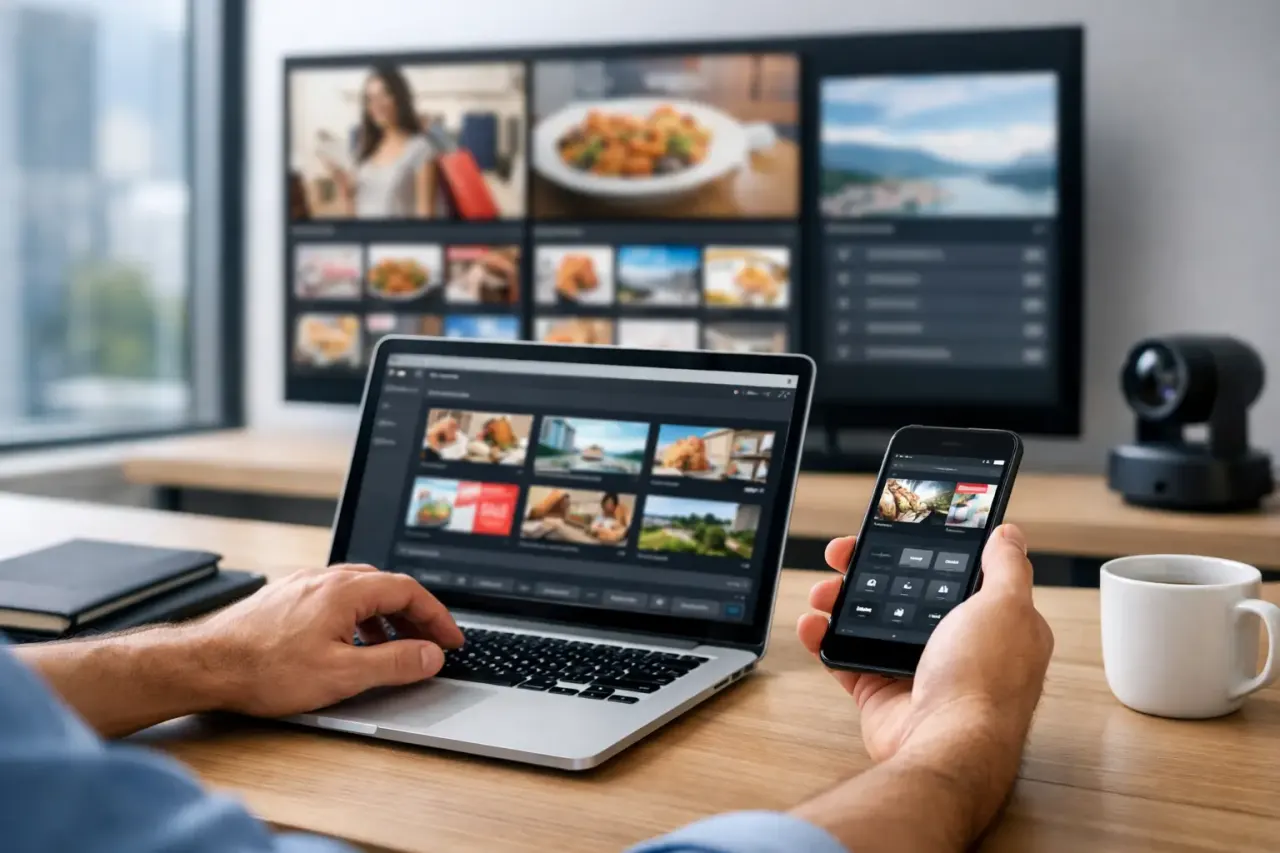
You need one dashboard where your team can create, upload, organize, and deploy content across all screens. This sounds basic, but it is where many older systems break down. Content may live in separate folders, updates may depend on local devices syncing correctly, and screen assignments may be hard to track.
Centralized control removes that friction. One person should be able to update a playlist for a single screen, a group of screens, or the entire network in minutes.
2. Smart scheduling
Remote signage is not just about pushing content live. It is about controlling when and where that content appears. Scheduling lets you run breakfast menus in the morning, lunch content at noon, and location-specific promos in the evening without manual intervention.
This matters even more for multi-location businesses. Not every store needs the same message at the same time. Regional offers, franchise-level promotions, and localized announcements all require flexible scheduling. The best systems let you handle that without creating operational chaos.
3. Real-time updates
Sometimes schedules are not enough. Prices change. Events get canceled. Inventory shifts. Emergency notices need to go up immediately.
Real-time content pushing gives you that control. Instead of waiting for the next update window or asking staff to intervene, you publish once and the change reaches the right screens right away. For businesses that rely on timely customer communication, this is one of the biggest reasons to move away from USB-based workflows.
4. Playback reliability, even offline
Remote management is only useful if screens keep working when a connection drops. That is why offline playback matters. A screen should continue showing the assigned content even if the internet becomes unstable for a period of time.
Without offline support, every connectivity issue becomes a visible customer experience problem. With it, your signage stays functional while the platform reconnects and reports status back to the dashboard.
5. Monitoring and proof of play
A lot of signage problems are not content problems. They are visibility problems. Teams do not know when a screen went offline, whether the right playlist is running, or if a location has been showing stale content for days.
Remote management should include uptime tracking, screen health visibility, and play history. That gives operators confidence that screens are not just assigned content, but actually displaying it. For growing businesses, that kind of visibility is what turns signage from a best-effort marketing channel into a managed operating asset.
The best workflow for multi-location teams
If you manage more than a handful of screens, the workflow matters as much as the software. The goal is not just to control screens remotely. It is to do it in a way that scales.
Start by organizing screens into logical groups. That could be by region, brand, store type, department, or use case. A franchise operator might group by location ownership. A retailer might group by market. A hotel group might separate lobby screens from restaurant screens and meeting room displays.
Once screens are grouped, build playlists and templates around repeatable use cases. This is where remote management gets faster. Instead of creating content from scratch every time, teams can reuse layouts for promotions, announcements, menus, events, and branded messaging.
Then assign permissions carefully. Not every user should control every screen. Corporate teams may need network-wide access, while local managers only need rights for their own site. Good role management keeps the system organized and reduces the chance of accidental changes.
Common mistakes that make remote signage harder than it should be
A lot of businesses overcomplicate this. They assume remote management requires enterprise infrastructure, on-site hardware rollouts, or a dedicated technical team. Usually, the opposite is true. The more moving parts you add, the harder the system is to manage consistently.
One common mistake is choosing a platform that depends on external media players for every screen. That adds hardware cost, setup time, failure points, and support overhead. For some complex installations, dedicated hardware may still make sense. But for many businesses, especially those using existing TVs, it creates more friction than value.
Another mistake is treating every screen as a one-off setup. That may work for three displays. It does not work for thirty or three hundred. Standardized templates, screen groups, and reusable playlists are what keep remote management efficient.
The third mistake is ignoring monitoring. If your team cannot quickly see which screens are online, what is playing, and where problems are happening, you are still managing blind. That usually leads to slower fixes and inconsistent customer-facing messaging.
What to look for in a remote signage platform
The right platform should reduce effort, not introduce another system your team has to babysit. Look for a setup that works with the screens you already have or with inexpensive streaming-stick-connected TVs. That keeps deployment faster and lowers upfront cost.
From there, focus on the operational essentials: drag-and-drop content creation, templates, centralized scheduling, live content pushing, offline playback, multi-screen playlist control, and analytics that show uptime and play history. These are not extra features. They are the tools that make remote management practical day to day.
It also helps to think about scale now, even if you are starting small. A single-location gym and a 200-location franchise may both want simplicity, but the larger network will eventually need stronger permissions, integrations, and account controls. Choosing a platform that can grow with your screen count helps you avoid another migration later.
This is where a software-first model has an advantage. Platforms like VitVue are built to replace the old hardware-heavy approach with centralized control that is easier to deploy, easier to maintain, and easier for non-technical teams to use.
When remote management is worth it
If you only update one screen a few times a year, remote management may feel like more than you need. But that is not how most location-based businesses operate anymore. Promotions change weekly. Menus change daily. Brand consistency matters across every site. And teams need to know what is live without calling each location.
That is when remote signage starts paying for itself. You save staff time, reduce content errors, cut hardware overhead, and gain tighter control over the customer experience. The return is not just about software efficiency. It is about making sure every screen does its job without creating more work behind the scenes.
The best remote signage setup feels simple because the operational complexity has been removed. One dashboard. Fast updates. Clear visibility. No hardware headache. If that is the standard you use when evaluating your options, you will end up with a system your team can actually run every day.