Smart TV Signage Software Review for Growing Teams
This smart TV signage software review shows what to compare, where costs hide, and how to choose a platform that keeps every screen current at lower cost.
On this page
A smart TV signage software review should answer one operational question before anything else: can your team change every screen without visiting every location? If the answer is no, the platform may look modern but still leave you with the same slow workflow as USB drives, email attachments, and last-minute calls to store managers.
For restaurants, retailers, clinics, gyms, and multi-location teams, the appeal of smart TV signage is simple. Use the screens you already own, publish content from one place, and stop treating every update as an on-site task. The right software makes that possible. The wrong software can create app compatibility issues, expensive hardware requirements, or a dashboard that only one technical person knows how to use.
This review breaks down what matters when evaluating smart TV signage software, including the features that affect speed, reliability, and total cost.
What Smart TV Signage Software Should Actually Solve
Digital signage is often sold as a design tool. Design matters, but it is not the hard part. The hard part is keeping information accurate across real locations with real operating constraints.
A restaurant may need to switch lunch promotions at 11 a.m., move to happy hour messaging at 4 p.m., and remove a sold-out item immediately. A retail group may need a weekend campaign live across 30 stores before doors open. A clinic may need to update wait-time guidance without asking front-desk staff to handle a USB stick.
Smart TV signage software should give central teams control over those changes while keeping local screens easy to operate. That means content creation, scheduling, publishing, device management, and proof that content played should work from one dashboard.
The strongest platforms reduce steps. Upload or create content, assign it to the right screens, schedule it, and publish. No dedicated media player to cable behind every television. No complicated network configuration for routine updates. No IT ticket for a new promotion.
Smart TV Signage Software Review: The Criteria That Matter
Not every feature carries the same weight. A large template library may help a small team get started, but it will not compensate for unreliable playback or poor fleet visibility. Evaluate software based on the work your team needs to complete every week.
Device compatibility without hidden hardware
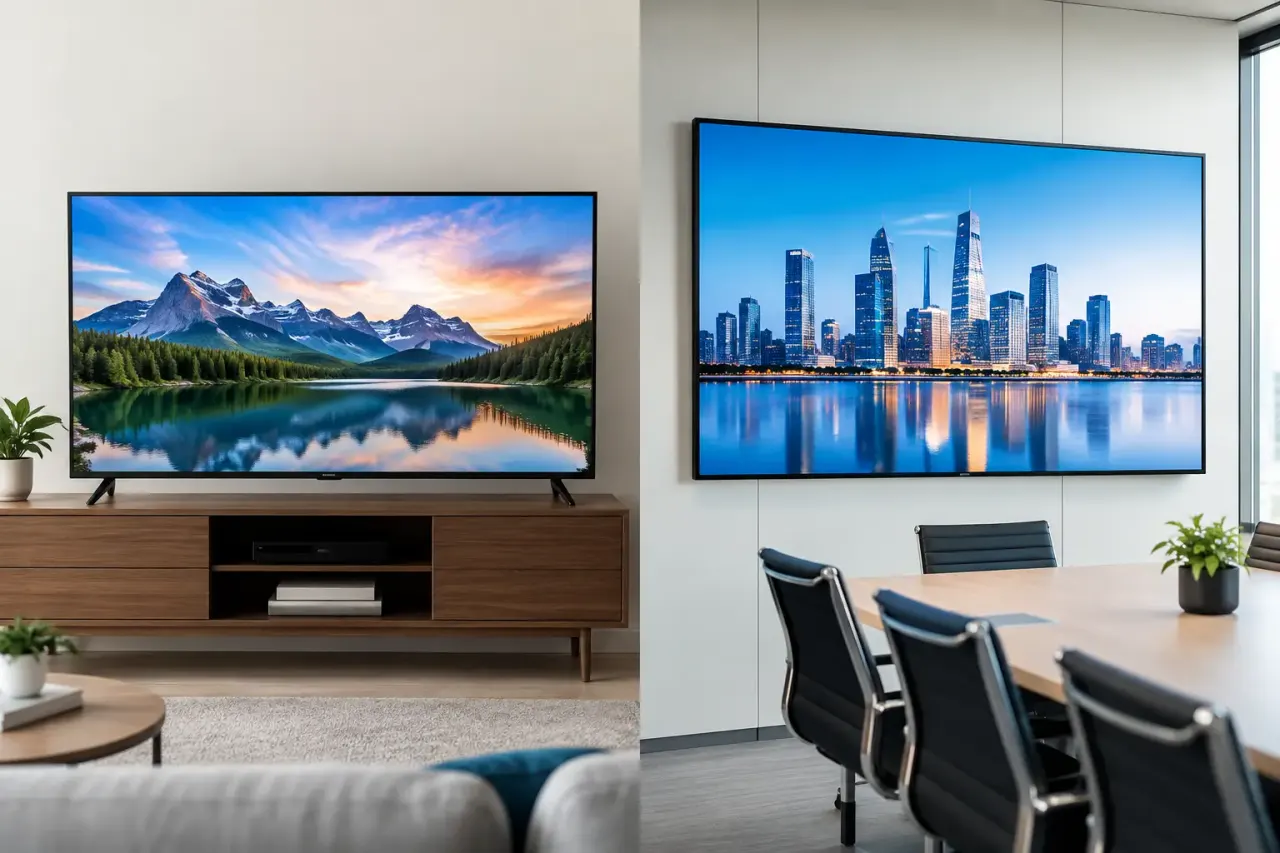
Start with the screens already in your locations. Some providers support only specific TV operating systems. Others technically support smart TVs but require an external media player for reliable use. That is not always a deal-breaker, especially for complex video walls or specialty display environments, but it changes the true cost of rollout.
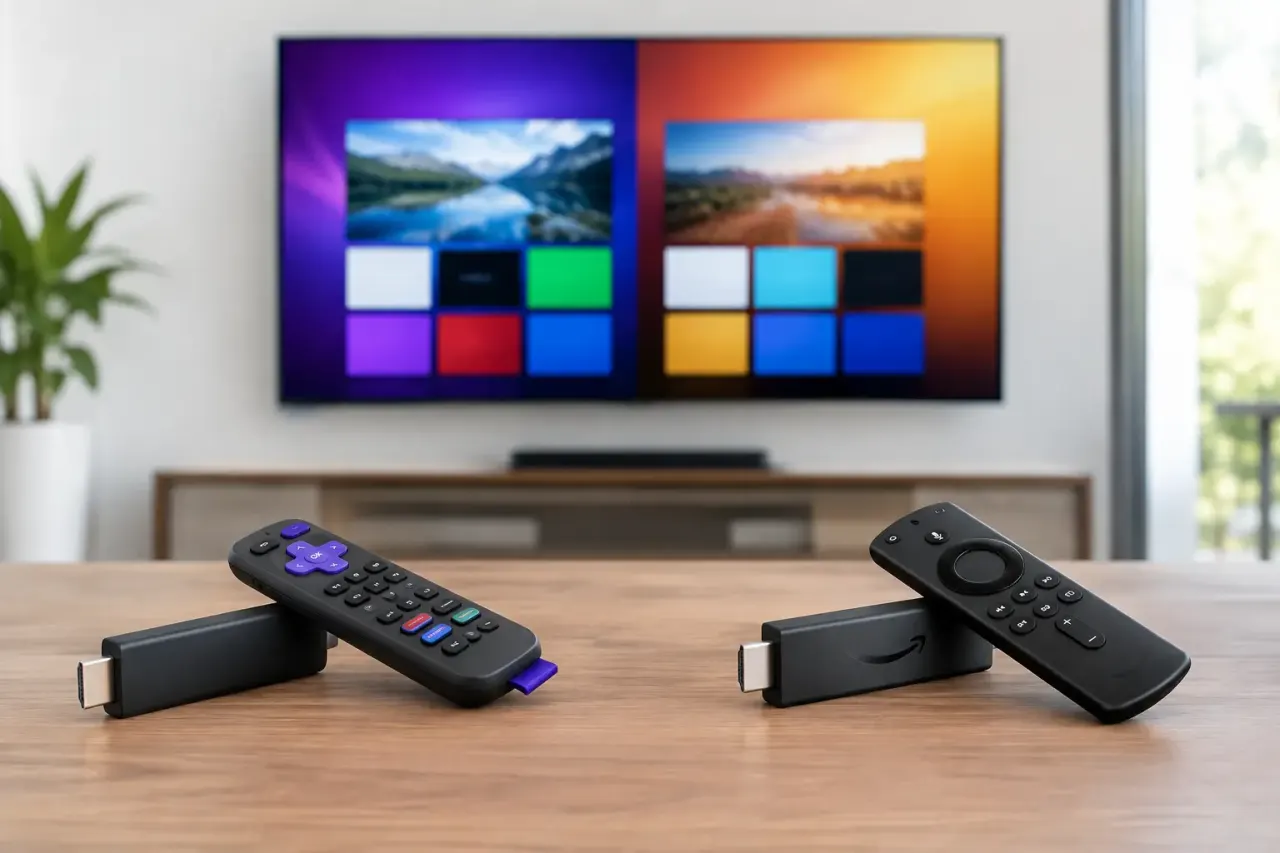
Ask which smart TV brands and operating systems are supported, whether a streaming stick is an acceptable alternative, and whether every display needs an additional device. If you are replacing aging screens anyway, buying compatible TVs may be a smart move. If you already have dozens of capable displays, paying for extra hardware can erase the cost advantage.
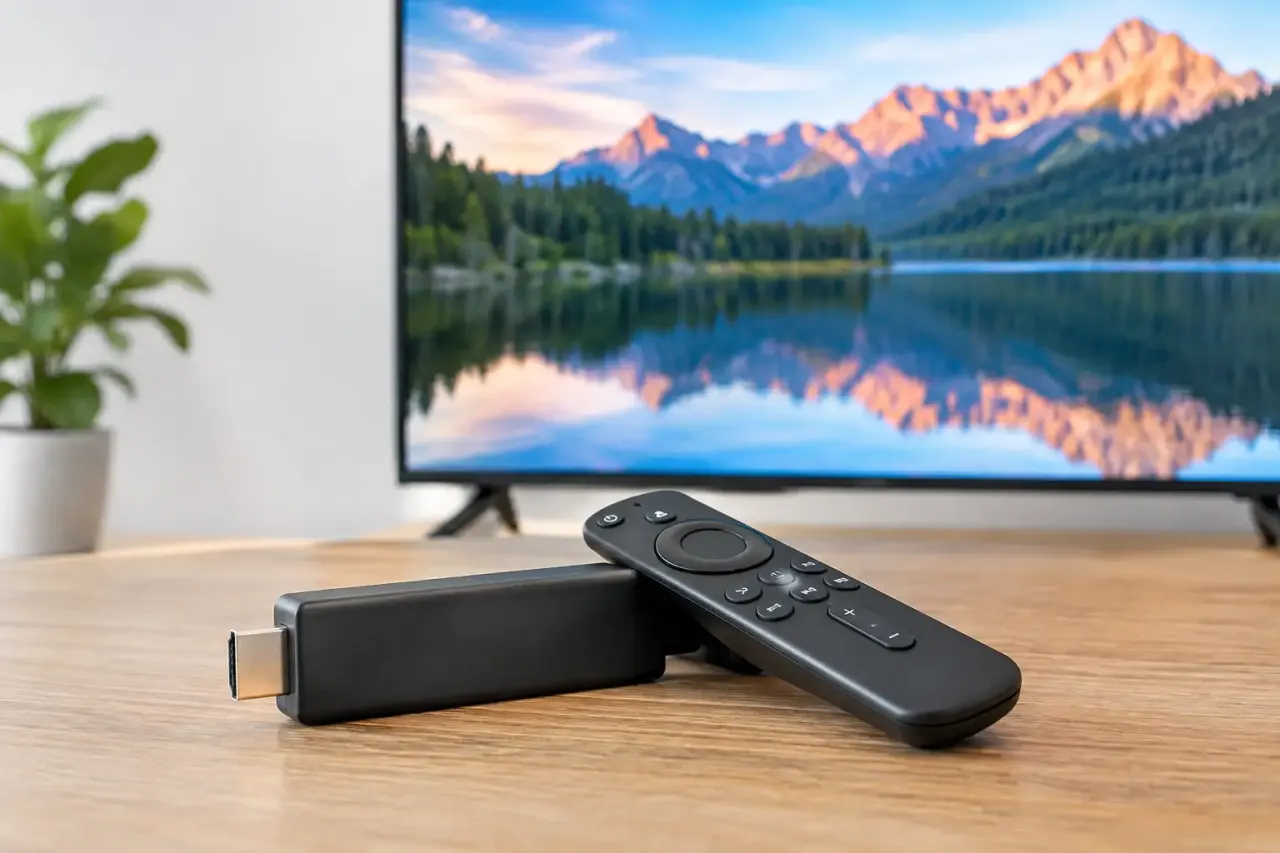
A practical platform should let you use a compatible Smart TV directly or connect an inexpensive streaming stick where needed. No hardware should mean no unnecessary hardware, not a promise that ignores the realities of mixed device fleets.
A dashboard built for daily updates
The dashboard determines whether digital signage becomes a useful operating channel or another system your team avoids. Look for a clear view of locations, screens, playlists, schedules, and screen status. A regional manager should be able to find a specific display, see what is playing, and make a targeted change without searching through a complex device hierarchy.
The content editor matters here, too. Drag-and-drop design, reusable layouts, and ready-made templates help teams produce polished screens without relying on a designer for every menu change or promotion. But flexibility should not come at the cost of control. Your team should be able to lock approved brand elements while still allowing local managers to update store-specific details.
For growing organizations, roles and permissions become more valuable over time. Headquarters may own campaigns and brand assets, while individual locations need permission to manage a local event slide or operating hours. The software should support that split without exposing every user to every screen.
Scheduling that matches how locations operate
A static playlist is fine for a lobby screen that rarely changes. Most businesses need more control. Look for daypart scheduling, start and end dates, recurring schedules, and screen-specific rules.
This is where signage begins to earn its place in operations. A gym can promote personal training during peak evening traffic and recovery services in the morning. A hotel can shift from breakfast information to conference wayfinding. A retailer can set a campaign to end automatically when the offer expires.
Check how scheduling works across time zones if you operate nationally. Also confirm whether content can be pushed live when a situation cannot wait for the next scheduled playlist. A platform that requires manual intervention at each screen is not central management, regardless of what the sales page calls it.
Offline playback and screen health
Internet connections fail. A signage platform should not turn a temporary outage into a black screen or a generic error message in front of customers. Cached, offline playback keeps scheduled content running when connectivity drops and syncs changes once the device reconnects.
Just as important, your team needs visibility. Can you tell which screens are online? Can you see when a device last checked in? Can you review what content played? These details are especially valuable across franchises and distributed locations, where a screen can be offline for days without anyone at headquarters noticing.
Uptime and play-history reporting do not need to be complicated. They need to be trustworthy and easy to act on. An alert is useful only if the person receiving it can identify the location, understand the issue, and resolve it quickly.
Where Low-Cost Tools Can Become Expensive
Price comparisons can be misleading when a platform advertises a low monthly rate but requires media players, installation labor, or a higher plan for basic scheduling. The right question is not just cost per screen. It is cost per functioning screen over a year.
Include TVs, streaming devices if required, mounts, cables, setup time, subscriptions, and the labor involved in content updates. A platform with a slightly higher software price may cost less overall if it avoids dedicated media players and reduces on-site work.
There is also a cost to limited storage, playlist caps, and user restrictions. Those limits may be reasonable for one location with two screens. They become frustrating when your marketing team wants separate campaigns for each region, or when a franchise group needs isolated access by location.
Before committing, map your next 12 months, not just your first month. How many screens will you add? Will you need more playlists? Do local teams need access? Are analytics, single sign-on, API integrations, or white-label controls likely to matter later? Buying only for today often creates a migration project sooner than expected.
The Right Setup Depends on Your Screen Environment
A smart-TV-first approach is a strong fit for most standard business displays: menu boards, waiting rooms, retail promotion screens, employee communications, and lobby displays. It is fast to deploy and keeps hardware costs low.
Dedicated players may still be appropriate for unusually demanding environments, such as advanced video walls, custom interactive installations, or locations with strict device-management requirements. The goal is not to avoid hardware at any cost. It is to avoid adding hardware where it delivers no meaningful benefit.
The same principle applies to content. Simple image and video playlists may be enough for a single storefront. Multi-location brands often need templates, campaigns, rules by location, and centralized approval. Choose software that fits the complexity you have now while giving you room to add control without rebuilding the system.
A Better Way to Test a Signage Platform
Do not evaluate a platform with a generic demo alone. Test the actions that create friction in your business. Create a promotion, assign it to a selected group of screens, schedule it for a specific time, make a live edit, and confirm the display updated. Then disconnect a test device from the internet and see what continues to play.
Give the dashboard to the person who will actually manage content, not only the IT lead. A marketing coordinator, operations manager, or store support team member will quickly reveal whether the workflow is clear. If they need training for every basic task, rollout will be slower than promised.
Also test the support model. Fast deployment is valuable only when help is available for the issues that appear after launch: a changed Wi-Fi password, a replaced television, a screen that has gone offline, or a team member who needs a new permission level.
Platforms such as VitVue are built around this practical model: centrally managed content on compatible Smart TVs or low-cost streaming sticks, with scheduling, offline playback, and visibility across screens. For teams trying to leave USB-based updates behind, that combination is usually more useful than a long feature list.
Your next signage decision should make the next update easier, not simply make the first screen look better. Choose the software that lets your team publish with confidence, confirm what is playing, and keep moving when locations get busy.
Comparing options? See why teams choose VitVue as a Yodeck alternative.