Choosing an Enterprise Digital Signage Platform
Choose an enterprise digital signage platform that keeps every screen current, cuts hardware costs, and gives multi-location teams control without IT.

On this page
A screen with last month’s promotion is more than an eyesore. In a restaurant, it can slow ordering. In a clinic, it can confuse patients. Across a franchise network, it signals that every location is working from a different playbook. The right enterprise digital signage platform fixes that problem by giving one team direct control of every display, wherever it is.
For most operators, the goal is not to build a complicated AV environment. It is to publish the right message, on the right screen, at the right time, without sending files by USB drive, calling each location, or involving IT for every menu change. That distinction should shape how you evaluate software.
What an enterprise digital signage platform must do
Enterprise does not have to mean expensive hardware racks, long installation projects, and a specialist needed to change a slide. For a multi-location business, enterprise capability means control at scale. You should be able to manage dozens or hundreds of screens while still making a quick local update in minutes.
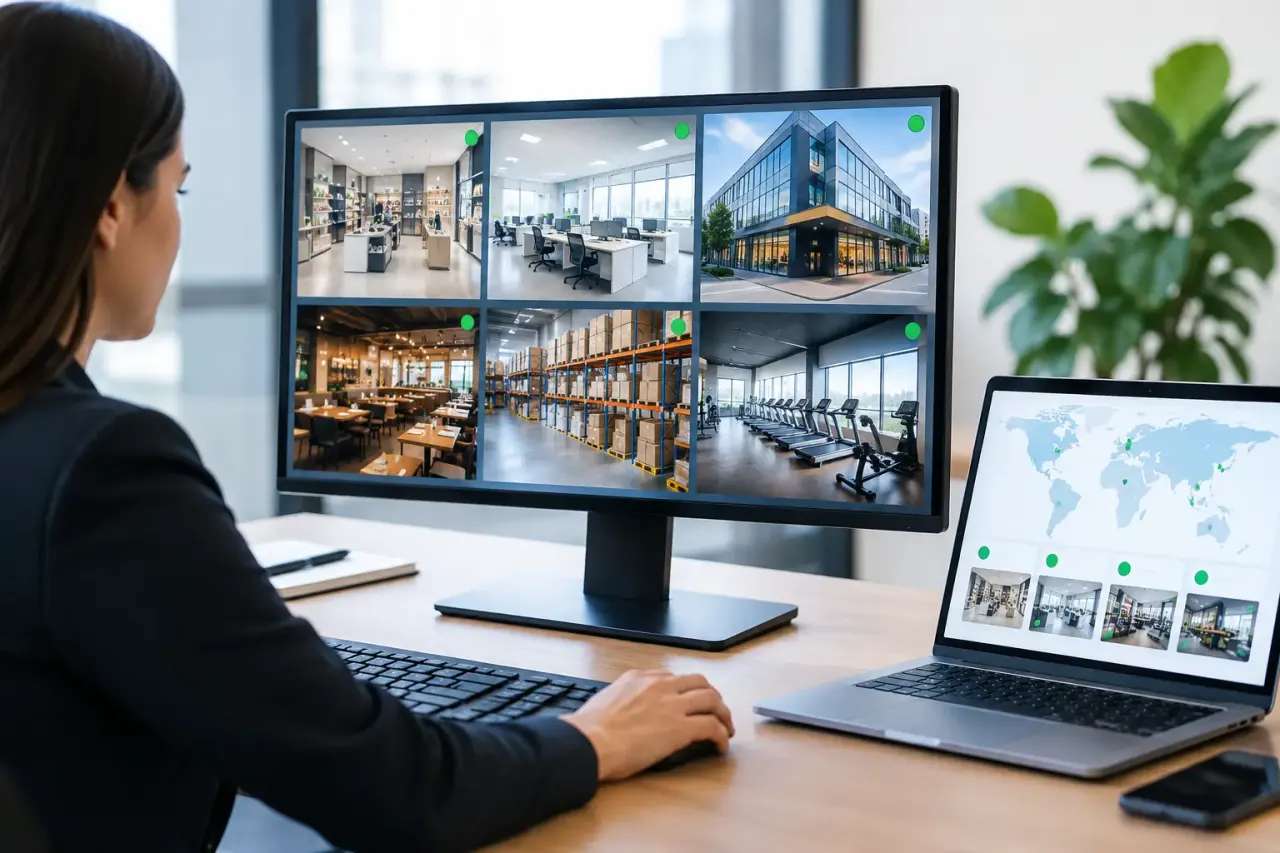
Start with centralized management. Your team needs one dashboard where it can see screens by location, group displays by purpose, assign content, and confirm which devices are online. A head office may need to push a nationwide campaign, while a store manager needs to update hours for one location. Both jobs should be simple, with the right access levels in place.
Scheduling matters just as much as publishing. A display should not require someone to remember to replace breakfast content with lunch content or switch a weekday promotion on Friday afternoon. Look for schedules that can run by date, daypart, location, and screen group. This is how a signage program becomes repeatable instead of dependent on last-minute manual work.
The platform also needs to keep playing when the connection drops. Internet interruptions happen, especially across distributed locations. Offline playback means a screen continues showing its assigned content from local storage until the connection returns. Without it, a brief network issue can leave a customer-facing display blank at the worst possible time.
Finally, visibility cannot be optional. If you are responsible for screens across multiple sites, you need proof that they are online and playing what was assigned. Uptime status and play history turn digital signage from a best-effort communication tool into an operational channel you can manage with confidence.
Stop paying for hardware you do not need
Traditional digital signage often starts with a hidden requirement: buy a media player for every screen. Then add mounting, cables, configuration, replacements, and support. The initial purchase can be manageable. The long-term overhead is where it grows.
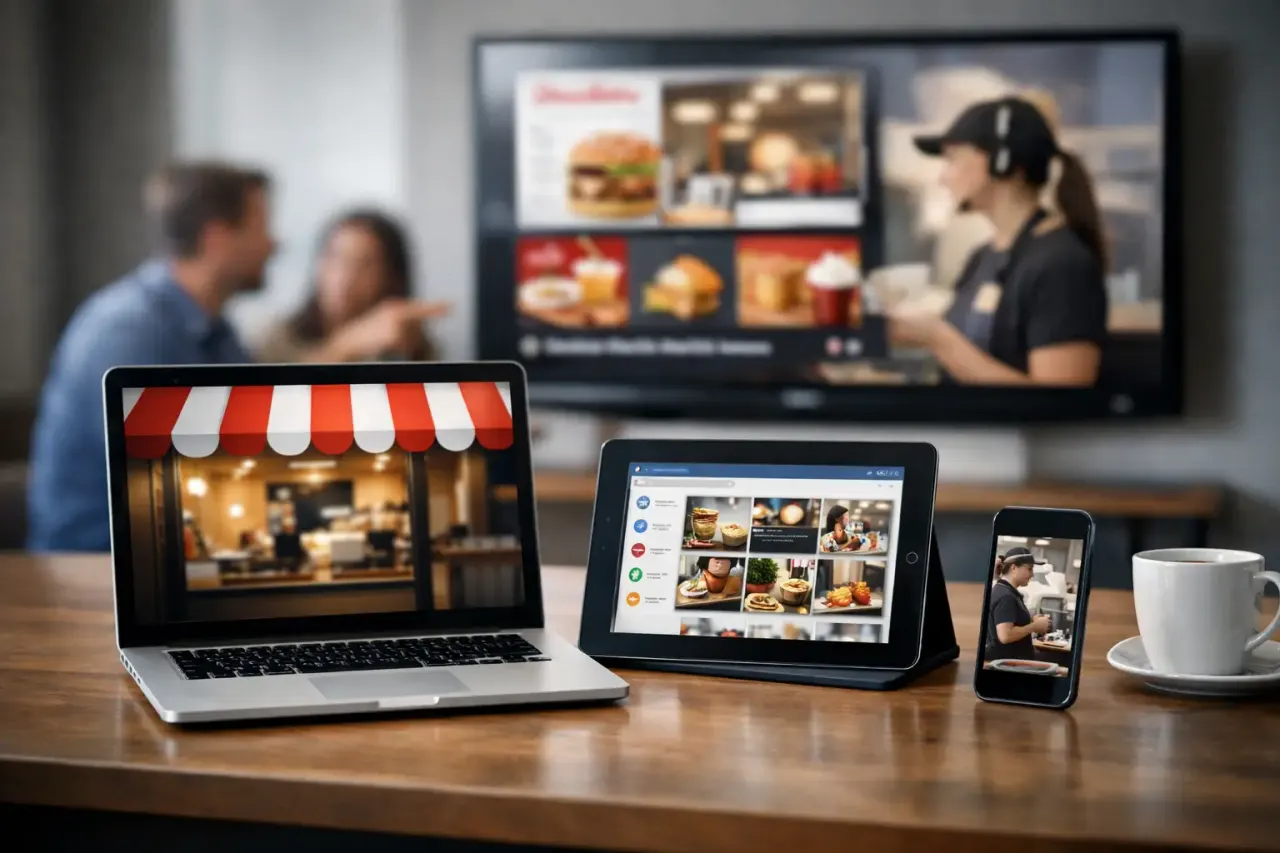
A modern platform can use Smart TVs or inexpensive streaming sticks as the display endpoint. That changes the deployment equation. A business can repurpose compatible TVs already installed in lobbies, waiting rooms, break rooms, dining areas, or retail floors. New locations can get started without designing a separate hardware stack.
This approach is not right for every installation. Video walls, unusually high-resolution displays, specialized interactive deployments, and highly restricted corporate networks may require dedicated hardware or a more tailored setup. But for the large share of business signage used for menus, promotions, announcements, wayfinding, internal communications, and informational displays, avoiding a separate media player is a practical cost advantage.
It also reduces friction when you need to expand. Adding ten screens should feel like adding ten managed endpoints, not launching a procurement project. The less equipment involved, the fewer things your team has to ship, configure, track, and replace.
Choose software that works for the people updating screens
The person responsible for signage is often not a designer or an IT administrator. It may be a marketing coordinator, regional operations manager, office administrator, restaurant owner, or front-desk lead. If the content tool is difficult to use, updates will slow down and screens will go stale.
A drag-and-drop editor and ready-made templates remove that barrier. Teams should be able to create polished messages without opening complex design software for every update. Templates are especially useful for recurring needs: weekly specials, employee recognition, event announcements, product features, safety reminders, and seasonal campaigns.
Still, ease of design should not come at the cost of brand control. The better platforms let central teams create approved layouts that local users can personalize within limits. A location may be able to change its phone number, local offer, or event time, while fonts, colors, logo placement, and key messaging stay consistent.
Multi-screen playlist management is another practical requirement. Not every screen should show the same thing. A retail entrance can promote a campaign, a checkout display can highlight loyalty enrollment, and a staff-room screen can carry internal updates. You need the ability to build playlists once, assign them to the right screens, and make a change without rebuilding the entire program.
Evaluate control, permissions, and scale before you need them
Many signage tools work well for five screens. The real test comes when locations, departments, and users multiply. Before choosing a platform, map out who will manage content and what they should be allowed to change.
Corporate marketing may need access to all locations. Regional leaders may need access to their territory. Individual site managers may only need a single screen group. Role-based permissions keep the process organized and reduce the risk of an accidental network-wide change.
For larger organizations, enterprise functions such as single sign-on, API integrations, white-labeling, and dedicated account support may matter. They are not necessary for every business on day one. But if your company has formal identity management, needs signage data to connect with another system, or supports a growing franchise network, these capabilities prevent a future platform change.
The key is to buy for your realistic next stage, not an imaginary one. A two-location business does not need to recreate the technology stack of a national retailer. But it should choose software that will not force a costly migration after opening location number ten.
Ask the questions that expose operational gaps
Product demos can make nearly any signage platform look polished. Use the evaluation process to test daily work instead. Ask how long it takes to set up a new screen, publish an urgent message, apply a campaign to selected locations, and verify that it played.
You should also ask what happens when a TV restarts, the network goes down, or a location changes its opening hours unexpectedly. The answers reveal whether the platform is built for real operations or just for creating attractive slides.
A useful buying checklist includes these five questions:
Can we use the Smart TVs or streaming devices we already own?
Can one team manage content across every location from one dashboard?
Can local teams make approved updates without affecting other sites?
Will assigned content continue playing during an internet outage?
Can we see screen status and play history without contacting each location?
If the answer to any of these is unclear, the implementation will likely create more work than expected.
Build a rollout that does not disrupt locations
A strong platform still needs a sensible rollout plan. Start with a small group of screens that represent common use cases, such as a lobby display, a menu board, a promotion screen, and an employee communication screen. This lets you test content formats, scheduling rules, user permissions, and network behavior before expanding.
Standardize the basics early. Create a naming convention for locations and screens. Build a small template library. Decide who owns brand-wide campaigns and who owns local updates. Set a regular review cadence for content that has an end date. These simple operating rules prevent the dashboard from becoming cluttered as more screens come online.
Then scale in waves. Train location contacts on the few tasks they actually need to perform, rather than giving everyone full administrative access. Centralize the work that benefits from consistency, such as branded campaigns and compliance messaging. Keep local control where speed and relevance matter, such as store events, temporary closures, and neighborhood promotions.
VitVue is designed around this lower-friction model: turn compatible TVs into centrally managed displays, publish live updates from one dashboard, and avoid the dedicated media-player burden that slows many signage deployments.
Make every screen accountable
Digital signage earns its place when it does more than fill empty wall space. A menu screen should support faster decisions. A retail display should move attention toward the right offer. A corporate screen should make internal communication easier to notice and act on.
That is why analytics deserve a place in your selection process. Play history helps confirm whether scheduled content was delivered. Uptime reporting helps operations teams spot a screen that needs attention. These signals do not replace sales data, staff feedback, or customer observation, but they give your team a factual starting point.
Choose a platform that makes screen management feel ordinary. The best result is not a complicated control room. It is a dependable system your team can update quickly, monitor clearly, and scale without adding hardware headaches. When a message needs to change, your screens should be ready before the moment passes.
Read our guide to cloud based digital signage software.