Centralized Signage vs Local Management
Centralized signage vs local management: compare speed, control, costs, and flexibility to choose the right digital signage model for every location.
On this page
A lunch promotion changes at 10:30 a.m., but one location still shows the breakfast special at noon. A regional manager spots an outdated price on a lobby screen. A franchise owner asks why every store is running a different version of the same campaign. These are the everyday consequences behind the centralized signage vs local management decision.
The right approach affects more than who can edit a screen. It determines how quickly campaigns launch, how consistent your customer experience feels, how much staff time gets spent on updates, and whether anyone can verify what is actually playing. For multi-location businesses, the answer is rarely about choosing total control or total freedom. It is about giving the right people control over the right content.
Centralized Signage vs Local Management: The Core Difference
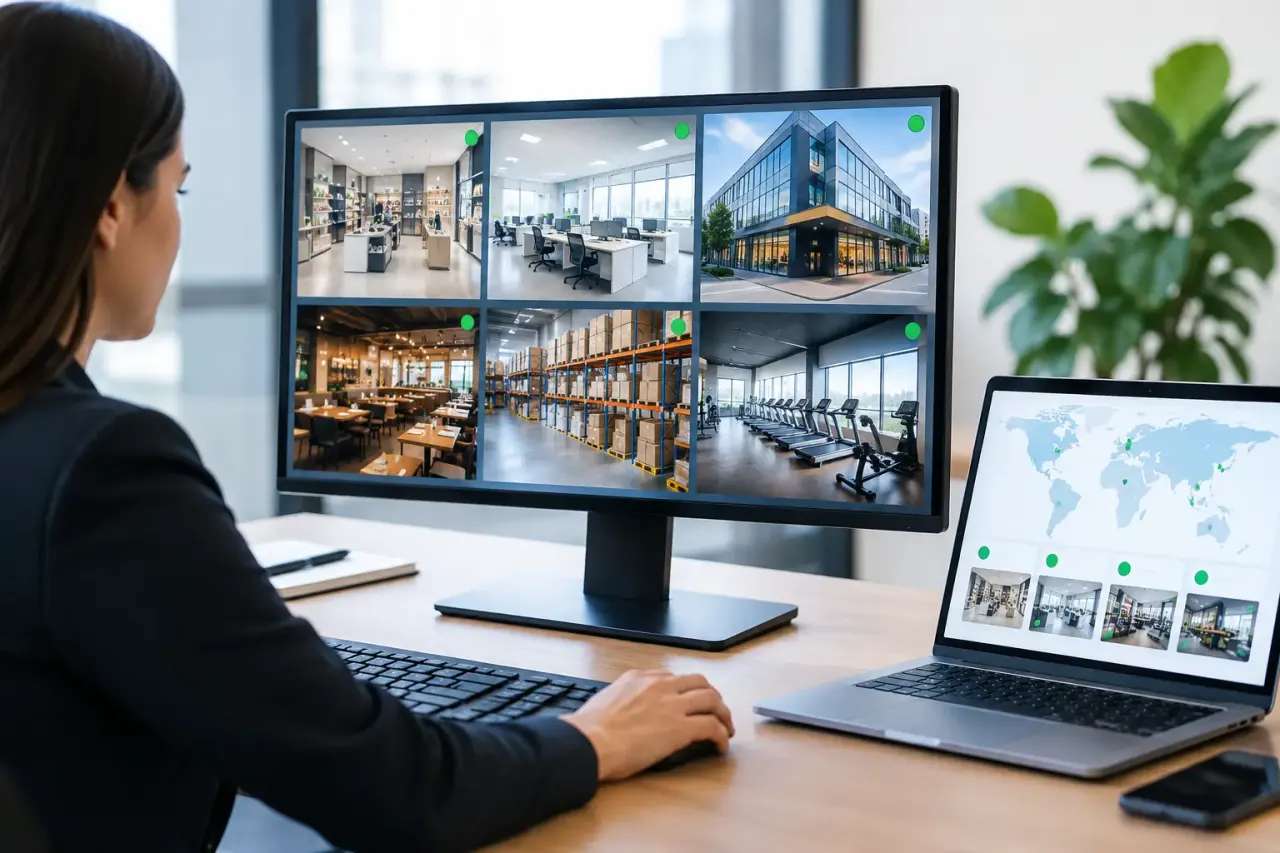
Centralized digital signage management means a corporate, regional, or marketing team controls content from one platform. They can create campaigns, assign playlists, schedule changes, push emergency notices, and monitor screen status across all locations. A restaurant group can update every menu promotion from one dashboard. A clinic network can publish a seasonal health message across waiting rooms before the first appointment of the day.
Local management puts content control in the hands of each location. A store manager, front-desk lead, or franchise operator decides what appears on their screens and when. This can work well when locations have distinct offerings, audiences, events, or operating hours.
The practical difference is not simply where content is created. It is whether your signage operates as a coordinated communications channel or as a collection of individual screens. Both models can be useful. The operational cost of each is very different.
Why Centralized Management Wins for Consistency and Speed
For brands with multiple locations, centralized management removes the slowest part of signage: asking each site to make the same update correctly. Instead of emailing a file, explaining where to place it on a USB drive, and hoping it appears on screen, one approved change can reach every assigned display at once.
That matters when content is time-sensitive. Consider limited-time offers, holiday hours, weather alerts, event announcements, recalls, compliance notices, or a sudden price adjustment. A central team can schedule content in advance or publish it immediately. There is no need to wait for a manager who is serving customers, training staff, or off duty.
Central control also protects brand standards. Marketing teams can keep logos, colors, messaging, promotions, and legal language consistent. Franchise groups can provide approved campaigns without making franchisees rebuild assets from scratch. Corporate offices can maintain the same employee communications across break rooms, lobbies, and training areas.
The other advantage is visibility. If a screen is offline or a playlist has not played as expected, central teams need to know. Without monitoring, signage problems often surface only when a customer or local employee reports them. A platform with uptime and play-history visibility turns screen management from guesswork into an operational process.
Centralized management does not have to mean slow approvals or generic content. The best systems let teams organize screens by location, region, department, or use case. That gives corporate users broad control without forcing every screen to run the same message.
Where Local Management Makes Sense
Local control has a legitimate role when the person closest to the location has information that headquarters does not. A gym may need to promote a same-day class change. A hotel may need to welcome a conference group. A school may need to post a schedule change. A retail store may be hosting a local event or carrying inventory that differs from nearby stores.
In these situations, giving local staff the ability to update a portion of the playlist can make signage more relevant. The issue is not local input. The issue is unmanaged local input.
When every location works independently, quality can drift quickly. One site may use an old logo, another may miss a campaign deadline, and another may leave a screen on the same message for weeks. Local teams may also lack design resources, time, or confidence with content tools. The result is often a screen that was intended to improve communication but becomes another task no one owns.
Local management is most effective when it is constrained by clear rules. Give locations editable zones, approved templates, or designated playlist slots rather than full access to every screen and every asset. A local manager can promote tonight's event while the top portion of the display continues to run the current brand campaign.
The Best Model Is Usually Central Control With Local Flexibility
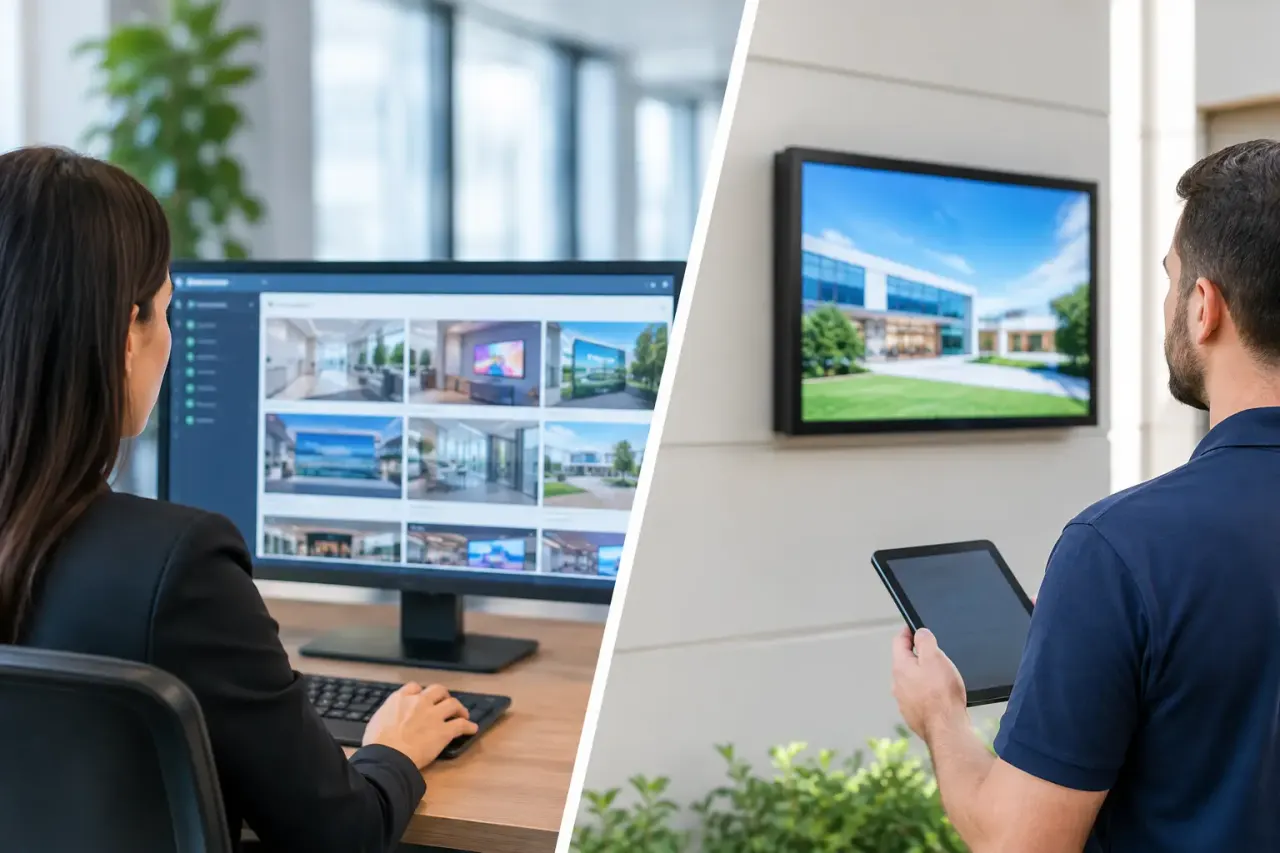
For most multi-location organizations, a hybrid model delivers the strongest result. Central teams own the content that must stay consistent. Local teams can contribute content that is specific to their customers, community, or day-to-day operations.
A restaurant brand, for example, might centrally schedule national promotions, product launches, loyalty messaging, and brand videos. Individual locations can add local hiring notices, catering offers, community sponsorships, or temporary service updates. A corporate office might centrally manage safety notices and company news while office managers add local meeting-room information.
This model works because it separates content by purpose. Brand-critical messages have one owner. Location-specific messages have another. Screen layouts and permissions make those boundaries visible instead of relying on email instructions.
A practical hybrid setup often includes these four controls:
Corporate playlists for campaigns, required messaging, and approved creative.
Location playlists for local offers, events, and operational notices.
Templates that allow local edits without changing brand layout or design rules.
Permissions that limit who can publish, edit, or override scheduled content.
With those controls in place, local teams can move quickly without creating a new version of the brand at every address.
Compare the Operational Costs, Not Just the Software Price
The cheapest-looking signage process is often the most expensive to run. USB-based updates may not have a monthly software cost, but they consume labor at every location. Someone has to prepare files, distribute them, load them onto a drive, visit the screen, confirm the update, and repeat the process when content changes. That process does not scale well past a handful of displays.
Local-only cloud tools can reduce the physical work but still create content and oversight problems. If every site designs and schedules independently, corporate teams spend time fixing errors, answering support questions, and chasing proof that required messaging is live.
Centralized software reduces those recurring costs by standardizing the workflow. The central team creates once, schedules once, and deploys to the relevant screens. Locations stay focused on customers rather than file transfers and display troubleshooting.
Hardware is another cost to examine. Traditional signage systems often require dedicated media players, cabling, installation support, and ongoing device maintenance. Platforms such as VitVue can use existing Smart TVs or affordable streaming-stick-connected displays, reducing the barrier to adding centrally managed screens where they are needed.
That does not mean every screen should be centrally controlled from day one. A single independent location with frequently changing local content may need little more than a simple, flexible setup. But once campaigns, locations, or compliance needs multiply, the cost of inconsistent management rises quickly.
Questions to Ask Before You Choose
Start with the work your screens need to do. If they mainly promote company-wide offers, explain services, support employee communications, or display regulated information, central management should lead. If they mainly reflect daily local activity, local editing should have a meaningful role.
Then consider the people responsible for updates. Do site managers have time to create content and keep schedules current? Are they trained to use the tools? Can your marketing team support dozens of individual requests without becoming a bottleneck? Clear answers reveal whether local control is truly useful or simply shifting work downstream.
Finally, look at the risk of getting it wrong. Outdated pricing, expired promotions, incorrect operating hours, and unapproved messaging can cost more than a missed design opportunity. The greater the brand, revenue, or compliance risk, the stronger the case for centralized oversight.
Build for the Update You Have Not Planned Yet
The best signage strategy is not the one that handles a normal Tuesday. It is the one that lets your team respond when a promotion changes, a location closes early, a screen goes offline, or leadership needs a message live now.
Give central teams the ability to protect the brand and manage campaigns at scale. Give local teams enough flexibility to keep communications useful where customers actually see them. When those roles are defined before the first screen goes live, digital signage becomes a controlled, responsive channel instead of a network of displays waiting for someone to update them.