What Is a Signage CMS? Control Every Screen
What is a signage CMS? Learn how it centralizes content, scheduling, screen monitoring, and updates without costly hardware or IT complexity at scale.
Op deze pagina
A lobby screen still showing last month's promotion, a restaurant menu changed on a USB drive, and one location running different messaging than the rest all point to the same problem: content is not under central control. What is a signage CMS? It is the software that gives your team one place to create, schedule, publish, and verify content across digital displays.
For a business with one screen, that may mean replacing manual updates. For a franchise, retail group, or multi-site operation, it means maintaining consistency without calling every location or involving IT for routine changes.
What Is a Signage CMS?
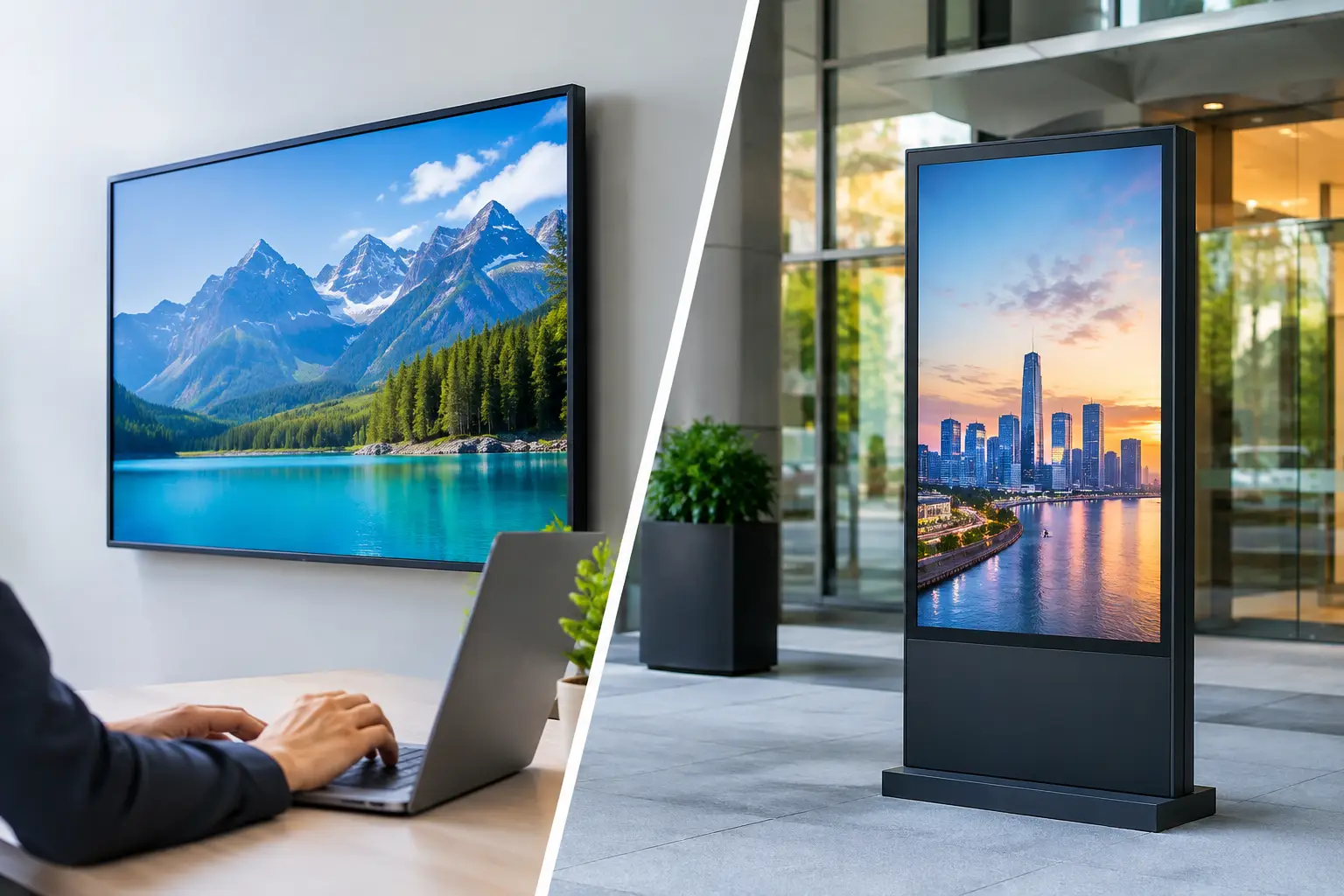
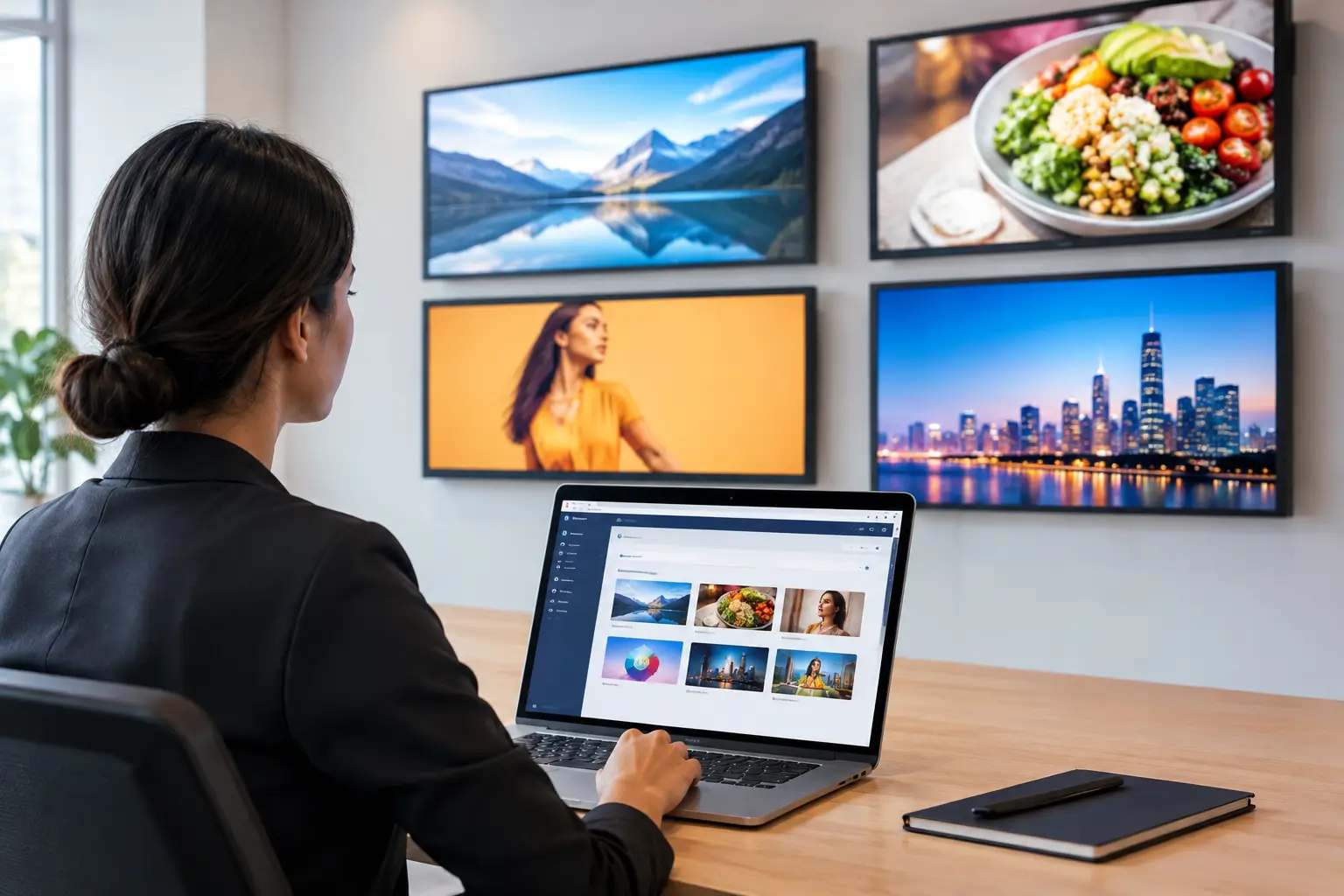
A signage CMS, short for content management system, is the control center for digital signage. It connects your displays to a cloud-based dashboard so authorized users can manage what appears on each screen remotely from a computer or mobile browser.
Instead of designing a graphic, saving it to a flash drive, traveling to the display, and hoping the update plays correctly, your team uploads or creates content in the CMS and sends it to the right screens. Changes can go live in minutes.
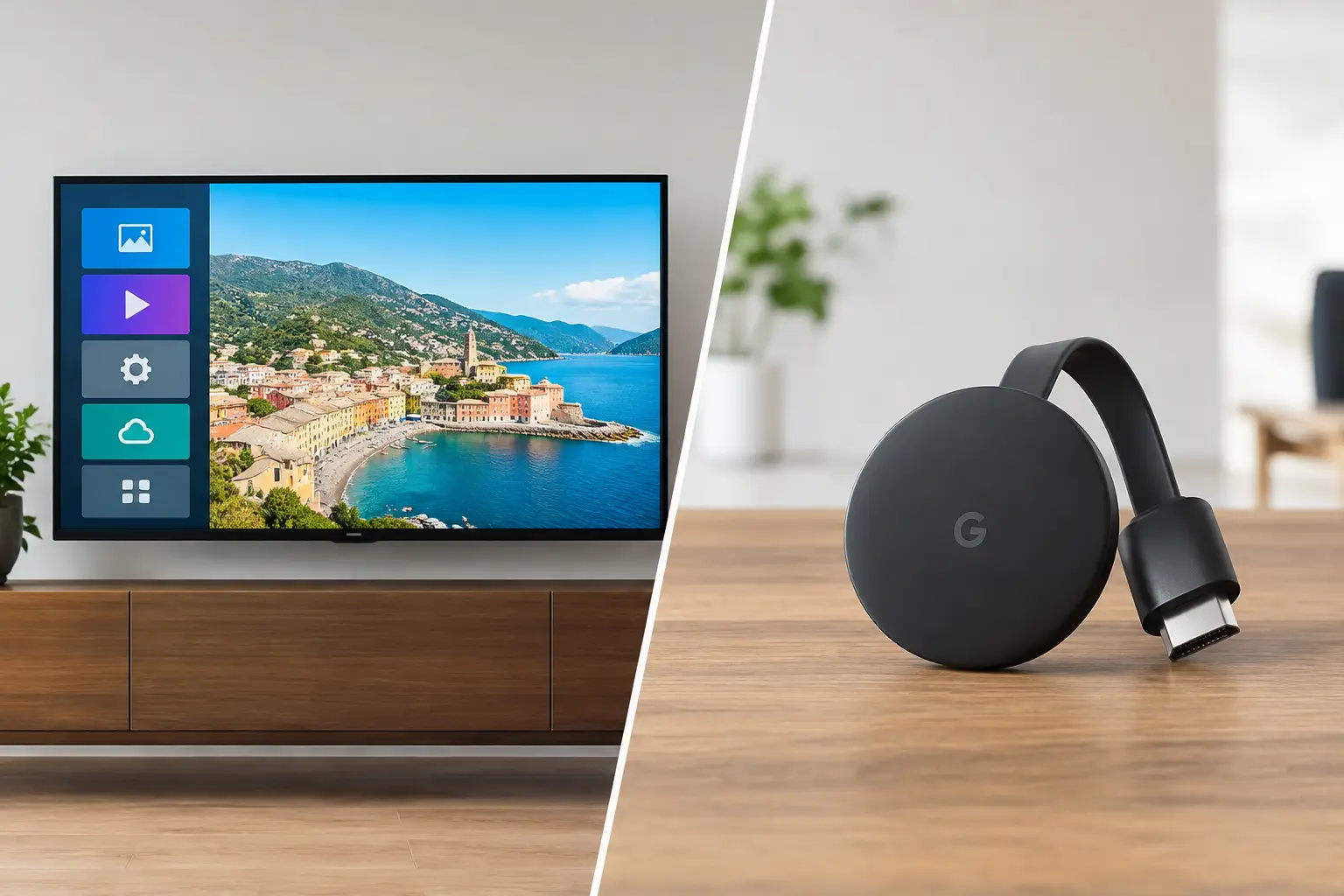
The CMS is not the screen itself. It is the software layer that organizes content and tells each screen what to play, when to play it, and how to respond when a connection drops. Depending on the platform and your TV setup, it may run directly on a Smart TV digital signage app or through an inexpensive streaming stick. That can remove the need for a dedicated media player at every display (see digital signage without a media player).
What a Signage CMS Actually Does
A useful signage CMS handles more than uploading images. It turns scattered screens into a managed communication channel.
At the content level, teams use it to build slides, videos, menus, announcements, promotions, dashboards, and playlists. A drag-and-drop editor and ready-made templates help non-designers publish polished content without waiting on an agency or internal creative team.
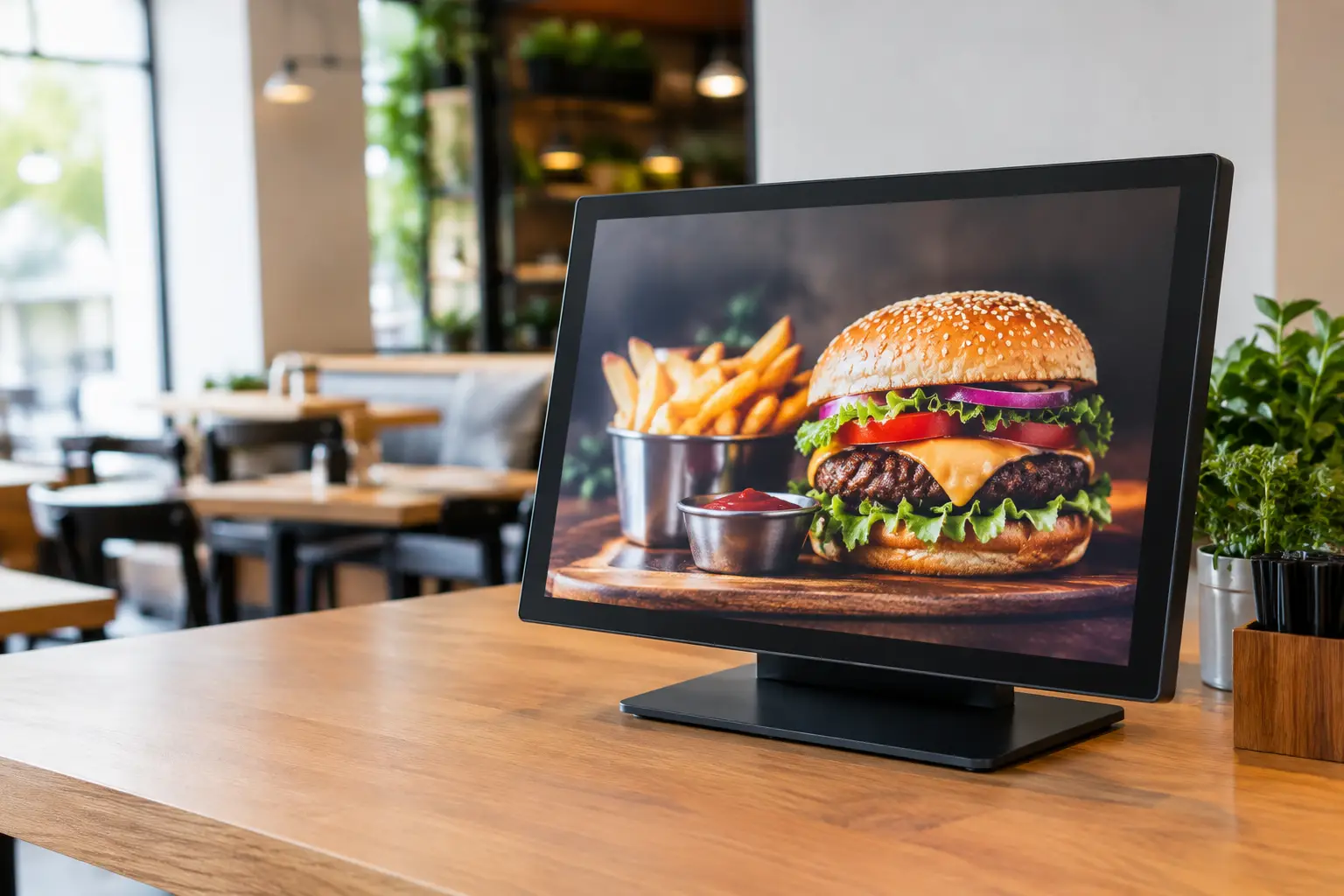
At the scheduling level, the CMS decides when content appears. A restaurant can show breakfast offers in the morning, lunch specials at midday, and catering promotions later in the day. A gym can promote classes by time of day. A clinic can display check-in instructions during office hours and after-hours guidance once the front desk closes.
At the operations level, the CMS assigns playlists to individual screens, groups, departments, or locations. A regional manager can push a campaign to every store, while each location keeps room for local pricing, events, or staffing notices. This is where a CMS becomes especially valuable as screen count grows.
Finally, a capable platform provides visibility. Teams should be able to see whether displays are online, what content was scheduled, and whether a device has checked in recently. Without that information, digital signage becomes a black box. You may have published the right message, but you cannot confidently say the customer ever saw it.
Why USB-Based Signage Breaks Down
USB updates work until they do not. They can be acceptable for a single screen with static content that changes once every few months. But they create a slow, error-prone process the moment updates become frequent or locations multiply.
Someone has to prepare the files, move them onto a drive, get access to the TV, select the correct input, replace the old files, and confirm playback. If an offer changes unexpectedly, the process starts again. If ten locations need an update, the inconsistency risk rises quickly.
A signage CMS replaces that manual chain with a central workflow. Your team can update one message across all screens or target a specific location without shipping files, relying on staff availability, or treating every TV as a separate project.
There is a trade-off. Cloud-managed signage depends on a reliable network for live publishing and status reporting. The right system addresses that with offline playback: previously downloaded content continues playing if the internet connection goes down, then the screen reconnects when service returns. That matters for customer-facing screens where a blank display is not an option.
The Features That Matter Most
Not every CMS is equally practical for an operating business. The best choice depends on your screen count, content needs, and how often messages change, but several capabilities have a direct impact on daily work.
Centralized screen management
You should be able to organize screens by location, zone, or purpose. For example, a retail chain may separate storefront displays, checkout screens, staff-room screens, and window-facing displays. Clear organization prevents a promotion meant for customers from appearing in the break room, or vice versa.
Scheduling that matches your business hours
Basic playlists are useful, but smart scheduling is what makes signage timely. Look for dayparting, date ranges, recurring schedules, and the ability to override normal content for an urgent announcement. The goal is to set rules once instead of manually changing screens throughout the week.
Easy content creation
A CMS should reduce the work required to publish. Templates, brand controls, media libraries, and drag-and-drop editing allow marketing teams and location managers to move faster while keeping screens on-brand. If every small edit requires a designer or technical specialist, adoption will stall.
Proof that screens are working
Uptime and play-history reporting are operational features, not extras. If your business promotes limited-time offers, shows required notices, or uses displays for internal communications, you need visibility into whether screens are connected and what they have played. This helps teams catch issues before customers or employees do.
Hardware flexibility
Traditional digital signage often requires a dedicated media player behind each screen. That can add purchase costs, cables, replacement work, and installation time. A CMS that works with existing Smart TVs or low-cost streaming sticks can reduce the hardware footprint significantly.
That said, compatibility matters. Before choosing a platform, confirm that it supports the TV operating systems and streaming devices you already use or plan to buy. The cheapest display is not always the lowest-cost option if it cannot run the signage app reliably.
How a Signage CMS Works Day to Day
The workflow should be simple enough for a busy operations team. First, connect each display to the CMS by installing the supported app or pairing a streaming device. Then name and group the screens so they are easy to find in the dashboard.
Next, create or upload your content. You might build a promotion from a template, add a video, pull in a menu graphic, or combine several assets into a playlist. Assign that playlist to one screen, a group of screens, or every location.
Then set the schedule. You can run a campaign for a fixed date range, rotate messages at different times, or reserve a screen for a specific use. When the schedule is active, the CMS pushes instructions to the display. The screen downloads the required content and plays it according to the rules you set.
The final step is monitoring. A good dashboard makes it easy to identify offline screens, review playback history, and respond quickly when a location needs attention. That is the difference between simply sending content and actually managing a display network.
When Your Business Needs One
You likely need a signage CMS when content updates are frequent, multiple people touch the process, or screens exist in more than one location. It is also a strong fit when consistency matters: franchise promotions, retail pricing, hotel guest messaging, workplace communications, campus announcements, and restaurant menu campaigns all benefit from central control.
A single-site business can benefit too. If staff members are currently using flash drives, personal logins, or a confusing mix of TV apps, a CMS creates a repeatable process. It lets the person responsible for marketing or operations make changes without becoming the on-site technician.
For larger teams, permissions become more important. Corporate users may need authority to control brand-wide campaigns, while local managers need access only to their own screens. Enterprise teams may also require SSO, API integrations, white-labeling, or dedicated support. These needs do not make a CMS inherently complicated, but they should influence the plan and platform you choose.
Choosing a CMS Without Adding More Complexity
Start with the screens you already own and the content you need to publish. Ask whether the platform supports your devices, whether setup can happen without a technician, and whether non-technical users can create and schedule content confidently.
Then look beyond the demo. Can you push an urgent update to every location immediately? Can each location run local content without disrupting national campaigns? Will screens keep playing during an internet outage? Can you see which displays are online? These are the questions that determine whether the system will save time after launch.
VitVue's digital signage software is built around that practical model: turn compatible Smart TVs or streaming-stick-connected TVs into centrally managed displays, without adding traditional media players or an IT-heavy installation process.
The practical test is simple: if a promotion changes at 10 a.m., your team should be able to update every relevant screen before lunch. A signage CMS makes that level of control routine, not a scramble.