Cloud Signage vs USB Updates: What Wins?
Cloud signage vs USB updates: compare speed, control, cost, and reliability to choose the right digital signage workflow for every screen you manage well.
On this page
A lunch special changes at 10:45 a.m. Your restaurant has six locations, and one screen is still showing breakfast at noon. That is the practical difference behind cloud signage vs USB updates. One workflow depends on someone being physically present with the right file and the right drive. The other lets an authorized team member correct every display from one dashboard.
USB signage can work for a single screen with rarely changing content. But as promotions, hours, menus, events, and locations multiply, the hidden labor behind manual updates becomes hard to ignore. The better option is not about chasing new technology. It is about choosing a system that keeps screens accurate without adding more work to the day.
Cloud Signage vs USB Updates: The Core Difference
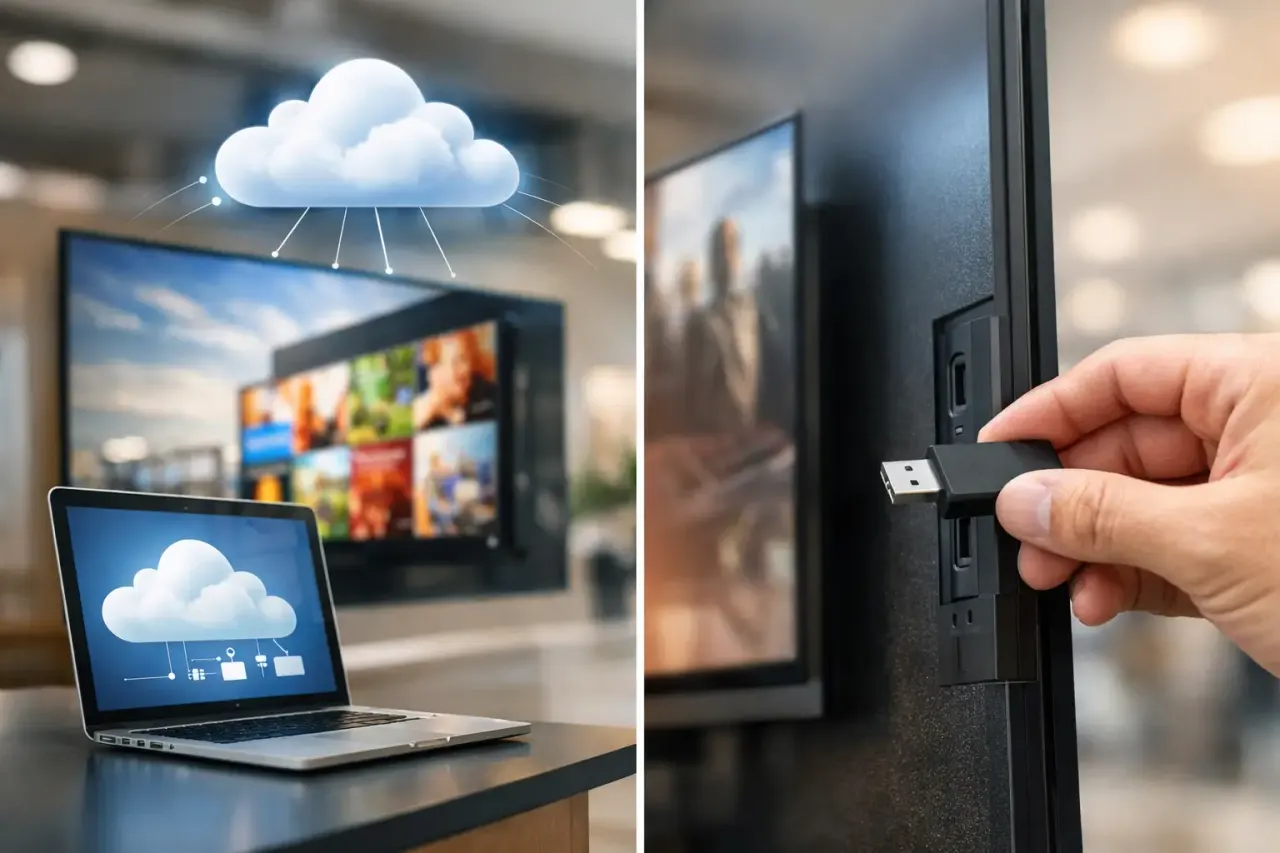
USB updates are a manual content workflow. A staff member designs a file, saves it in the required format, loads it onto a USB drive, walks it to each screen, plugs it in, and confirms the display is showing the correct item. If something is wrong, the process starts again.
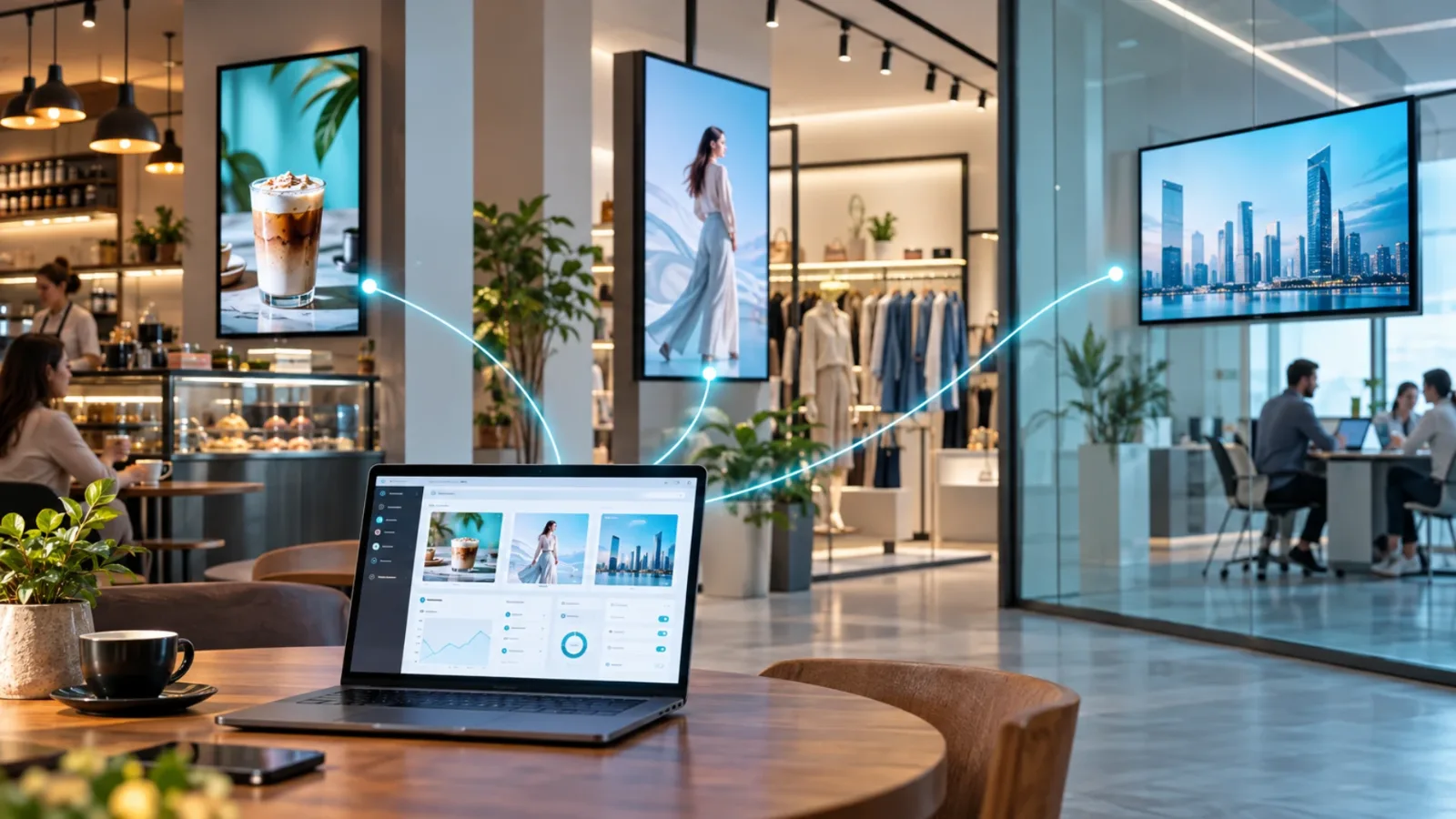
Cloud signage moves that work into a central platform. Content is created or uploaded in a browser, assigned to one screen or a group of screens, scheduled, and pushed over the internet. A manager can update a promotion for every store, change a clinic's holiday hours, or remove an expired offer without driving anywhere.
The distinction matters most when content is time-sensitive. A stale lobby message is inconvenient. A stale price, closed-school notice, safety instruction, or limited-time menu item can create customer frustration and unnecessary work for staff.
USB updates put the last mile on your team
The file itself is usually not the problem. The last mile is. Someone has to have access to the location, know which version is current, understand the screen's input and playback process, and make time during a busy shift.
That creates predictable failure points. A USB drive goes missing. The wrong file gets loaded. One location is skipped. A screen is left on the wrong input. A manager assumes an update happened because it was requested, but nobody can verify it.
For one independently operated screen, these risks may be acceptable. For a retail chain, franchise group, gym operator, hotel team, or office with multiple displays, they become an operating cost.
Cloud signage centralizes the work
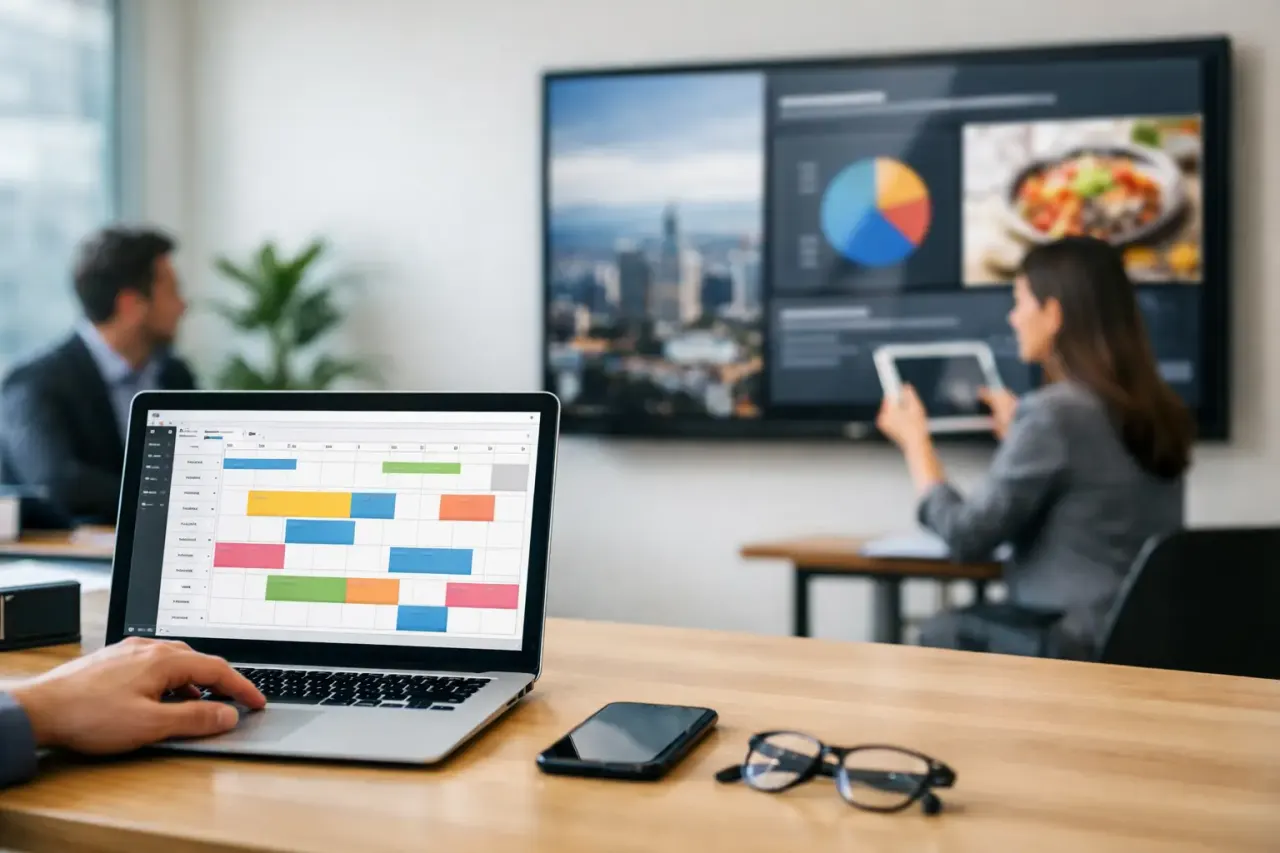
With cloud signage, approved users work from the same source of truth. They can publish a new message to every screen, target only selected locations, or build schedules that automatically change content by daypart, date, or event.
This is especially useful for teams that run recurring campaigns. A restaurant can schedule breakfast, lunch, and dinner content. A gym can rotate class schedules and membership offers. A school can publish event notices by building. A corporate office can keep reception screens current without asking facilities to swap files.
The advantage is not simply faster publishing. It is repeatable control. Once a schedule is set, the screen changes when it should, even when the team is focused elsewhere.
Where USB Still Makes Sense
USB is not automatically the wrong choice. It can be a reasonable fit when a business has one display, changes content only a few times a year, and has a reliable person on site to handle updates. It can also be useful in a location with no internet connection and no practical plan to add one.
The trade-off is that USB is inexpensive at the start because it shifts the expense into staff time. There may be no subscription, but there is still travel, coordination, file management, and the cost of missed or delayed updates.
It also limits what the business can know. Unless someone looks at the screen, there is no reliable way to confirm it is powered on, connected to the right input, or playing the latest playlist. That lack of visibility is often the real reason teams move away from manual signage.
The Cost Question Is Bigger Than the USB Drive
A USB drive is cheap. The workflow around it often is not.
Consider a simple monthly promotion across 12 locations. If an update requires 20 minutes of staff time at each site, that is four hours before accounting for travel, missed handoffs, or corrections. Add frequent menu changes, local events, compliance notices, and seasonal campaigns, and the manual process consumes time every week.
Cloud signage replaces many of those site-level tasks with a centralized publishing step. It also reduces dependence on specialized hardware. Platforms such as VitVue can turn existing Smart TVs or TVs connected to low-cost streaming sticks into managed displays, avoiding the media-player purchase and installation work common with older signage setups.
The right comparison is not subscription price versus the price of a USB drive. It is centralized management versus recurring manual labor, delayed campaigns, and inconsistent customer messaging.
Reliability Depends on More Than an Internet Connection
Some teams hesitate because cloud signage requires connectivity. That is a valid consideration, particularly in locations with unstable Wi-Fi. But a well-designed cloud platform does not need to stream every piece of content continuously.
Offline playback matters. Content can download to the display while the connection is available, then continue playing from local storage if the internet briefly drops. When connectivity returns, the screen checks in and receives its next update.
USB also has reliability limits. It avoids internet dependency, but it relies on human consistency and physical media. It cannot automatically recover from an outdated file, an unplugged drive, or a display that has been turned off after hours.
For most connected businesses, cloud signage offers a more practical form of reliability: current content, scheduled playback, and visibility into whether screens are online. For sites with consistently poor connectivity, test the network first and make offline playback a non-negotiable requirement.
What Central Control Changes for Multi-Location Teams
Multi-location operators do not need every screen to show the same thing. They need the ability to decide where each message appears.
A national offer may belong on every display. A local store event belongs only at one location. A franchise operator may need brand-approved creative while local managers retain room for neighborhood promotions. Cloud signage supports that structure through screen groups, role-based access, shared templates, and separate playlists.
That balance is difficult with USB workflows. Central teams can distribute files, but they cannot easily enforce timing or confirm execution. Local teams have flexibility, but brand consistency depends on everyone following the process exactly.
Cloud tools make governance more practical. Headquarters can protect core layouts and campaigns. Local teams can update the fields they own, such as a store phone number, local offer, or event date. The result is faster local execution without turning every screen into a separate project.
A Practical Decision Test
Your operation is likely ready for cloud signage if any of these situations sound familiar:
You manage more than one screen or more than one location.
Content changes weekly, daily, or by time of day.
Staff members spend time walking USB drives to displays.
You cannot confidently confirm what is playing at every location.
Promotions or customer information lose value when they are delayed.
If none of these apply, USB may still be sufficient for now. That is not a failure to modernize. It is a fit decision. Just recognize that the threshold can change quickly when a second location opens, a menu becomes more dynamic, or a marketing team needs campaigns to launch on a specific date.
How to Move Off USB Without Creating a New IT Project
Start with one location or a small group of screens. Confirm that the TVs or streaming devices can support the signage app, connect them to the network, and build a few reusable content layouts. A menu board, promotion screen, and general information screen are enough to prove the workflow.
Next, establish who can publish, who can approve, and which content should be scheduled in advance. This step prevents cloud signage from becoming a faster way to publish inconsistent messages. Clear ownership keeps the dashboard useful.
Then measure the operational result. Track the time required to make an update, how often screens need attention, and whether campaigns launch on schedule. The value becomes clear when a change that once required a chain of texts and site visits takes a few minutes from a central dashboard.
The best signage workflow should let your team respond while the message still matters. If your screens are part of customer communication, treating them like centrally managed channels rather than USB-powered bulletin boards is a practical place to start.