How to Automate Daypart Messaging on Screens
Learn how to automate daypart messaging across every screen with scheduled playlists, targeted content, and centralized control for teams at every location.
On this page
A breakfast promotion still running at 3 p.m. is more than a minor screen error. It signals that nobody is in control of the customer experience. Learning how to automate daypart messaging gives your team a way to put the right offer, update, or instruction on screen at the moment it matters - without asking staff to swap USB drives or log in throughout the day.
For restaurants, retail stores, gyms, clinics, hotels, and multi-location businesses, daypart scheduling turns digital signage into an active operational tool. Morning, lunch, afternoon, evening, and closing messages can change automatically across one screen or hundreds. The result is better-timed communication, fewer manual tasks, and a more consistent experience at every location.
What daypart messaging actually does
Daypart messaging means scheduling different on-screen content for defined blocks of the day. A quick-service restaurant might show breakfast menu boards from 6 a.m. to 10:30 a.m., lunch promotions through the afternoon, and family meal offers at dinner. A gym can promote morning classes before work, personal training during the afternoon, and group sessions after 5 p.m.
The principle is simple: screen content should match what people need, want, or can act on right now.
That can include promotions, menus, wayfinding, wait-time updates, safety reminders, event notices, and employee communications. The exact mix depends on your business. The automation is what makes it reliable. Once schedules are set, screens move to the next playlist on their own.
How to automate daypart messaging in 5 steps
1. Define the moments that matter
Start with customer traffic and business operations, not with a generic morning-afternoon-evening schedule. Pull transaction data, appointment patterns, class schedules, occupancy trends, or simple staff observations. Look for times when customer intent changes.
A retail store may find that weekday shoppers need product education at lunch, while evening visitors respond better to bundled offers. A clinic may need arrival instructions in the morning and payment reminders later in the day. A hotel lobby might prioritize breakfast hours, local activity information in the afternoon, and event details in the evening.
Keep your first schedule focused. Three to five dayparts are usually enough to create a meaningful improvement without making content management harder than it needs to be. You can always add more precision after you see results.
2. Give each daypart one clear job
Every playlist needs a primary purpose. Trying to promote six unrelated ideas in a 30-second loop creates visual noise and weakens recall.
For each time block, decide what action you want from the viewer. During a restaurant breakfast period, that might be ordering a coffee bundle. During an afternoon retail window, it may be exploring a slow-moving product category. At a corporate office, it could be reminding employees about a same-day event or policy update.
A practical content mix often includes one featured message, one supporting message, and one evergreen item such as brand content, wayfinding, or service information. This keeps the screen useful even when the promotional message changes.
Make the timing specific in the creative itself. “Lunch specials until 2 p.m.” is stronger than “Try our lunch specials.” A message that reflects the current moment feels relevant, while a vague offer is easier to ignore.
3. Build playlists instead of scheduling individual slides
Scheduling every asset separately creates unnecessary work. Build a playlist for each daypart, then assign that playlist to the screens or locations where it belongs.
For example, a restaurant group could create separate playlists for breakfast, lunch, dinner, late night, and weekend specials. Each playlist can include menu graphics, limited-time offers, brand visuals, and operational notices. When the lunch playlist starts, every assigned screen switches to the full approved set of content.
This approach also protects consistency. If you update one lunch promotion, you update it inside the lunch playlist once. You do not have to hunt through dozens of individual screen schedules to find where that graphic appears.
Keep playback length realistic. High-traffic menu or point-of-sale screens should deliver key information quickly. Waiting areas and lobbies can support longer loops because viewers have more dwell time. There is no universal ideal playlist length - it depends on viewing distance, traffic flow, and the urgency of the message.
4. Set schedules by location, time zone, and day type
The schedule is where automation becomes operationally useful. Assign start and end times to each playlist, then choose the locations and screens that should receive it.
Multi-location teams should avoid assuming every site has the same customer rhythm. A suburban location may have a strong dinner rush, while an urban location sees more lunch traffic. A gym near offices may fill up before and after work. One schedule can work as a baseline, but local exceptions often improve performance.
Account for time zones if your business operates across regions. Also separate weekday and weekend schedules when traffic behavior differs. A school may use one set of messages during class hours and another for evening events. A retailer may use different weekend promotions without requiring a manager to make a manual swap every Friday.
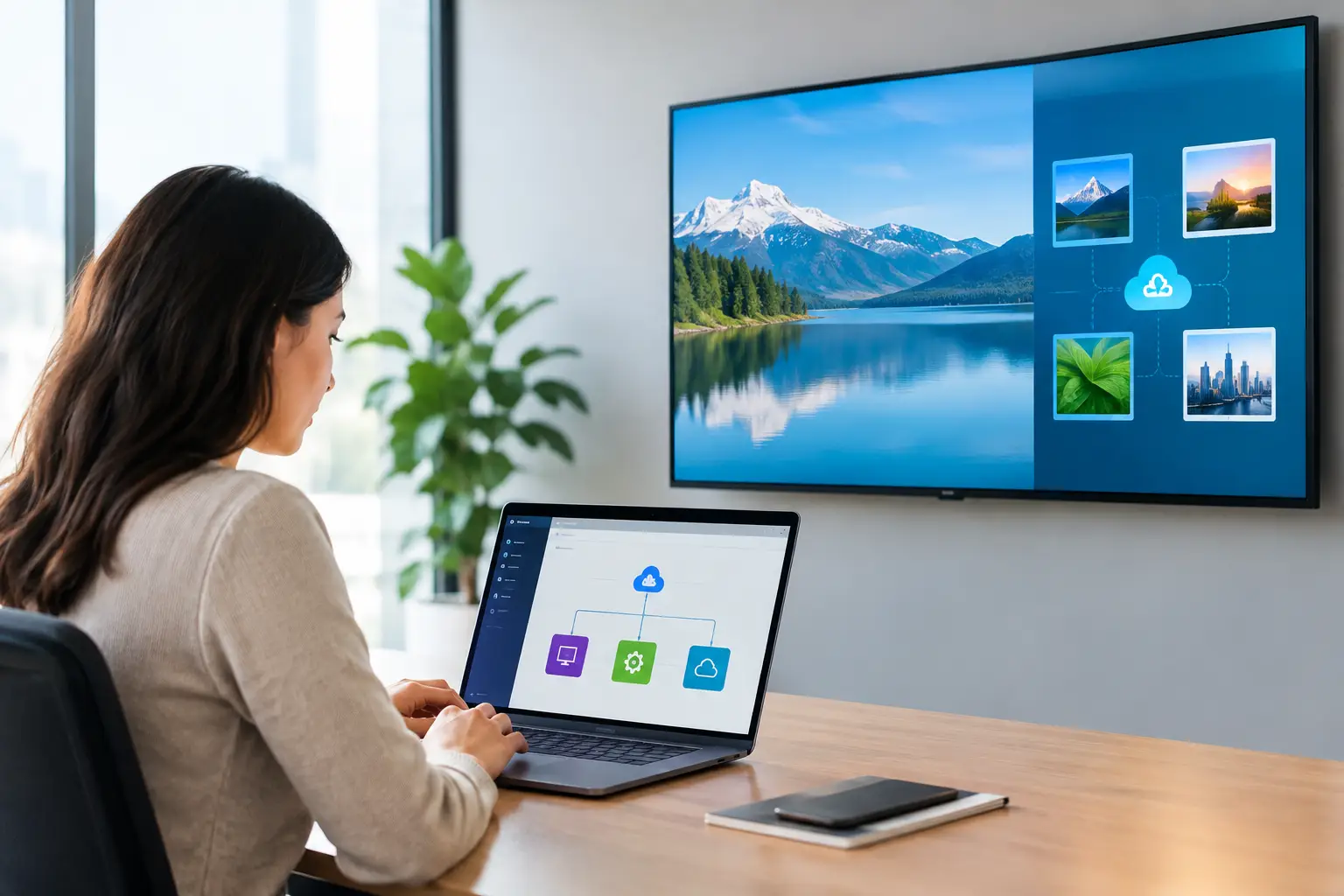
With a centralized platform such as VitVue, teams can schedule playlists, push updates in real time, and manage screens from one dashboard using existing Smart TVs or compatible streaming devices. No dedicated media players. No IT-heavy rollout. The scheduling logic stays centralized even when locations are not.
5. Add guardrails for exceptions and expired offers
Automated messaging needs controls. The most common failure is leaving an expired campaign, unavailable item, or outdated event message in an active playlist.
Set firm end dates for limited-time content. Build a default fallback playlist with evergreen messaging so a screen has approved content to show after a campaign ends. For restaurants, that fallback might include core menu items, loyalty messaging, and hours. For a clinic, it could include check-in instructions, service information, and wellness education.
You should also plan for exceptions. If a product sells out, a location needs an immediate way to remove the related promotion. If weather closes a store early, the screen may need to switch to adjusted hours. Automation should reduce daily effort, not remove your ability to respond quickly.
Design content for fast recognition
A daypart strategy only works if people can understand the message at a glance. Screens are not web pages. Customers may see them while walking, waiting in line, ordering, or checking in.
Use a short headline, one strong visual, and one direct call to action. Put the most important information first. If the offer has a deadline, price, or eligibility requirement, make it readable from the intended viewing distance.
Avoid changing every element just because the daypart changes. Consistent colors, typography, and layout help viewers recognize your messages faster. The offer can shift from coffee to lunch to dinner while the visual system remains familiar.
Measure whether the schedule is working
Automation saves time, but it should also create a business result. Compare sales, redemptions, sign-ups, appointments, or class attendance before and after introducing daypart-specific campaigns. If you cannot tie a message to a direct transaction, track proxy signals such as QR scans, staff questions, or promotion requests.
Screen analytics matter, too. Confirm that screens were online and that the scheduled playlists actually played. A perfectly planned lunch campaign has no value if a display is offline or showing yesterday’s content.
Review performance monthly rather than constantly changing schedules based on one slow day. Give a campaign enough time to produce a pattern, then test one variable at a time: the offer, the creative, the start time, or the locations receiving it.
Common mistakes that make daypart schedules harder
The first mistake is creating too many time blocks. If your team has to maintain 12 playlists per day for every location, the schedule becomes fragile. Start with the major shifts in demand and add detail only where it earns its keep.
The second is treating all locations the same. Brand consistency matters, but local timing matters too. Use a shared core playlist structure with controlled location-level variations when needed.
The third is relying on a person to remember exceptions. Promotional end dates, holiday hours, and one-time events should be part of the schedule from the beginning. Manual work is where outdated messages return.
The best daypart messaging feels timely without looking complicated. Set the rules once, monitor what is playing, and let each screen stay relevant while your team focuses on the customers in front of them.