7 Best TV Apps for Signage for Busy Teams
Compare the best tv apps for signage for Smart TVs and streaming sticks. Find the right fit for fast setup, central control, reliable playback, and scale.
On this page
A screen stuck on yesterday’s promotion does more than look unprofessional. It creates extra work for staff, weakens a campaign, and makes multi-location operations harder to control. The best tv apps for signage replace USB drives and manual updates with one dashboard, so teams can publish the right message to the right screen without being on-site.
The right choice depends less on flashy templates and more on your existing TVs, number of locations, content workflow, and need for proof that every display is actually playing. Here are seven strong options, plus a practical way to narrow the field.
What Makes a TV Signage App Worth Using?
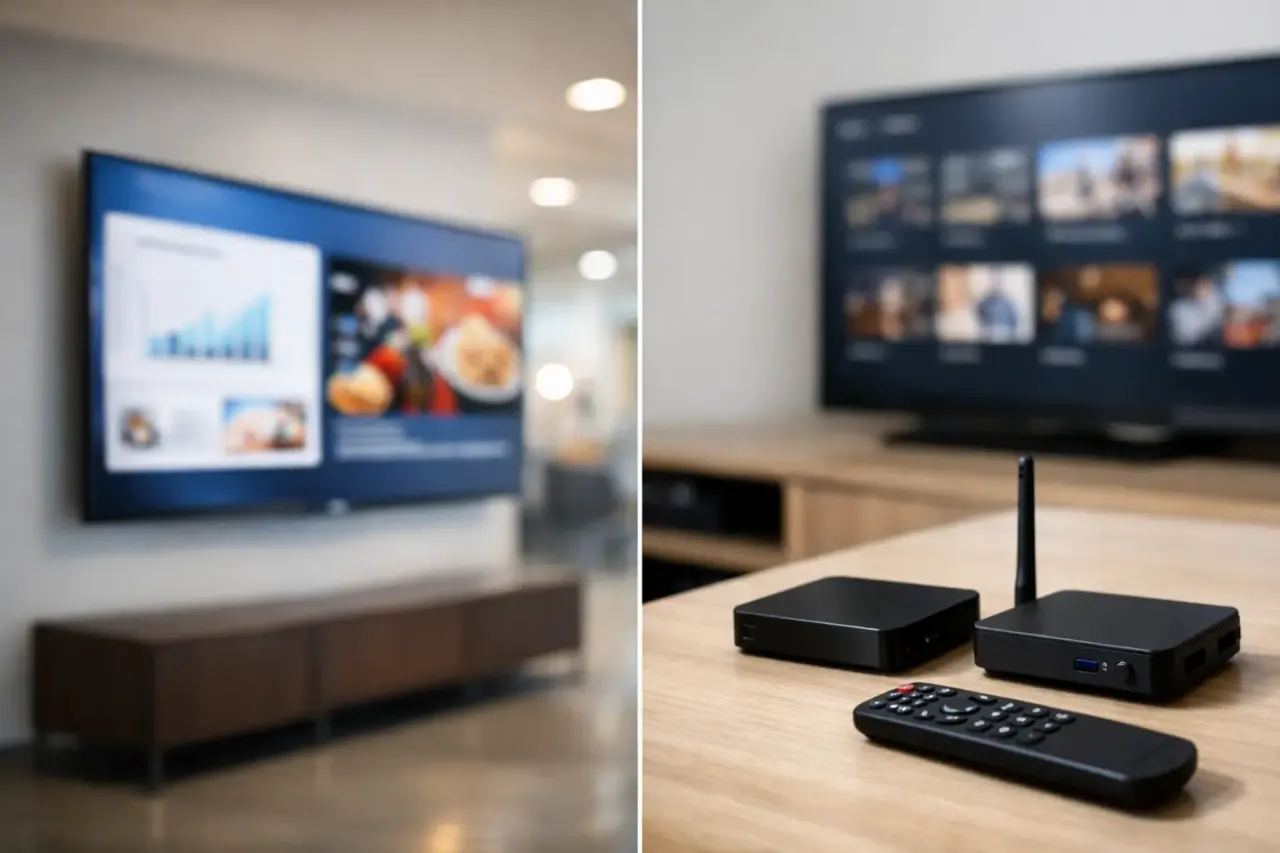
A consumer Smart TV can be an affordable signage endpoint, but it is only useful when the app behind it is dependable. Look for native support for the operating systems you already own, such as Samsung Tizen, LG webOS, Android TV, Fire TV, Roku, or Apple TV. If a TV does not support your preferred app, a low-cost streaming stick can often close the gap.
For business use, the baseline should include remote publishing, scheduling, offline playback, and screen status monitoring. A playlist editor matters too, especially when different locations need different promotions, menus, or announcements. The app should keep showing cached content if the internet drops, then reconnect and report back when service returns.
The most capable platform is not automatically the best fit. A single café may prioritize a simple menu loop and fast setup. A franchise group needs location permissions, repeatable templates, and clear visibility across every screen. Start with the operational problem, then evaluate the software.
7 Best TV Apps for Signage
1. VitVue
VitVue is built for teams that want centrally managed signage without adding dedicated media players to every display. It is a practical fit for restaurants, retailers, gyms, clinics, offices, and multi-location operators using Smart TVs or streaming-stick-connected TVs.
The platform combines a drag-and-drop editor, ready-made templates, live content pushes, scheduling, playlists, offline playback, and screen monitoring in one dashboard. That makes it useful when a marketing or operations team needs to change a promotion, price, event notice, or internal update quickly without calling a manager at each location.
The advantage is low deployment friction. Use compatible TVs you already own, connect a streaming stick where needed, and manage content centrally. For growing organizations, the key question is whether the plan includes the screen count, storage, access controls, and advanced capabilities your rollout requires.
2. ScreenCloud
ScreenCloud is a well-known cloud signage option for businesses that want a polished, app-based content experience. It is particularly appealing to corporate teams and larger organizations that mix internal communications, dashboards, video, and third-party business tools on their displays.
Its app ecosystem is a major strength. Teams can pull in content from tools they already use rather than rebuilding every update as a slide. That flexibility can save time for office communications and data-heavy screen programs.
The trade-off is that a broad app ecosystem can introduce more setup decisions. If your goal is simply to run menus and promotions across several locations, make sure the feature depth does not create unnecessary administration or push the budget beyond what the screens need to accomplish.
3. OptiSigns
OptiSigns is a flexible choice for organizations with a mixed fleet of TVs and streaming devices. It supports a wide range of display environments and includes templates, scheduling, social media content, dashboards, and playlist tools.
This makes it a sensible contender for operators who are not standardizing on one TV brand. A retail group with some Android TV displays, several Fire TV Sticks, and a few Samsung screens may value that hardware flexibility.
Before committing, test the exact player experience on your models. Feature availability, performance, and remote-management behavior can differ by operating system. A trial on one screen at each major location type can reveal issues that a feature checklist will not.
4. Yodeck
Yodeck is a strong option for teams comfortable using dedicated hardware. Its Raspberry Pi-based player approach can provide consistency across screens, which is valuable for organizations that want the same controlled setup in every location.
It offers content scheduling, templates, monitoring, and layout tools for common digital signage use cases. Schools, offices, and organizations with an IT function may appreciate the standardized player model and the ability to manage it centrally.
The consideration is hardware. Dedicated players add a purchase, a device to mount and power, and another component to track. That can be the right trade-off for strict standardization, but it is less attractive if your goal is to avoid new hardware and activate existing Smart TVs quickly.
5. TelemetryTV
TelemetryTV is designed with larger-scale operations and enterprise workflows in mind. Its strengths include content controls, user permissions, data-driven display use cases, and support for distributed organizations.
For a company with many departments, complex approval needs, or a requirement to publish different content by region, role-based control can matter as much as the editor itself. The platform is also worth considering when internal communications and operational dashboards are central to the signage program.
For smaller businesses, confirm that the feature set and pricing match the rollout. Enterprise-oriented tools can be excellent when complexity is real, but a lean team may get faster results from a platform with fewer administrative layers.
6. NoviSign
NoviSign is a practical digital signage platform with an editor designed for teams that want to build presentations, menus, and promotional displays without design software. It supports common media formats, scheduling, and a range of player devices.
It can work well for education, hospitality, and small business environments where staff need to create and update visual content in-house. The layout tools are useful when a screen needs multiple zones, such as a video area, ticker, weather panel, and announcement section.
Multi-zone designs should be used carefully. They can make a lobby screen informative, but they can also make a restaurant menu or retail promotion difficult to read from a distance. The app supports the layout; your content rules determine whether it works.
7. Canva for Display Content
Canva is not a complete digital signage management platform, but it deserves consideration as part of the workflow. Teams already using Canva can create on-brand promotions, menus, notices, and digital posters quickly, then publish those assets through a dedicated signage app.
This pairing is often effective for small teams: Canva handles creation, while the signage platform handles scheduling, deployment, playback, and monitoring. It prevents the common mistake of treating a design tool as a screen-management system.
Canva alone does not solve remote player control, device health, proof of playback, or location-specific scheduling. Use it for content production, not as the operational layer behind a growing screen network.
How to Choose the Best TV App for Your Locations
Start with your hardware inventory. Record each TV brand, model, operating system, and location, then confirm whether the signage app has a supported native player. Do not assume every Smart TV running the same brand name has the same operating system or app-store access.
Next, run a focused pilot. Set up a screen at one location, publish a time-sensitive update, schedule a daypart change, disconnect the internet briefly, and verify what the dashboard reports. This test tells you more than a demo because it mirrors the daily issues your team will face.
Then evaluate the management model. Can one person update every location in minutes? Can local managers change only the screens they own? Can you see which displays are offline or showing old content? These questions separate basic slideshow tools from signage software that can support real operations.
Finally, calculate the complete cost. Compare subscription pricing, required players, mounting accessories, installation time, and staff time spent updating content. The least expensive monthly plan can become costly if every screen requires extra hardware or frequent hands-on support.
A Better Standard for Business Screens
The best choice is the app that makes screen updates routine instead of disruptive. It should let your team publish fast, keep content playing through minor connectivity issues, and show you what is happening across every location.
Choose the platform that fits the TVs you have, the control your team needs, and the scale you expect next. When signage is easy to run, screens stop being another IT project and start doing their job: moving customers, employees, and operations in the right direction.