What Makes Signage Players Expensive Today?
What makes signage players expensive? Learn which hardware, security, management, and support features raise costs - and when you can avoid them entirely.

On this page
A $40 streaming stick can play video on a TV, while a dedicated digital signage player can cost several hundred dollars before installation. So, what makes signage players expensive? Usually, it is not just the ability to show a menu, promotion, or announcement. It is the hardware, software, support, security, and lifecycle promises bundled around that screen.
For some environments, that premium is justified. For many restaurants, retail stores, gyms, clinics, offices, and multi-location teams, it is an unnecessary cost created by an older way of deploying digital signage.
What Makes Signage Players Expensive?
Dedicated signage players are purpose-built computers designed to run displays continuously and remotely. Their price reflects more than processor speed or storage. You are often paying for components selected for long operating hours, specialized ports, a locked-down operating system, remote management tools, certifications, warranties, and vendor support.
That can be the right setup when a display must operate in a demanding environment or connect to specialized equipment. But if your goal is to manage standard content on existing Smart TVs, many of those hardware costs do not improve the result your customers see on screen.
Industrial-grade hardware adds cost
Commercial signage players are commonly built for 24/7 use. They may use fanless enclosures, stronger thermal management, solid-state storage, watchdog timers that restart a frozen device, and components chosen for longer availability windows.
Those details matter in places such as transit hubs, factory floors, outdoor kiosks, or high-security enterprise deployments. They also raise the unit price. A player designed to survive years in a hot equipment cabinet is a different product from a device powering a lobby TV for scheduled business hours.
The practical question is not whether industrial hardware is better. It is whether your screen environment actually requires it. Buying more durability than you need is still overspending.
Specialized ports and display requirements raise the bill
Some signage deployments need multiple HDMI outputs, 4K playback across several displays, USB peripherals, serial connections, touch-screen support, or unusual screen layouts. A video wall controller or multi-output player is naturally more expensive than a standard single-screen device.
There is a clear difference between one screen showing a rotating retail promotion and four synchronized displays forming a video wall. The second use case has real hardware requirements. The first often does not.
Costs rise quickly when every screen receives an enterprise-grade player even though only a small portion of the deployment needs advanced capabilities. Matching the device to the use case is one of the easiest ways to control budget.
Operating systems and security controls are part of the price
A low-cost consumer device may be simple to set up, but an enterprise signage player is often configured to reduce risk. Vendors can charge more for locked-down operating systems, encrypted storage, secure boot, device certificates, role-based access, and controlled app updates.
Security matters most when screens are connected to a corporate network, display sensitive information, or operate in regulated environments. A clinic waiting room, for example, may need stronger network policies than a café menu board.
Still, security should be evaluated at the system level, not assumed because a box costs more. Ask how users access the signage dashboard, how devices are authorized, what happens if a screen goes offline, and who can publish content. A costly player alone does not create a secure signage operation.
The Hidden Costs Behind Expensive Signage Players
The purchase price is only the visible part of a traditional signage setup. The larger cost often appears during deployment and everyday management.
Installation and configuration take time
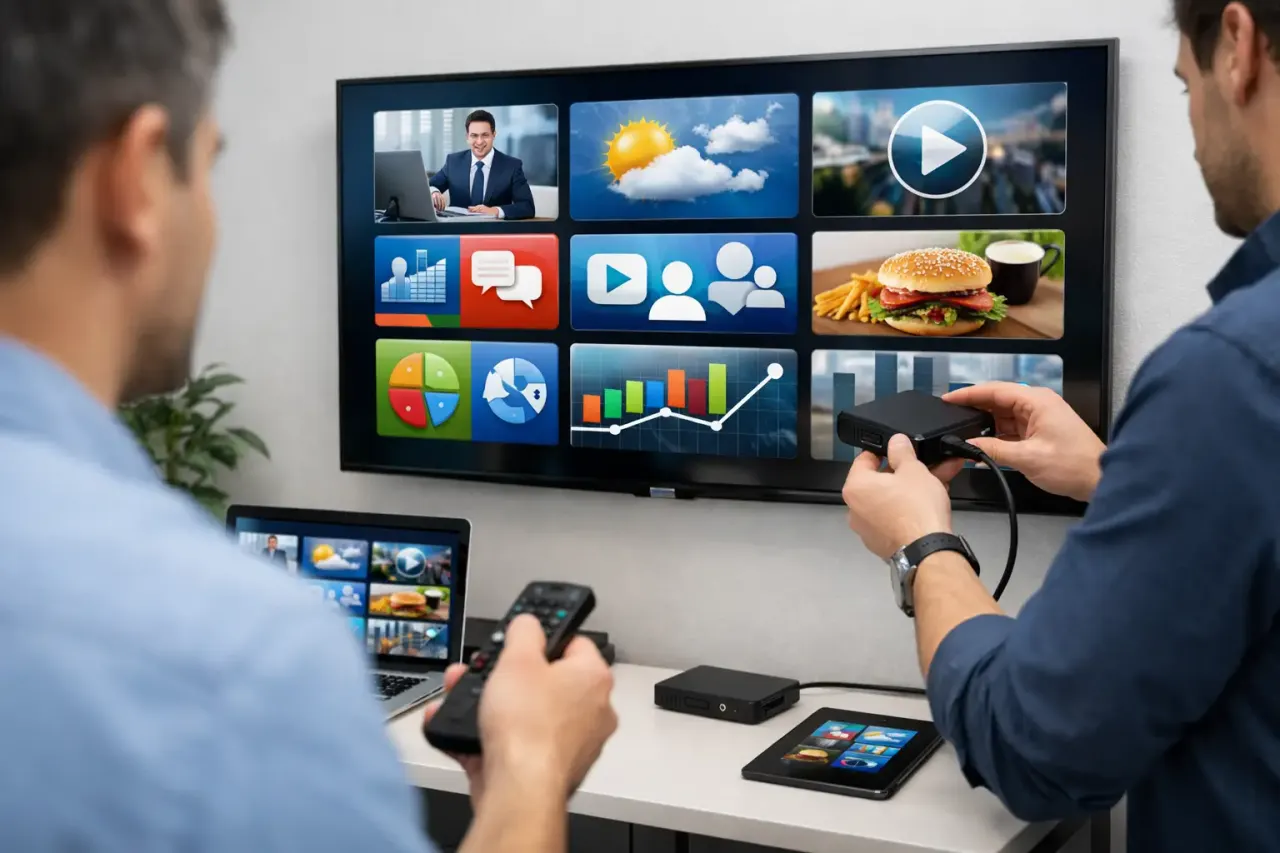
Every external player must be mounted, powered, connected to the network, paired with a screen, configured, labeled, and tested. Multiply that process across 20, 50, or 200 locations, and a modest hardware decision turns into a major rollout project.
Each player also creates another point of failure. Someone needs to troubleshoot disconnected HDMI cables, lost power adapters, weak Wi-Fi, incorrect TV inputs, and devices that were unplugged during cleaning or maintenance.
That does not mean external players are always a bad choice. It means their operational cost should be included before comparing options. A $300 player is rarely a $300 decision once labor, shipping, replacements, and IT coordination are involved.
Licensing can be tied to proprietary hardware
Some traditional providers sell a player at a premium, then add software, support, content management, or remote-monitoring fees on top. Others require their own hardware to run their platform, limiting your ability to choose a lower-cost device later.
This model can simplify purchasing for large organizations that want one vendor accountable for everything. It can also make expansion expensive. If each new screen requires a specific player, license, installation process, and support agreement, scaling becomes slower and less flexible.
Before signing, separate the numbers. Ask what the hardware costs, what the software costs, what remote management includes, and whether you can use the screens you already own. Clear pricing makes it easier to compare a system based on total cost, not just the first invoice.
Long warranties and support commitments cost money
Dedicated signage hardware often includes business-level warranty coverage, replacement programs, firmware maintenance, and support teams trained on the vendor's devices. These services have value, especially for large deployments with strict uptime requirements.
But the support model should match your operating reality. A single-location business may not need an expensive next-business-day hardware replacement contract. A national franchise with hundreds of screens might. The right answer depends on how much a dark screen costs your business in lost sales, brand risk, or staff time.
When an Expensive Signage Player Is Worth It
There are situations where buying dedicated hardware is the sensible move. Choose a specialized player when your deployment needs multi-screen synchronization, unusual display resolutions, interactive kiosks, peripherals, restricted networks, extreme temperatures, or guaranteed 24/7 operation.
It can also make sense when your IT department has a standardized device policy and needs a specific management or security framework. In those cases, lower hardware cost should not override a valid operational requirement.
The mistake is treating these enterprise exceptions as the default for every digital screen. Most standard signage needs are simpler: publish content, schedule it by time or location, keep it playing when connectivity drops, and confirm that screens are online.
A Lower-Cost Model: Use the Screens You Already Have
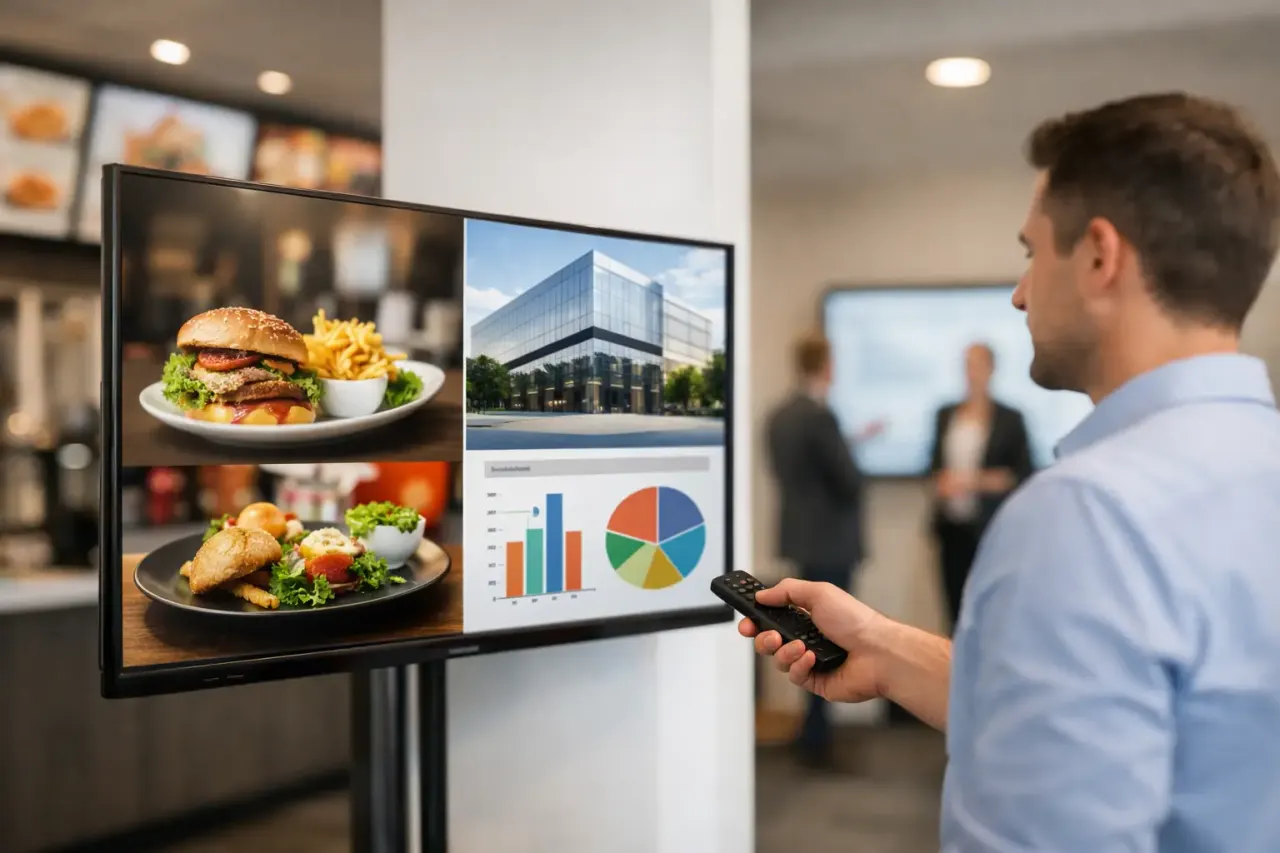
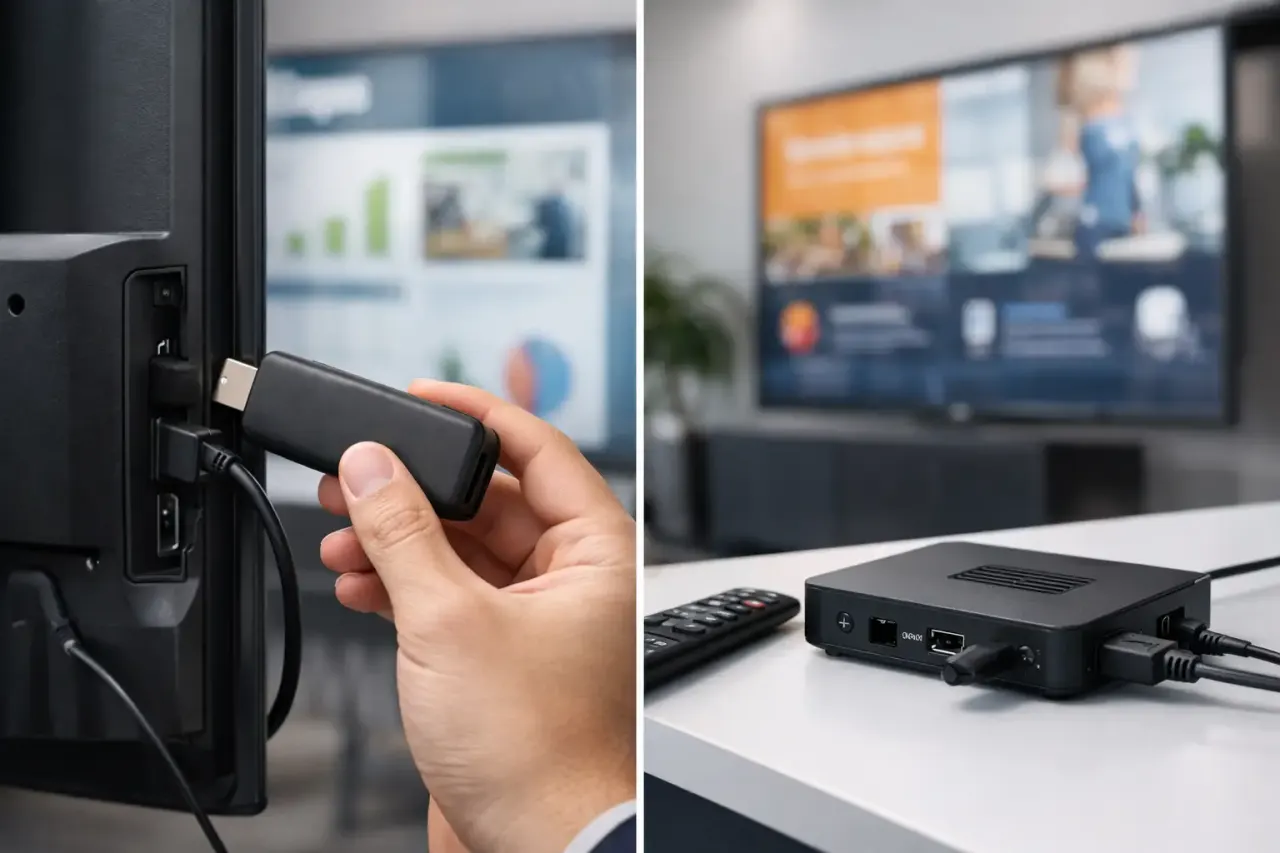
For standard digital signage, the best hardware is often the hardware already in the building. A compatible Smart TV can run signage without a separate media player. If a TV needs an external device, an inexpensive streaming stick may be enough.
That approach removes a layer of equipment from each location. Fewer boxes means fewer power adapters, fewer cables, less mounting work, fewer replacement shipments, and less confusion for on-site staff.
The software still needs to do the serious work. You need central content control, scheduling, screen groups, offline playback, proof that displays are active, and the ability to push an urgent update without calling every location. VitVue is built around that model: use compatible existing screens, manage them centrally, and avoid making dedicated hardware a requirement.
How to Decide What You Actually Need
Start with the screen, not the player. Consider where it is located, how many hours it will run, whether it needs advanced display behavior, and what content it will show. A break-room announcement screen, a restaurant menu board, and a synchronized retail video wall should not automatically have the same hardware plan.
Then look at management. If your team updates content frequently across multiple locations, centralized scheduling and remote visibility will matter more than the brand of media player. If content rarely changes and the screen is in one location, a simpler setup may be enough.
Finally, calculate the cost per deployed screen over time. Include hardware, shipping, mounting, installation labor, software, support, replacements, and the time employees spend fixing devices. This is where hardware-heavy systems frequently lose their price advantage.
The Better Question to Ask Before You Buy
Instead of asking which signage player is the most powerful, ask what job the player must perform that your existing TV cannot. If the answer is specialized, demanding, or security-critical, premium hardware may earn its place. If the answer is simply to show scheduled content reliably, a software-first setup can get you live in minutes with less equipment and less ongoing work.
The goal is not to buy the cheapest box. It is to build a signage system your team can update, monitor, and scale without turning every new screen into an IT project.