Are Streaming Sticks Reliable for Signage?
Are streaming sticks reliable signage hardware for business displays? See the real trade-offs, setup requirements, and ways to keep screens running reliably.
On this page
A restaurant manager changes the lunch promotion at 10:45 a.m. and expects every menu screen to reflect it before the noon rush. A retail team launches a weekend offer and needs 30 locations to show the same creative. That is the real test behind the question: are streaming sticks reliable for signage?
For many businesses, the answer is yes - when the stick, TV, network, and signage software are set up for the job. Streaming sticks can replace costly dedicated media players, reduce installation time, and make it practical to deploy digital signage across existing screens. But they are not a magic fix. The wrong device, weak Wi-Fi, consumer power settings, or an app without offline playback can turn a low-cost rollout into a support problem.
The practical approach is to treat a streaming stick as part of a managed signage system, not as a consumer device playing a slideshow.
Are Streaming Sticks Reliable for Signage?
Streaming sticks are reliable enough for many restaurant, retail, fitness, hospitality, clinic, school, and office displays. They are especially effective when content is straightforward, screens are standard 1080p or 4K TVs, and a central team needs to update multiple locations without USB drives or on-site visits.
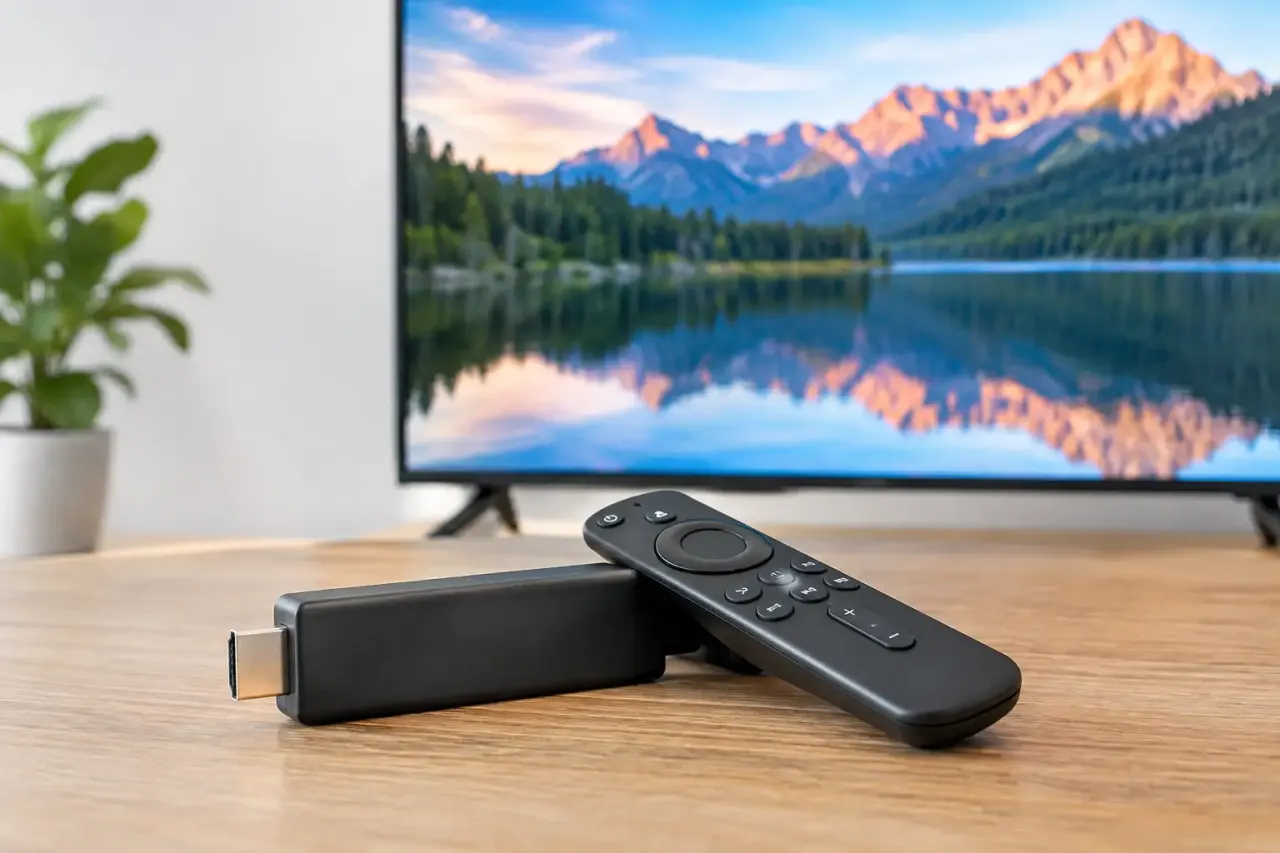
Their reliability comes from a simple advantage: fewer components. A stick plugs directly into an HDMI port, draws power from a dependable outlet, connects to the network, and runs the signage player. There is no separate media-player box to mount, no extra HDMI cable to troubleshoot, and no complex install for a local team to manage.
That simplicity matters at scale. If a franchise adds five screens to each of 20 locations, removing even one piece of hardware and several setup steps per screen reduces cost and deployment friction quickly.
Still, reliability depends on the environment. A streaming stick is not the best choice for every screen. High-resolution video walls, unusual display configurations, heavy interactive content, or locations with severely restricted networks may require more specialized hardware. For standard business messaging, promotions, menus, announcements, and dashboards, however, a well-managed stick is often the sensible choice.
What Makes a Streaming Stick Dependable
The stick itself is only one part of the uptime equation. Most failures that get blamed on signage hardware are actually power, Wi-Fi, TV settings, or content-management issues.
Stable power is non-negotiable
Do not power a signage stick from the TV's USB port unless the manufacturer explicitly confirms it provides consistent power for continuous use. TV USB ports can cut power when the screen sleeps, restarts, or changes modes. That can leave the display on but the signage player offline.
Use the supplied power adapter and a reliable wall outlet or surge-protected power strip. It is a small installation choice that prevents a large share of avoidable outages.
Wi-Fi quality matters more than speed
Digital signage does not always need a massive internet connection. It does need a stable one. A stick that loses Wi-Fi every few hours is more disruptive than one on a modest but consistent connection.
Place access points thoughtfully, avoid crowded guest networks, and use a dedicated business network where possible. If your locations have separate guest Wi-Fi, point-of-sale systems, and staff devices competing for bandwidth, signage should not be an afterthought. Give it a dependable path to the internet.
A strong signage platform should also keep downloaded content playing during a temporary connection loss. Offline playback is a critical safeguard. The screen should continue showing the approved playlist while the connection is restored, rather than going blank or freezing on an error message.
TV settings can quietly cause downtime
Consumer TVs are built to save energy, which can conflict with business display schedules. Sleep timers, auto-power-off settings, input switching, screen savers, and firmware pop-ups can interrupt signage without any issue in the streaming stick itself.
Before deployment, configure every TV for the operating hours you need. Disable sleep features that conflict with the schedule, make the correct HDMI input the default, and test what happens after a power interruption. If a location loses power overnight, the screen should return to the right input and resume playback with minimal staff intervention.
The software layer determines day-to-day reliability
A stick can run content, but it cannot give a multi-location operator meaningful control on its own. For that, you need signage software that handles scheduling, content delivery, device status, and playback history from one dashboard.
That is where a platform such as VitVue changes the operating model. Instead of sending files to every location or asking staff to troubleshoot displays, teams can publish content remotely, schedule it by daypart, and see whether screens are online. The hardware stays simple, while the management experience stays centralized.
Where Streaming Sticks Work Best
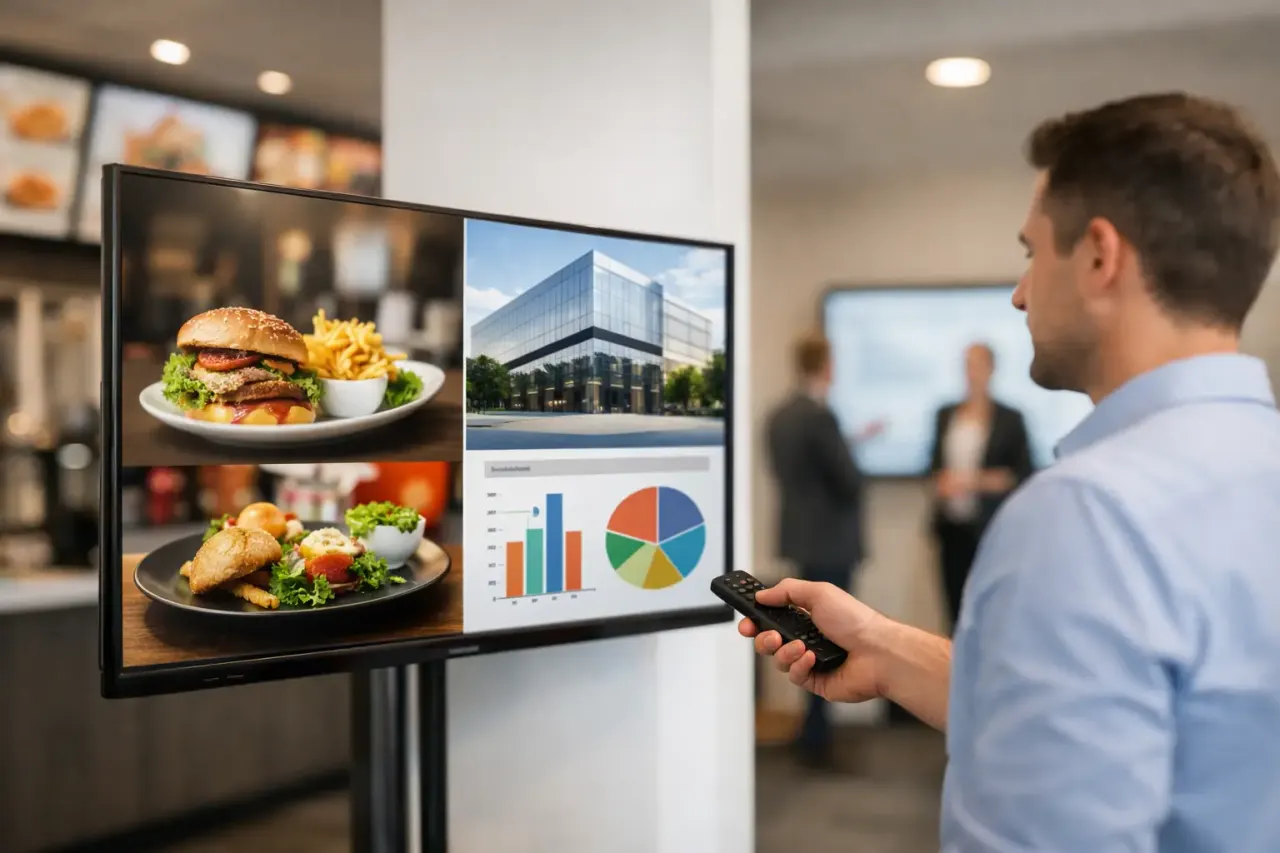
Streaming sticks are a strong fit when the goal is to turn existing TVs into managed business displays quickly. Think restaurant menu boards, lobby promotions, gym class schedules, retail campaigns, employee communications, waiting-room information, hotel announcements, and office news screens.
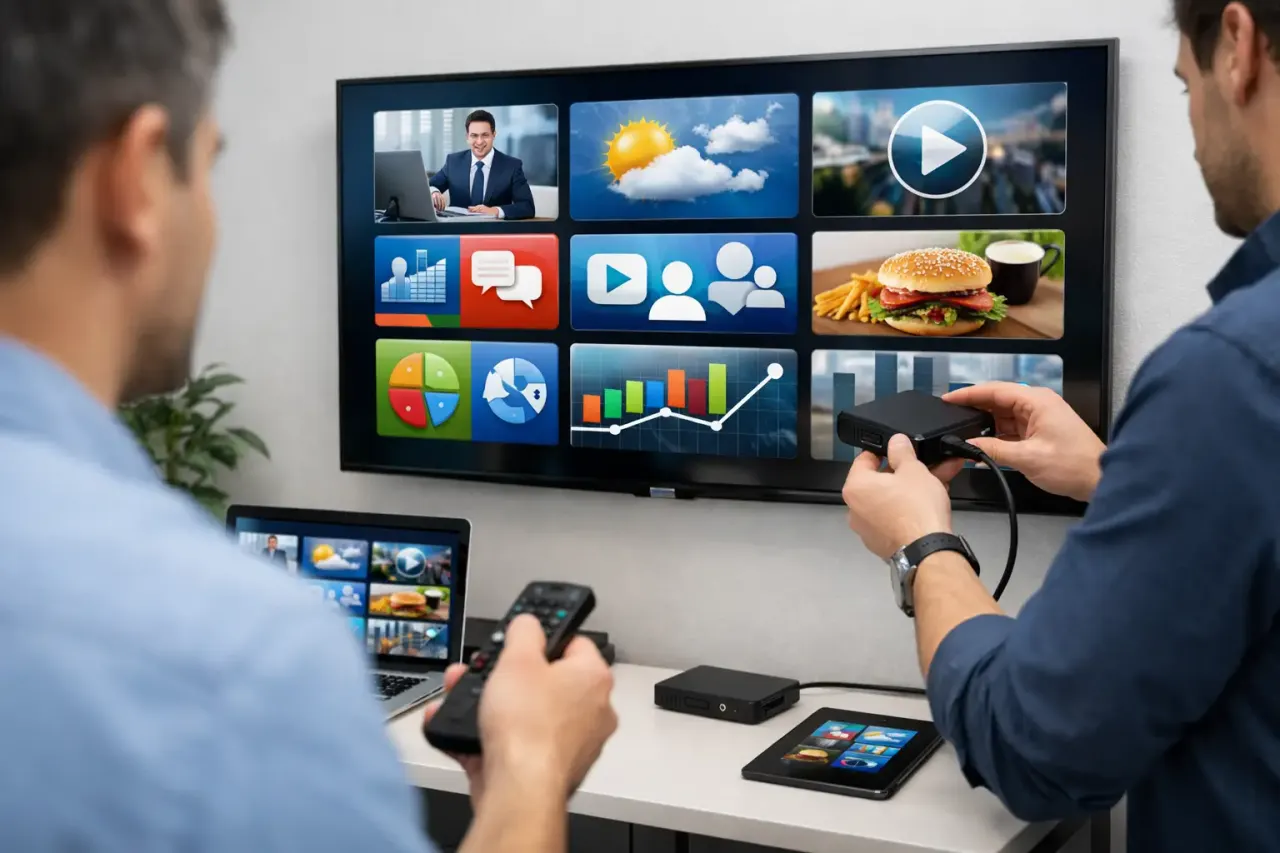
They are particularly useful for organizations with many locations and limited IT resources. A local manager can plug in a preconfigured stick, connect it to the approved network, and mount the TV. The marketing, operations, or communications team can manage what appears on screen afterward.
This model removes the old USB workflow. No one needs to export files, mail drives, call locations, and hope the right person updates the right screen. Content changes can go live across one display or hundreds of displays in minutes.
Streaming sticks also make pilots low-risk. A business can test digital signage in one location without committing to expensive media-player hardware. If the program proves useful, the same model can expand screen by screen and location by location.
When a Streaming Stick May Not Be Enough
There are cases where dedicated commercial signage hardware is the better fit. The issue is not that sticks are inherently unreliable. It is that the display requirement may be more demanding than a lightweight player was meant to handle.
Consider another option if you need a large synchronized video wall, intensive real-time data visualization, advanced touch interaction, 24/7 outdoor use, or highly controlled enterprise networks that do not permit standard streaming devices. Those deployments deserve a technical review before hardware is selected.
Also consider the TV itself. A low-cost consumer TV in a high-traffic lobby running 16 hours a day may become the weak point, regardless of the player behind it. For long daily operating hours or public-facing environments, commercial-grade displays can offer better durability, brightness, and warranty coverage.
The right question is not whether a streaming stick can do everything. It is whether it can reliably do what your screens actually need to do.
A Reliable Setup Checklist Before You Scale
Before rolling out sticks across multiple locations, validate the full setup in one real environment. Test it during normal business hours, not just on a desk in the office. Confirm that the display reconnects after Wi-Fi loss, resumes after a power cycle, follows its schedule, and plays content correctly for several days.
For a dependable rollout, standardize these decisions across every site:
Use an approved stick model and keep spare units ready for quick replacement.
Power each stick from a wall outlet or reliable surge protector, not an uncertain TV USB port.
Set each TV to the correct HDMI input and disable sleep or auto-off settings that interrupt operation.
Put signage on stable business Wi-Fi and document the network credentials and support contact.
Use offline-capable signage software so scheduled content keeps playing through short internet outages.
Monitor device connectivity from a central dashboard instead of waiting for a customer or employee to report a blank screen.
Standardization is what turns low-cost hardware into a repeatable operational system. If every location uses a different TV setting, network approach, app version, and power source, support gets expensive fast. If each screen follows the same deployment playbook, troubleshooting becomes faster and expansion becomes easier.
Reliability Is More Than Hardware Uptime
A screen can be technically online and still fail its business purpose. It may be showing an expired promotion, the wrong menu price, or yesterday's event announcement. For signage teams, reliable means the correct content is playing on the correct screen at the correct time.
That requires scheduling controls, real-time publishing, and visibility into play history. It also requires clear ownership. Decide who approves content, who publishes urgent changes, and who receives an alert when a display goes offline. The technology should make those jobs simple, but the operating process still matters.
Streaming sticks are not a compromise when they are paired with the right setup and management layer. They are a practical way to get modern signage live without buying, mounting, and maintaining a separate media player for every TV. Start with a controlled pilot, build a standard install process, and let your screens earn their place in the operation.
Read our guide to cloud based digital signage software.