Roku vs Fire TV Signage for Business Screens
Compare Roku vs Fire TV signage for business displays. See setup, control, reliability, app support, and the right fit for every location at scale today.
On this page
A $30 streaming stick can put a menu, promotion, welcome message, or employee dashboard on a TV. The harder question in Roku vs Fire TV signage is not which device has the better remote. It is which platform gives your team the fastest path to screens that stay current, stay online, and do not require a manager to visit every location with a USB drive.
For most businesses, both Roku and Fire TV can be practical display hardware. The right choice comes down to your existing TVs, the signage app you plan to use, how many locations you manage, and how much control you need after launch.
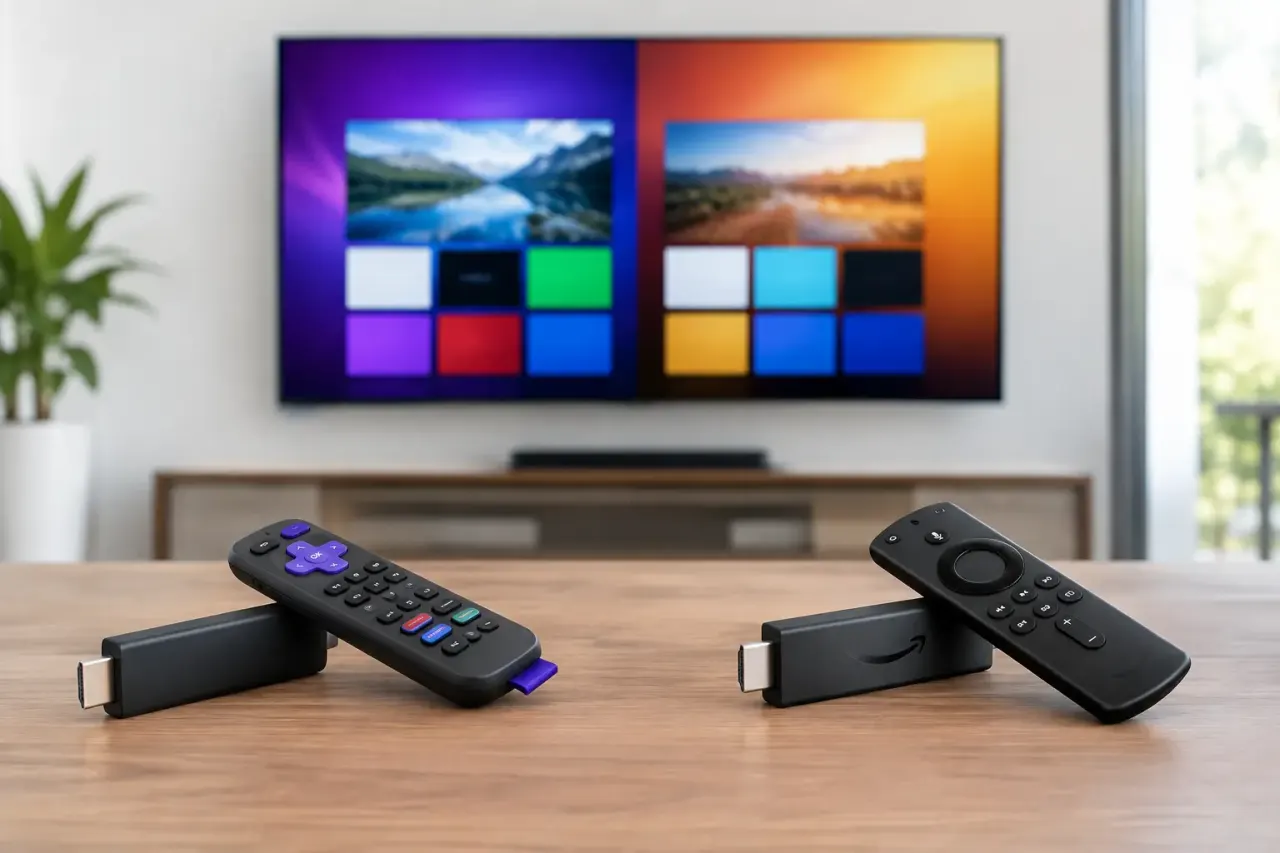
Roku vs Fire TV Signage: The Business Difference
Roku and Fire TV were built first for consumer streaming. Digital signage works when you add a compatible signage app that turns the device into a managed playback endpoint. That distinction matters. The stick or smart TV is the screen-side hardware. Your signage platform is what creates playlists, schedules content, pushes updates, and shows whether each display is actually playing.
A restaurant with one counter display may be satisfied with a simple setup. A franchise with 40 locations needs a different standard: centralized scheduling, proof of playback, screen health visibility, and a way to update every promotion at once. Neither Roku nor Fire TV alone delivers that operating model.
The most efficient approach is to choose the hardware that fits your environment, then pair it with signage software designed for centralized control. That eliminates the old workflow of exporting files, labeling USB drives, and hoping each screen was updated correctly.
Where Roku Works Well for Digital Signage
Roku is often appealing because the hardware is familiar, affordable, and easy for nontechnical teams to set up. Roku TVs are also common in break rooms, waiting areas, clinics, and smaller retail locations, which can reduce the need to buy extra devices.
For a business already using Roku TVs, staying on Roku can keep deployment simple. Install a compatible signage channel, connect the device to Wi-Fi, register it in your dashboard, and assign content. A location manager does not need to learn a new device category or manage a separate media player.
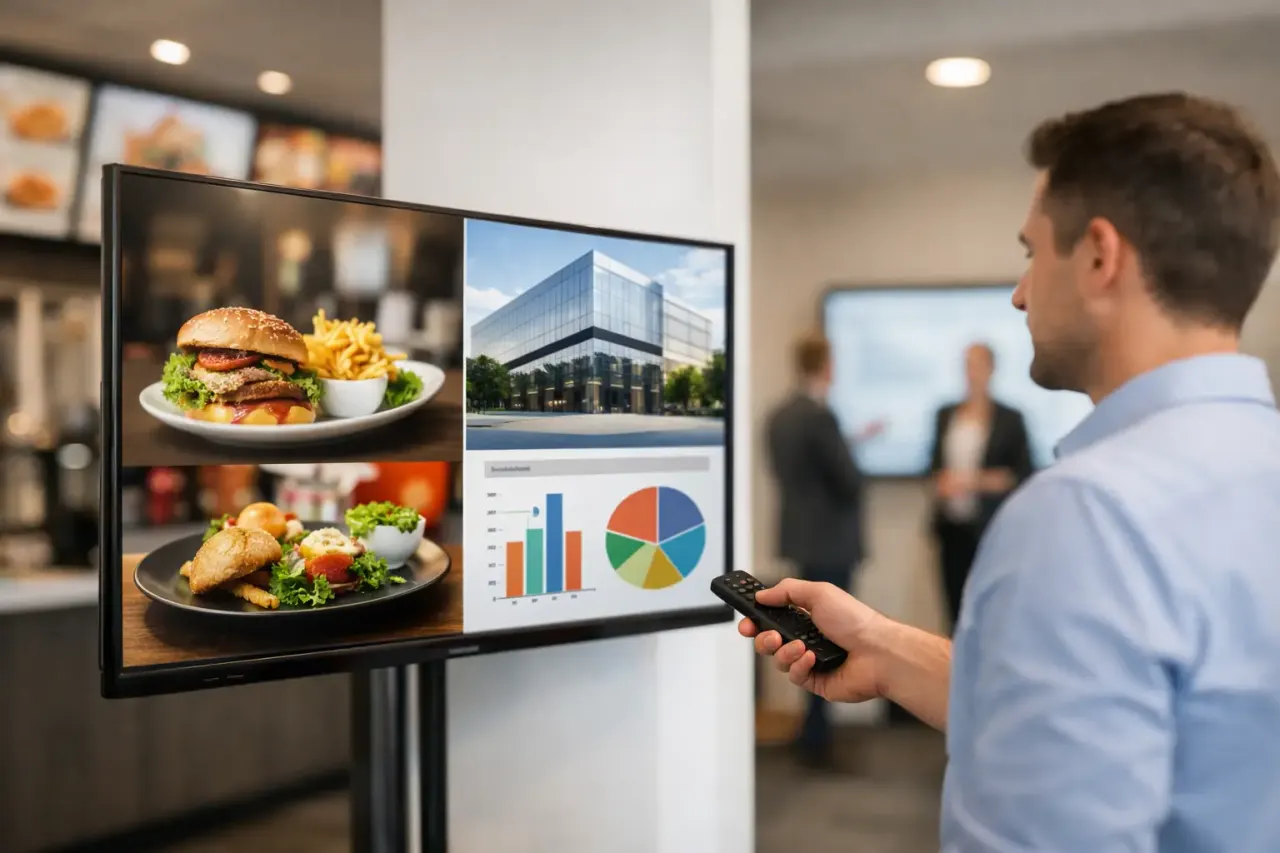
Roku can be a strong fit when your screen network is relatively straightforward. Think static or lightly scheduled content: rotating promotions, digital posters, service menus, lobby information, employee announcements, or real estate listings. It is especially useful when low upfront cost matters and you need to get a few screens live quickly.
There are trade-offs. Roku is a tightly controlled platform, and signage app availability can be more limited than on other operating systems. Consumer-oriented home screens, software updates, and device settings also need attention during deployment. Before standardizing on Roku, confirm that your chosen signage provider supports the specific Roku model or Roku TV operating system you own.
You should also plan for basic device management. Someone still needs to provision the device, connect it to the network, disable sleep behavior where possible, and make sure the TV powers on reliably after an outage. The signage software can simplify content operations, but it cannot fix weak Wi-Fi or a TV with aggressive energy-saving settings.
Where Fire TV Works Well for Digital Signage
Fire TV is widely available as both an integrated smart TV platform and a low-cost stick. For businesses that already buy Amazon hardware or use Fire TVs across their locations, that familiarity can make expansion fast.
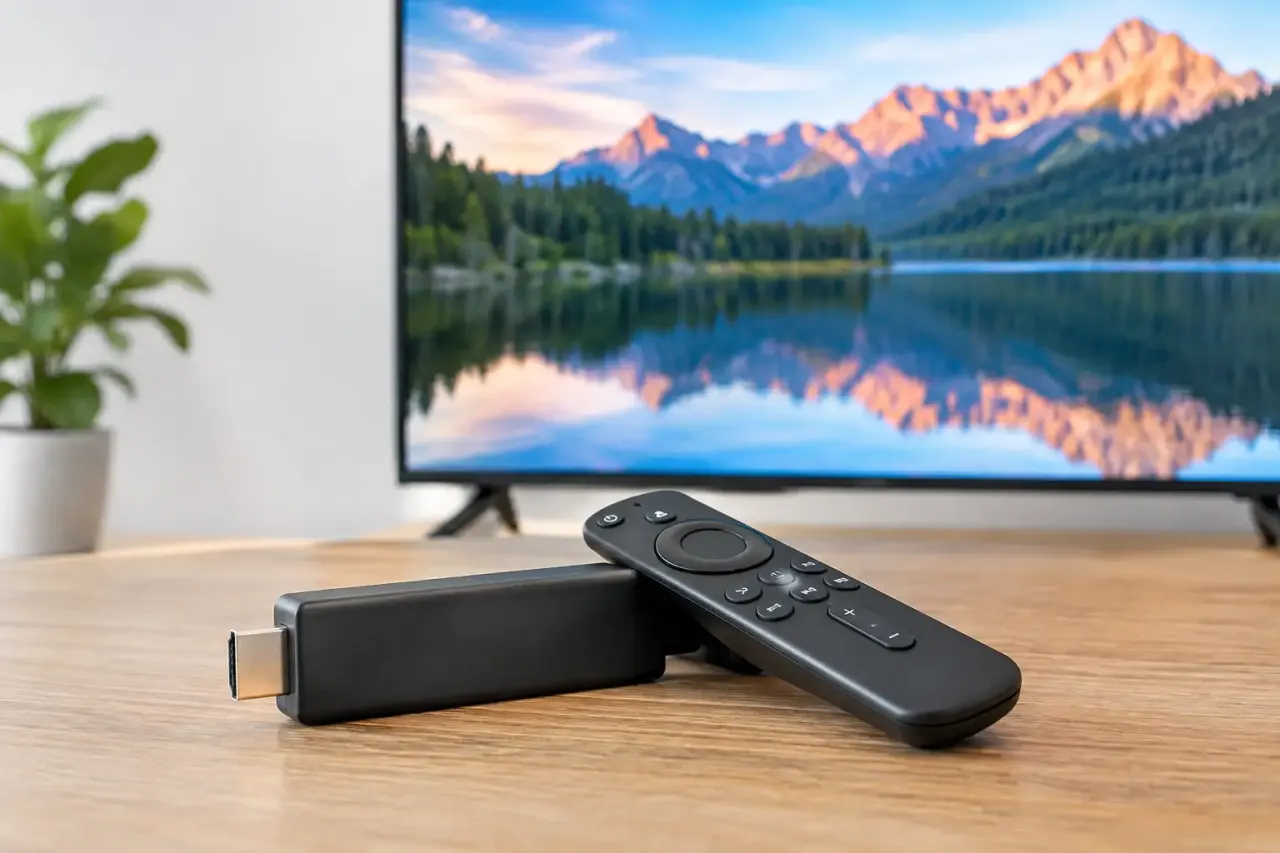
Fire TV's app environment can offer more flexibility, depending on the signage application and device model. It is often a practical choice for businesses that want an inexpensive external player attached to an existing commercial or consumer TV. Plug in the stick, connect it to power and Wi-Fi, install the supported app, and the screen can be enrolled without a traditional signage player.
This can work particularly well for retail displays, gyms, quick-service restaurants, and offices where content changes often. The device is compact, easy to replace, and typically less expensive than purpose-built media hardware. If a screen setup fails, swapping a stick is usually faster than diagnosing a proprietary player.
The trade-off is that Fire TV is also a consumer platform shaped around Amazon accounts, recommendations, and system updates. Your team needs a consistent setup process so each device is configured the same way. Without one, account ownership, settings, app permissions, and home-screen behavior can become a location-by-location mess.
Fire TV models also vary. Storage, processing speed, Wi-Fi performance, and operating system behavior are not identical across every generation. A low-cost device may be enough for a single 1080p playlist, but it may be less suitable for demanding layouts, frequent content changes, or multiple high-resolution media assets. Standardizing on one approved model prevents avoidable support issues later.
Compare the Factors That Affect Daily Operations
The best platform is rarely decided by a feature checklist alone. It is decided by what happens on a busy Tuesday when a promotion changes, a device goes offline, or a new location opens.
Setup and deployment
Roku generally feels simple for teams already familiar with Roku TVs. Fire TV can be equally quick, especially if you are using sticks with existing displays. In both cases, the real setup speed depends on whether your signage software provides a clear enrollment flow and whether your network is ready.
For a multi-location rollout, document the exact model, account process, power settings, network credentials, and mounting method. A repeatable kit beats a cheap device chosen differently by every store.
Content control
This is where the signage platform matters more than the streaming platform. You need a dashboard that lets your team build content, schedule by location or screen group, and publish changes without touching the TV.
For example, a retailer may want a chain-wide sale message in the morning, regional pricing in the afternoon, and store-specific events on weekends. That requires playlists, scheduling rules, and permissions. It should not require texting a store manager to find a remote.
Reliability and offline playback
No streaming device can display new cloud content without a connection. But a good signage setup should keep previously downloaded content playing when internet service drops. This is essential for menus, patient information, safety messages, and customer-facing promotions.
Ask whether the signage app caches media locally, how it recovers after a power interruption, and whether the dashboard reports last check-in time. A black screen costs more than the difference between two low-cost sticks.
Monitoring and proof of playback
If you manage more than a handful of screens, visibility is not optional. You need to know which devices are online, what playlist is assigned, and whether the intended content played. This is the difference between digital signage and a collection of TVs.
A centralized platform such as VitVue gives teams one place to publish, schedule, and monitor screens without adding dedicated media players. The value is operational: fewer site visits, faster updates, and fewer surprises when a campaign is supposed to be live.
Cost beyond the device
A Roku or Fire TV stick is inexpensive, but the purchase price is only one part of the equation. Include installation time, replacement inventory, Wi-Fi quality, staff training, account administration, and the cost of missed or outdated messaging.
If you already own compatible Roku or Fire TV hardware, use it when it meets your signage software requirements. If you are buying new devices for dozens of locations, choose one model, test it in a real location, and calculate the cost of managing it for the next three years - not just the cost of putting it in a cart today.
Which Platform Should You Choose?
Choose Roku when you already have Roku TVs, your signage needs are straightforward, and your selected platform fully supports your device models. It is a sensible route for small deployments where speed and familiarity matter most.
Choose Fire TV when you need low-cost external players for existing displays, your signage application supports the Fire TV version you plan to buy, and you want a standardized stick-based rollout. It can be an efficient option for growing screen networks, provided device setup is tightly documented.
If both are available, do not let the consumer streaming brand make the entire decision. Run a short pilot using your actual content, network, and TV settings. Test scheduled updates, reboot recovery, offline playback, remote monitoring, and how easily a nontechnical employee can replace a device. The platform that performs best under those conditions is the one your operations team will appreciate six months from now.
A screen network should make communication easier, not create another task list. Start with the hardware you already own when it fits, standardize what you buy next, and make centralized control the requirement that drives every decision.