Signage Dashboard Versus Manual Updates Compared
Compare signage dashboard versus manual updates to cut update delays, control every screen, and keep location messaging accurate from one central place.
On this page
A lunch special changes at 10:42 a.m. A manager updates the file, finds the right USB drive, walks to the screen, and realizes the display is showing last week's promotion. That is the everyday cost behind the signage dashboard versus manual updates decision. It is not just about how content reaches a TV. It is about how quickly your team can respond when prices, inventory, events, and customer needs change.
For one screen with content that rarely changes, manual updates can be workable. For a growing operation, the process quickly becomes a drain on staff time, message accuracy, and brand consistency. The right choice depends on your screen count, update frequency, locations, and the cost of getting a message wrong.
Signage dashboard versus manual updates: the real difference
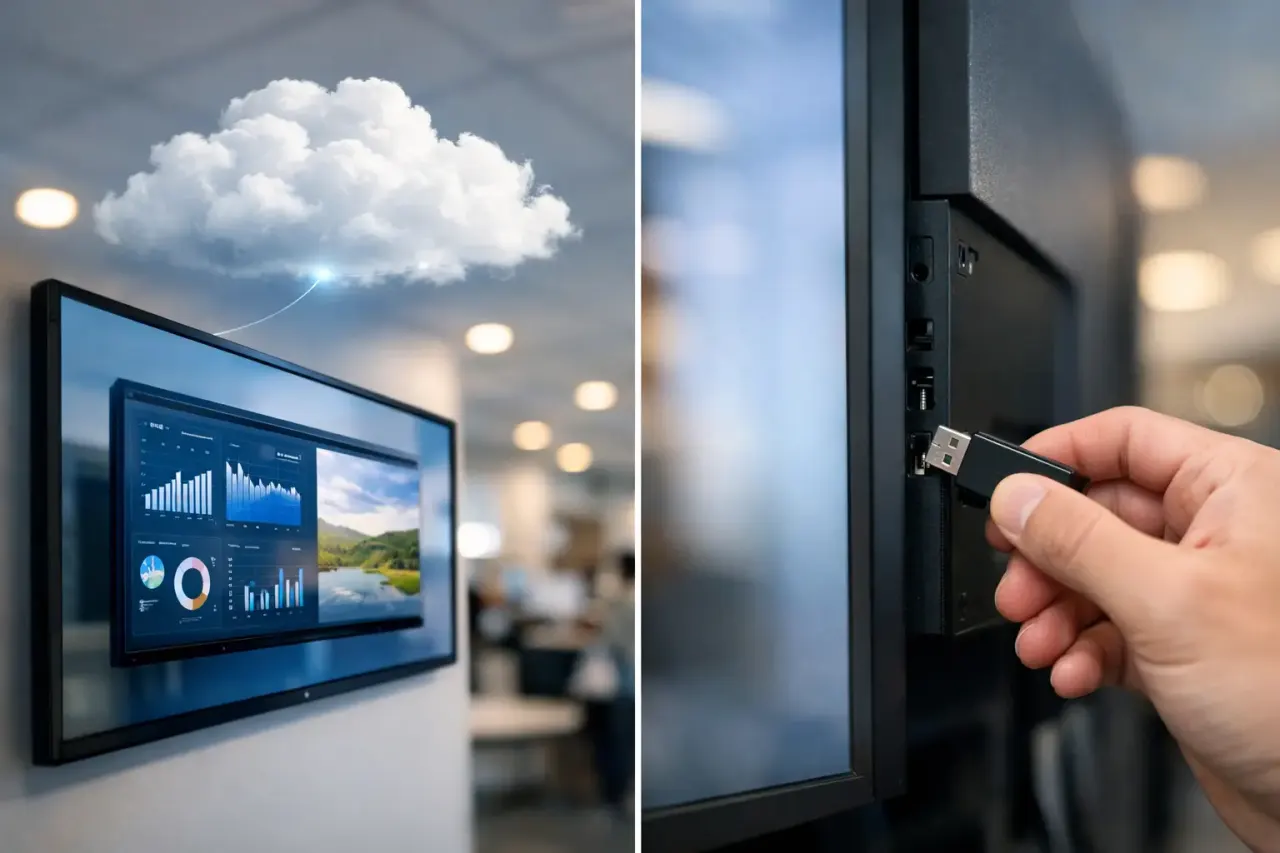
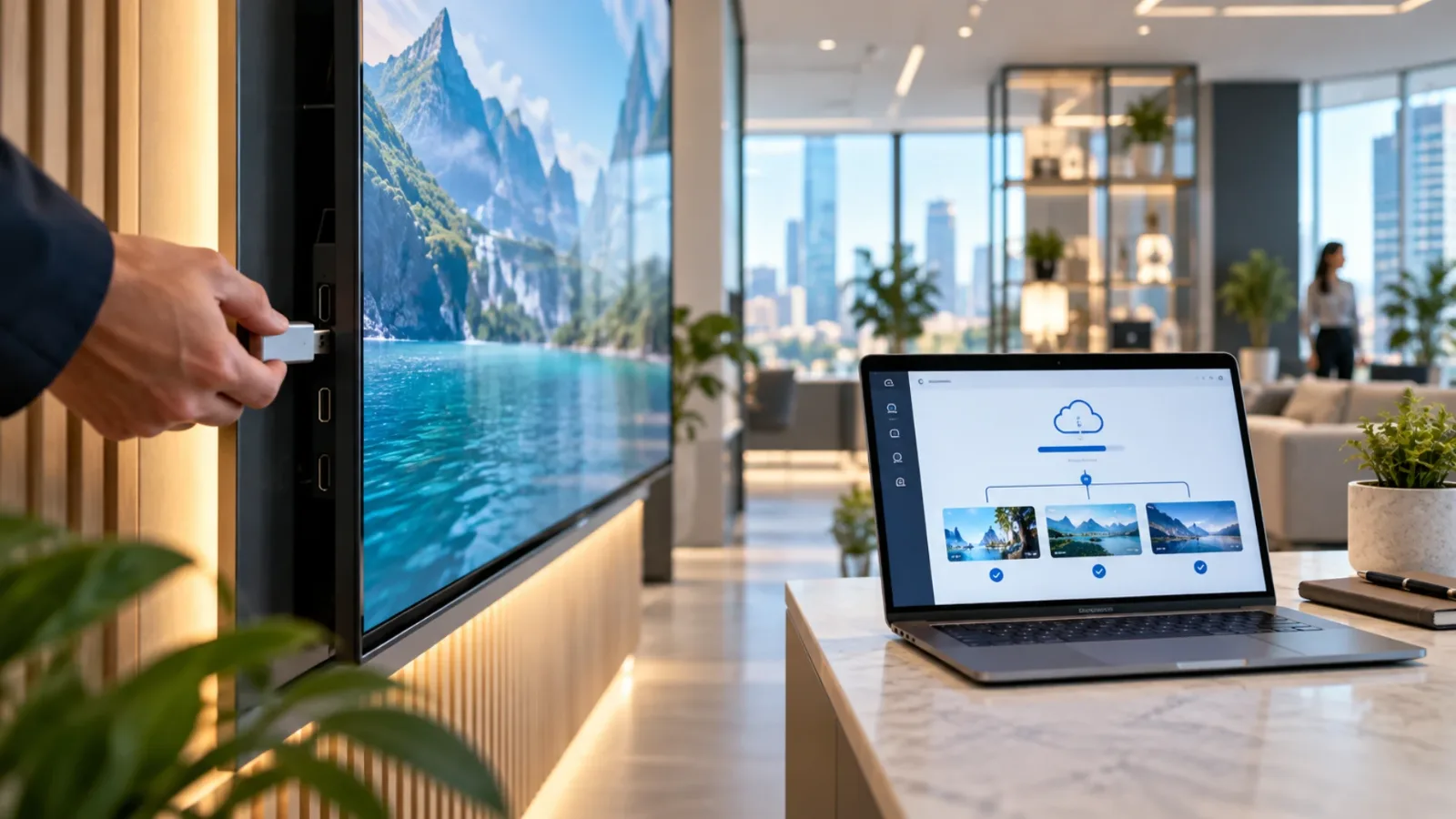
Manual signage updates rely on a person being physically present at each screen or sending instructions to someone who is. The process usually involves exporting a file, loading it onto a USB drive, swapping media on a TV or media player, checking playback, and repeating the task at every location. It feels inexpensive because the software cost is low or nonexistent. The hidden cost is labor, travel, interruptions, and mistakes.
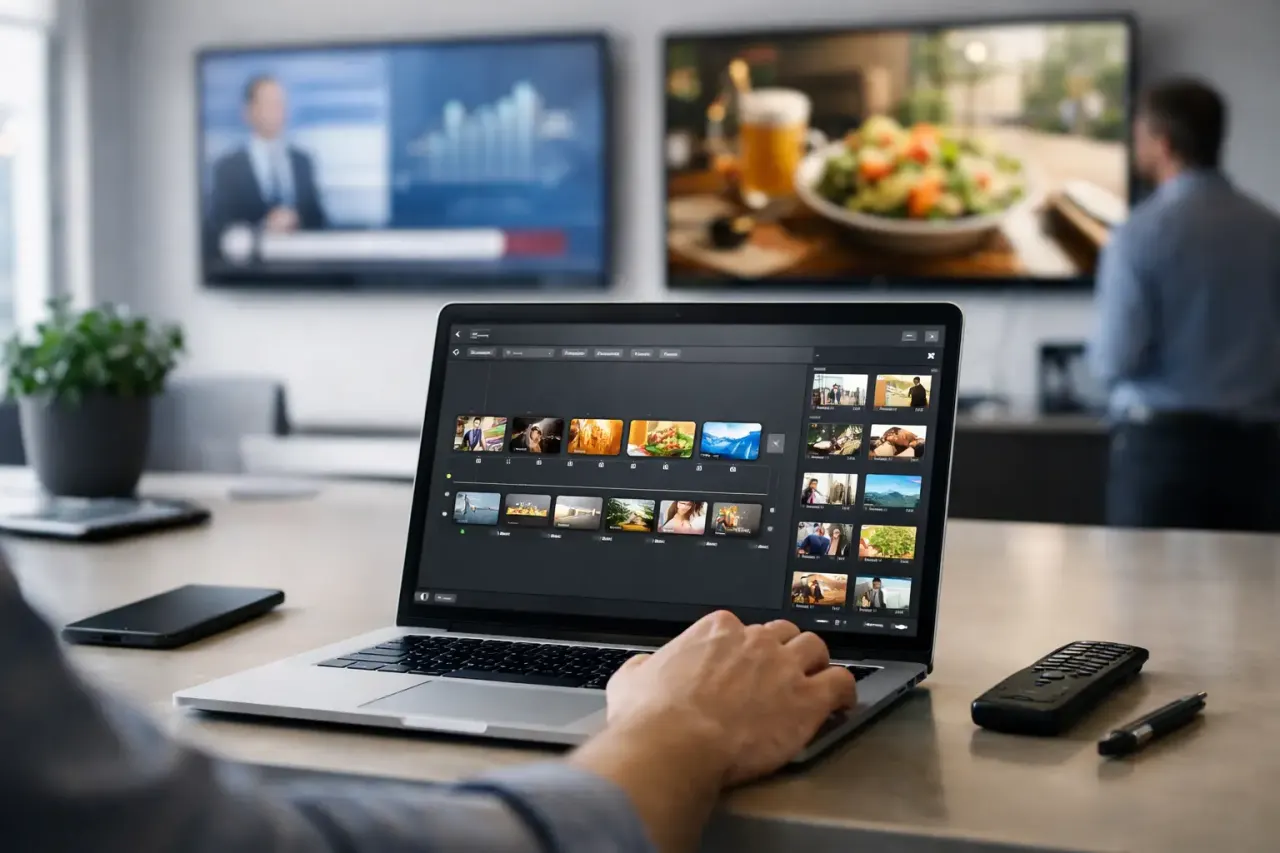
A signage dashboard centralizes that work. An authorized team member changes content in a browser, assigns it to the right screens or groups, and publishes it remotely. A restaurant can update a menu board before the lunch rush. A retail team can replace a weekend offer across 30 stores. A clinic can send a weather closure notice to waiting-room displays without asking front-desk staff to handle files.
The difference becomes clear when something changes unexpectedly. Manual workflows turn a simple communication update into a field task. Dashboard-based signage turns it into a controlled publishing task.
Where manual updates create operational drag
The manual approach is familiar, and familiarity has value. A small business with a single lobby display and one evergreen presentation may not need more. But the workflow has weak points that become more visible as screens and locations increase.
First, every update depends on someone being available at the right place. If a store manager is busy helping customers, the promotion waits. If the person with the latest USB drive is off that day, the old message stays on screen. If a file is saved under the wrong name, an expired campaign can return without anyone noticing.
Second, manual updates make consistency hard to enforce. A franchise group may provide approved artwork, but individual locations can delay updates, use an old version, or adjust messaging outside brand standards. The result is a customer experience that varies from one site to the next.
Third, manual workflows offer little proof. Teams may assume a screen is playing the correct content because someone installed it. That is not the same as knowing the display is online, the playlist is active, and the campaign actually ran at the scheduled time.
These issues have real business consequences. An outdated menu price can create friction at the register. A missed event promotion can reduce attendance. A blank screen in a hotel lobby can make the operation look neglected. The labor to fix those problems is often far more expensive than the tools that prevent them.
What a dashboard changes day to day
A centralized dashboard does not just move content faster. It changes who can own the process. Marketing can publish approved campaigns without sending files to operations. Regional managers can control local messages without visiting each location. Frontline staff can focus on customers instead of troubleshooting displays.
With a platform such as VitVue, teams can build content with a drag-and-drop editor or templates, schedule it by date and time, and push changes to one screen, a screen group, or an entire network. That matters when different locations need different messages. A gym may run a membership offer on lobby screens while showing class schedules near studios. A retailer may use the same campaign nationally but add store-specific hours or local events.
Scheduling adds another level of control. Instead of remembering to change content Monday morning and remove it Friday night, teams can set a campaign to start and stop automatically. Dayparting can also keep screens relevant throughout the day: breakfast offers in the morning, lunch messaging at midday, and catering promotions later on.
Offline playback is another practical advantage. Internet outages happen. A well-designed digital signage setup continues playing its downloaded content when connectivity drops, then reconnects when service returns. Manual updates do not solve this problem. They simply require another person to visit the screen when a change is needed.
The comparison that matters: cost beyond software
Manual updates can appear cheaper because they avoid a recurring platform fee. That calculation misses the operating cost of every touchpoint. Multiply five minutes of content handling by 20 screens, then add coordination, travel between sites, revision cycles, and follow-up. The process becomes expensive fast.
A dashboard has a subscription cost, but it reduces repeated labor and removes the need to purchase, configure, and maintain a traditional media player for every display. For businesses using compatible Smart TVs or low-cost streaming sticks, deployment can be especially straightforward. No complex hardware stack. No dedicated IT project for a basic screen rollout.
The most useful comparison is not "software versus free." It is "centralized control versus ongoing manual work." If a campaign change saves even one manager visit or prevents one pricing error, the value can be immediate.
When manual updates are still the right call
Not every display network needs a dashboard on day one. Manual updates may be reasonable when you have one or two screens, content changes only a few times per year, and the person responsible is always on site. A static welcome display at a small office is a good example.
The decision shifts when any of these conditions apply: you manage multiple locations, content changes weekly or daily, different screens need different playlists, promotions are time-sensitive, or you need confirmation that displays are online. At that point, manual updates stop being a simple task and start becoming an unmanaged process.
There is also a middle ground. Some teams begin with a dashboard for their highest-impact screens, such as menu boards, retail promotion displays, or reception-area communications. Once the team sees how much time centralized scheduling and publishing saves, expanding to additional screens is easier to justify.
How to make the switch without creating a new project
The concern is understandable: replacing a manual system can sound like a technology rollout. It does not need to be. Start with the screens that cause the most update work or carry the most revenue-sensitive content. Use existing compatible TVs where possible, assign clear screen names by location and purpose, and create a few reusable templates for recurring messages.
Then establish a simple publishing routine. Decide who creates content, who approves it, and who can publish it. Use screen groups to avoid selecting displays one by one. Set campaign end dates so temporary promotions do not linger. Review uptime and play history regularly, especially for screens in high-traffic areas.
This approach keeps control centralized without making every team member a signage specialist. It also gives operators a clearer view of what is running across the business, whether they oversee three screens or 300.
Choose the workflow that can keep up
Digital signage should help your location react faster, not create another checklist for an already busy manager. Manual updates can serve a simple, low-change setup, but they ask people to do repetitive work at the exact moment they should be serving customers or running the business.
If your screens carry messages that need to be timely, accurate, and consistent, build a process that lets your team change them from wherever they are. The next promotion, schedule change, or urgent notice should take a few clicks, not a drive across town.