How to Create Rotating Playlists for Digital Signs
Learn how to create rotating playlists for digital signage, schedule the right content, and keep every screen current across every location. at scale.
On this page
A lunch rush is not the time to find out a menu screen is still showing last month’s promotion. Nor should a store manager need to swap a USB drive because a weekend sale starts at 9 a.m. Learning how to create rotating playlists gives your screens a predictable content rhythm - one that keeps messages fresh without turning updates into a daily operational task.
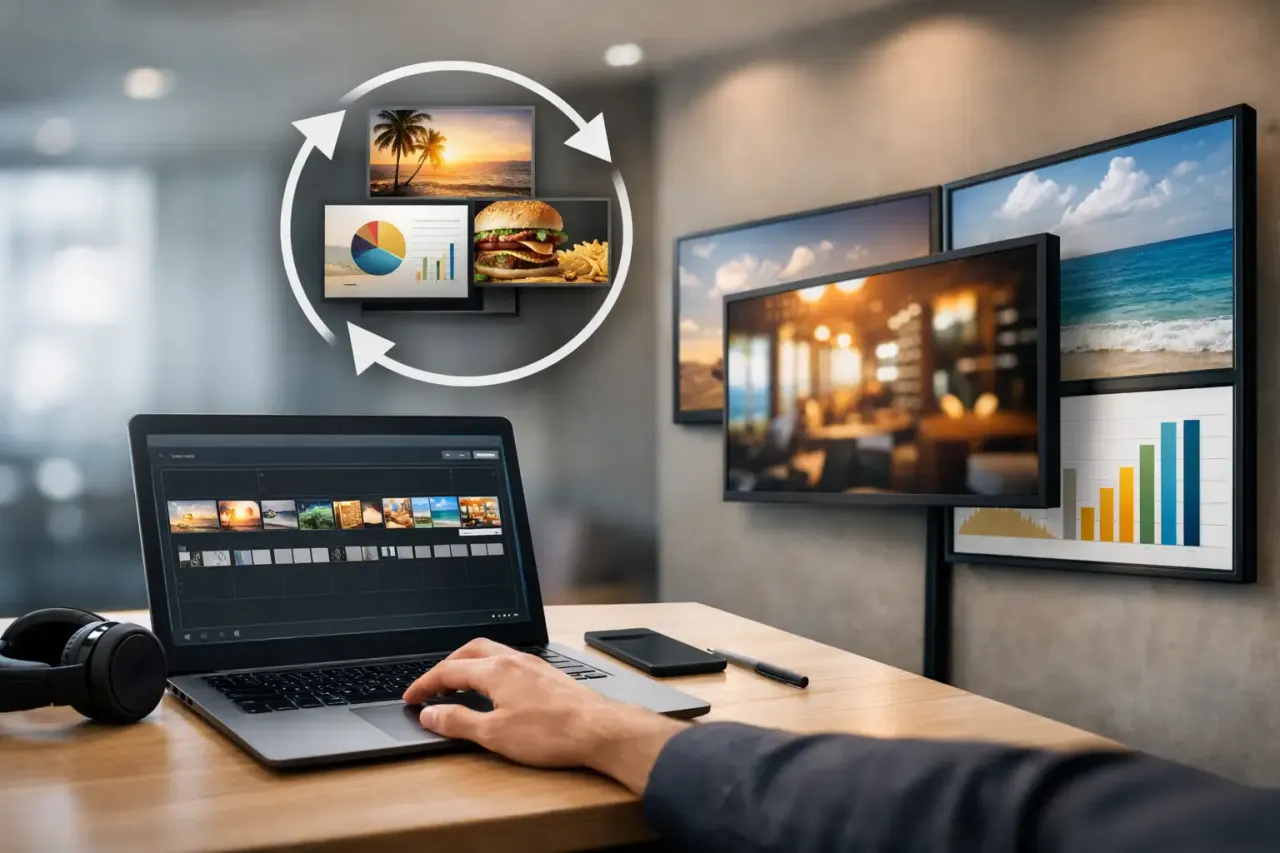
A rotating playlist is a sequence of content items that plays automatically on one screen or a group of screens. It might combine promotions, menu boards, employee updates, brand videos, event notices, and QR codes in a planned loop. The goal is not to show everything you have. The goal is to show the right messages, in the right order, for long enough to be understood.
Start With the Job Each Screen Needs to Do
Before uploading a single image or video, decide what each display is responsible for. A lobby screen at a clinic may need to reduce perceived wait time and share patient information. A retail window display needs to stop foot traffic. A gym screen near the front desk can promote memberships, classes, and personal training offers. These are different jobs, so they should not run the same playlist by default.
Give every screen one primary purpose and, if needed, one secondary purpose. For example, a restaurant’s order-area display may lead with menu and pricing information, then include one promotion and one short brand message. A back-of-house screen can prioritize shift reminders, safety notices, and training updates instead.
This decision prevents a common signage mistake: treating every screen like a digital flyer board. When every message gets equal weight, the screen communicates very little. Rotating playlists work best when they are built around a clear audience, location, and moment.
How to Create Rotating Playlists That People Can Read
A good playlist starts with a content inventory. Gather the assets you plan to show, then sort them by purpose: sales, education, wayfinding, announcements, brand reinforcement, or operational communication. Remove anything that is outdated, hard to read from a distance, or irrelevant to the screen’s audience.
Then build the sequence around attention. Put the highest-value message early in the rotation, not buried after five other slides. If a promotion drives revenue this week, it should appear frequently enough that a visitor is likely to see it during a normal wait, browse, or check-in.
For most customer-facing screens, use short display durations. Static slides usually need about 8 to 12 seconds, depending on how much text they contain. A simple offer with a large product image may only need 6 to 8 seconds. A screen with service details, a QR code, or a list of class times may need 12 to 15 seconds. Video should earn its place: keep it concise, mute it unless audio is truly useful, and make sure the message still works without sound.
A practical starting playlist might include six to 10 items. That is long enough to add variety but short enough to repeat key messages. A two-minute loop is often effective in a waiting area or retail environment. In a place where people only glance at a screen, such as a checkout line, shorter loops and clearer creative usually perform better.
Avoid putting several text-heavy slides back to back. Alternate information with visual breathing room. A sale announcement can be followed by a lifestyle image, then a service reminder, then a menu feature. The sequence feels more intentional, and people are more likely to notice each message.
Keep Each Slide Focused
A screen is not a webpage. It is viewed at a distance, often for only a few seconds. Use a single message per slide, large type, high contrast, and a direct call to action when action is required. If someone cannot understand the point from several feet away, simplify it.
This is especially important for multi-location businesses. Local teams often want to add details, disclaimers, and internal notes. Some of that information belongs on a dedicated employee screen, a printed handout, or a mobile page - not on a customer-facing display competing for attention.
Build Playlists Around Time, Place, and Priority
The real value of a rotating playlist is scheduling. A screen should not show breakfast items after lunch, a finished event promotion on Monday morning, or a holiday message in February. Schedule playlists to match the operating reality of each location.
Start with dayparts. A restaurant can run breakfast content in the morning, lunch offers in the afternoon, and catering or delivery promotions later in the day. A gym can promote morning classes before work, training packages during peak traffic, and recovery services in the evening. Retailers can move from new-arrival messaging to limited-time offers as the day progresses.
Next, add calendar-based scheduling. Build separate playlists for weekly promotions, seasonal campaigns, local events, and time-sensitive announcements. Set start and end dates in advance so content changes automatically. This removes the risk of someone forgetting to replace a campaign after it ends.
Location targeting matters just as much. A franchise group may want a core brand playlist across every store while allowing regional offers or local hours to appear only in relevant markets. A hotel can use one playlist in the lobby, another near meeting rooms, and a third for staff areas. Central control does not mean every screen must be identical. It means the right team can manage differences without losing consistency.
Set a default playlist too. If a scheduled campaign ends or a local playlist is temporarily paused, the screen should continue showing approved evergreen content rather than going blank. Brand stories, service highlights, reviews, loyalty reminders, and general wayfinding make useful defaults.
Use Rules to Prevent Playlist Sprawl
Rotating playlists become difficult when every request creates a new loop. Establish a few operating rules before the library grows.
Keep an approval process for customer-facing content. Define who can publish local promotions, who owns brand assets, and who checks pricing or compliance. Use clear names for files and playlists, such as “Dallas - Lunch - Summer Promo” rather than “Final_New_Updated2.” Small naming standards save real time when dozens of screens and campaigns are involved.
Also set expiration dates for temporary assets. A discount graphic with no end date is easy to leave live by accident. Content should either have a planned retirement date or be labeled as evergreen. Review active playlists regularly, especially after major promotions, menu changes, or branding updates.
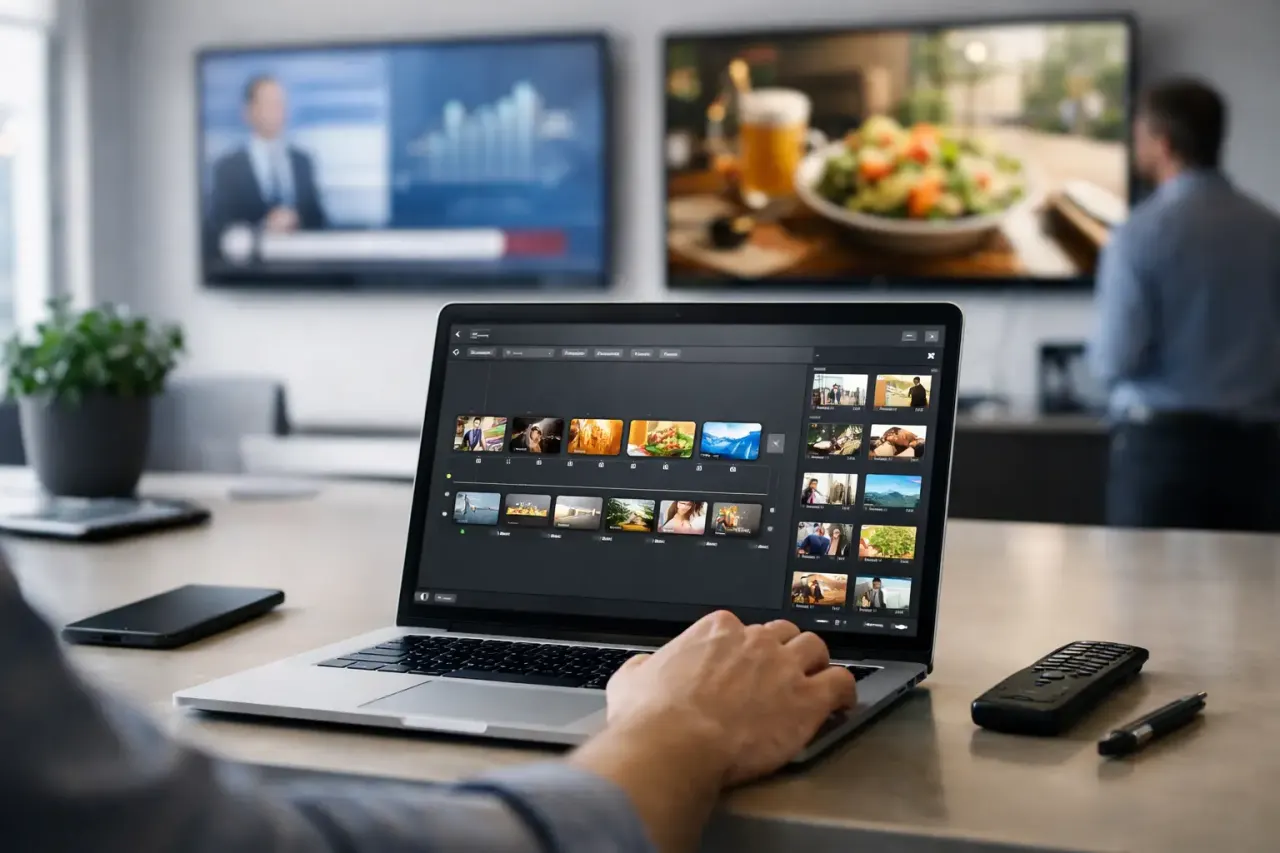
A platform such as VitVue makes this easier by letting teams create, schedule, and push playlists from one dashboard while keeping visibility into screen status and play history. That matters when you manage more than one location. You need more than a plan for what should play - you need confidence that it is playing.
Check the Screen Experience, Not Just the Playlist Editor
A playlist can look perfect in an editor and still fail on the actual display. View it where customers or staff will see it. Check the font size from normal viewing distance, glare at different times of day, and whether colors hold up on the TV model in use. Confirm that videos, images, and transitions load correctly.
Pay attention to pacing. If two slides feel visually similar, viewers may not realize the content changed. If transitions are too flashy, they can distract from the message. Simple cuts or restrained transitions are usually the safer choice for operational signage.
For multi-screen setups, test how content behaves across different orientations and screen sizes. A landscape playlist may not translate cleanly to a portrait display. Build layouts for the screen they will actually occupy rather than stretching one design everywhere.
Measure What Gets Seen and What Gets Results
Not every playlist needs advanced attribution, but every playlist should have a reason to exist. For promotional content, compare sales before and during the campaign. For a QR code, use a unique destination or offer code. For employee communications, ask managers whether the screen reduced repeat questions or improved awareness of a process change.
Play history and uptime data answer a more basic question: did the message actually run? If a screen was offline during a key promotion, the campaign did not reach its audience, no matter how strong the creative was. Check device health alongside content performance.
Use what you learn to adjust rotation frequency. If a promotion is being missed, increase its placement or simplify the creative. If customers repeatedly ask about something already on screen, the message may be too dense, too brief, or positioned at the wrong point in the playlist.
The best rotating playlists are not the busiest. They are the ones that make each screen useful at the exact moment someone looks up - with current content, clear priorities, and no last-minute scramble behind the scenes.
See how VitVue digital signage software keeps every screen updated from one dashboard. Browse ready-made digital signage apps like weather, menus, clocks and news tickers.