Cloud Displays Versus USB Signage: What Works Better?
Cloud displays versus USB signage: compare setup, updates, costs, reliability, and control to choose the right digital signage approach for your screens.
On this page
A restaurant runs a lunch special on every screen at 11 a.m. By noon, a key item sells out. With USB signage, someone has to edit the file, load a drive, visit each TV, and hope every screen gets updated. In the cloud displays versus USB signage decision, that everyday operational gap matters far more than the file format.
USB playback can be adequate for a single screen with content that rarely changes. But as locations, screens, promotions, and stakeholders multiply, it turns into a manual process with no real visibility. Cloud-based digital signage gives teams a faster way to control what customers and employees see, without adding media players or asking IT to manage every update.
Cloud Displays Versus USB Signage at a Glance
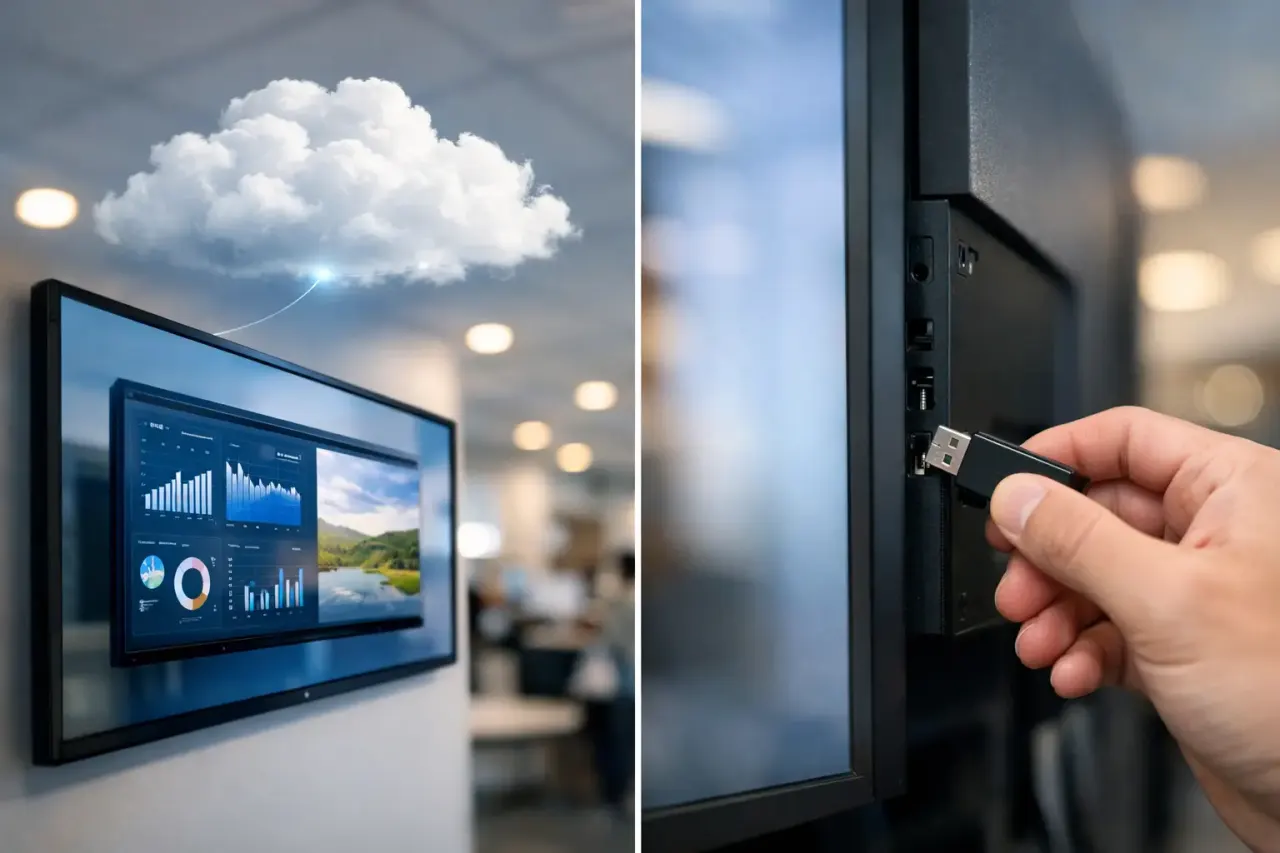
The central difference is simple. USB signage stores content locally on a flash drive. A staff member inserts the drive into a TV or media player, then uses the device's menu to play images or video. The screen will continue showing that content until someone physically replaces it.
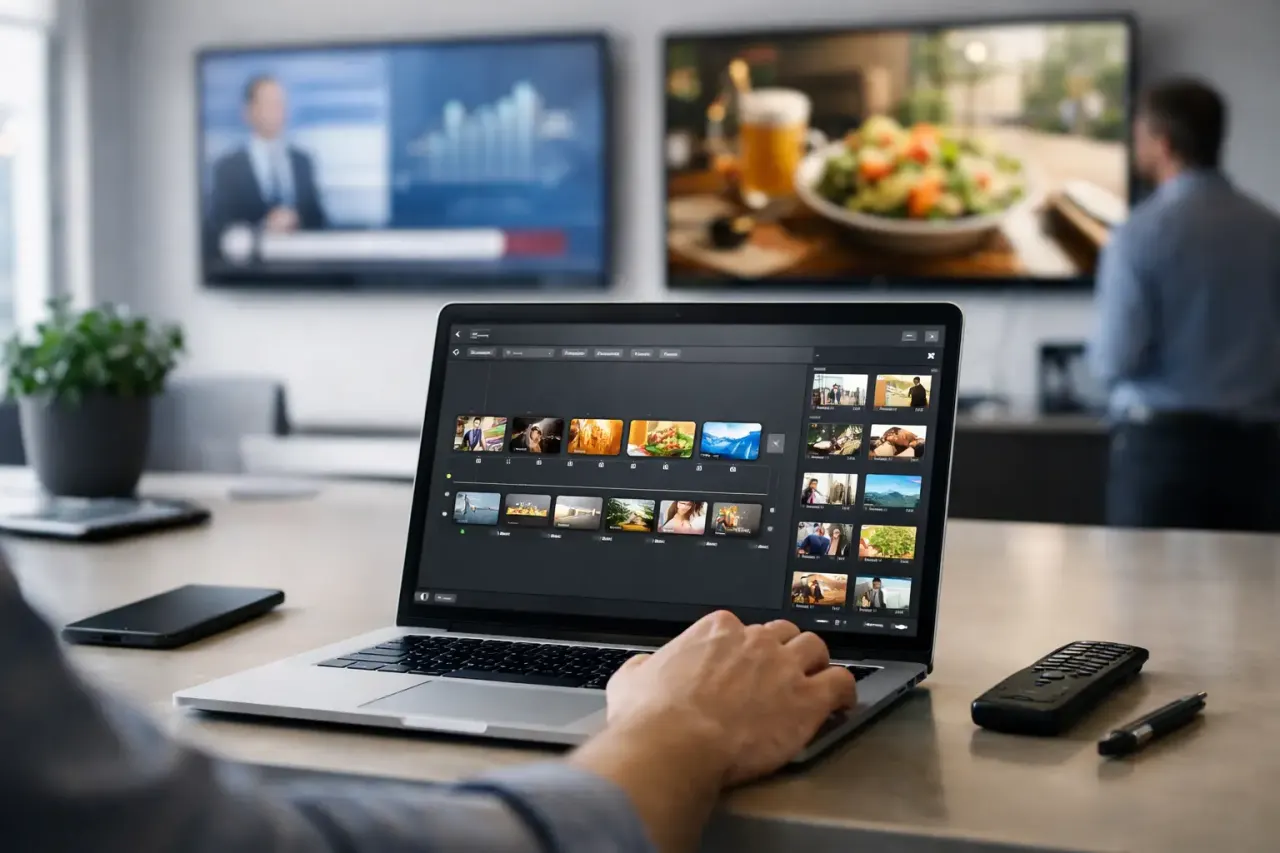
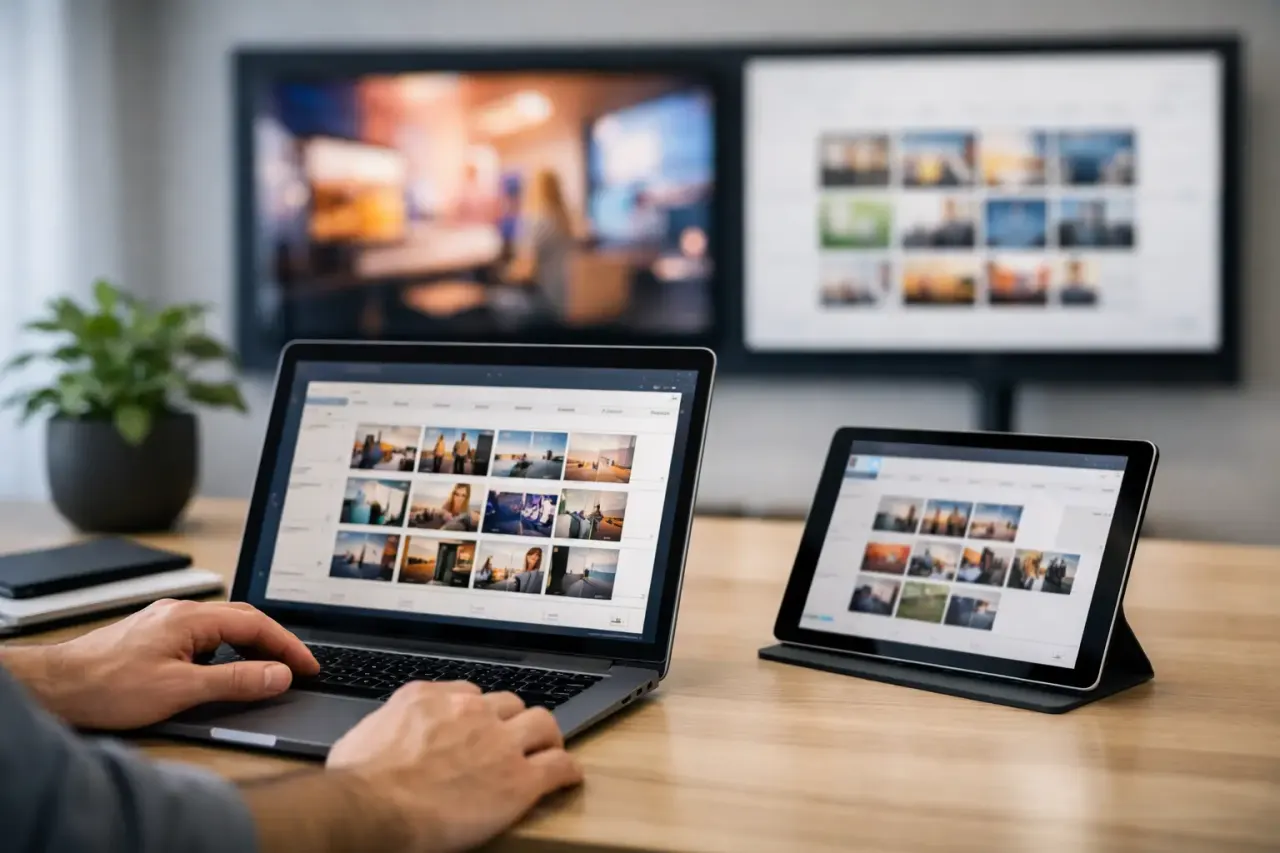
Cloud displays connect a compatible Smart TV or streaming-stick-connected TV to a digital signage platform. From one web dashboard, an authorized user can create content, choose a playlist, schedule it, and publish it to one screen or hundreds. The display checks in over the internet and receives the changes automatically.
That distinction changes the operating model. USB signage is a file-handling task. Cloud signage is a managed communications system.
| Decision factor | USB signage | Cloud displays | | --- | --- | --- | | Content updates | Physical visit required | Publish remotely from one dashboard | | Multi-location control | Manual and inconsistent | Centralized by location, screen, or group | | Scheduling | Usually manual or limited | Schedule content by day, time, and playlist | | Proof of playback | Little to none | Screen status and play history available | | Upfront hardware | Low if the TV has USB playback | Can use existing Smart TVs or affordable streaming sticks | | Ongoing effort | Increases with every screen | Scales without adding site visits |
Where USB Signage Still Makes Sense
USB signage is not automatically the wrong choice. For a waiting room with one TV, a single looping welcome video, and content that changes a few times a year, it can be the lowest-cost route. It also works in environments with no reliable internet connection, provided the TV reliably supports the required media formats and looping behavior.
The trade-off is that low upfront cost can hide ongoing labor. Even a small change, such as a new price, holiday hours, compliance notice, or event date, becomes an on-site task. If several people handle updates, version control becomes another problem. Which USB drive has the current file? Did the front desk replace the old one? Is the display actually playing the intended content?
For static use cases, those questions may not be worth solving. For customer-facing communications that affect sales, service, or operations, they usually are.
Why Cloud Displays Change Daily Operations
Cloud displays remove the handoff between content creation and screen updates. A marketing manager can update a promotion from headquarters. A district manager can publish a local announcement to one store. A clinic administrator can replace a seasonal message across every waiting room before the day begins.
That speed is valuable, but control is the larger advantage. Teams can organize screens by location, department, or purpose, then assign different playlists to each group. A retail chain can run brand campaigns everywhere while allowing stores to add local offers. A gym can keep membership messaging on lobby displays while scheduling class information on screens near the studio.
Updates happen when the business needs them
USB-based workflows force updates into staff schedules. Cloud signage lets content follow business conditions. Schedule breakfast menus for the morning, lunch promotions for midday, and happy-hour offers for the evening. Set campaign start and end dates ahead of time so outdated messages do not stay on screen after an offer expires.
Real-time publishing also helps when plans change. A weather closure, an inventory issue, an event cancellation, or a staffing notice should not wait for someone to find the correct USB drive.
Centralized control reduces location-by-location drift
Multi-location teams often discover that USB signage creates different customer experiences by accident. One store has last month's campaign. Another is using a distorted file. A third has a blank screen because the drive was removed or the TV was reset.
With cloud displays, the team works from a central source of truth. They can push approved content to every assigned screen, standardize playlists, and make exceptions where they make sense. That is especially useful for franchises and distributed brands that need local flexibility without losing brand consistency.
Visibility replaces guesswork
A screen that is powered on is not necessarily showing the right message. USB workflows provide little evidence beyond a staff member's report or a photo sent by text.
A cloud signage platform can show whether a display is online and provide playback history. That visibility helps teams spot an issue before a customer does. It also creates accountability for time-sensitive campaigns, internal communications, and regulated messaging.
Cost Is More Than the Price of a USB Drive
USB signage appears inexpensive because the equipment is familiar. But the full cost includes the time required to prepare files, distribute drives, travel between locations, troubleshoot TV settings, and confirm updates. Those costs grow each time content changes.
Cloud displays typically involve a subscription, but they can reduce or eliminate the hardware cost associated with traditional signage systems. Platforms such as VitVue are designed to run on existing Smart TVs or inexpensive streaming sticks, so businesses do not need a dedicated media player at every screen.
The practical question is not whether cloud software costs more than a flash drive. It is whether the time and inconsistency of physical updates cost more than centralized control. For one static display, USB may win. For five, 20, or 200 screens, cloud signage usually becomes easier to justify quickly.
Reliability Depends on the Use Case
USB signage has one obvious strength: it does not depend on an active internet connection to keep playing local content. That can be useful in a remote location or a network with frequent outages. However, it also depends on the USB drive, the TV's built-in media player, supported file formats, and the staff member setting it up correctly.
Cloud displays depend on internet connectivity for updates and monitoring, but a capable platform should support offline playback. In practice, the screen downloads its assigned content and continues to play it if the connection drops temporarily. When internet service returns, it checks back in and receives any pending changes.
This creates a balanced model: local playback for continuity, cloud management for control. Before choosing a provider, verify offline behavior, device compatibility, screen monitoring, and how the platform handles failed updates.
How to Choose the Right Option
Start with the frequency and importance of your updates. If content changes rarely and one person can reach every screen easily, USB signage may remain sufficient. Keep the workflow simple, label drives clearly, and maintain a current master file.
Cloud displays are the stronger fit when any of these conditions apply:
You manage multiple screens, locations, or departments.
Promotions, menus, events, or notices change regularly.
Different screens need different messages at different times.
You need confidence that displays are online and playing approved content.
Staff should not have to use USB drives or navigate TV menus.
Also consider who owns the workflow. When updates sit with an already-busy store manager, USB signage becomes one more task that can slip. A cloud dashboard allows marketing, operations, HR, or communications teams to publish directly while local staff focus on customers.
A Better Starting Point for Modern Signage
The best system is the one your team will actually keep current. A screen with a polished but outdated message does not help the customer or the business. Start with the number of screens you have today, then plan for how often messages change and how many people need control.
If your displays are becoming a regular part of sales, service, or internal communication, move the work out of USB drives and into a central dashboard. You will spend less time chasing screens and more time putting the right message in front of the right audience.