Restaurant Signage Rollout Case Study for 12 Stores
This restaurant signage rollout case study shows how a 12-location brand replaced USB updates with centralized menus, promos, scheduling, and visibility.
On this page
A lunch promotion should not wait for someone to find the right USB drive, update a slide deck, and remember which screen belongs to which store. This restaurant signage rollout case study follows a representative 12-location fast-casual brand that replaced that manual process with centrally managed digital displays. The goal was simple: get accurate menu content, time-sensitive promotions, and local messages on screen without adding media players, IT tickets, or store-level confusion.
This is a composite scenario based on the operational problems common to growing restaurant groups. The details matter because a rollout that works in one flagship location can fail quickly when twelve managers, different TV models, daypart menus, and franchise-level expectations enter the picture.
The Starting Point: Screens Without Control
The restaurant group already had TVs in most locations. Some screens showed looping menu images, some played stale promotional videos, and a few had gone dark without anyone at headquarters noticing. Content updates happened through emailed files and USB drives. Store teams were expected to download, copy, and plug in new files before each campaign change.
That workflow created three problems. First, execution varied by location. A limited-time offer might appear on Monday in one store, Thursday in another, and not at all in a third. Second, managers spent time on tasks that did not improve service or sales. Third, the marketing team had no reliable way to verify whether a screen was online or showing the approved creative.
The group did not need a large-scale hardware project. It needed operational control over the displays it already owned. That distinction shaped every decision in the rollout.
What the Restaurant Needed From Digital Signage
Before selecting a platform, the operations and marketing teams defined a practical standard. Each location needed to run breakfast, lunch, dinner, and late-night content automatically. Marketing needed the ability to push a promotion to every restaurant immediately, while district managers needed limited control over location-specific messages such as hiring notices or local events.
The system also had to keep playing if a store internet connection dropped. Restaurants cannot pause customer-facing communications because a network is unstable. Finally, the team wanted visibility into screen status and playback history. A campaign is only useful if it actually appeared.
Traditional signage deployments often start with a hardware inventory, media player procurement, installation scheduling, and IT configuration. For this group, that route would have slowed the project and increased cost. The preferred approach was to use existing Smart TVs where possible and connect inexpensive streaming sticks where needed.
Restaurant Signage Rollout Case Study: The Deployment Plan
The rollout was organized in phases rather than deployed to all twelve stores at once. That was not a sign of hesitation. It was the fastest way to surface real-world issues before they became twelve-location problems.
Phase One: Audit the Screens
The first step was a short location audit. The team documented the number of displays, their placement, screen orientation, network access, operating hours, and current purpose. A screen near the order counter had different content needs than a screen in the dining room or pickup area.
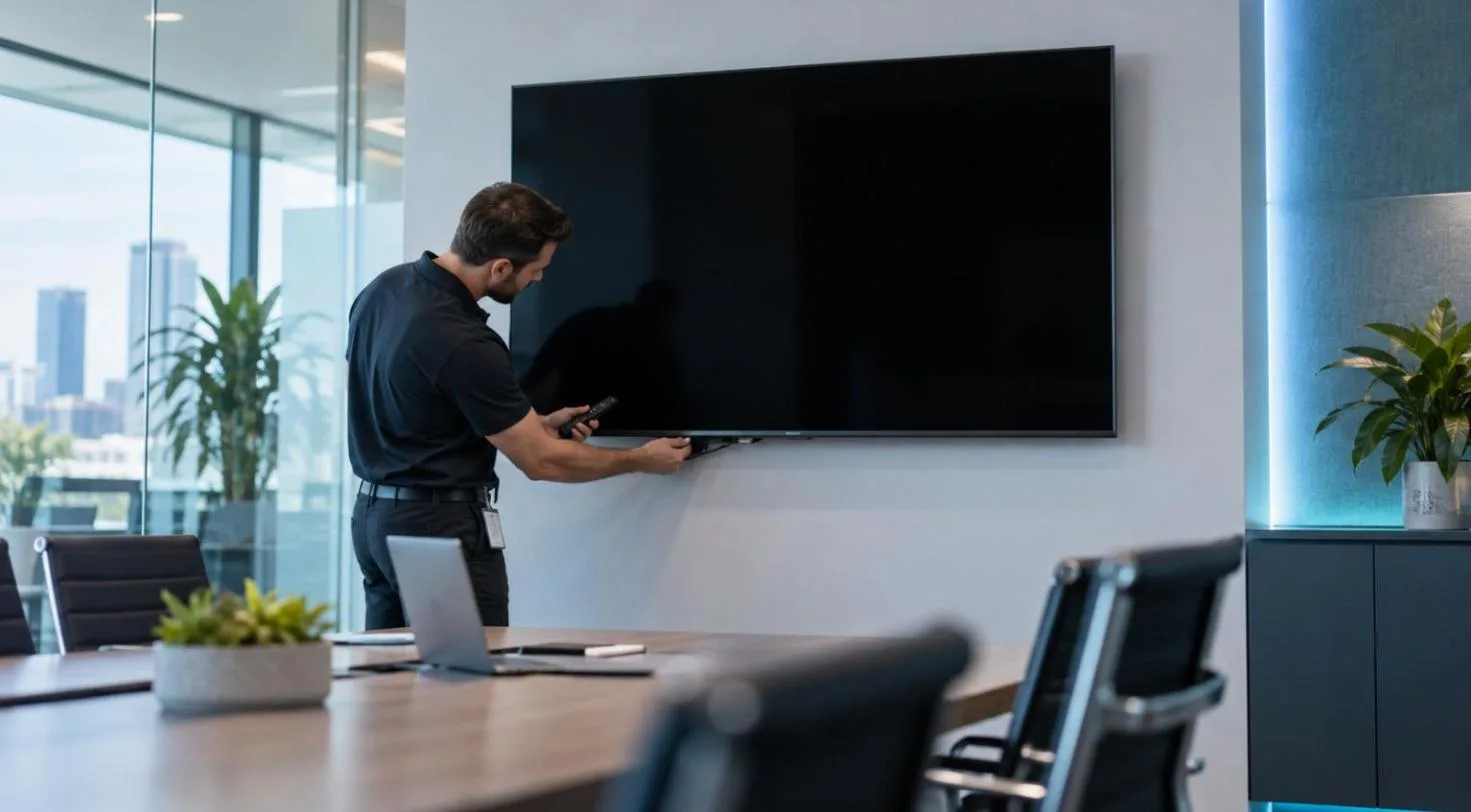
This audit also identified which TVs could run the signage app directly and which required a streaming stick. The result was a mixed but manageable setup: most locations could use their existing displays, while several older screens received low-cost streaming devices. No dedicated media player fleet was required.
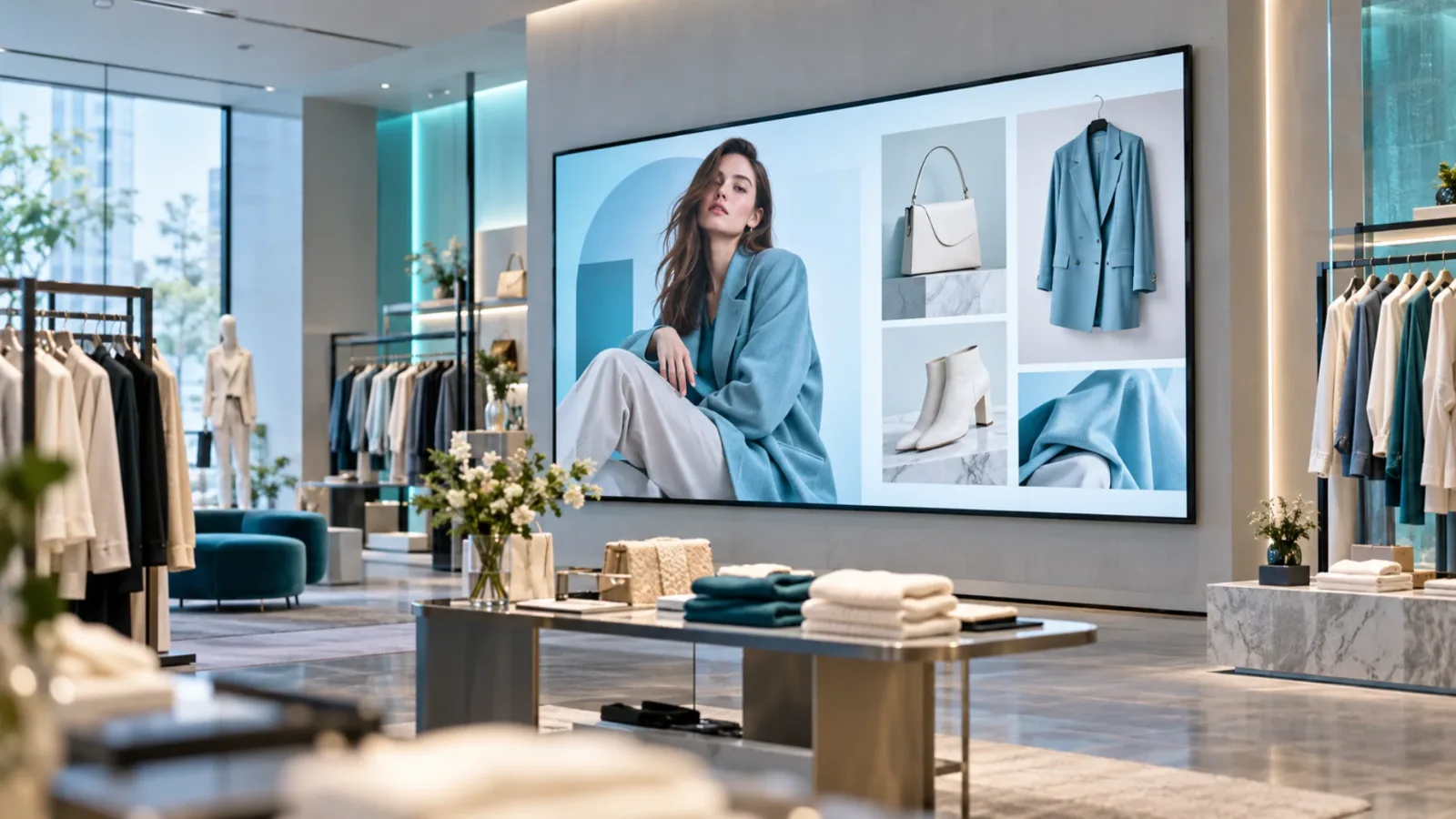
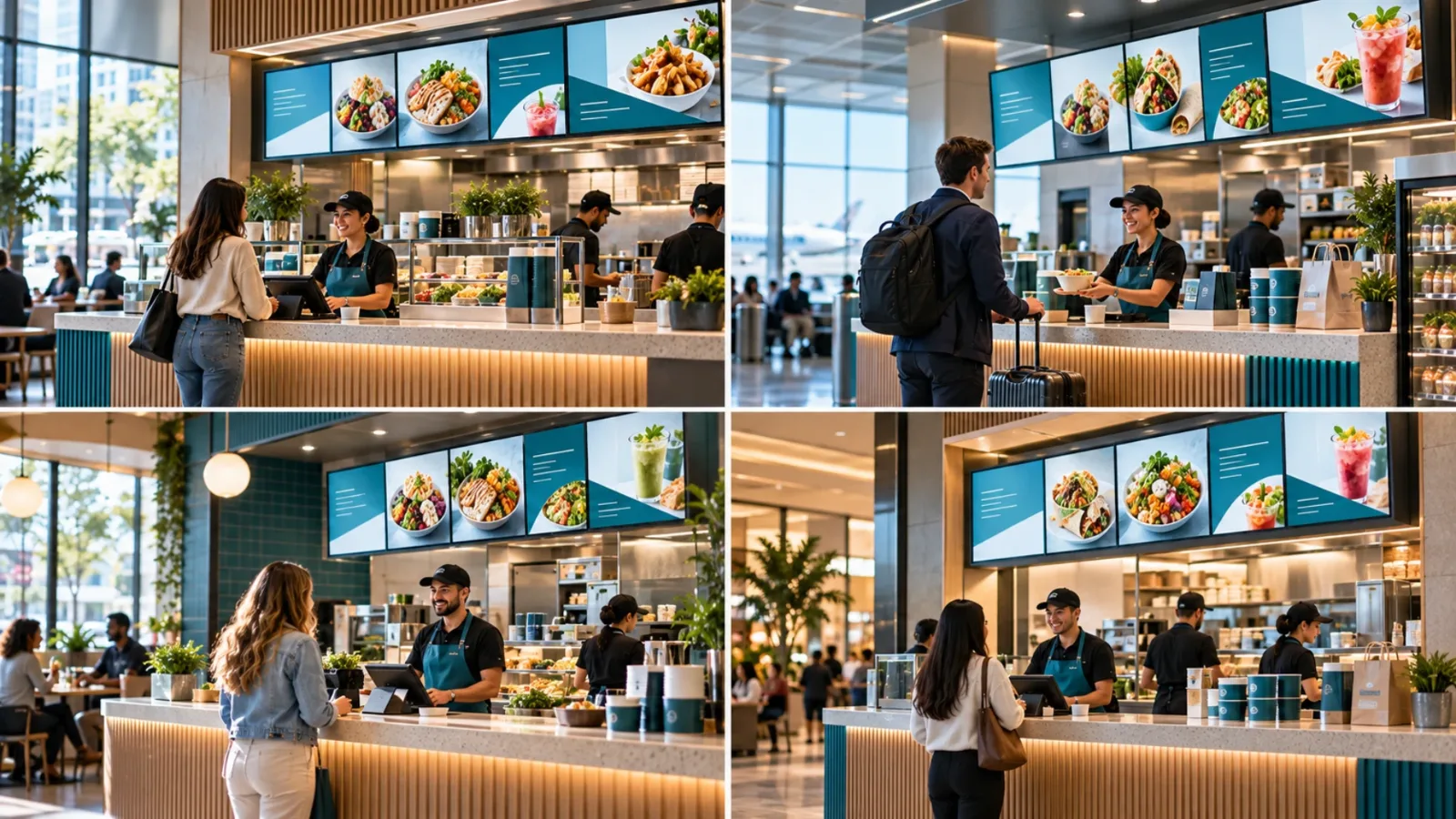
The audit prevented a common mistake: treating every screen as interchangeable. A landscape TV above the counter needs legible menu and offer content. A portrait display at the entrance can support brand storytelling, catering prompts, loyalty reminders, or hiring messages. The hardware may be similar, but the communication job is not.
Phase Two: Build Content Around Dayparts
The marketing team did not create one endless playlist. It built content blocks around the restaurant's operating rhythm. Breakfast messaging ran during morning hours, lunch offers appeared before and during the midday rush, and dinner creative shifted the focus to bundles and add-ons.
This reduced manual work and made campaigns more relevant. A brunch promotion that stays on screen at 8 p.m. does not just look careless. It creates avoidable questions for staff and customers.
Templates were set up for recurring needs: limited-time offers, new menu items, catering, loyalty enrollment, recruiting, and local store announcements. Brand-level templates protected approved colors, fonts, pricing treatment, and legal language. Location managers could update a designated local field without changing the core design.
That permission structure was a key trade-off. Giving every store complete editing access sounds flexible, but it can weaken brand consistency. Locking every element at headquarters can make local teams feel ignored. The better model was controlled flexibility: central teams owned campaign creative, while stores had room for approved local messages.
Phase Three: Pilot Two Different Locations
The pilot included one high-volume urban restaurant and one suburban location with a smaller team. This gave the group a clearer view of how the system would work under different operating conditions.
The urban store tested fast promotional changes, including a lunch add-on message pushed shortly before peak traffic. The suburban location tested scheduled content, local hiring messages, and offline playback during a brief internet interruption. Both stores gave feedback on content readability from the customer line, not just from a laptop screen.
That last point changed the creative approach. Early designs used too much text for the viewing distance. The team simplified headlines, enlarged pricing, and reduced the number of messages shown in each slide. Digital signage is not a website. Customers should understand the message in seconds, often while ordering or walking past.
Phase Four: Deploy in Waves
After the pilot, the remaining ten locations were deployed in two waves of five. Each manager received a short setup checklist covering Wi-Fi connection, screen naming, placement confirmation, and a final content check. Setup took minutes per display once the account structure and playlists were ready.
The central team named screens by location and purpose, such as “Downtown - Counter Menu” or “Westside - Dining Room.” That simple discipline made remote management much faster. When a manager reported an issue, the support team could identify the exact display rather than guessing which “TV 2” was affected.
Using a platform such as VitVue, headquarters could create, schedule, deploy, and monitor content from one dashboard. That central view replaced a chain of emails, text messages, and assumptions with direct control over what was playing at each store.
What Changed After the Rollout
The immediate win was speed. Promotional creative no longer needed to be packaged, emailed, downloaded, and manually installed at every location. Marketing could schedule a campaign in advance or push an approved update across the network when needed.
The more valuable improvement was consistency. Every store received the same core message at the intended time, while local content stayed within a defined framework. Managers spent less time handling files and more time running their restaurants.
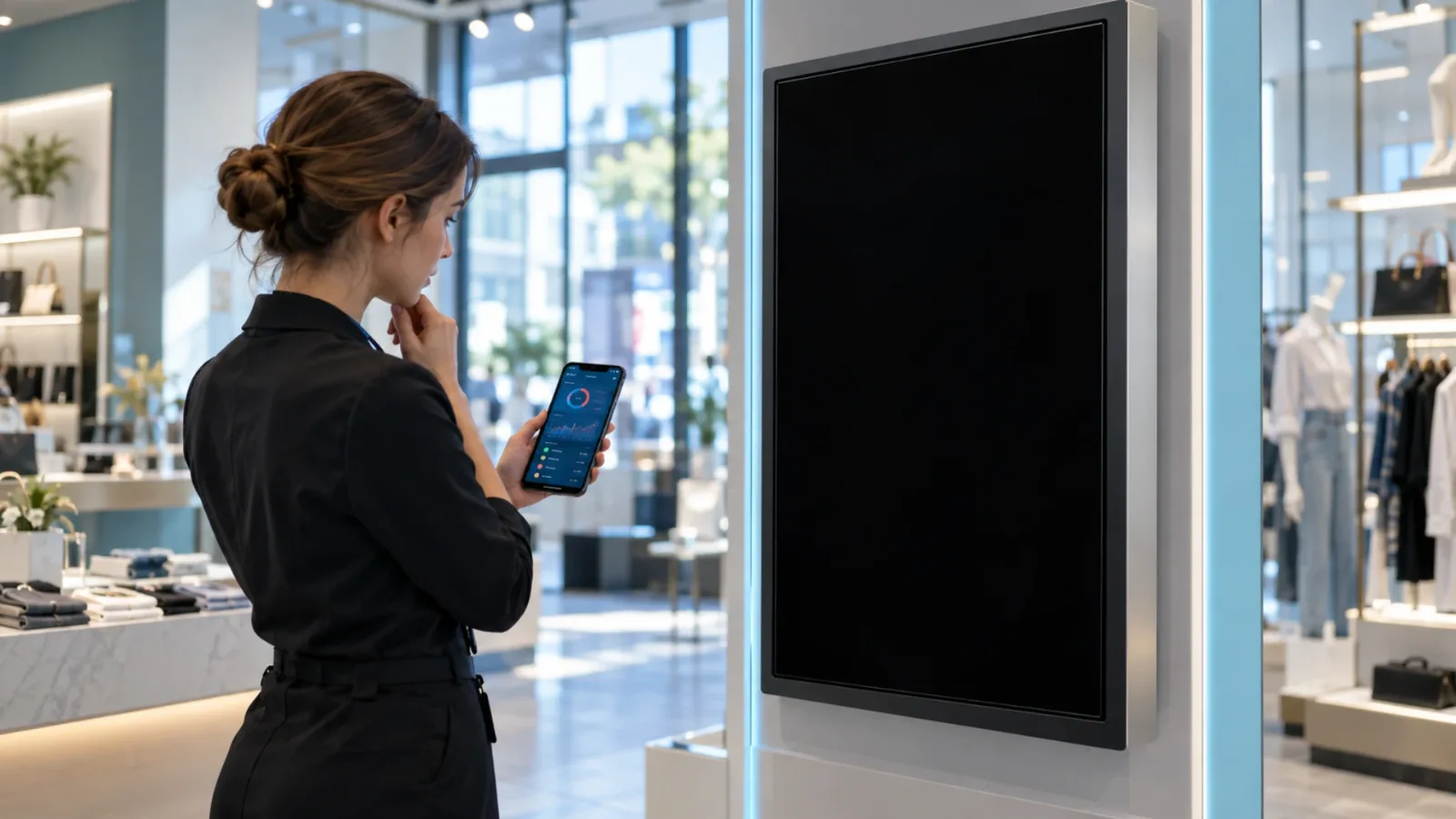
Screen visibility also changed how the team managed the program. Instead of discovering a blank screen during a store visit, the central team could monitor device status and playback history. When a display went offline, it became an actionable exception rather than an invisible failure.
The rollout did not eliminate every operational issue. Some stores needed stronger Wi-Fi coverage near a display. One location repositioned a dining-room screen after realizing glare made afternoon content difficult to read. These were useful findings, not signs that the rollout had failed. A good deployment plan leaves room for on-site realities.
The Decisions That Made the Rollout Work
This restaurant group avoided treating signage as a one-time installation. It treated screens as an active communications channel with owners, rules, and a content calendar.
Four decisions made the difference:
It used existing TVs whenever possible instead of buying unnecessary hardware.
It designed content for viewing distance, daypart relevance, and quick comprehension.
It tested permissions during the pilot, balancing brand control with local usefulness.
It monitored screens after deployment instead of assuming every location stayed current.
The final point is often underestimated. A digital signage rollout is not complete when the first playlist appears. It is complete when the team can confidently manage the next menu change, promotion, weather closure, staffing message, or local event without restarting the process from scratch.
A Better First Step for Restaurant Groups
If your current signage process depends on USB drives, emailed files, or a manager remembering to update a screen, start with a screen audit and one pilot location. Do not wait for a full remodel or a major technology budget. Identify the displays you already have, define what each screen needs to communicate, and put one team in charge of the content calendar.
The best rollout is rarely the one with the most hardware. It is the one that lets your team change the right message, on the right screen, at the right time - without making restaurant operations harder.
Read our guide to digital menu boards for restaurants.