Digital Signage Templates for Retail That Sell
Digital signage templates for retail help teams launch timely promotions, guide shoppers, and manage every store screen from one place with less effort.
On this page
A promotion can be approved at 9:00 a.m. and still miss the shopping rush if updating the screen means emailing files, finding a USB drive, and hoping every store plays the right version. Digital signage templates for retail remove that delay. They give store teams a repeatable way to turn pricing, product, and seasonal campaigns into on-screen messages that are ready to schedule and publish.
For retailers, a template is not just a design shortcut. It is a control system for fast-moving store communication. The best templates keep every location on brand while giving local teams enough flexibility to feature inventory, events, or regional offers without rebuilding a screen from scratch.
What Retail Digital Signage Templates Need to Do
Retail displays have a short window to earn attention. A shopper may glance at a screen while entering the store, waiting at checkout, or comparing products in an aisle. The message needs to land quickly, even when the screen is viewed from several feet away.
That changes what makes a template effective. A polished layout that carries too much copy, too many product images, or a small disclaimer can look fine on a laptop and fail completely on a 55-inch TV. Build for the customer standing in front of the display, not the employee editing it.
Strong retail templates also account for operational reality. Promotions change. Prices expire. One store may carry a product that another does not. A template should make approved changes fast without giving every user the freedom to alter brand colors, fonts, or campaign structure.
The most useful layouts usually support one job at a time: promote an offer, introduce a product, direct shoppers, explain a service, or reinforce a seasonal campaign. When one screen tries to perform all five jobs, shoppers often remember none of them.
The Retail Template Types Worth Building First
A large template library is not automatically useful. Start with the screens your stores need every week, then add campaign-specific designs as your program grows. These five formats cover most day-to-day retail needs:
Promotion templates for limited-time offers, price drops, bundles, loyalty incentives, and clearance events.
Product spotlight templates for new arrivals, best sellers, premium features, and product comparisons.
Wayfinding templates that direct shoppers to departments, pickup counters, fitting rooms, service desks, or event areas.
Checkout templates for add-on items, membership benefits, digital receipts, return policies, and future purchase offers.
Brand and seasonal templates for major launches, holiday campaigns, community events, and storewide moments.
Promotion templates deserve special attention because urgency is easy to overdo. “Sale now” is not enough information for a shopper to act. The screen should identify the product or category, state the offer clearly, and show an end date when one matters. If the offer applies only to loyalty members or select locations, make that condition visible without letting fine print consume the screen.
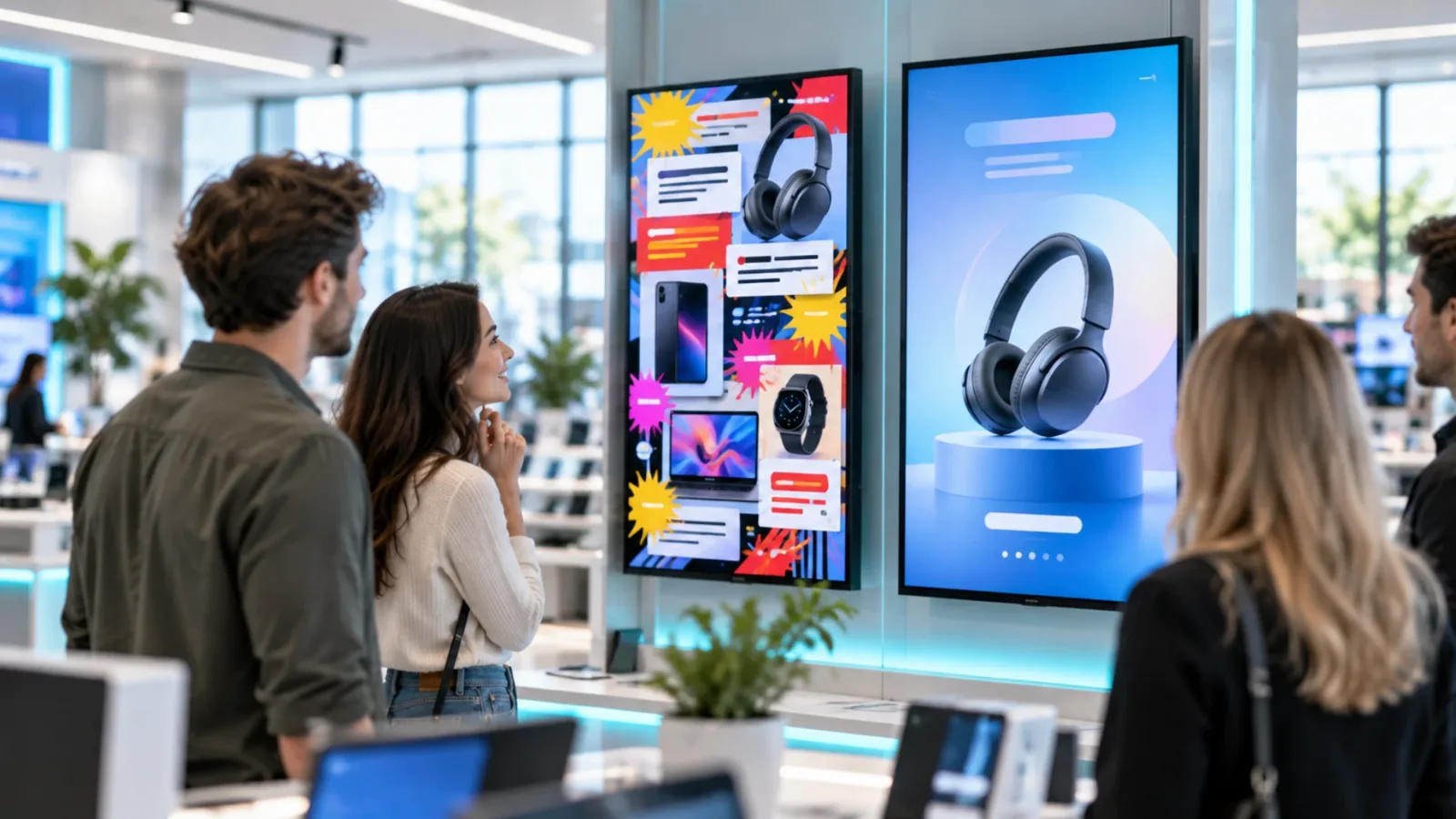
For product spotlights, lead with one benefit rather than a complete product specification. A skincare store might show “Hydration that lasts all day,” while an electronics retailer may focus on “Built for game night.” The product, claim, price, and next action should all be readable in a quick glance.
Design for Distance, Motion, and Store Conditions
Retail environments are busy. Windows create glare, aisles add visual noise, and customer traffic is rarely predictable. A template that works in a quiet office may not work near a store entrance or checkout queue.
Use high contrast between text and background. Keep type large and give it room to breathe. A practical test is to view the layout at its intended screen size from the typical customer distance. If a team member cannot understand the offer in three seconds, reduce the copy before adding another design element.
Movement can help draw the eye, but it should support the message rather than compete with it. A subtle transition between slides or a short motion accent can add energy. Constant animations, spinning prices, and fast cuts make a screen harder to read and can make the store feel chaotic.
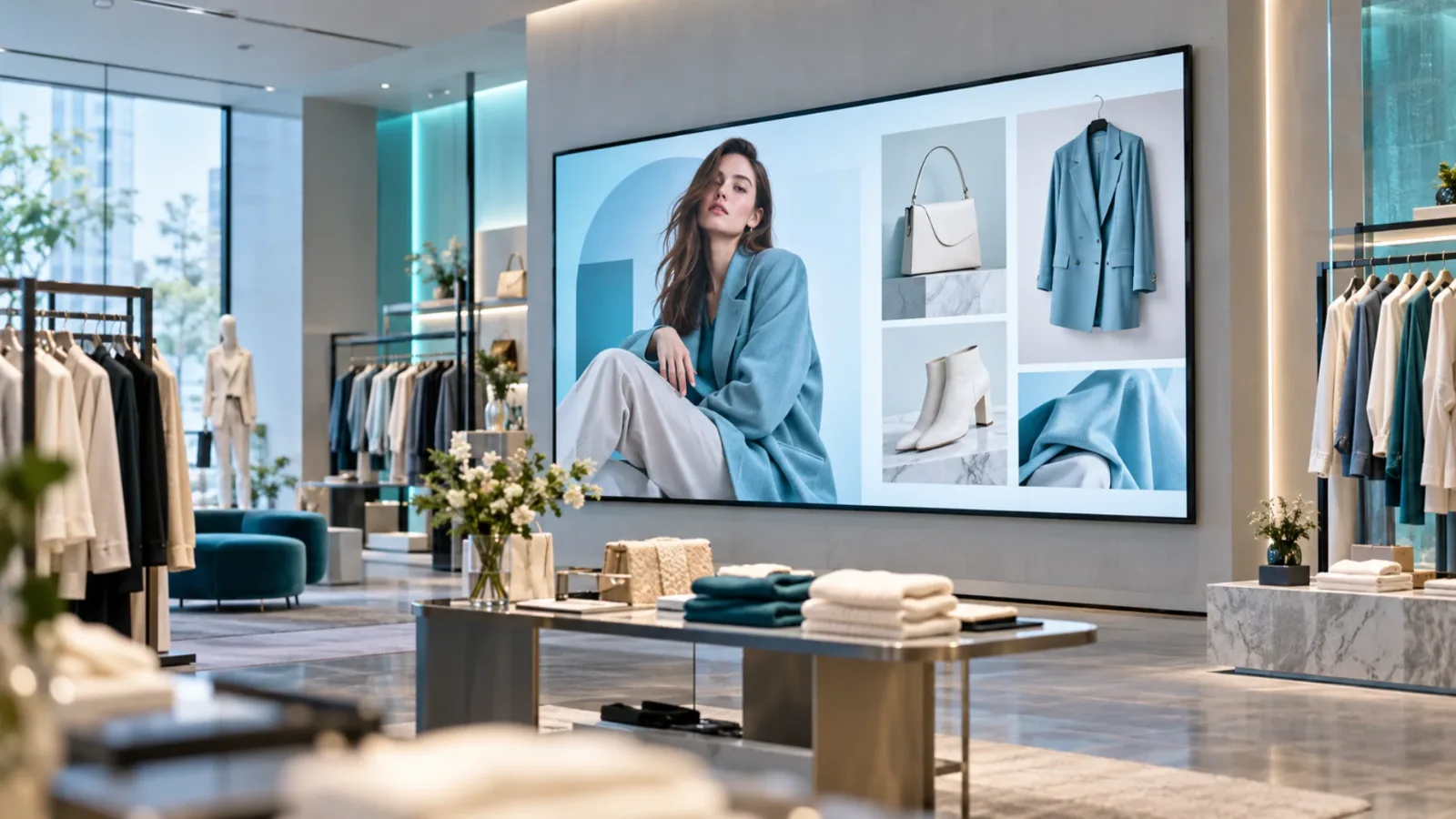
Image selection matters just as much. Show products in a way customers can recognize immediately. Lifestyle images are useful for campaign mood, but they should not obscure the item being sold. For product-led retail, clear product photography often outperforms a beautiful image with no obvious connection to the offer.
Build Templates Around Editable Fields
The fastest retail template is one that store or marketing teams can update without breaking it. That means deciding in advance which parts are fixed and which parts are editable.
Keep brand elements fixed: logo placement, approved colors, type hierarchy, margins, and legal treatment. Make campaign details editable: product image, headline, price, offer period, call to action, and store-specific notes. This approach protects consistency while cutting approval cycles.
For multi-location retailers, create a national version and a local version of key promotional templates. The national format can carry the primary campaign message, while the local format can include store hours, regional inventory, a community event, or a locally approved offer. Not every screen needs local customization, but the option prevents generic content from feeling disconnected from the store.
It also helps to set character limits inside the template process. A headline that fits at six words may become unreadable at fourteen. Give users clear guardrails such as one product image, one headline, one price, and one call to action. Good constraints make content faster to create, not harder.
Match the Template to the Screen Location
The same promotion should not look identical on every display. Screen placement changes the customer context.
At the storefront or entrance, a template should answer a simple question: why come in or keep browsing? Feature the strongest current offer, a new collection, or a visual campaign hook. Keep the message broad enough for any passerby to understand.
In an aisle or department, the screen can be more specific. This is where product comparison, ingredient details, compatible accessories, or a bundle offer can help customers make a decision. Near checkout, shift toward low-friction actions such as joining a rewards program, buying an add-on, or returning for an upcoming event.
This is also where playlist planning matters. A checkout screen can rotate through several short messages because customers may wait in line. An entrance screen may need one dominant campaign slide that remains visible long enough for passing traffic to register it. The right template depends on dwell time, viewing distance, and the action you want next.
Schedule Templates Instead of Manually Replacing Them
A good retail campaign plan should not require someone to remember when to swap every screen. Templates work best when they are paired with scheduling rules.
Schedule breakfast messaging in the morning for a food retailer, weekend promotions during peak shopping hours, and event messaging only in stores where the event is happening. Set expiration times for limited offers so outdated pricing does not remain on a screen after the campaign ends. This is especially valuable for franchise groups and retailers with dozens of locations.
With a platform such as VitVue, teams can update content centrally, assign playlists by location or screen, and push approved changes without visiting each store. Existing Smart TVs or affordable streaming-stick-connected TVs can become managed displays, avoiding the cost and maintenance of traditional media-player setups.
Central control does not mean every location must show identical content. It means the right people can decide which content is shared, which is local, and when it appears. That is a meaningful difference from USB-based workflows, where consistency depends on each store completing the same manual steps correctly.
Measure What Happens After the Screen Goes Live
Retail signage should be treated as an operating channel, not a decoration. Review play history and screen uptime first. A campaign cannot influence sales if the display is offline or showing yesterday's content.
Then connect each template to a practical business signal. A promotion near an aisle may be evaluated against unit sales of the featured product. A rewards message at checkout can be measured against member signups. A wayfinding screen can be assessed through fewer customer questions or smoother traffic during a busy event.
Results will vary by store format, product category, and screen placement. Do not retire a template after one slow week without checking whether the offer, timing, inventory, and location were right. Test one meaningful change at a time, such as a clearer price treatment or a simpler headline, so teams can learn what improved performance.
Common Template Mistakes That Slow Retail Teams Down
The most expensive mistakes are usually operational. One is creating a new design for every campaign. That looks flexible at first, but it turns every update into a production task and makes brand drift almost inevitable.
Another is filling templates with internal language. Customers do not need campaign names, SKU codes, or marketing jargon. They need a clear reason to look, shop, or ask an associate for help.
Finally, do not let old content linger because no one owns the schedule. Assign responsibility for campaign approval, local edits, and expiration dates before screens go live. A simple ownership model is more reliable than a beautiful template with no process behind it.
The right retail template does more than make a screen look current. It gives your team a faster way to put the right message in front of the right shopper, while keeping every location controlled, visible, and ready for the next change.
See how VitVue digital signage software keeps every screen updated from one dashboard. Browse ready-made digital signage apps like weather, menus, clocks and news tickers.