Hotel Lobby Screen Software That Keeps Guests Moving
Hotel lobby screen software helps teams update guest information, promotions, and wayfinding fast, without media players or constant desk-side changes.
On this page
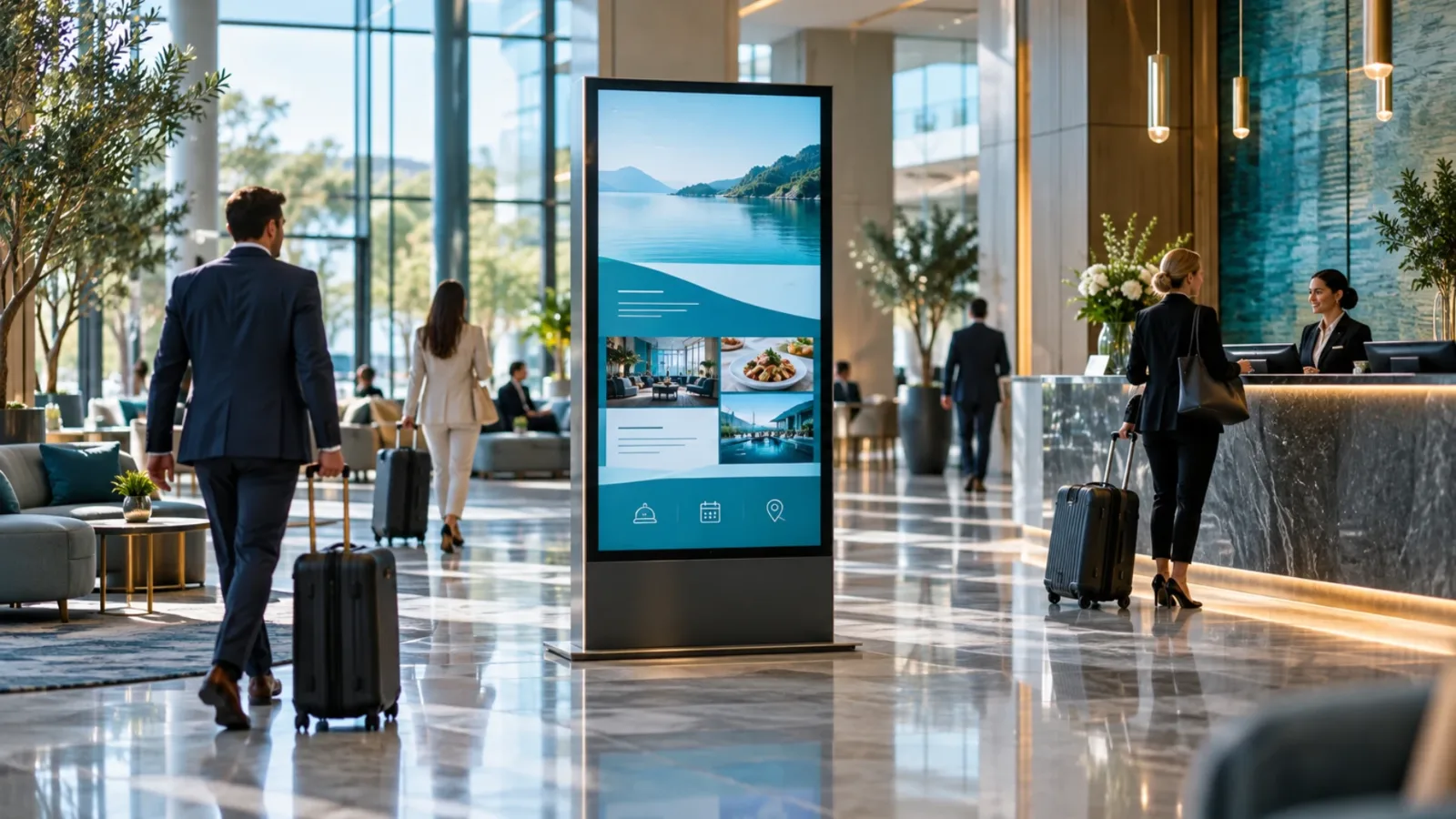
A guest reaches the front desk after a long flight, sees a screen with breakfast hours, Wi-Fi instructions, a local event, and the right elevator direction, then asks fewer questions. That is the practical value of hotel lobby screen software. It turns a high-traffic waiting area into a clear, current source of information without adding work to an already busy front desk.
For hotel operators, the screen itself is rarely the hard part. The challenge is keeping content accurate across shifts, properties, seasons, and guest needs. A screen that still promotes last month’s package or lists the wrong pool hours does more harm than good. The right software gives hotel teams fast control without requiring a media player at every TV, a complicated installation, or an IT ticket for every update.
What Hotel Lobby Screens Need to Do
A lobby display has a different job than a retail promotion screen or an office dashboard. It must help guests orient themselves while supporting the hotel’s commercial goals. That balance matters. Too much promotional content can feel noisy; too much operational information can make the screen look like a notice board.
The strongest screen programs rotate useful guest information with relevant offers. A property might show check-in and checkout times, breakfast service, pool or fitness center hours, meeting room directions, weather, local transportation updates, and area recommendations. Between those messages, it can promote late checkout, restaurant specials, spa appointments, event packages, loyalty enrollment, or on-property amenities.
The content should also reflect where the display sits. A screen behind the front desk may prioritize arrival information and property rules. A screen beside elevators may feature restaurant hours, meeting schedules, and upcoming events. A display near a conference area should show room assignments and directional guidance. One playlist for every screen usually creates clutter. Screen-specific content creates a more useful guest experience.
Why Hotel Lobby Screen Software Beats USB Updates
Many hotels begin with a TV, a slideshow, and a USB drive. It works until the first urgent change. A weather closure, delayed event, sold-out restaurant seating, or revised shuttle schedule turns a simple update into a manual task. Someone has to create the new slide, put it on a drive, walk to the screen, and hope the correct version is playing.
That workflow does not scale across multiple screens or properties. It also creates uncertainty. Managers may not know whether a display is online, whether the update was published, or whether the screen is showing old content after a power interruption.
Hotel lobby screen software centralizes those tasks. Teams can build content, assign it to the right screen or group of screens, schedule it for a specific time, and push changes from one dashboard. When an event room changes at 8:00 a.m., the relevant lobby and conference displays can reflect that change immediately.
The operational benefit is not just speed. It is consistency. Brand-approved layouts, current logos, and approved messaging can be reused across locations while each property still controls local details. That is especially useful for hotel groups, franchise operators, and management companies that need local flexibility without losing brand standards.
The Features That Matter Most
Not every digital signage platform is a fit for hospitality. A hotel should evaluate features based on how quickly staff can use them during real operations, not on the length of a feature list.
Centralized Content Control
A central dashboard should let authorized users manage one display, a group of displays, or every property in the portfolio. Corporate teams may want to publish a new brand campaign everywhere. Property managers need the ability to update local dining hours or a weekend event without waiting for approval on routine changes.
Permissions matter here. The best setup gives each team access to the screens and content they are responsible for. A front desk manager should not accidentally replace a corporate campaign across 30 hotels, and a corporate user should not need to edit individual screens one by one.
Simple Design and Ready-Made Layouts
Hotel teams should not need a design department to publish a polished message. A drag-and-drop editor and ready-made templates reduce the time between an idea and a live screen. Staff can replace a photo, adjust text, add a QR code, or update hours while keeping the layout readable and on-brand.
Templates also prevent a common issue: slides packed with small text. Guests usually see lobby screens while walking, checking in, or waiting for an elevator. Use large type, short headlines, high-contrast colors, and a single clear action. If guests need to read a paragraph to understand a slide, the message belongs somewhere else.
Smart Scheduling
Hospitality runs on schedules. Breakfast messaging should not appear at dinner. A happy-hour promotion should end when service ends. Conference wayfinding must match the actual event calendar. Smart scheduling lets teams prepare content in advance and set it to appear only when it is relevant.
Scheduling is also useful for dayparting. Morning screens can feature breakfast, checkout reminders, and local transit. Afternoon content can promote lunch, nearby attractions, or meeting space. Evening displays can focus on dining, events, and late checkout options for the next day. The screen stays useful without asking staff to make repeated manual changes.
Offline Playback and Screen Status
Hotel Wi-Fi is not always perfect, particularly in older buildings or properties with separate guest and operations networks. A signage system should continue playing its scheduled content if the connection drops. Offline playback keeps the screen useful instead of leaving guests looking at a blank display.
Teams also need visibility. Remote screen status and play history help managers verify that displays are online and running the intended playlist. This is a major step up from assuming the USB slideshow is still working. For multi-location operators, it replaces site-by-site check-ins with a practical view of screen health.
Use Screens to Reduce Repetitive Front Desk Questions
A lobby screen is not meant to replace hospitality. It is meant to free staff for better hospitality. When guests can quickly find breakfast hours, parking guidance, Wi-Fi details, amenity locations, or checkout information, front desk associates have more time for questions that require personal attention.
The most effective messages answer questions guests ask repeatedly. Start by having front desk staff track those questions for one week. If everyone asks where breakfast is served, what time the pool closes, or how to reach the shuttle, those are strong candidates for screen content.
There is a trade-off. Screens should not become a dumping ground for every policy and instruction. Prioritize information that is timely, frequently requested, or valuable to the guest journey. Detailed rules can remain in the guest portal, confirmation email, or printed materials where guests can review them at their own pace.
A Fast Rollout Plan for Hotel Teams
Start with the screens you already own. Many modern Smart TVs can run signage software directly, while other TVs can be connected with inexpensive streaming sticks. This avoids the cost and maintenance burden of dedicated media players in every location.
Next, choose three or four core content categories: guest information, wayfinding, amenities, and property offers. Build a small set of reusable templates for each category. A hotel with two consistently updated screens will create more value than a hotel with ten screens filled with stale slides.
Then define ownership. Someone should be responsible for local updates, while corporate or regional teams manage brand-wide assets and campaigns. Set a simple review routine for recurring information such as hours, menus, seasonal offers, and event schedules. Content governance does not need to be heavy, but it needs to exist.
Platforms such as VitVue make this rollout easier by letting teams create, schedule, deploy, and monitor content from one dashboard using existing TVs. The goal is not to add another complicated hotel system. It is to make guest communication easier to control.
Measure What the Screen Is Actually Doing
A screen is not successful because it looks polished. It should reduce friction, support revenue, or improve communication. Measure the outcomes that match the content. For operational slides, ask whether front desk questions decline. For restaurant or spa promotions, compare inquiries, bookings, or redemptions during campaigns. For event wayfinding, collect feedback from meeting planners and guests.
Also review what played and when. If a promotion was scheduled during the wrong period or shown on the wrong screen, that is an operational fix, not a design debate. Regular reporting helps teams make better decisions about content frequency, placement, and timing.
A well-managed lobby display does not need to shout. It should quietly make the guest’s next step obvious, while giving hotel teams the control to keep every message current.