What Is Cloud Digital Signage for Businesses?
What is cloud digital signage? Learn how it works, what it replaces, and why teams use it to update every business screen from one dashboard in real time.
On this page
A restaurant changes its lunch special at 10:58 a.m. A retail chain launches a promotion across 40 stores at noon. A clinic needs to replace an outdated wait-time message before the afternoon rush. None of those teams should need a USB drive, a ladder, or a call to IT. That is the practical answer to what is cloud digital signage: it is a way to create, schedule, update, and monitor screen content from a web-based dashboard.
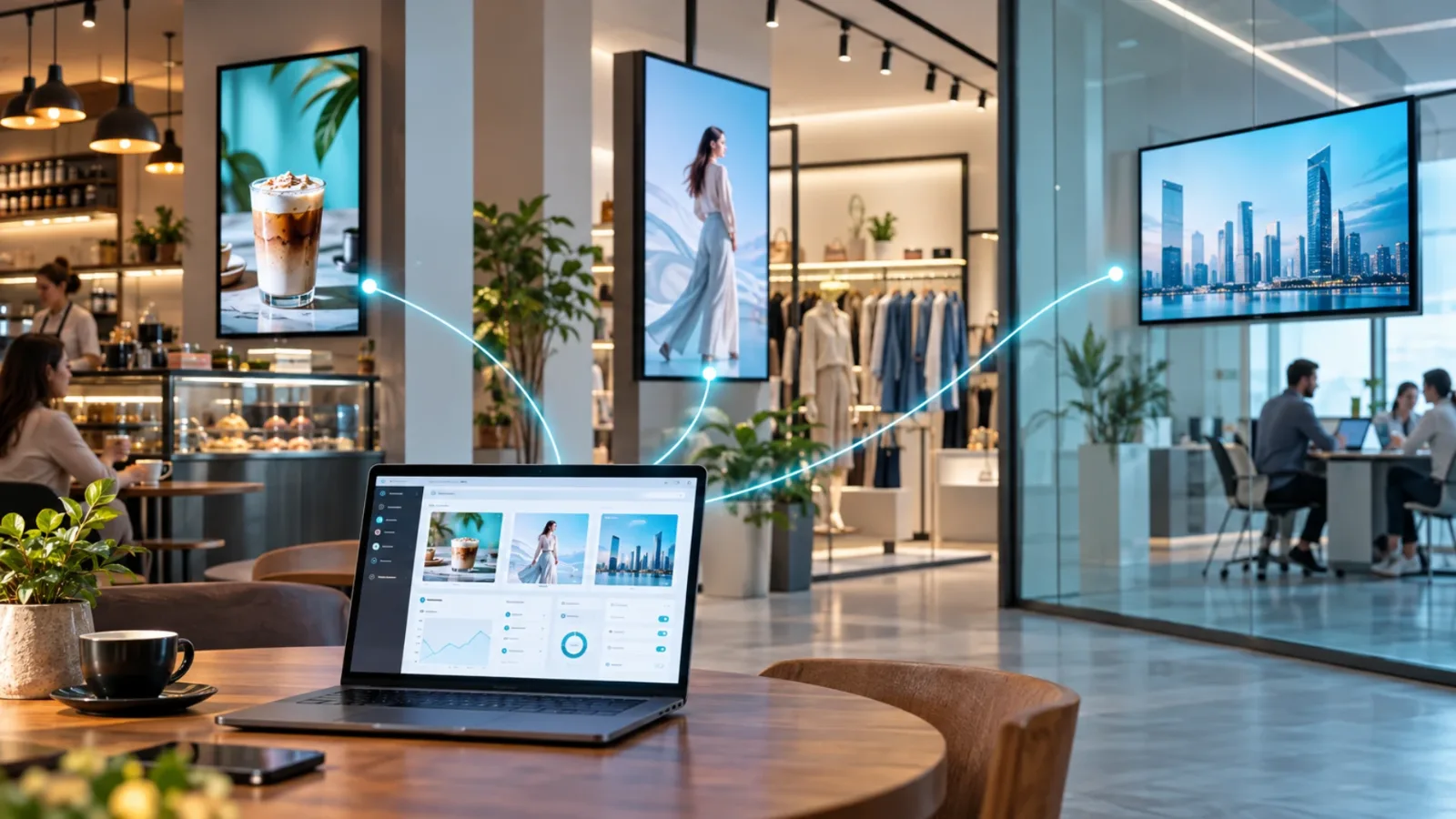
Instead of treating every TV as a separate project, cloud digital signage turns your screens into a centrally managed communication network. Your team controls what appears on each display from anywhere with an internet connection, while the screens play the right content at the right location.
What Is Cloud Digital Signage?
Cloud digital signage is software that delivers and manages content on digital displays through the internet. The software lives in the cloud, not on a computer in your office or a server your team has to maintain. Authorized users sign in through a browser, build or upload content, assign it to screens, and set schedules.
The display at each location runs a signage app or player that receives those instructions. Depending on the platform and hardware, that may mean using an existing Smart TV directly or connecting an inexpensive streaming device to the TV. The screen downloads content, plays it according to schedule, and reports its status back to the dashboard.
For a business with one lobby screen, this removes the repeated work of manual updates. For a brand with dozens or hundreds of locations, it creates one source of control without forcing every local team to manage their own files and devices.
How Cloud Digital Signage Works
The workflow is straightforward. First, you connect a compatible display to your signage account. Next, you create a playlist using images, videos, menus, announcements, web content, or templates. Then you assign that playlist to one screen, a group of screens, or every screen in the organization.
Once content is published, the signage software sends it to the selected displays. Many platforms cache scheduled content locally, so a screen can continue playing approved media during a temporary internet interruption. When the connection returns, the device checks in and receives pending changes.
This model gives operators three things that USB-based signage cannot provide reliably: speed, consistency, and visibility. A manager can push a new offer in minutes. Brand teams can keep messaging consistent across locations. Administrators can see whether a screen is online instead of discovering a black display after a customer points it out.
The dashboard is the control center
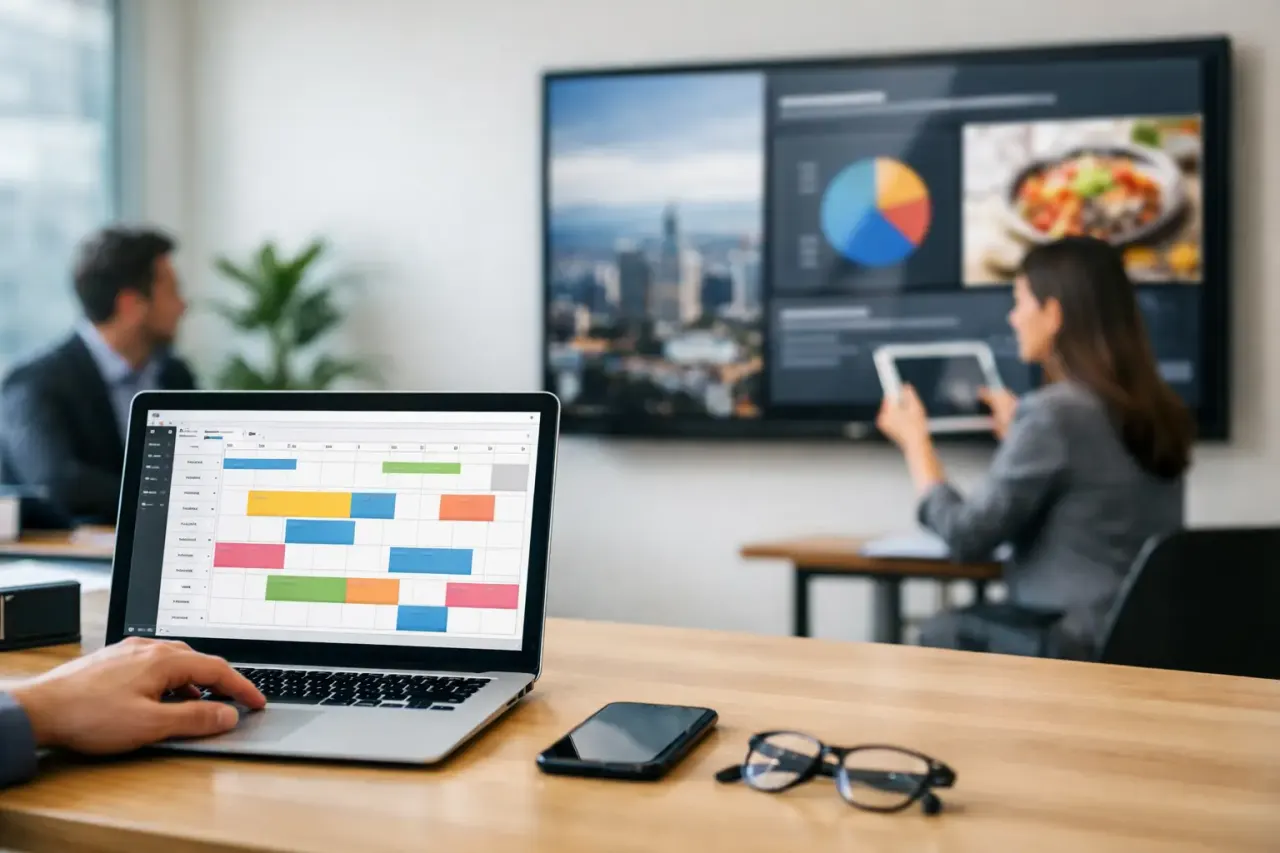
A cloud dashboard is where everyday signage work happens. It should let a nontechnical user organize screens by store, region, department, or use case; create playlists; schedule content by date and time; and make immediate updates when plans change.
For example, a gym could run class schedules in the morning, personal training offers in the afternoon, and membership promotions in the evening. A hotel can show breakfast hours before 10 a.m., local event information during the day, and dining promotions at night. The TV stays in place. The message changes automatically.
The screen is the endpoint, not the project
Traditional signage often starts with hardware decisions: buy a commercial display, buy a media player, configure a network, install everything, then train someone to update it. Cloud signage changes the order. Start with the screens you already have, then add software that makes them useful.
That does not mean every existing TV is the right fit for every environment. A high-traffic retail window, outdoor installation, or display that runs around the clock may require commercial-grade hardware. But for many indoor locations, a capable Smart TV or streaming-stick-connected TV is enough to get started without a costly equipment rollout.
What Cloud Digital Signage Replaces
Most businesses do not replace a sophisticated system when they adopt cloud signage. They replace workarounds that have become normal: PowerPoint slides on a USB drive, printed posters that are expensive to reprint, handwritten updates, and inconsistent content from location to location.
USB workflows are cheap only until they create operational friction. Someone has to prepare the file, copy it to a drive, bring it to the location, find the right remote, update the screen, and confirm that the right version is playing. Multiply that process by several screens or locations and a simple promotion becomes a coordination task.
Cloud signage also reduces dependence on dedicated on-site media players. Legacy setups can require extra hardware, cables, configuration, replacement units, and support when something fails. A software-first platform can remove that layer for compatible Smart TVs, which lowers upfront cost and gives teams fewer devices to manage.
Where It Delivers the Most Value
Cloud digital signage is useful anywhere information needs to stay current in a physical space. The value is not limited to advertising. It is about making every screen easier to operate and more relevant to the people looking at it.
Restaurants use it for digital menus, limited-time offers, order-ready messaging, and daypart promotions. Retail stores use it to support product launches, explain offers, and align campaigns across locations. Clinics can share check-in instructions, wellness education, and wait-time updates without relying on front-desk staff to change printed materials.
Corporate offices often use cloud signage for meeting room information, internal announcements, safety updates, and company news. Schools can display event reminders and emergency messages. Hotels can promote amenities and local activities while keeping guests informed. In each case, the use is different, but the operating need is the same: update screens quickly without adding more manual work.
Key Features to Look For
Not every cloud digital signage platform solves the same problem. A simple screen-sharing tool may display content, but it may not give you the scheduling, monitoring, permissions, or multi-location control that operational teams need.
Look for a platform with an easy content editor and ready-made templates, especially if local managers need to produce polished updates without a design team. Scheduling should support dates, times, and recurring playlists so content can change automatically instead of relying on someone to remember.
Screen grouping matters as your network grows. You may need one playlist for all locations, another for a specific region, and a third for a single lobby or checkout area. Real-time publishing is equally useful when a price, event, or operational message changes without warning.
Monitoring is the feature many buyers overlook until they need it. A useful dashboard shows screen connectivity and playback history, helping your team confirm that displays are active and content has been delivered. It is not a substitute for occasional on-site checks, but it gives operators a much better starting point than hoping every screen is working.
For larger teams, user permissions, single sign-on, integrations, API access, and white-label options may also matter. These capabilities are not necessary for every small business. They become more valuable when several departments, franchise owners, or enterprise systems are involved.
Cloud Signage vs. Traditional Digital Signage
The difference is less about the screen and more about the operating model. Traditional signage systems often rely on dedicated media players, local installations, and more hands-on support. Cloud signage puts management in a browser and can use simpler hardware, which reduces deployment time and makes updates easier to scale.
Cloud software does depend on network access for live changes and device reporting. If a location has unreliable internet, choose a platform with offline playback so scheduled content continues to run. You should also plan for Wi-Fi coverage, power access, screen placement, and who owns content approval. The cloud removes unnecessary complexity, but it cannot fix unclear processes or poor screen placement.
Cost also depends on your setup. A platform that works with existing Smart TVs can lower hardware spend significantly. However, if you need specialty commercial displays, professional installation, or advanced integration work, those costs still belong in the budget. The right question is not whether cloud signage has a monthly subscription. It is whether that subscription replaces enough manual effort, hardware, and missed update opportunities to justify itself.
Getting Started Without an IT Project
Start with one use case that has a clear business outcome. A restaurant may begin with a promotional screen near the register. A retailer may pilot a campaign display in a few stores. An office may replace a printed lobby board with live announcements.
Choose the screens, connect them, create a small set of reusable content layouts, and set a schedule. Then define who can publish changes and who checks screen status. This keeps the rollout controlled without turning it into a long technical project.
Platforms such as VitVue are built for this approach: use compatible TVs you already own, manage every display from one dashboard, and get live without adding traditional media players or a dedicated IT team.
The best first deployment is not the biggest one. It is the one that proves a screen can be updated faster, managed with less effort, and trusted to show the right message when your business needs it most.