7 Best Restaurant Screen Management Tools for 2026
Compare the best restaurant screen management tools for menus, promos, and multi-location control. See what to prioritize before you choose a platform.
On this page
A lunch rush is the worst time to find out a screen is showing last week's promotion. Yet that is exactly what happens when menus live on USB drives, updates require a manager at each location, and nobody can verify what is actually playing. The best restaurant screen management tools replace that scramble with one control center for menus, offers, dayparts, and screen status.
For restaurant operators, the right platform is not simply a design tool. It needs to get accurate content to the right display, at the right location, without adding another job for the store team. That means the practical details matter: hardware requirements, scheduling controls, offline playback, permissions, and visibility across every screen.
What restaurant screen management must solve
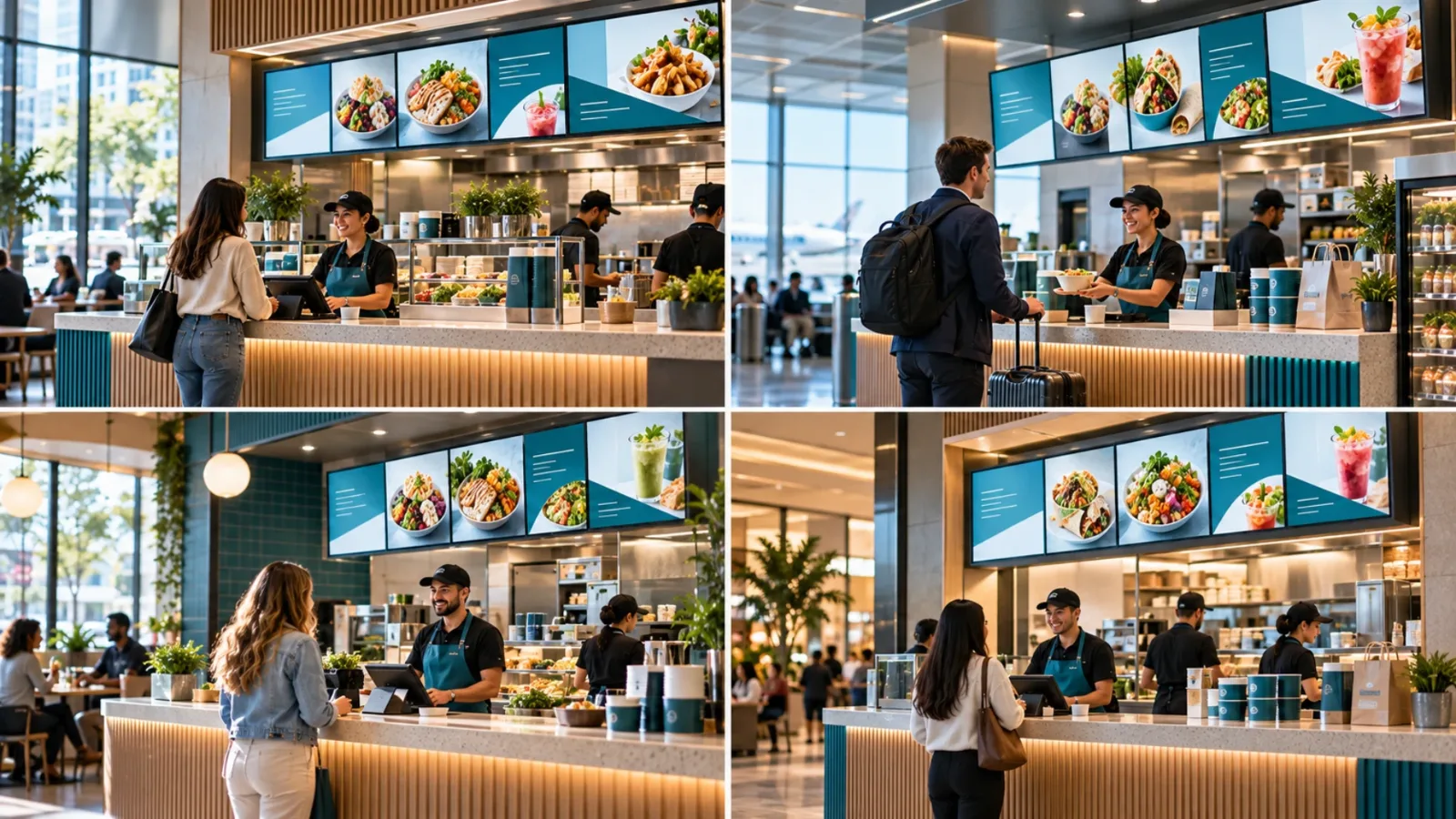
Restaurants use screens differently from most businesses. A quick-service location may need menu boards that switch from breakfast to lunch at 10:30 a.m. A bar may change happy-hour pricing at a fixed time. A multi-unit brand may run a national campaign while allowing local operators to promote a nearby event or limited-time item.
That creates two requirements that should not be separated: centralized control and local flexibility. Corporate teams need brand consistency. Operators need fast updates that do not depend on a ticket to IT or a vendor visit.
The platform should also be reliable when connectivity is not. If a location's internet drops for an hour, a blank display near the register is not acceptable. Look for offline playback, remote proof that a screen is online, and play-history reporting when compliance matters.
7 best restaurant screen management tools
1. VitVue
VitVue is a strong fit for restaurants that want to modernize screens without buying and maintaining dedicated media players. It turns compatible Smart TVs or streaming-stick-connected displays into centrally managed signage, so teams can deploy content without a hardware-heavy installation.
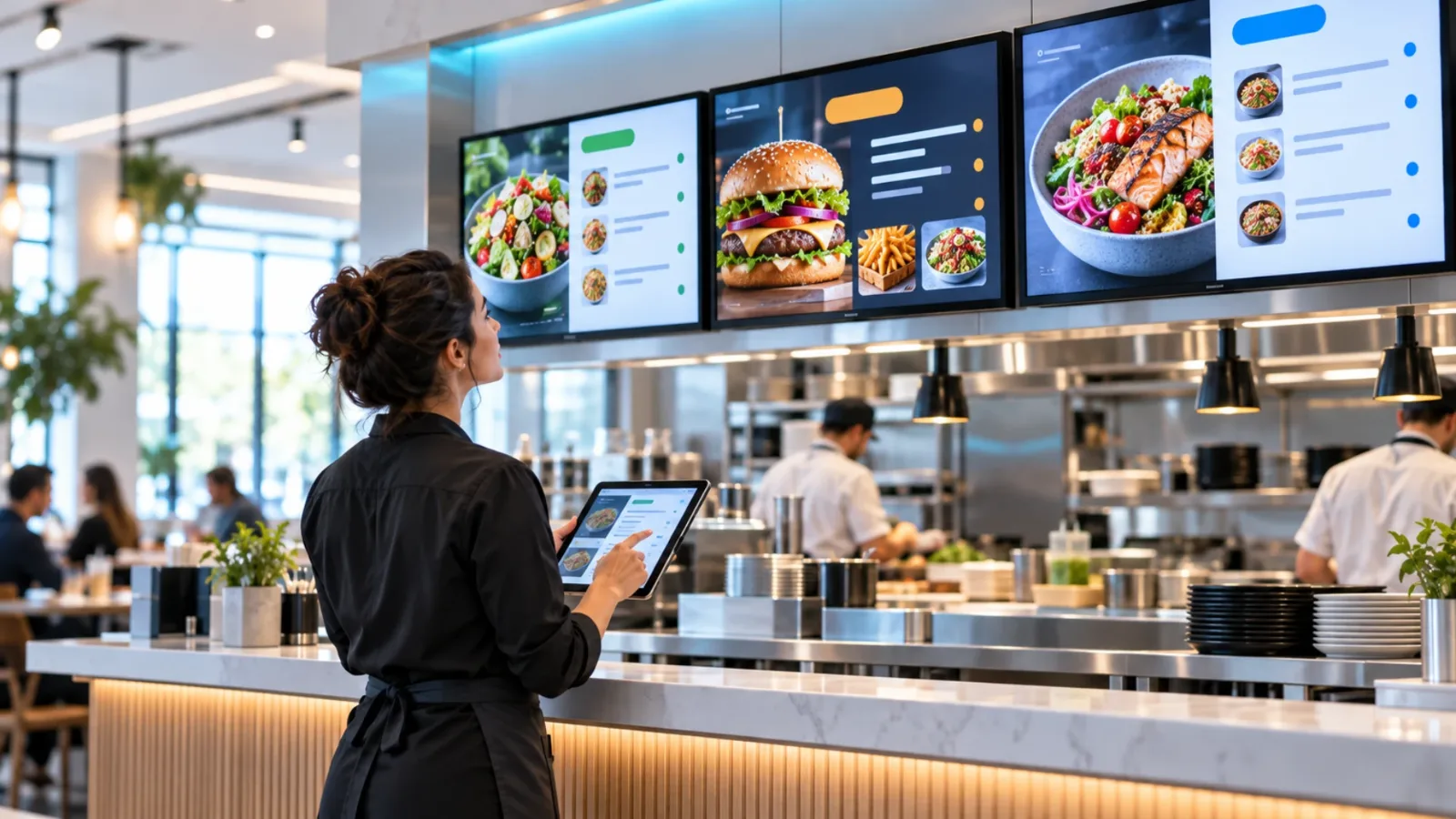
The platform is built around fast operational control: create content with a drag-and-drop editor or templates, assign it to one or many screens, and push changes live from a single dashboard. Smart scheduling supports dayparting, while multi-screen playlists make it easier to manage menu boards, counter displays, pickup areas, and dining-room promotions as separate screen groups.
For growing restaurant groups, the value is straightforward: no hardware burden, no USB handoffs, and no IT team required for routine content changes. Uptime and play-history analytics add needed visibility when screens are distributed across multiple locations.
2. OptiSigns
OptiSigns is a broad digital signage option with support for multiple display environments and a large selection of apps and integrations. It can work well for restaurants that want to combine menu content with social feeds, dashboards, or third-party data sources.
Its flexibility is useful, but it can also mean more setup choices than a restaurant team needs. Operators should confirm which player or display configuration is required for their screens, then test the workflow for assigning and scheduling content before rolling it out chain-wide.
3. Yodeck
Yodeck is often considered by businesses that want a structured signage platform and are comfortable with a dedicated-player approach. It offers content scheduling, screen management, and monitoring capabilities that can support distributed restaurant locations.
The trade-off is hardware. A dedicated player can give IT teams a standardized environment, but it adds purchase, shipping, replacement, and setup work. For a restaurant group opening new locations quickly, that can be an unnecessary layer if existing Smart TVs or streaming sticks can do the job.
4. ScreenCloud
ScreenCloud is a flexible platform designed for business communications across screens. Its app ecosystem and content options can appeal to restaurant brands that also want to use displays for back-of-house communication, training reminders, or corporate messaging.
It is worth evaluating when digital signage has a wider role than customer-facing menus. However, restaurant buyers should keep the test focused on daily execution: Can a field marketing manager update a promotion in minutes? Can a local manager be given limited access without changing brand-approved content? Those answers matter more than a long feature list.
5. Raydiant
Raydiant serves customer-experience use cases and is commonly evaluated by hospitality, retail, and restaurant businesses. Its offering can be a natural match for operators looking to coordinate digital displays with other in-location engagement tools.
This is a sensible option when the restaurant strategy extends beyond menu boards to broader guest interaction. Still, confirm the exact capabilities and costs needed for each use case. A platform that is excellent for experience management may be more than a single-location cafe needs for straightforward menu and promotion scheduling.
6. Navori
Navori is a more enterprise-oriented signage platform with advanced content-management and automation capabilities. Large chains with complex content rules, detailed workflows, and specialized display requirements may find that depth useful.
The question is whether the operational return justifies the implementation effort. If restaurant marketing needs sophisticated rules and enterprise governance, a more configurable system can make sense. If the main goal is updating ten screens across five locations before lunch, simplicity should carry more weight.
7. Rise Vision
Rise Vision is a cloud-based digital signage option used across a range of organizations. Its templates and scheduling features can help restaurants publish promotional content and operational messaging without building every layout from scratch.
It may be a practical choice for teams with straightforward screen needs and a preference for template-led creation. Before deciding, check how it handles your chosen display hardware, user roles, screen grouping, and proof of playback. Those details determine whether a platform remains easy after the first location goes live.
How to choose between restaurant screen management tools
Start with your operating model, not a feature checklist. A single independent restaurant may need one display, a few reusable templates, and a quick way to schedule specials. A franchise group needs location groups, permission controls, brand-approved playlists, and confidence that every store received the campaign.
Ask each vendor to demonstrate an ordinary high-pressure task: change a price, schedule a lunch promotion for all locations, exclude one store, and confirm that the update is playing. If that takes several steps, extra hardware, or technical support, it will be slower when your team is busy.
Also calculate the real deployment cost. Software price is only one line item. Include media players, mounting, shipping, replacement units, onsite installation, and the staff time required to keep content current. A lower subscription can become expensive when every screen needs dedicated hardware and manual attention.
Prioritize these capabilities
The best fit should cover the essentials without forcing a restaurant team into an enterprise IT project. Evaluate whether the platform provides:
Centralized management for every location, with screen groups for menus, pickup areas, and promotions
Live content updates and scheduling for breakfast, lunch, dinner, happy hour, and limited-time offers
Offline playback so screens continue running through short connectivity outages
Support for the TVs or streaming devices you already own, or a clear hardware plan if you need players
User permissions that let local teams update approved content without altering brand standards
Screen monitoring and playback visibility, so headquarters can identify issues before guests do
Templates matter, too, but they are not the whole answer. A beautiful menu template has little value if changing a price requires republishing files, calling stores, or hoping a manager remembers to swap a USB drive.
Build a rollout that store teams will actually use
Begin with one location or one screen type. Use that pilot to standardize layouts, naming conventions, playlist rules, and ownership. Decide who can change pricing, who approves campaign creative, and what happens when a screen goes offline.
Then create a content rhythm. National campaigns may be planned monthly, but restaurants need room for same-day updates such as weather-driven offers, sell-outs, event traffic, or a delayed opening. The platform should make those exceptions easy without creating chaos across every location.
Finally, keep the experience guest-focused. Screen content should be readable from where people order, concise enough to scan in line, and scheduled to match the moment. The best system is the one your team can update before the rush starts - and verify while it is happening.