Signage Software That Keeps Every Screen Current
Signage software lets teams update every screen from one dashboard. Learn what to look for, where costs hide, and how to launch without extra hardware.
On this page
A lunch special changes at 10:30 a.m. A clinic needs to post a weather closure before patients arrive. A regional manager spots an outdated promotion running at one location. With the right signage software, these are quick updates from a browser, not a chain of calls, USB drives, and crossed fingers.
For location-based businesses, a screen is only useful when its message is accurate. That is where digital signage often breaks down. The TV itself is easy to buy. Keeping dozens of TVs current, organized, online, and on-brand is the real operating challenge.
What signage software actually does
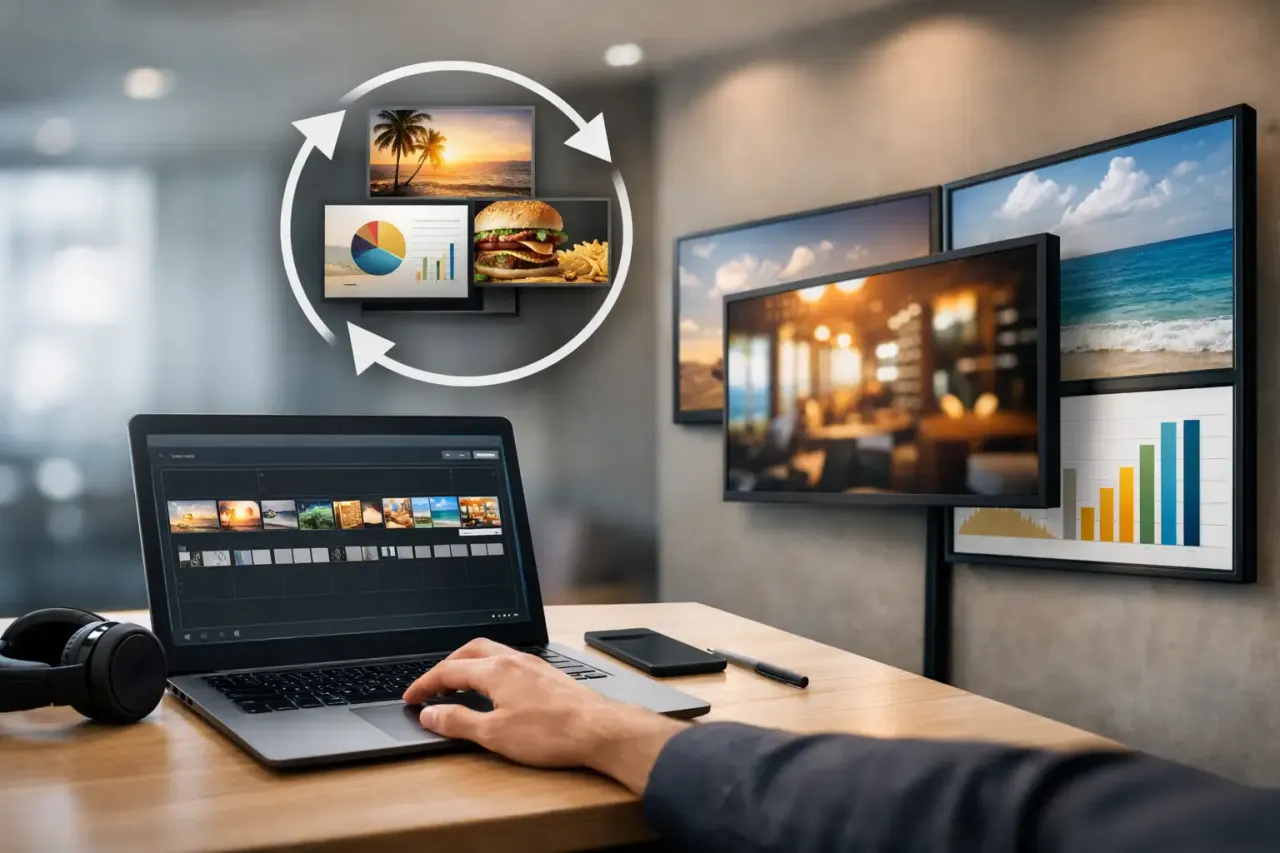
Signage software is the control layer behind digital displays. It gives a team one place to create content, assign it to screens, schedule when it plays, and confirm that the display is active. Instead of treating each TV as a separate project, operators manage their screen network as one system.
At a basic level, the platform should let users upload images and videos, build playlists, and publish them to selected displays. A stronger platform goes further with templates, drag-and-drop design, daypart scheduling, multi-location controls, screen status monitoring, and proof of playback.
That distinction matters. A single restaurant may only need a rotating menu and promotion screen. A franchise group may need one campaign across 80 stores, with local managers able to update only their own location. A corporate office may need different content for reception, break rooms, and internal communications. The software has to match how the organization actually works.
Why USB signage stops working as you grow
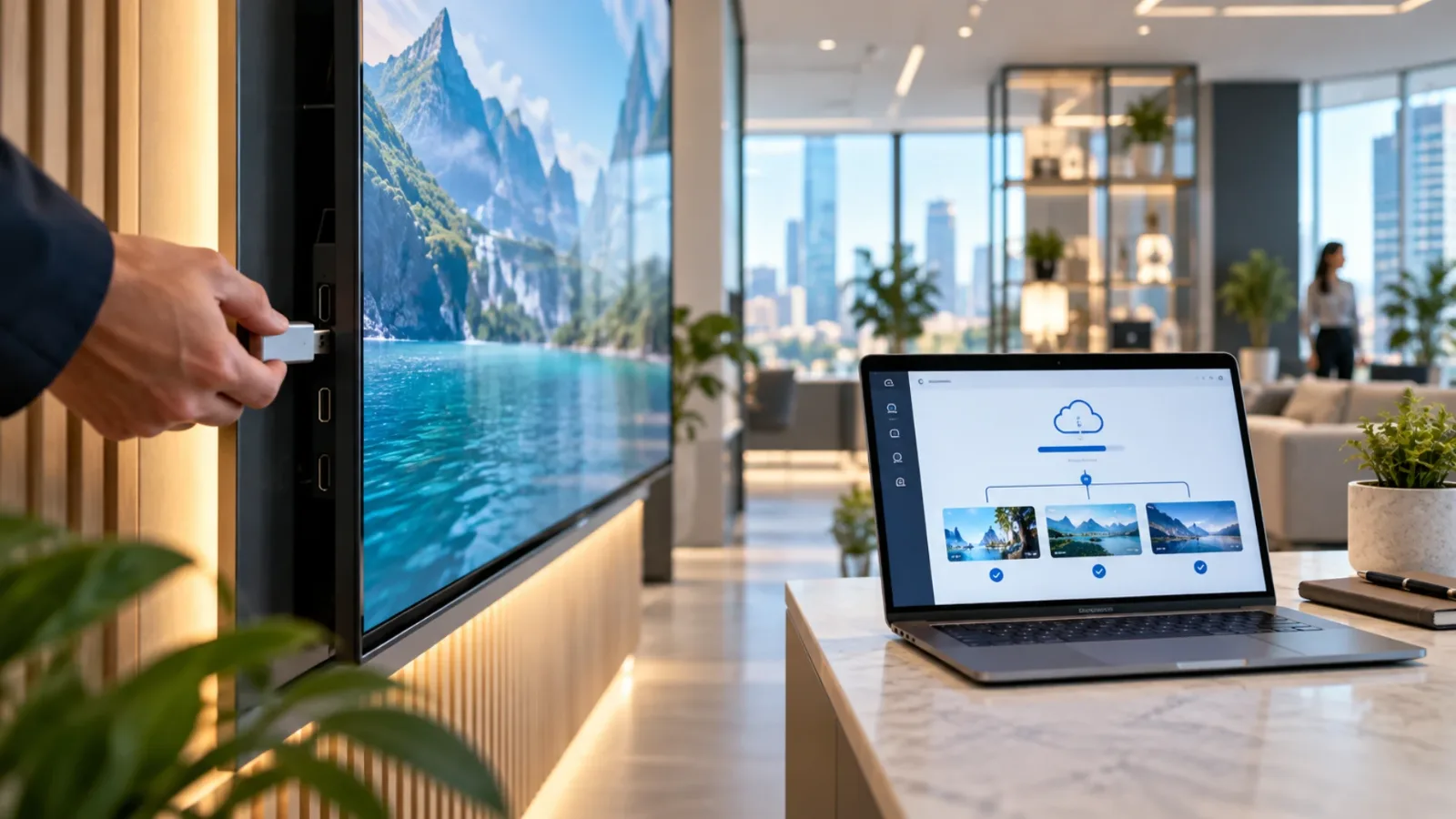
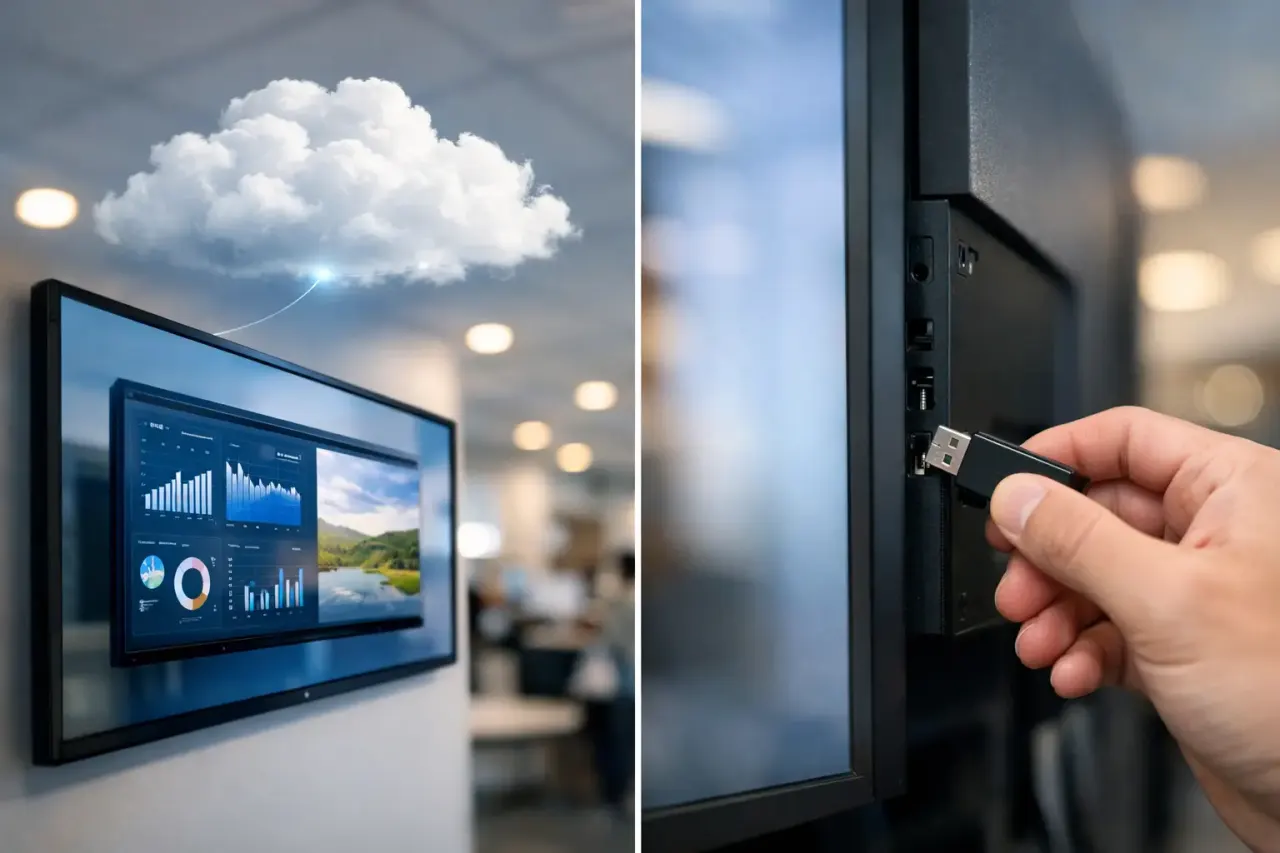
USB-based displays can get a screen running, but they create a workflow problem almost immediately. Every update depends on someone exporting files, physically visiting the screen, inserting a drive, and hoping the correct version starts playing.
That approach has hidden costs. Content changes take longer, locations drift from brand standards, and there is no reliable way to know whether a screen is online or showing the intended message. A stale promotion can stay on display for days because no one has visibility.
The same issue appears with consumer casting tools and one-off apps. They may work for a single screen, but they are not designed for scheduling, permissions, playlists, or remote fleet management. The operational burden lands on store staff or IT, even when neither group has time for it.
Centralized signage software replaces those manual handoffs with immediate control. Update the campaign once. Select the screens. Publish. The right message can appear across every approved display without shipping hardware or asking local staff to touch a device.
The capabilities that matter most
Feature lists can make most platforms look similar. The better question is whether a capability removes a real task from your team.
Fast content creation
Your team should not need a designer or a separate production tool for every menu update, event announcement, or promotional slide. A drag-and-drop editor and ready-made templates let operators create professional content quickly while protecting brand consistency.
Templates are especially valuable for multi-location brands. Headquarters can define the layout, colors, logo placement, and required campaign elements. Local teams can then update approved fields, such as store hours, local offers, or event dates, without rebuilding the design from scratch.
Scheduling that reflects real business hours
A screen should not run the same playlist all day simply because it is easier. Restaurants may need breakfast, lunch, dinner, and late-night content. Gyms may promote group classes before peak attendance and membership offers during tours. Hotels may switch from breakfast information to local events and evening amenities.
Look for scheduling controls that can assign playlists by date, time, location, and screen. This makes content more relevant without asking staff to manually change it throughout the day. It also prevents expired campaigns from continuing after an offer ends.
Remote publishing and screen grouping
Publishing content is where centralized management earns its value. Teams should be able to target one screen, a department, a single location, or an entire network from the same dashboard.
Groups keep this manageable. A retailer might group screens by region and store type. A school can separate cafeteria displays from lobby screens. An office can create groups for reception, production floors, and break rooms. The point is not just organization. It is sending the right message to the right audience without rebuilding the same playlist repeatedly.
Offline playback and uptime visibility
Internet connections are not perfect. A display should continue running its downloaded playlist if Wi-Fi drops temporarily rather than going blank at the worst possible time.
Offline playback protects the audience experience, while monitoring protects the operator. Screen status, uptime data, and play history show whether devices are connected and whether scheduled content has actually played. For teams managing multiple locations, that visibility turns signage from a trust-based process into an accountable one.
Do you need media players for digital signage?
Not always. Traditional digital signage setups often require a dedicated media player connected to every screen. That adds purchase cost, cables, power outlets, installation time, replacement inventory, and another device for IT to manage.
For many businesses, existing Smart TVs or TVs connected to affordable streaming sticks can handle the display endpoint. That means faster rollout and less hardware to maintain. VitVue is built around this approach, giving teams centralized display control without requiring a traditional media player at every screen.
There are trade-offs. Some environments need specialized hardware because of advanced integrations, unusual display formats, strict security requirements, or demanding content such as high-resolution video walls. But for standard menus, promotions, waiting-room content, internal communications, and informational displays, avoiding dedicated players can substantially reduce the cost and friction of deployment.
Before choosing a platform, confirm which TV operating systems and streaming devices it supports. Also ask how the software behaves after a power outage, whether content is cached locally, and how easily a replacement screen can be brought online.
How to choose signage software without creating an IT project
Start with the workflow, not the feature checklist. Identify who creates content, who approves it, who publishes it, and who needs visibility into screen health. The best system makes those jobs simpler for the people already doing them.
Then evaluate setup. If getting a screen live requires network configuration, specialized hardware, or a technician at each location, the rollout will slow down fast. For most small and mid-sized businesses, installation should be straightforward: install the display app on a compatible TV or streaming device, connect it to the account, assign content, and publish.
Permissions also deserve attention. A multi-location operator may want corporate marketing to control brand campaigns while allowing store managers to edit local details. A platform with clear role-based access keeps content moving without giving every user access to every screen.
Finally, consider what happens after launch. Screen count tends to grow. A pilot in three stores becomes a rollout to 30. Choose software with pricing and management tools that scale without forcing a hardware refresh or a more complicated workflow later.
A practical rollout plan for your first screens
Begin with a focused use case rather than trying to redesign every display at once. For a restaurant, that could be a rotating promotion screen near the register. For a clinic, it may be a waiting-room display with service information and appointment reminders. For a retailer, start with one campaign that supports a measurable offer.
Use a small set of repeatable content layouts. One template for promotions, one for announcements, and one for informational content is often enough to establish a reliable process. Set schedules before publishing so the screen changes automatically when your business needs it to.
After the first week, review what played, whether any screens went offline, and how quickly your team could make a change. Those answers reveal more than a demo ever will. If updates still require multiple people or screen issues go unnoticed, the process needs refinement.
The goal is not to put more motion on a wall. It is to make every screen easier to operate and more useful to the people standing in front of it. Choose a platform that lets your team change the message while the moment still matters.
Read our guide to cloud based digital signage software.