Screen Uptime Monitoring Software That Works
Screen uptime monitoring software helps teams see what’s online, catch outages fast, and keep digital signage running across every location.
On this page
A screen goes dark at 8:05 a.m. The breakfast menu never appears, the promotion you scheduled for the morning rush never runs, and nobody at headquarters knows until a store manager texts a blurry photo. That is exactly the problem screen uptime monitoring software is meant to solve.
If you manage digital signage across one location or fifty, visibility matters as much as content. It is not enough to build playlists, schedule campaigns, and push updates from a dashboard. You also need to know whether each screen is online, whether playback is actually happening, and whether a location has quietly stopped showing the message you intended customers to see.
What screen uptime monitoring software actually does
At a basic level, screen uptime monitoring software tells you whether a display is connected and active. But that baseline only covers part of the real operational need. For most businesses, the bigger question is not just, "Is the screen on?" It is, "Is the screen playing the right content, at the right time, without someone on-site babysitting it?"
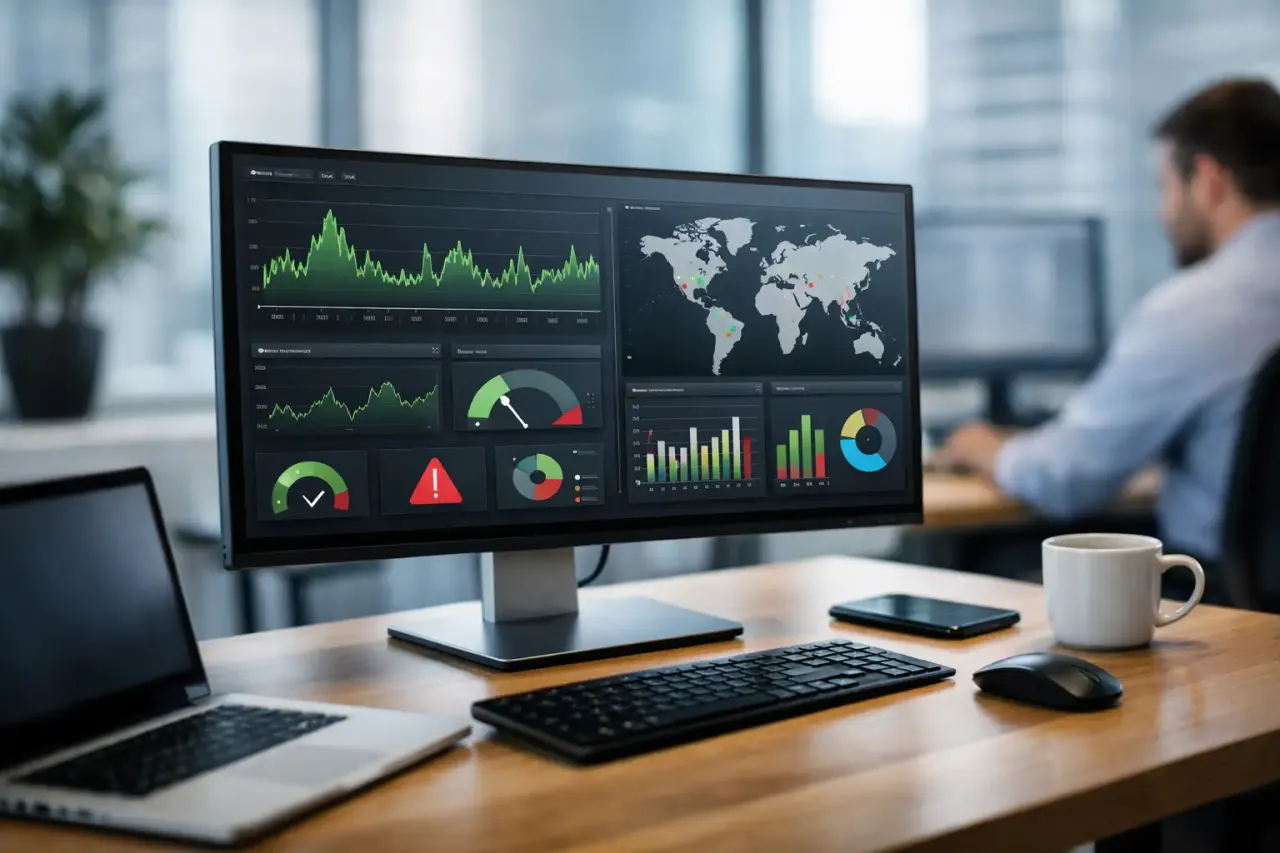
Good monitoring software gives you a live view of screen status across locations. It flags offline displays, shows recent activity, and helps your team separate a brief network hiccup from a meaningful outage. Better platforms go further by pairing uptime data with play history, device health, and content deployment status so you can see what happened before a problem, not just after it.
That matters because digital signage failures are rarely dramatic. More often, they are quiet. A TV loses internet overnight. An app freezes. A screen powers on but never reloads the schedule. A location keeps playing yesterday's offer long after the campaign should have changed. Without monitoring, those issues can sit unnoticed for hours or days.
Why uptime matters more in multi-location signage
A single screen in a waiting room is easy to check by walking past it. Ten screens across a region are not. Fifty screens across franchise locations become a different kind of management problem entirely.
This is where screen uptime monitoring software moves from useful to necessary. It replaces manual check-ins, reactive troubleshooting, and the constant uncertainty of "I think the screens are working." For operators, that means less time chasing location staff for updates. For marketing teams, it means more confidence that scheduled campaigns are actually live. For IT and operations, it means fewer surprise outages and faster response when something goes wrong.
The cost of poor visibility adds up quickly. A black screen in retail can mean a missed promotion. In a restaurant, it can mean menu confusion during peak traffic. In a clinic or school, it can mean missed announcements and a more chaotic customer or visitor experience. Even when the revenue impact is hard to measure exactly, the operational drag is real.
The features that make screen uptime monitoring software useful
Not every monitoring tool solves the same problem. Some only report whether a device last checked in. That can help, but it is not enough if you are relying on screens to communicate offers, instructions, schedules, or brand messaging throughout the day.
The most useful platforms combine uptime visibility with practical controls. A real-time dashboard should show which screens are online, offline, or inactive without forcing your team to dig through device logs. Alerts should help you catch issues quickly, not flood your inbox over every temporary reconnect. Playback confirmation and history matter because online does not always mean functioning correctly.
Remote troubleshooting is another feature that deserves more attention. If your only response to an outage is calling someone on-site and walking them through a restart, your software is not saving much time. The stronger approach is to give operators enough visibility to identify patterns and enough control to resolve common issues without dispatching extra help.
Offline playback is also worth weighing carefully. It does not replace monitoring, but it does reduce the impact of internet interruptions. If a screen loses connection and continues showing scheduled content locally, you avoid a blank display while the platform still records that connectivity needs attention. For many businesses, that difference is the line between a minor issue and a visible failure.
What to look for before you choose a platform
The best choice depends on how you use screens day to day. A local business with two displays may only need straightforward status reporting and easy alerts. A franchise group or enterprise team usually needs more: centralized oversight, user permissions, location grouping, historical reporting, and a clean way to manage dozens or hundreds of endpoints without involving an IT team for every change.
Start with the basics. Can you see the status of every screen from one dashboard? Can you tell when a screen last checked in? Can you confirm that content is playing, not just assigned? Can your team push updates instantly when something changes?
Then look at the operational layer. Does the system work with the TVs you already have, or does it force you into added hardware? Does setup require media players, complicated installs, or technician support? Does the platform make it easy for non-technical staff to monitor and manage displays without turning every task into a support ticket?
That hardware question matters more than many buyers expect. Traditional signage setups often pair monitoring with dedicated media players and more involved deployment. That can be workable in some environments, but it also increases cost, setup time, and points of failure. If your goal is simpler rollout and lower overhead, software that runs on existing Smart TVs or low-cost streaming devices often makes more sense.
Screen uptime monitoring software is only as good as the workflow around it
A lot of software demos look strong because they show a polished dashboard. The real test is what happens on a busy Tuesday when one location loses connectivity, another screen keeps playing old creative, and your marketing team needs a new campaign live by noon.
In that moment, monitoring has to fit into a larger operating model. You want one place to create content, schedule it, deploy it, and verify that it is live. You want your team to move from issue detection to action without jumping between disconnected systems. That is why standalone monitoring tools can fall short for signage-heavy businesses. They tell you something is wrong, but they do not help much with the fix.
An integrated signage platform is usually the better move because it closes the loop. You can spot an offline screen, check the last play history, confirm what content was scheduled, and push adjustments if needed. That reduces delay and cuts down on the back-and-forth between operations, marketing, and location staff.
For businesses trying to modernize from USB stick signage or patchwork TV setups, this is often the biggest shift. Monitoring stops being a separate technical concern and becomes part of everyday communication control.
Common trade-offs to think through
There is no perfect setup for every business. If you want deep device-level diagnostics, some systems with extra hardware may offer more technical data. The trade-off is more complexity, more equipment to buy, and more work to deploy and maintain.
If your priority is speed, affordability, and centralized control, a software-first approach usually wins. You may give up some highly specialized hardware telemetry, but you gain faster rollout, easier management, and fewer moving parts. For most small to mid-sized businesses, that is the better operational decision.
Alerting is another area where balance matters. Too few alerts and issues slip through. Too many and your team starts ignoring them. The right screen uptime monitoring software should help you tune that middle ground so only meaningful problems rise to the surface.
It also depends on how critical each screen is. A lobby display and a drive-thru menu board do not carry the same urgency. Businesses with mixed-use signage should look for ways to prioritize screens by importance, location, or business function.
A smarter standard for digital signage oversight
Screen uptime monitoring software should do more than reassure you that devices exist on a network. It should give you clear proof that screens are online, content is running, and your message is showing up where it should. That is the standard that actually saves time, protects campaigns, and reduces avoidable downtime.
For teams that want no hardware sprawl, faster deployment, and one dashboard for content plus oversight, platforms like VitVue make that standard more practical. You are not just checking whether a display responded. You are managing a live communication channel across every location with less friction and more control.
If your screens matter enough to schedule, brand, and update, they matter enough to monitor properly. The right system makes that feel less like IT work and more like operational common sense.
Read our guide to cloud based digital signage software. See how VitVue powers retail digital signage.