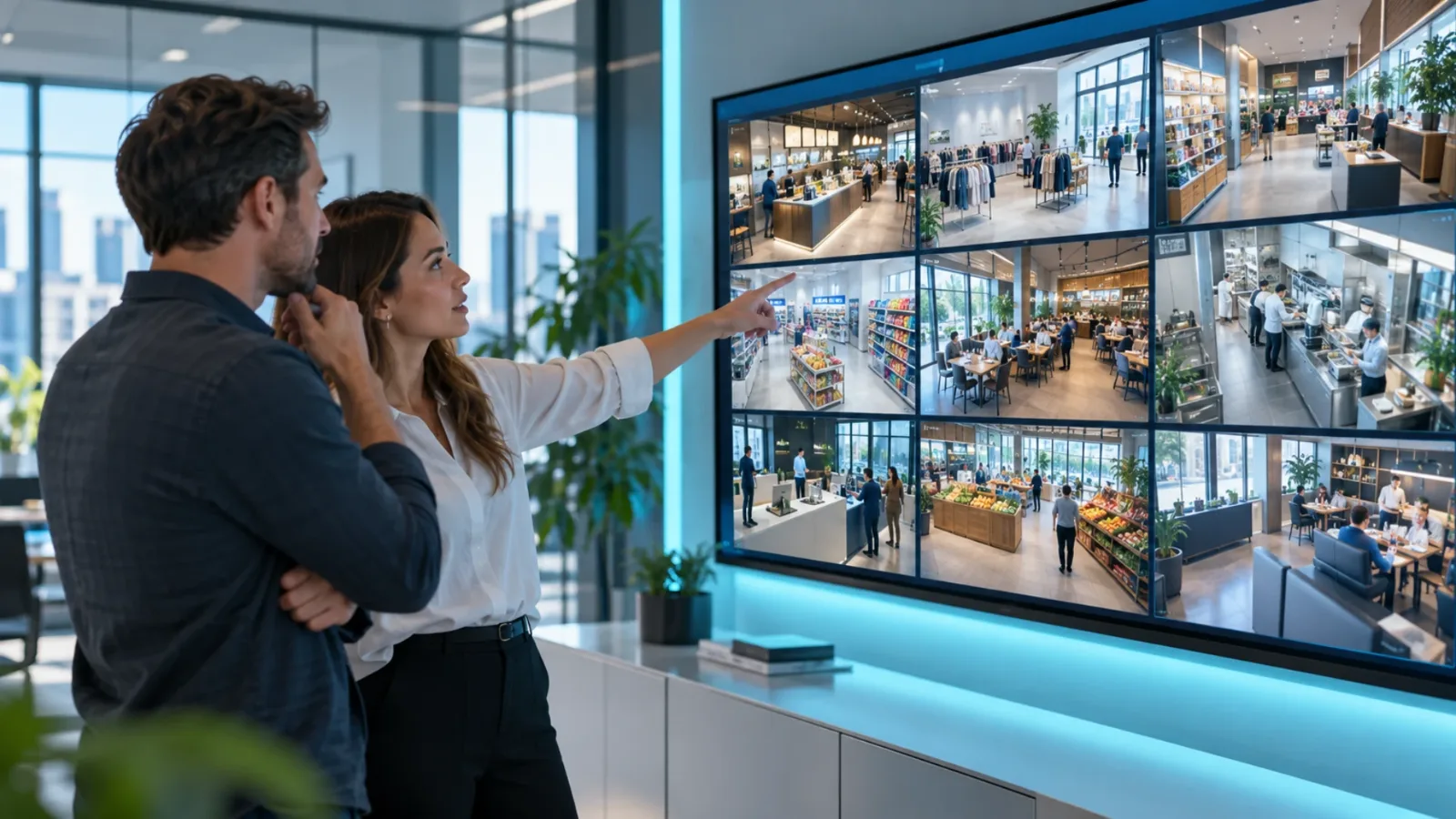
Multi Location Screen Management That Works
Multi location screen management gives teams one place to update, schedule, and monitor every display across sites without extra hardware or IT.
On this page
A promo changes at 9:00 a.m., but half your stores still show last week’s offer at noon. One manager updated a USB stick. Another forgot. A third location has a black screen and nobody noticed. That is exactly the problem multi location screen management is supposed to solve.
When screens are spread across stores, clinics, gyms, campuses, or offices, the real challenge is not getting content onto one display. It is controlling every display without chasing staff, shipping hardware, or relying on local workarounds. If your team is still updating screens one by one, the cost is not just time. It is inconsistency, missed promotions, and zero visibility into what customers are actually seeing.
What multi location screen management actually means
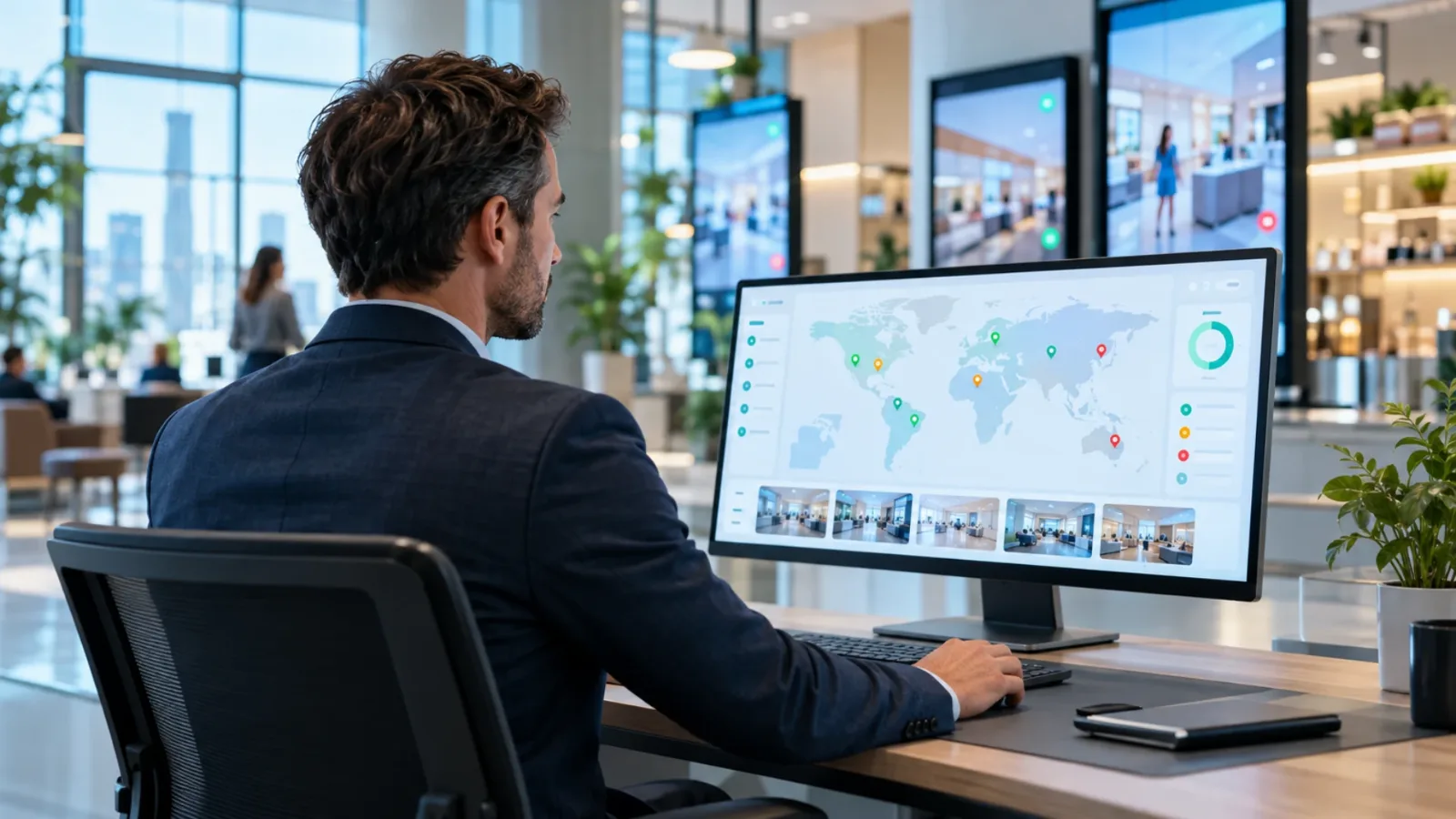
Multi location screen management is the ability to control digital displays across many sites from one central system. That includes creating content, assigning it to specific screens or groups, scheduling when it plays, and confirming that the screens are online and showing the right message.
For a restaurant group, that might mean pushing a lunch special to 40 locations before the rush starts. For a retail brand, it could mean changing seasonal promotions by region. For a healthcare network, it may involve keeping waiting room messaging current across dozens of clinics while tailoring some content by location.
The key point is central control with local flexibility. Most businesses do not want every screen to show the exact same thing all the time. They want a standard brand experience, plus the ability to adapt by store, market, department, or time of day.
Why old signage workflows break at scale
A single TV in one location can survive on a manual process for a while. Once you add more screens or more sites, the cracks show fast.
USB-based updates are the first problem. They depend on someone being physically present, using the right file version, and updating on time. That works until there is a staffing gap, a priority shift, or a file naming mistake. Suddenly your campaign launch is fragmented.
Traditional media-player setups create a different issue. They often add hardware cost, longer installs, and more points of failure. If every screen needs a dedicated box, cabling, and IT involvement, rollout slows down and support becomes harder. For growing brands, that overhead adds up quickly.
Then there is the visibility gap. Many teams do not know whether a screen is offline until a customer or employee mentions it. That turns a simple communications tool into another blind spot.
What good multi location screen management looks like
The best systems reduce moving parts. They make content changes fast, screen oversight simple, and rollout practical even for lean teams.
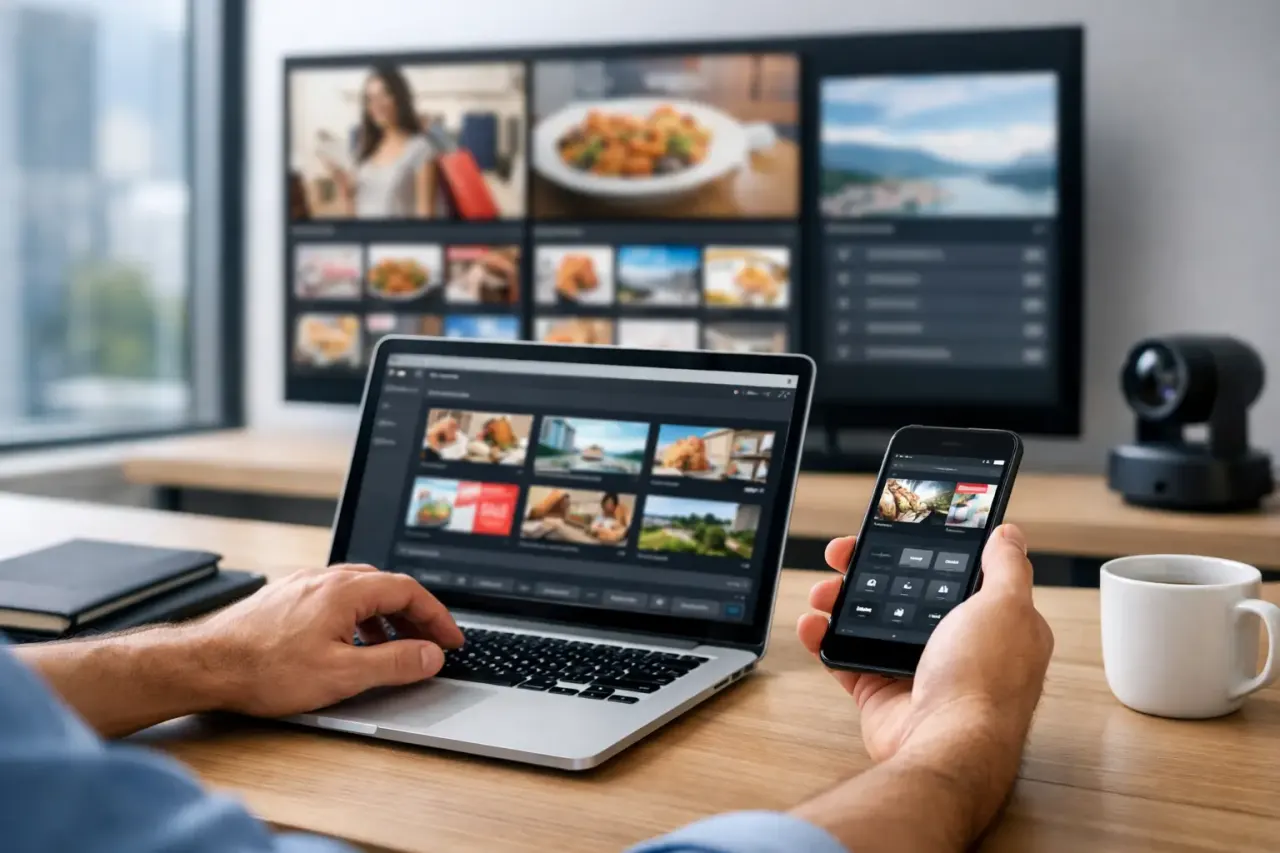
At a minimum, you should be able to manage all screens from one dashboard. That means assigning content by screen, location, or group instead of logging into separate devices or relying on local staff. If a promotion changes, your team should be able to update it once and push it everywhere in minutes.
Scheduling matters just as much as publishing. A strong platform lets you plan content by daypart, date range, or recurring windows. That prevents screens from becoming static and helps teams match messaging to real operating needs. Morning menu boards, afternoon promos, event-based announcements, and after-hours branding all need different timing.
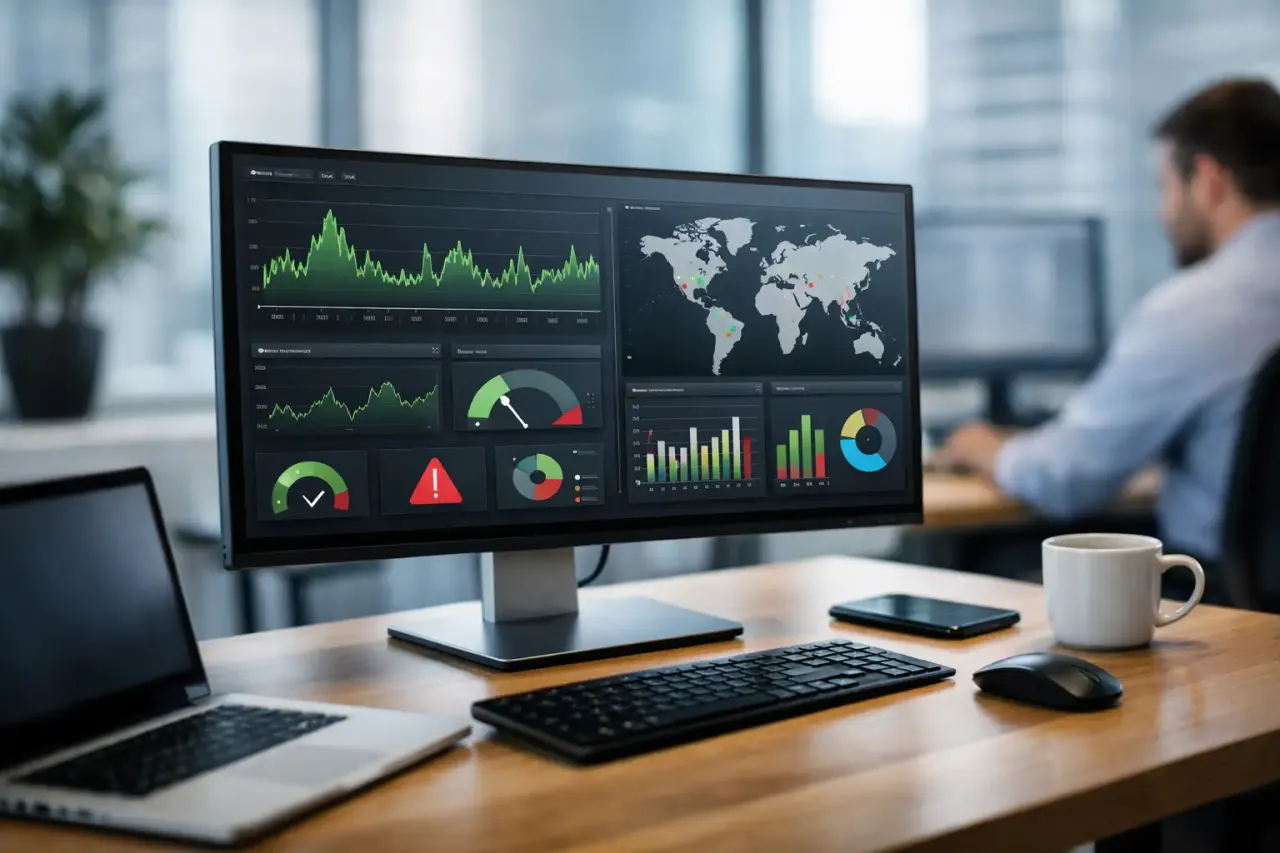
Monitoring is where many platforms separate themselves. It is one thing to send content. It is another to know whether the screen actually played it. Online status, playback history, and uptime data matter because they show whether your network is working, not just whether something was scheduled.
Offline playback is another practical requirement. Internet interruptions happen. If a screen goes blank every time connectivity drops, that is not a reliable business tool. Good multi location screen management keeps approved content playing locally and syncs updates when the connection returns.
The biggest operational wins
For most businesses, the first win is speed. Centralized control removes the lag between decision and execution. A new offer, policy update, event announcement, or internal message can go live across all locations without a phone tree or store-by-store follow-up.
The second win is consistency. Franchise groups and multi-unit operators know how hard it is to keep messaging aligned across locations. A central system makes it easier to enforce brand standards while still allowing approved local variations.
The third win is lower overhead. If your system works on existing Smart TVs or inexpensive streaming devices, you avoid the cost and complexity of dedicated signage hardware. That lowers the barrier to rollout and reduces support friction later.
The fourth win is confidence. When you can see which screens are online, what they played, and whether updates were applied, you stop managing by guesswork.
Where businesses usually overcomplicate it
A lot of buyers assume they need an enterprise-grade hardware stack to get enterprise-grade control. In many cases, they do not. If your goal is to deploy and manage screens across multiple sites, the better question is not how much equipment you can add. It is how little you need to add to get reliable control.
Another common mistake is treating every location as unique from day one. Some local customization is useful, but too much freedom creates content sprawl. The smarter model is a core set of shared templates, playlists, and scheduling rules, with a limited layer of local edits where they actually matter.
It also helps to avoid systems that require technical specialists for routine work. If marketing cannot update content without a support ticket, or operations cannot confirm screen status without IT, the process will stall.
How to evaluate a platform for multi location screen management
Start with deployment. Ask how quickly new screens can go live and what hardware is required. If the answer involves long installation timelines, specialized devices, or network-heavy setup, you are buying complexity along with software.
Next, look at content control. You should be able to create once and publish many ways. Templates, playlists, screen grouping, and real-time updates all matter because they reduce repetitive work. If every change feels manual, scaling will stay painful.
Then check scheduling depth. Some businesses only need basic publish dates. Others need dayparting, recurring schedules, and location-based timing. A gym chain, for example, may want class schedules in one area, promos in another, and member messaging in the lobby, all with different timing rules.
Do not skip reliability. Ask what happens if connectivity drops. Ask how you confirm playback. Ask whether you can monitor all screens from one place without waiting for store staff to report issues.
Finally, think about who will use the platform. The right tool should work for operations, marketing, and local managers without turning every task into a technical project. That is where a simple interface matters as much as features.
Why this matters more for growing brands
The larger your footprint gets, the more expensive inconsistency becomes. One outdated screen in one store may not seem urgent. Across 25, 50, or 200 locations, it becomes a brand and process problem.
Growth also exposes weak systems. What felt manageable with five screens often breaks at 30. Teams lose track of content versions. Local exceptions pile up. Support requests increase. Rollouts slow down because every new screen adds work instead of fitting into a repeatable process.
That is why scalable multi location screen management is less about flashy features and more about operational control. Can your team launch quickly, standardize where needed, adapt where useful, and verify that everything is working without extra effort? That is the standard that matters.
For businesses trying to modernize signage without adding hardware headaches, a platform like VitVue fits that shift well. The value is straightforward: use the screens you already have, manage them centrally, and skip the usual installation burden.
The practical standard to aim for
A good system should let you go live fast, keep content current, and make every screen visible from one dashboard. It should support different locations without forcing different workflows. And it should reduce dependency on local staff and IT, not create more of it.
If your current process still depends on USB sticks, manual updates, or hoping each location followed instructions, the issue is not just inconvenience. It is lost control.
The right multi location screen management setup gives you something better than digital signage. It gives you a dependable operating layer for every screen your business relies on. And once that is in place, every update gets easier, every rollout gets faster, and every location gets a little easier to run.
Read our guide to cloud based digital signage software.