Franchise Screen Governance Without the Chaos
Franchise screen governance gives every location clear standards, local flexibility, and proof that the right content is live on every display, every day.

On this page
A franchise screen showing last month's promotion is more than an awkward customer experience. It can create pricing confusion, weaken a national campaign, and leave local operators answering for a message they did not approve. Franchise screen governance prevents that problem by defining who controls screen content, what locations can change, and how the brand verifies what is actually playing.
For multi-location brands, digital signage should not become another inbox full of requests, USB drives, and last-minute calls. The goal is simple: central teams protect the brand, local teams stay responsive, and every screen remains visible from one place.
What franchise screen governance actually means
Franchise screen governance is the operating model behind your signage, not just the software used to publish it. It establishes the rules for content ownership, approval, scheduling, access, and accountability across franchise locations.
Without those rules, one of two things usually happens. Corporate controls every change, creating delays for stores that need to communicate locally. Or each location gets broad access, and screens gradually drift away from approved offers, visual standards, and campaign timing. Neither approach scales well.
Good governance creates a controlled middle ground. Corporate can publish required campaigns, brand standards, compliance notices, and seasonal creative across the network. Franchisees can manage approved local messages such as store hours, hiring notices, community events, or location-specific promotions within clear boundaries.
The key distinction is this: governance is not about restricting franchisees. It is about giving them the right level of control without putting the wider brand at risk.
Why centralized screens need local flexibility
A restaurant franchise may need every location to promote a new limited-time offer on the same Monday. A fitness franchise may need all clubs to display a policy update immediately. A retail network may need to remove a discontinued product claim before opening hours.
These are central messages. They should be pushed once and appear everywhere, without asking individual managers to download files or update devices.
But locations also have real local needs. A clinic may close early because of weather. A hotel may need to direct guests to a different event room. A franchise owner may be hosting a hiring day or supporting a school fundraiser. If every local request requires a corporate designer and approval chain, screens stop being useful at the store level.
The practical answer is to separate content into layers. Required corporate content takes priority. Approved local content fills designated time slots or screen zones. Location teams can move quickly within templates and permissions that protect the brand.
This model also reduces conflict. Franchisees know what they own. Corporate knows what cannot be overridden. Customers see a consistent experience that still feels relevant to the location they are standing in.
Build the rules before you assign logins
The fastest way to create screen chaos is to give every manager publishing access and figure out the process later. Start with a short governance policy that answers the operational questions people will ask on day one.
First, decide which content is mandatory. This often includes brand campaigns, legal messaging, pricing or promotion guidance, safety notices, and time-sensitive announcements. Make it clear whether local users can edit, pause, or replace these playlists. In most franchise environments, they should not.
Next, define local content categories. Keep them specific. A local team might be allowed to update operating hours, local event notices, approved hiring creative, and store-specific announcements. They should not be able to create unreviewed product claims, substitute brand assets, or run expired national offers.
Then establish approval requirements. Not every message needs the same review level. A location manager changing tomorrow's hours may only need access to an approved template. A local promotion involving pricing, product imagery, or a partner logo may require regional or corporate approval. Match the process to the risk.
Finally, set expiration rules. Temporary content should have an end date by default. This is one of the simplest ways to avoid screens promoting an event that ended two weeks ago. A good platform should make scheduling and expiration part of publishing, not an afterthought.
Use roles that match real franchise operations
Permissions work best when they reflect how your business already operates. A corporate marketing administrator needs broad visibility and publishing control. Regional leaders may need access to a subset of locations. Local managers need tools for the screens they own, not the entire network.
A practical permission structure usually includes three levels: corporate administrators, regional or franchise-group managers, and location users. Corporate administrators manage brand-wide playlists, templates, screen groups, and user policies. Regional managers can support their assigned markets and review local requests. Location users can publish approved content to their own screens or submit items for approval.
The trade-off is worth acknowledging. More permission levels can create a stronger control structure, but too many layers can slow basic updates. For smaller franchise systems, corporate and location roles may be enough. Larger networks with area directors, co-op marketing groups, and multiple concepts often benefit from an additional regional level.
What matters is that every user can answer one question clearly: what can I change, and what requires approval?
Standardize templates, not every local message
Templates are where governance becomes practical instead of bureaucratic. Rather than asking locations to design from scratch, give them pre-approved layouts for the messages they are most likely to need.
A restaurant can provide templates for hiring, altered hours, catering, local fundraising, and menu reminders. A gym can provide templates for class changes, membership events, trainer promotions, and equipment notices. A retailer can provide formats for local events, service desk notices, and pickup instructions.
The template should lock the elements that protect the brand: logos, fonts, colors, image placement, and required legal language. It should leave the location-specific fields editable, such as date, time, address, short message, and approved image area.
This is faster for franchisees and safer for corporate teams. Local users are not waiting on a designer for routine updates, while central marketing is not reviewing every text box and logo placement. It also makes screens look intentional, even when the message is created at the location level.
Treat scheduling as a governance tool
The message itself is only part of the job. Timing determines whether that message helps or hurts.
Corporate campaigns need start and end dates that apply consistently across relevant locations. Breakfast promotions should not run during dinner hours. A school fundraiser should not replace a required brand message during a major launch. Emergency notices may need to take over a screen immediately, but they should return to the standard playlist once the issue has passed.
Set content priorities in advance. For example, urgent operational notices can temporarily take over a screen, mandatory campaigns can receive guaranteed playtime, and local announcements can fill remaining slots. This prevents the common problem of a valuable corporate campaign being buried under a long list of local slides.
Screen groups are equally useful. Group displays by franchise, region, market, store type, or use case. A drive-thru menu display has different scheduling needs than a lobby screen or staff breakroom display. Grouping by purpose lets central teams publish precisely without forcing every location into the same playlist.
Verify what is live, not what was sent
Publishing content is not the same as confirming it played. Screens can lose power, drop off Wi-Fi, switch inputs, or continue playing cached content after a connection problem. If headquarters has no visibility into screen status, governance stops at the dashboard.
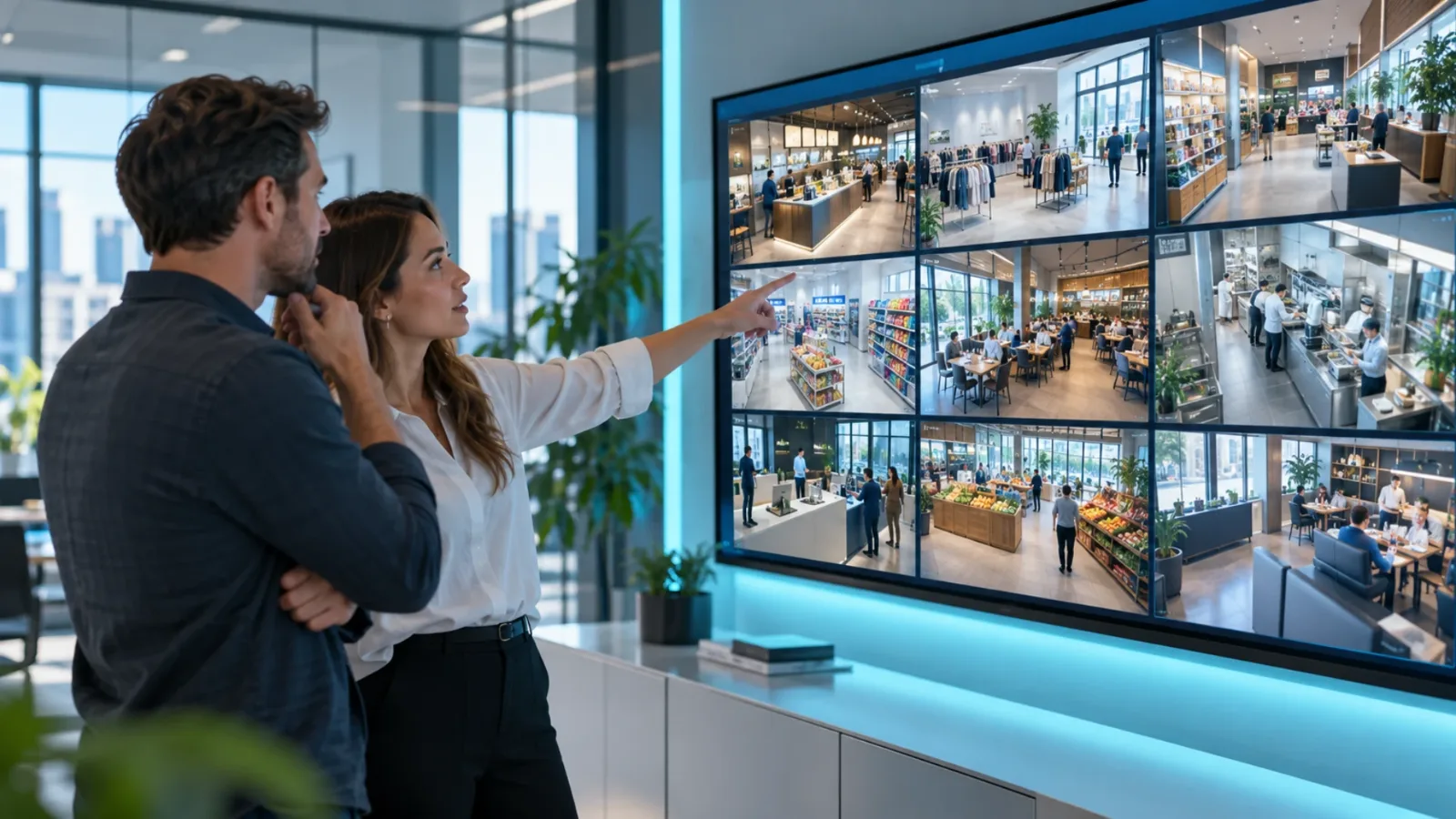
Your process should include routine checks for online status, current playback, and content history. When a required campaign launches, someone should be able to confirm which locations received it and identify exceptions quickly. When a location reports a problem, support should know whether the screen is offline, displaying the wrong playlist, or simply scheduled differently.
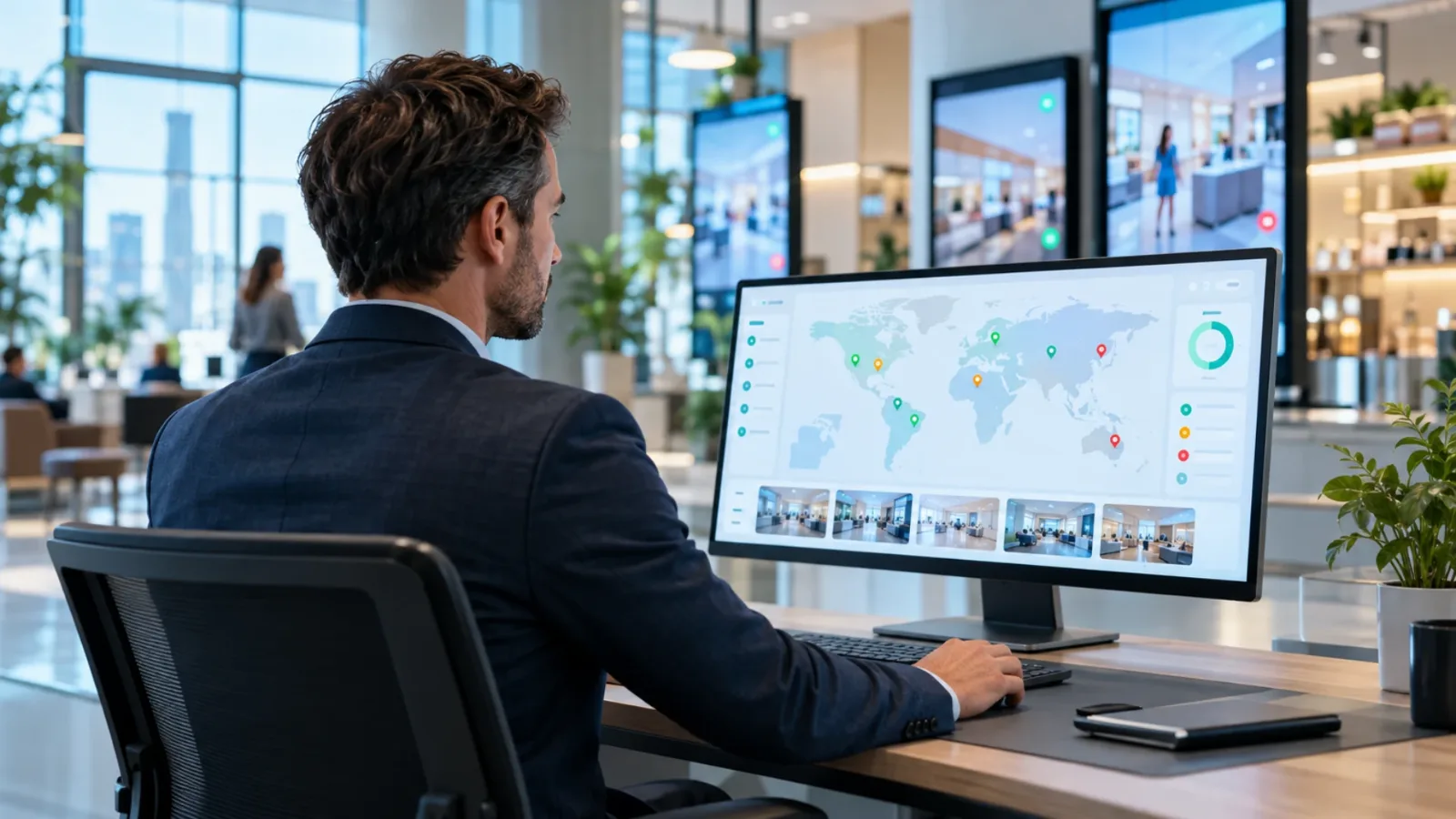
This is where cloud-based signage changes the workload. With a platform such as VitVue, teams can manage content, playlists, schedules, and screen status from a central dashboard while using Smart TVs or low-cost streaming devices already suited to the location. No USB swaps. No dedicated media-player rollout for every screen. No guesswork about whether an update reached the store.
Offline playback still matters. A temporary internet outage should not turn a display black. But once connectivity returns, the screen should reconnect, report status, and receive the latest approved schedule.
Measure compliance without turning it into policing
Governance works better when it is framed as operational support, not a corporate surveillance program. Franchisees want screens that help them sell, inform, and serve customers. They do not want another system that creates work without value.
Use reporting to spot patterns and remove friction. If several locations are repeatedly offline, the issue may be local Wi-Fi or TV settings. If managers rarely use approved local templates, they may not know they exist or the templates may not fit real needs. If corporate content is consistently overridden or ignored, revisit the playlist rules and explain the business reason behind the campaign.
Review governance on a regular cadence, especially after new franchise openings, brand refreshes, major promotions, or operational changes. The policy should be stable enough to create consistency but flexible enough to reflect how locations actually work.
The strongest franchise screen programs do not ask operators to choose between local relevance and brand control. They make both possible by setting clear rules, giving teams useful tools, and making every screen easy to verify. Start with one decision: define what must be consistent, then make everything else easier to manage.
See how restaurant digital signage works with VitVue.