Why a Drag and Drop Signage Editor Matters
See how a drag and drop signage editor speeds updates, cuts hardware costs, and gives teams more control across one or many screens.
On this page
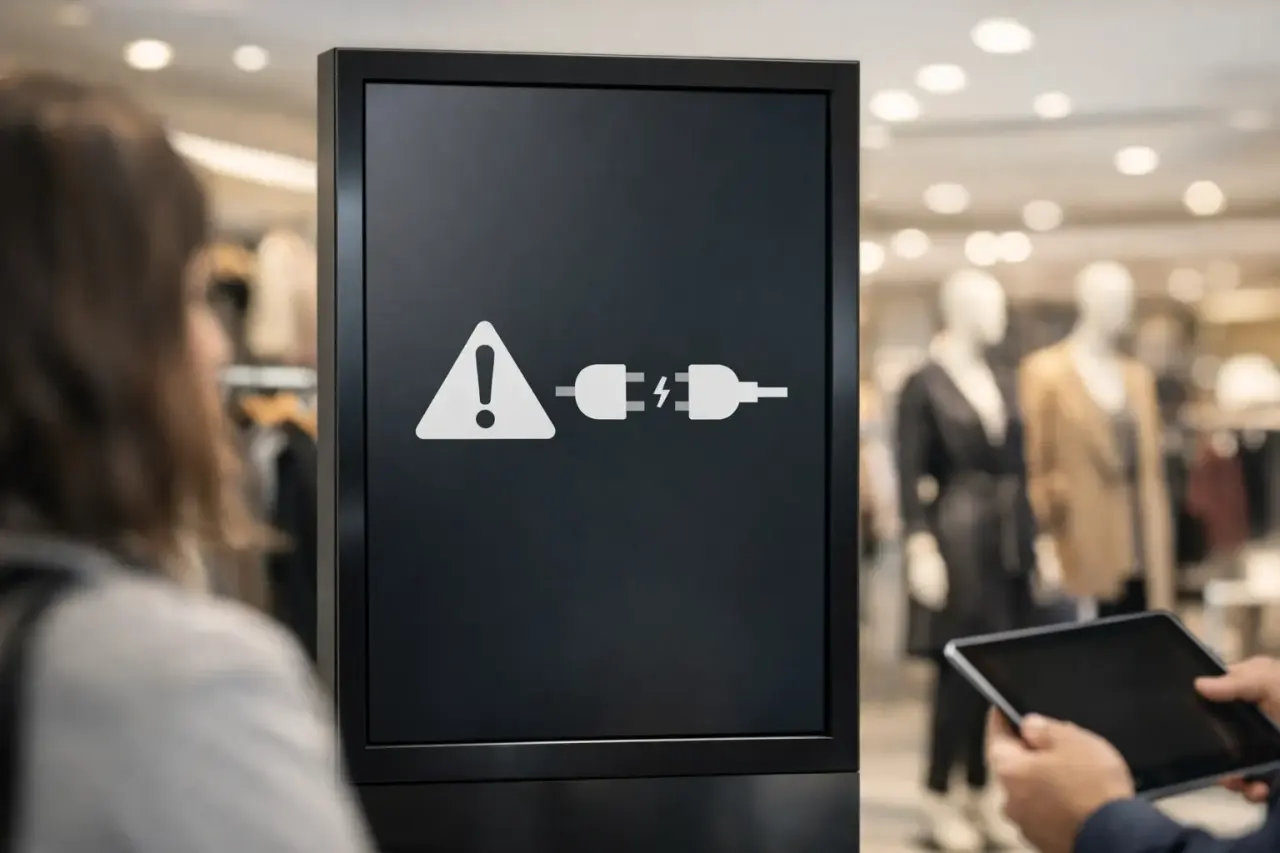
A menu changes at 10:15 a.m., but the screen near your front counter still shows the old price at lunch. That gap is where signage workflows break down. A drag and drop signage editor fixes it by removing the slow parts - design bottlenecks, USB swaps, and one-screen-at-a-time updates.
For most businesses, digital signage is not a design problem. It is an operations problem. The screen needs to be current, readable, and easy to update without calling IT or chasing down the one employee who knows how the old system works. When your editor is simple enough for everyday staff and structured enough for multi-location control, the whole channel becomes useful instead of frustrating.
What a drag and drop signage editor actually changes
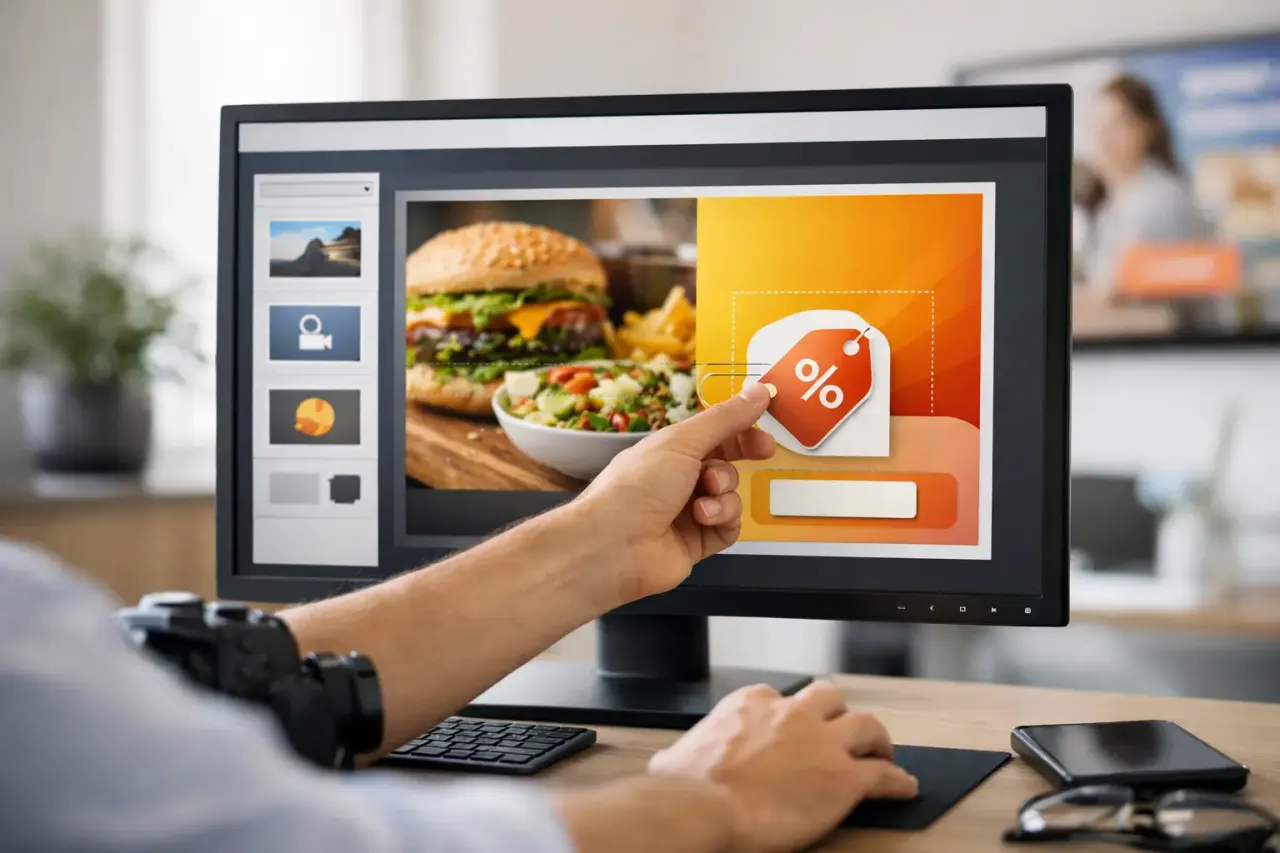
The biggest shift is speed. Instead of building content in one tool, exporting it, moving files around, and hoping it looks right on the display, teams can create directly inside the signage platform. You move text, images, videos, promos, calendars, menus, or announcements into place and publish from the same dashboard.
That sounds basic, but the operational impact is significant. A restaurant manager can update a breakfast promotion before the morning rush. A retail team can push a weekend sale to every store without waiting on a designer. A clinic can replace outdated wait-time messaging across all screens in minutes. The editor reduces the time between decision and display.
It also reduces dependency. Many businesses are stuck with signage that technically works but only one person can manage. That creates risk. If updates require design software, file formatting, special hardware, or manual device access, the process slows down fast. A drag and drop signage editor makes screen updates accessible to more people while keeping control centralized.
Why old signage workflows create avoidable friction
USB-based signage is still common because it looks cheap at first. Load a file, plug it into a TV, and the screen turns on. The problem starts the moment content changes. Someone has to create the file, rename it correctly, get it onto the USB, visit the screen, test playback, and repeat the process at every location.
That may be manageable for one screen in one lobby. It falls apart when you have multiple stores, rotating promotions, compliance-sensitive messaging, or seasonal campaigns. The labor cost shows up in small delays, inconsistent content, and displays that quietly go stale.
Traditional signage setups with dedicated media players solve part of that issue, but they often replace one kind of friction with another. Now there is extra hardware to buy, install, support, and troubleshoot. For businesses trying to move quickly, that is a heavy setup for a simple goal: get the right message on the screen now.
This is why the editor matters more than many buyers expect. If content creation is easy but publishing is hard, adoption suffers. If publishing is easy but editing is clumsy, screens get neglected. The right setup needs both.
What to look for in a drag and drop signage editor
A useful editor is not just a canvas with movable boxes. It should help your team produce screen-ready content quickly, with minimal formatting work. That starts with templates. Most businesses do not want to design every layout from scratch, and they should not have to. A practical editor gives you ready-made structures for menus, promos, welcome screens, announcements, dashboards, and branded campaigns.
It should also support mixed content without making the user think like a designer. Text blocks, image areas, video regions, date and time widgets, social content, and dynamic zones should be easy to place and resize. If every small change requires careful manual adjustment, the system becomes slower than promised.
Scheduling is just as important as design. A sign that looks great but cannot be programmed by time, day, location, or campaign window creates extra manual work. The best editors connect content creation directly to deployment, so teams can build once and assign the right message to the right screens automatically.
Previewing matters too. What looks fine on a laptop can feel crowded on a 55-inch lobby display viewed from 15 feet away. A strong editor helps users see how content will appear on screen before it goes live. That catches problems early and protects brand consistency.
The real value is control without complexity
For a single-location business, a drag and drop signage editor saves time. For a multi-location business, it creates control. That distinction matters.
When you manage screens across stores, clinics, gyms, campuses, or offices, consistency becomes a daily concern. Promotions need to launch on time. Brand standards need to stay intact. Local managers may need flexibility, but headquarters still needs visibility. Without centralized control, screens drift. One location shows expired offers, another has the wrong logo, and a third is offline with no one noticing.
An effective signage platform pairs the editor with centralized publishing, monitoring, and reporting. That combination is what turns digital signage from a nice idea into a dependable channel. Teams can create approved layouts, push updates remotely, and confirm that screens are online and actually playing the intended content.
This is also where cost savings become real, not theoretical. If the platform works on Smart TVs or low-cost streaming-stick-connected screens, businesses can avoid adding dedicated media players everywhere. That lowers upfront spend and simplifies deployment. No hardware is not just a convenience line. It reduces purchasing, installation time, and support overhead.
It depends on who is using it
Not every business needs the same level of editor functionality. A coffee shop with two screens may care most about fast menu updates and simple scheduling. A franchise brand may need locked templates, permission controls, and location-level variations. A school may prioritize announcements, event calendars, and emergency messaging. A corporate office may want screen zones for dashboards, internal communications, and meeting room notices.
That is why feature checklists can be misleading. More tools do not always mean a better fit. If the editor is overloaded, non-technical staff may avoid it. If it is too limited, growing teams outgrow it quickly.
The better question is whether your staff can use it confidently after a short handoff. If daily updates still feel technical, the workflow has not really improved. The best systems remove steps instead of adding options for the sake of it.
Where businesses usually see the payoff first
The first win is usually speed. Teams stop treating screens like a special project and start using them as a live communication channel. That changes behavior. Promotions become more timely. In-store messaging becomes more relevant. Seasonal updates stop arriving late.
The second win is consistency. Once content can be created and deployed from one place, businesses get fewer mismatched screens and fewer forgotten updates. This matters in customer-facing environments where trust depends on accurate information.
The third win is visibility. If your platform includes screen status, playback history, and remote management, you do not have to guess whether the content is running. That removes one of the most common failures in digital signage: assuming the screen is fine because no one reported a problem.
For many organizations, that combination is the point where signage starts paying for itself. Not because the editor is flashy, but because the workflow is finally practical.
A smarter way to think about signage software
When buyers compare signage tools, they often focus on templates, screen layouts, or design flexibility first. Those matter, but they are only part of the job. The real question is whether the software helps your team go from idea to live screen with less effort and fewer points of failure.
That is why a drag and drop signage editor should be evaluated as part of a larger system. Can you create quickly, schedule intelligently, publish remotely, monitor uptime, and scale without adding hardware headaches? If the answer is yes, the editor becomes more than a convenience feature. It becomes the front end of a faster operating model.
Platforms like VitVue are built around that idea: no extra hardware, no IT-heavy rollout, and live screen control from one dashboard. For businesses that want signage to be easy enough for local teams and structured enough for central oversight, that model makes a lot more sense than patching together old tools.
If your screens still depend on manual updates, disconnected design files, or expensive boxes behind every TV, the problem is not just the content. It is the workflow. Fix that, and the screens start doing what they were supposed to do all along.
See how VitVue powers retail digital signage.