Digital Signage Content Planning Guide for Teams
Use this digital signage content planning guide to build clear playlists, schedule smarter updates, and keep every screen on message at every location.

בעמוד הזה
A menu price changes at 10:45 a.m., but the screen still shows the old offer through lunch. A clinic needs to post a weather closure, but someone has to find the USB drive first. These are not design problems. They are planning problems. This digital signage content planning guide helps teams turn screens into a reliable communication channel instead of another task that falls through the cracks.
The goal is not to fill every screen with more content. The goal is to show the right message, on the right screen, at the right time, without creating a daily operational burden. That takes a simple plan built around business priorities, screen context, ownership, and a schedule your team can actually maintain.
Start With the Job of Each Screen
A screen in a restaurant lobby has a different job than a screen behind the counter. A display in a gym locker room does not need the same playlist as one at the front desk. Treating every screen as a general-purpose billboard creates clutter and weakens the message.
Before creating content, define each screen's primary job in one sentence. For example: promote add-ons while customers wait to order; reduce front-desk questions; highlight current retail offers; communicate safety information; recognize employees; or guide visitors to the right place.
This step makes content decisions faster. If a message does not support the screen's job, it should not be in that playlist. A corporate office may need a mix of internal updates and room information. A quick-service restaurant may prioritize menu features, limited-time offers, and pickup instructions. The right mix depends on where people are, how long they wait, and what action the business wants them to take.
Map the audience moment
Think about what viewers need at that exact moment, not what your business wants to say in general. A customer waiting in line has a few seconds of attention. A hotel guest in an elevator may notice only one short message. An employee in a break room has more time for benefits updates or recognition.
For every screen zone, document the audience, typical dwell time, desired action, and the information that must always be available. This gives your content team a usable brief instead of a vague request to “make something for the screens.”
Build Your Digital Signage Content Plan Around Priorities
Most businesses have more messages than screen time. The solution is not a longer playlist. It is a content hierarchy.
Start with the messages that must appear. These may include operating hours, compliance notices, service changes, wayfinding, emergency instructions, or daily menu information. Next, place revenue-driving and behavior-driving messages, such as promotions, upgrades, loyalty reminders, event registrations, or featured products. After that, add brand-building content that improves the environment without demanding immediate action.
A practical playlist usually has four content categories:
Essential information that customers or staff need now
Promotional messages tied to current business goals
Educational or service content that answers common questions
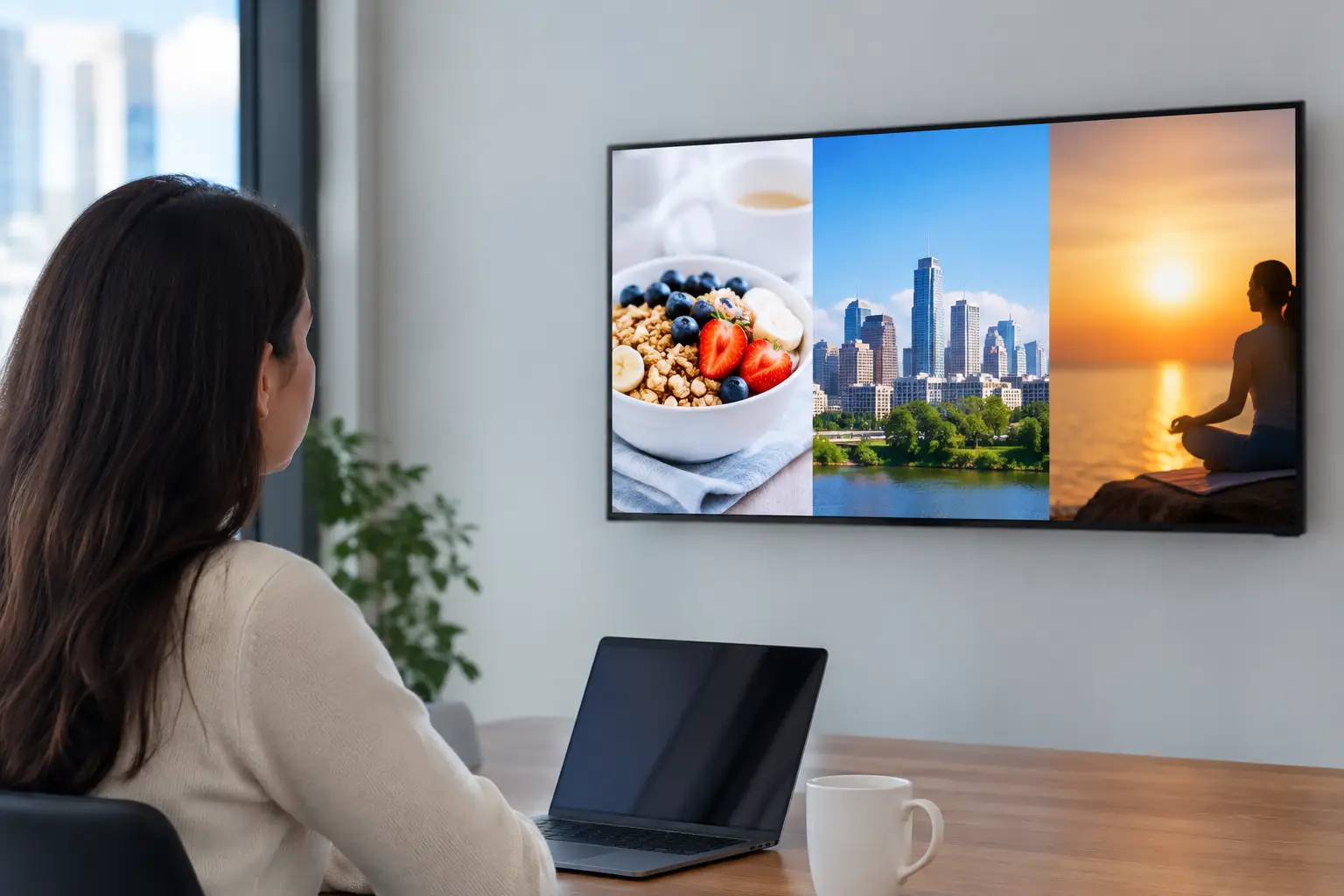
Brand or atmosphere content, such as reviews, local highlights, or culture messages
The balance changes by location. A retail screen near checkout may lean heavily promotional. A medical waiting room may require more service information and calmer visual pacing. If you operate multiple locations, keep the category framework consistent while allowing local managers to update relevant details.
Set a clear priority rule as well: urgent operational content can interrupt the playlist, while standard promotions wait for their scheduled slot. This prevents a last-minute request from pushing critical information off-screen.
Give every message one action
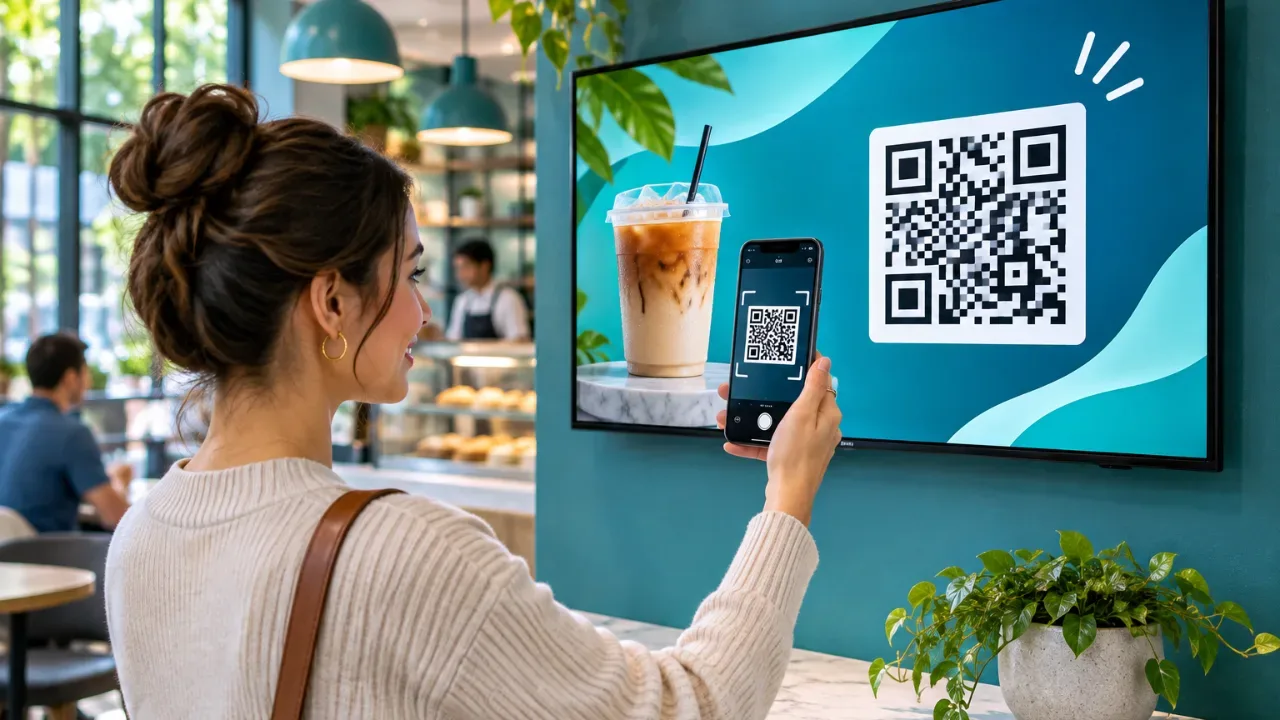
A screen message should do one thing well. Ask viewers to try the featured item, scan a QR code, ask staff about an offer, check in at a desk, or follow a safety instruction. When a slide includes five offers, a paragraph of copy, and several logos, viewers usually do nothing.
Use short copy, large type, and a visible focal point. Your screen is not a brochure. If the message needs detailed explanation, use the display to point people toward the next step rather than forcing them to read everything from a distance.
Create a Content System Your Team Can Maintain
Planning fails when every new campaign starts with a blank canvas. Build a small library of reusable layouts for your most common messages: promotions, operating-hour updates, employee notices, event announcements, menu features, and location-specific alerts.
Templates protect consistency while making updates faster. A local manager should be able to change a price, photo, date, or location name without rebuilding the design. Keep the variables obvious and limit the number of editable elements. More flexibility sounds useful, but too much flexibility often creates off-brand screens and approval delays.
Establish basic design rules that work across locations. Use approved colors and fonts, maintain strong contrast, leave room around key copy, and use image assets that still read clearly on a large display. Avoid tiny text, crowded layouts, and motion that competes with the message.
A good working standard is to make the main point understandable in three seconds. If your team cannot explain the slide quickly, simplify it before it goes live.
Schedule Around Real Operations
A playlist should reflect the rhythm of the location. Breakfast promotions should not play all afternoon (see how to automate daypart messaging). A gym may need class information before peak workout hours and recovery or membership offers later in the day. Retail stores may run different messages during opening, lunch traffic, after-work shopping, and closing.
Schedule content in layers. Keep a baseline rotating playlist for evergreen messages, then add daypart content, campaign content, and time-sensitive notices. This structure lets you refresh promotions without rebuilding everything that is already working.
Also set start and end dates for every campaign asset. Expired offers damage trust and create unnecessary questions for staff. If an event ends on Sunday, its screen content should disappear automatically on Monday morning.
For multi-location organizations, use shared playlists for brand-wide campaigns and local playlists for store hours, regional offers, weather notices, and community events. Centralized control matters, but local relevance matters too. The right operating model gives headquarters control over the brand while giving approved local users room to act quickly.
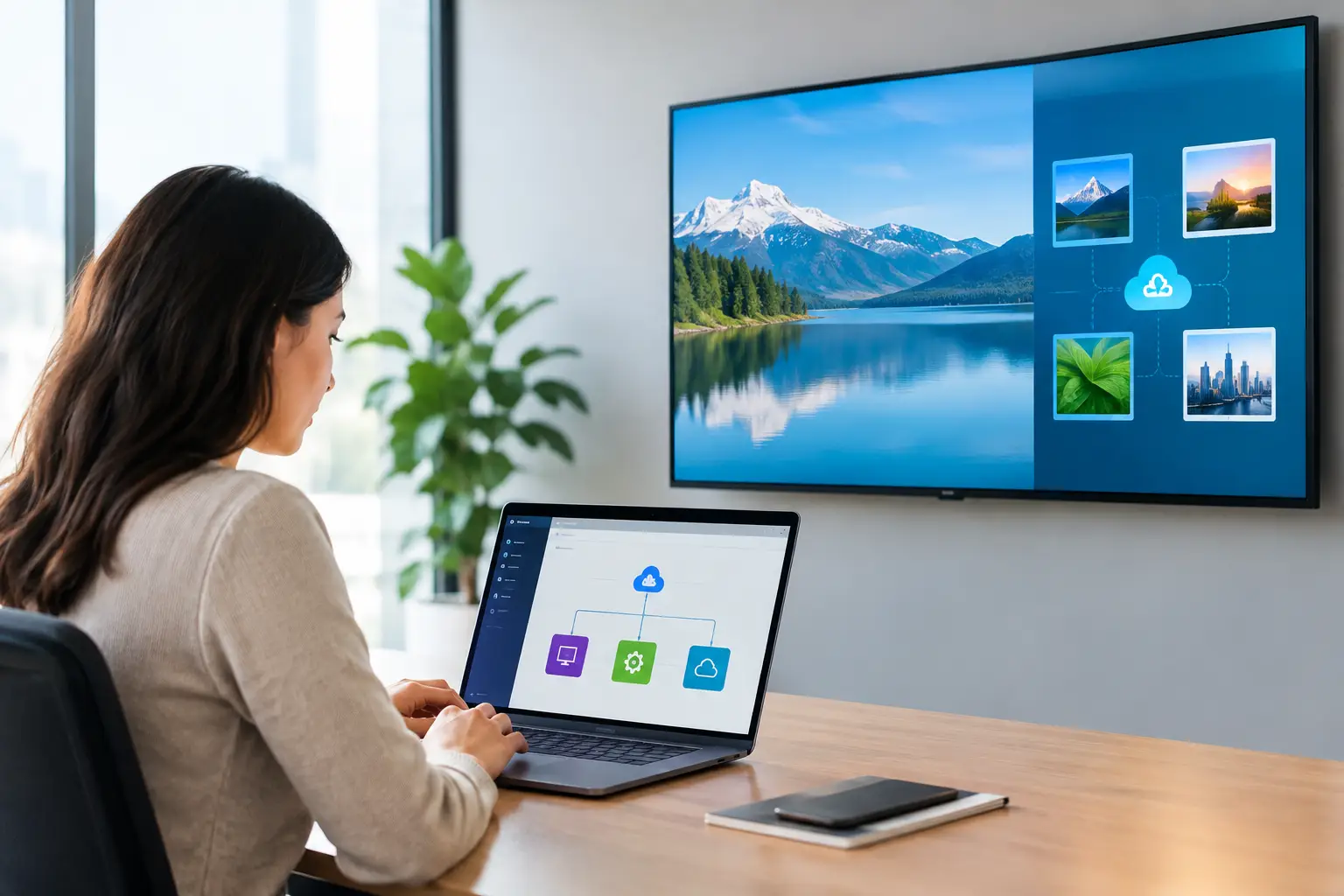
With a platform such as VitVue, teams can push updates from one dashboard, assign content to specific screens or locations, and schedule changes without visiting each site. That removes the familiar cycle of emailing files, swapping USB drives, and hoping every display was updated correctly.
Assign Ownership Before Content Goes Live
Even simple signage needs a clear owner. Without one, old content stays up, urgent notices are delayed, and managers assume someone else is checking the screens.
Define who creates content, who approves it, who schedules it, and who responds when a screen is offline. In a smaller business, one person may handle all four roles. In a franchise group or enterprise team, the responsibilities may be split between marketing, operations, and local managers. Either model works if the handoffs are clear.
Create a lightweight approval process based on risk. A seasonal retail promotion may need brand approval. A temporary store-hours update may only need a manager's review. An emergency message should be publishable immediately by a designated operator. Requiring the same approval path for every update slows the team down when speed matters.
Measure What Is Actually Working
Digital signage analytics will not always tell you exactly who saw a message or what they thought of it. They can still answer operational questions that matter: Did the screen stay online? Did the correct playlist play? Did the campaign run for the intended dates? Which locations received the update?
Pair play history and uptime data with business signals. Compare a featured product's sales during the campaign period, track QR scans, ask staff whether a message reduced repeated questions, or measure sign-ups tied to an on-screen call to action. For internal screens, survey employees or monitor participation in the promoted program.
Do not change five things at once. Test one variable, such as the offer, creative, call to action, or daypart. Then give the campaign enough time to produce a meaningful result. The best content plan improves through evidence, not opinions from the loudest person in the room.
Run a 30-Day Planning Cycle
A monthly planning cycle keeps screens current without forcing daily meetings. During the final week of each month, review upcoming promotions, events, operating changes, and seasonal dates. Build approved content in advance, assign it to the correct playlist, and schedule its start and end dates.
At the start of the month, verify that every screen is online and displaying the correct content. Mid-month, check campaign performance and replace anything that is clearly outdated or underperforming. At month-end, archive expired assets, review what worked, and prepare the next cycle.
Leave room for real life. New inventory arrives, a location closes early, weather changes plans, and promotions get extended. The point of a content calendar is not rigidity. It is giving your team a stable baseline so urgent updates are the exception, not the entire workflow.
The next screen update should not require a trip to the location, a scramble for the latest file, or a message that stays live two weeks too long. Give each display a defined purpose, give each message a time and place, and make ownership visible. Your screens will become easier to manage and far more useful to the people standing in front of them.
Digital Signage Content Planning FAQ
How do you plan content for digital signage?
Define the job of each screen, map the audience and dwell time, rank messages by priority, build reusable templates, and schedule content in layers with clear start and end dates. Review results monthly and adjust.
How long should a digital signage slide stay on screen?
Most slides work best at 8 to 15 seconds. The main point should be understandable in about three seconds, so keep copy short and give each slide one clear action.
How often should digital signage content be updated?
Plan on a 30-day cycle: prepare next month's content in the final week, verify screens at the start of the month, and replace outdated or underperforming content mid-month. Urgent notices should go live immediately.