Corporate Communications Signage That Moves Faster
Corporate communications signage keeps teams informed, aligned, and ready to act. See how to manage office screens faster without extra hardware or IT.
Sur cette page
A policy change is approved at 9:00 a.m. By 9:15, the lobby screen still promotes last month’s volunteer drive, the break room TV is off, and the warehouse display is showing a spreadsheet no one can read. Corporate communications signage fixes that gap between deciding what employees need to know and getting the message in front of them.
For office managers, internal communications teams, HR leaders, and multi-site operators, the goal is not more screens. It is faster, more consistent communication without chasing USB drives, emailing local managers, or calling IT for every update. The right digital signage setup turns existing displays into a controlled communication channel that is live in minutes.
What Corporate Communications Signage Should Do
Corporate screens have a different job than retail promotions or restaurant menu boards. They need to inform people who are moving through busy spaces, often with only a few seconds to look. That means the content must be timely, easy to scan, and relevant to the location.
A useful communications screen can share a safety notice in a manufacturing area, welcome visitors in a reception space, reinforce benefits enrollment dates in a break room, or show performance milestones in a sales office. It can also support the everyday details that otherwise get buried in inboxes: parking changes, holiday hours, training reminders, meeting room notices, and local event updates.
The operational requirement is simple: one team should be able to update many screens from one place. If every location needs a separate file, login, or person to make a change, the system will become unreliable as the business grows.
Speed matters when the message changes
Email is necessary, but it is easy to miss. Printed notices are visible, but they are slow to replace. A centrally managed digital display fills the space between the two. It puts a short message in a shared physical environment where employees and visitors are already present.
That does not mean every announcement belongs on a screen. Long policy documents, sensitive employee matters, and information that requires acknowledgment should remain in the appropriate HR, email, or intranet workflow. Signage works best as the visible prompt: what changed, why it matters, and where to get the full details.
Build a Content System, Not a Slide Collection
The most common signage failure is not technical. It is content overload. Teams start with a few well-designed slides, then add every request that comes in. Soon the playlist is too long, messages compete for attention, and the screens become background noise.
A better approach is to give each screen a clear purpose and create a repeatable content mix. A lobby display may prioritize welcome messages, company news, and visitor guidance. A staff-only break room screen can carry operational updates, recognition, and upcoming deadlines. A warehouse screen may focus on safety, shift information, and production metrics.
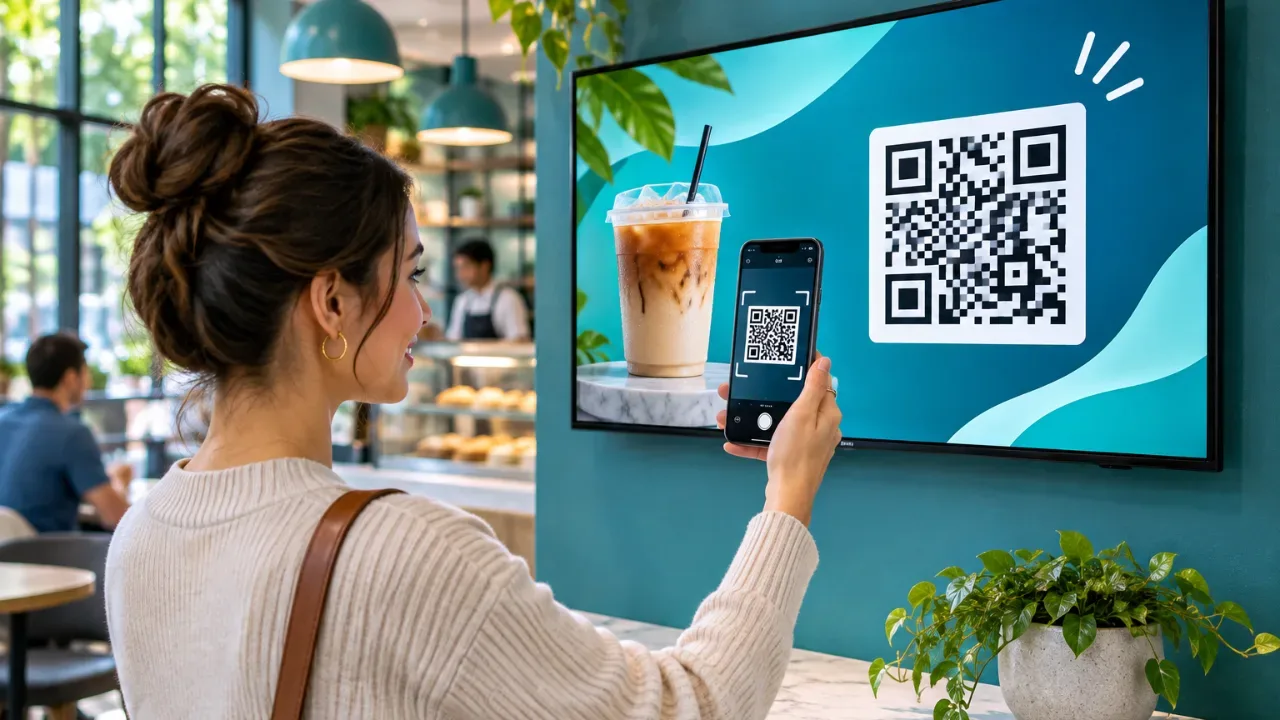
Keep individual messages short. One idea per screen is usually enough. Use large type, high contrast, and a clear visual hierarchy so someone can understand the main point from several feet away. If a message needs more than a few seconds to read, use the display to direct viewers to a QR code, internal portal, or named contact rather than trying to fit the full explanation onto the screen.
Plan content by urgency and audience
Not every message deserves the same screen time. Assign a priority level before it reaches the playlist. Critical operational or safety messages should take over the relevant screens immediately. Time-sensitive updates, such as an open enrollment deadline or an office closure, should run frequently during the period that matters. Evergreen culture content can fill the remaining space.
This approach prevents a company anniversary graphic from running ahead of an urgent weather closure. It also gives communications teams a defensible way to say no when a request does not fit the purpose of a particular display.
For multi-location organizations, combine central control with local relevance. Headquarters can push company-wide messaging to every screen, while regional or site managers update a designated local section. The result is more useful than a one-size-fits-all playlist and more controlled than giving every location complete editing freedom.
The Features That Reduce Work, Not Add It
Corporate communications signage should remove operational friction. If the platform requires dedicated media players, manual software updates, or advanced technical skills, adoption slows down before the screens have a chance to prove value.
Look for a platform that works with Smart TVs or affordable streaming sticks, rather than forcing every location to purchase and maintain separate signage hardware. This lowers the startup cost and makes it easier to use displays the business already owns.
Central scheduling is equally important. Communications teams need to publish morning announcements, rotate weekly content, and automatically stop displaying outdated promotions or deadlines. Real-time publishing handles urgent changes, while scheduling keeps routine communication from becoming another daily task.
Visibility is the other half of control. A screen that is offline, stuck on an old playlist, or displaying the wrong content creates a credibility problem fast. Uptime monitoring and play history let the owner confirm that messages reached the intended displays. That matters most when the screen carries safety instructions, compliance reminders, or a message tied to a live event.
VitVue gives teams this control without traditional media players or a complex installation. Content can be created, scheduled, pushed, and monitored from one dashboard, whether the organization manages three office TVs or hundreds of screens across locations.
A Practical Rollout for Office and Multi-Site Teams
Start small enough to learn quickly, but choose screens that will be noticed. The reception area, employee entrance, break room, and high-traffic operations floor are better starting points than a quiet conference room. Watch where people naturally pause and where they have enough time to absorb a message.
Next, define ownership. One person or small team should control brand standards, templates, and company-wide campaigns. Local managers can be responsible for location-specific information, but they should work within approved layouts and content rules. This protects consistency without creating a bottleneck for every local update.
Before launch, create a basic playlist structure. Include an urgent-message layout, a standard announcement layout, a recognition template, and a practical information template for items like schedules or office notices. Templates save time and reduce the temptation to build a new design for every message.
Then set a review rhythm. Weekly review works for most internal playlists, while high-change environments may need daily attention. Remove expired content promptly. A screen that still advertises an event from six weeks ago tells employees that the channel is not dependable.
Measure Whether Screens Are Actually Helping
A digital screen should be treated like an operating channel, not office decor. Start with a clear question: What behavior or awareness should this message improve?
For example, a safety campaign may aim to increase completed incident reporting. An HR campaign may aim to raise benefits portal visits before a deadline. A training message may aim to improve attendance. The display is rarely the only communication method, but it can reinforce the action at the moment people are on-site and able to respond.
Use platform data to confirm that screens were online and content played as scheduled. Then pair that data with practical business signals: fewer repeated questions at reception, higher event attendance, more completed training, or better response to internal surveys. The exact metric depends on the message, but the discipline should stay the same.
Avoid measuring success by how many slides were published. More content does not mean better communication. A short playlist that employees recognize and trust is more valuable than a screen packed with announcements nobody remembers.
Where Corporate Screens Need Extra Care
Corporate communications signage can create problems when governance is weak. Avoid showing confidential performance data in public areas. Be careful with employee recognition content if names, photos, or personal information require consent. And make sure emergency messaging has clear approval rules so urgent notices can go live quickly without accidental misuse.
Accessibility also deserves attention. Use readable font sizes, strong color contrast, plain language, and enough display time for viewers to process the message. If video is part of the playlist, captions should be considered standard. Screens should support communication, not create another barrier.
The most effective corporate display is not the flashiest one. It is the screen employees learn to check because it consistently shows what is current, relevant, and useful. When updates can move from dashboard to display without hardware headaches or IT delays, that trust is much easier to earn.
Corporate Communications Signage FAQ
What is corporate communications signage?
Corporate communications signage is the use of digital screens in offices, lobbies, break rooms, and operations areas to share company news, safety notices, HR deadlines, and local updates with employees and visitors. A cloud dashboard lets one team update every screen from one place.
Do I need media players for office digital signage?
Not necessarily. Platforms like VitVue run directly on Smart TVs or low-cost streaming sticks, so most offices can use displays they already own instead of buying dedicated signage hardware.
How often should internal communications screens be updated?
Review internal playlists at least weekly and remove expired content promptly. High-change environments such as warehouses or contact centers may need daily updates, while urgent messages should be pushed in real time.