How to Manage Retail Displays Remotely Across Stores
Learn how to manage retail displays remotely, update every screen in minutes, schedule local campaigns, and verify playback from one dashboard at scale.
On this page
A promotion changes at 10 a.m., but half your stores still show last week’s offer at noon. The issue is rarely the design. It is the process: USB drives, email chains, local staff instructions, and no clear way to confirm what is actually on screen. When you manage retail displays remotely, content stops being a store-by-store chore and becomes a controlled part of daily operations.
For multi-location retailers, the goal is not simply to put attractive content on a TV. It is to get the right message to the right screen, at the right location, for the right period of time, without adding work for store teams or IT.
Why remote display management matters in retail
Retail messaging moves fast. Prices change, inventory shifts, seasonal promotions start early, and local conditions can create opportunities that headquarters cannot plan months ahead. A manual signage workflow cannot keep up without creating inconsistencies.
Remote management gives central teams control over brand, promotions, and timing while allowing enough flexibility for store-level relevance. A campaign can launch across 50 locations in minutes. A single store can show a localized event message, adjusted hours, or weather-related notice without interrupting every other location.
That control also protects the customer experience. A blank screen, expired promotion, or mismatched price does more than look unprofessional. It can create confusion at the shelf, slow down staff, and undermine trust at the moment a customer is deciding what to buy.
What it takes to manage retail displays remotely
A remote signage setup should make publishing simple, not turn retail teams into technical operators. The most effective systems bring content creation, scheduling, deployment, and screen monitoring into one dashboard.
Start with the screens you already own
Many retailers assume a remote signage rollout requires commercial media players, complicated cabling, and a lengthy installation project. That is often where cost and friction begin.
A more practical approach uses compatible Smart TVs or affordable streaming sticks connected to existing displays. This reduces hardware purchases and makes it easier to expand from a pilot in a few stores to a network of hundreds of screens. The right choice depends on your environment: high-traffic, always-on displays may justify commercial-grade screens, while employee areas or short-term promotions may not.
The key requirement is consistency. Choose a setup that can be enrolled, named, and monitored centrally so screens do not become isolated devices that require local troubleshooting.
Build content for operational speed
Retail content should be easy to create and even easier to reuse. A drag-and-drop editor and ready-made templates help marketing teams produce promotions, product highlights, loyalty prompts, QR codes, and service messages without waiting on a designer for every small revision.
Templates are especially useful when brand consistency matters across franchise or regional locations. Set the approved fonts, colors, logo placement, and layout once. Then let authorized users update the offer, price, image, or local details inside clear guardrails.
Keep messages readable from the actual viewing distance. A screen near the entrance can support a larger visual campaign, while a counter display needs a short message that customers can understand in seconds. Trying to fit a brochure onto a screen is a common mistake. Retail displays work best when each slide has one job.
Organize screens by location and purpose
A store usually has more than one audience. The front window speaks to passersby. The entrance communicates offers and direction. Checkout can promote add-ons, loyalty enrollment, or digital receipts. Back-of-house screens may share staffing notes, sales targets, or safety updates.
Treat those as distinct screen groups, not as copies of the same playlist. Organize your dashboard by region, store, department, and screen purpose. This makes it possible to send a company-wide campaign to every customer-facing display while keeping internal content restricted to employee screens.
Clear naming matters more than it sounds. “Store 14 - Checkout 2” is actionable. “Samsung TV” is not. When a screen needs attention, your team should know exactly where it is and what it is supposed to show.
Schedule content around the retail calendar
The strongest remote display strategy is planned, but not rigid. Build playlists around recurring needs such as morning opening messages, lunch promotions, weekend offers, seasonal campaigns, and closing reminders. Schedule them in advance so stores do not need to remember when to swap files or turn content on and off.
Then leave room for real-time updates. If inventory is running low, pause the promotion. If an event begins early, push the announcement immediately. If a weather disruption changes store hours, replace standard messaging across affected locations at once.
Scheduling also prevents a frequent problem: campaigns that outlive their usefulness. Every promotion should have a start and end time. That protects customers from seeing expired offers and protects staff from handling avoidable price disputes.
For stores in multiple time zones, verify whether schedules follow the screen’s local time or a central account time. This detail matters when a nationwide campaign is supposed to begin at opening hours rather than at one fixed moment across the country.
Use playlists without losing control
Playlists let teams combine promotions, product education, brand content, and operational notices on the same display. But more slides do not automatically create a better experience. If a customer sees a message only briefly, a 20-item playlist may bury the one offer you need them to notice.
Match playlist length to dwell time. A waiting area can support more educational or branded content. A queue near the register may need a tight rotation with high-value, quick-read messages. For a time-sensitive promotion, give it enough frequency to be seen without making the screen feel repetitive.
It also helps to define content priority. A store closure notice should override regular playlists. A limited-time promotional message may take priority over evergreen brand content. This avoids last-minute edits to every playlist when an urgent message needs to go live.
Verify that screens are online and playing
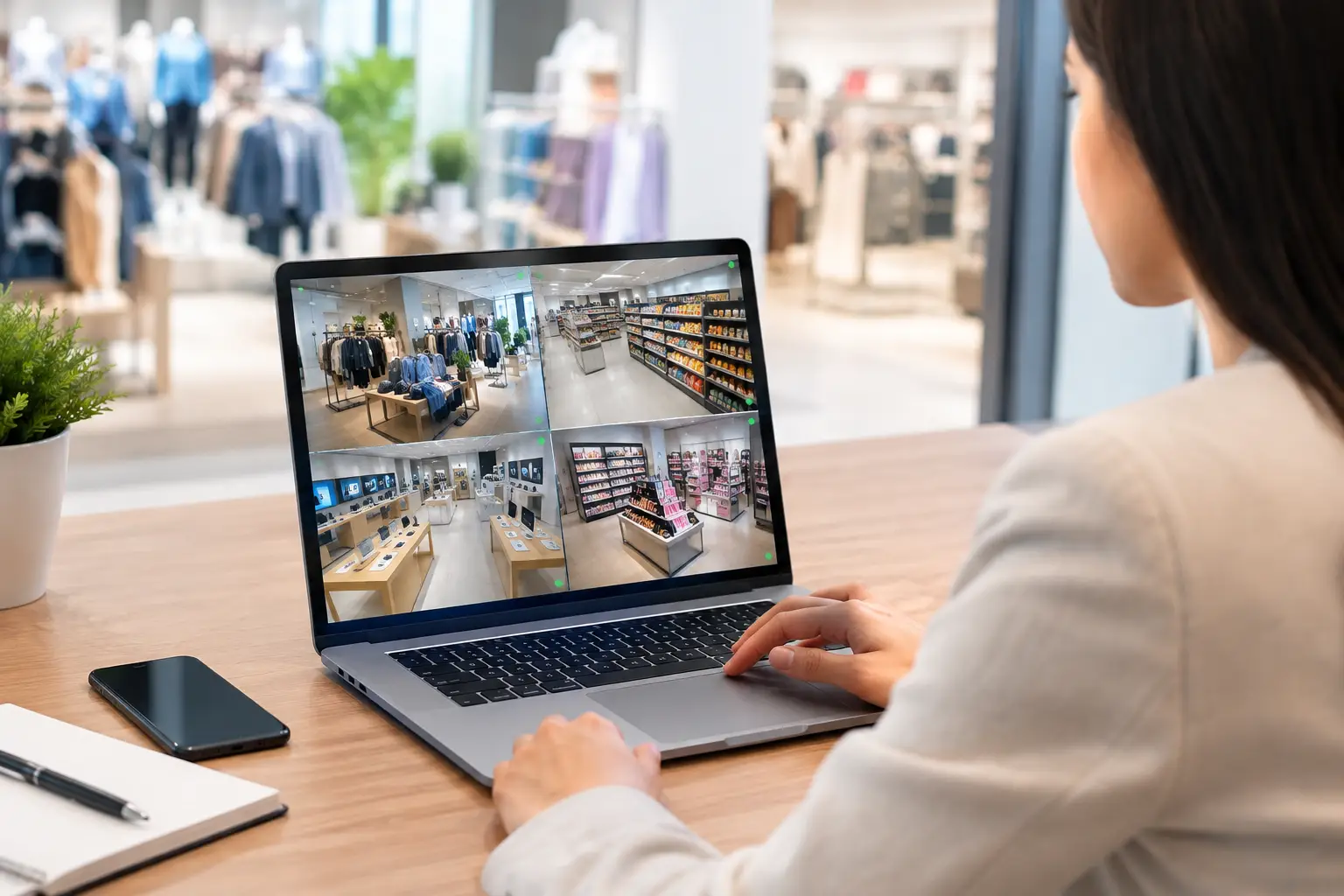
Remote publishing is only half the job. You also need visibility after content has been sent. A dashboard that shows device status, uptime, and play history gives teams a practical answer to a basic question: is the screen online and displaying the intended content?
This is where digital signage becomes operationally useful rather than decorative. Instead of learning about a black screen from a store manager days later, teams can identify disconnected devices, investigate recurring issues, and follow up with the right location.
Offline playback is equally important. Store internet is not always perfect, and a brief connection issue should not turn a customer-facing TV into a blank rectangle. Screens should continue playing downloaded content while the connection is restored, then resume syncing automatically.
Do not overreact to every offline alert, though. A screen that is intentionally powered down outside store hours needs a different response than a display that goes offline during a promotional event. Set expectations by screen type and operating schedule.
Give local teams flexibility without giving up governance
Central control does not mean every store must show identical content all day. Local managers often know which product is selling, which event is coming up, or which service message customers need most. The challenge is granting flexibility without inviting off-brand content or expired messaging.
Use roles and permissions to separate responsibilities. Corporate marketing can control approved templates and nationwide campaigns. Regional teams can manage local promotions. Store managers can be allowed to select from approved content or submit requests, depending on how tightly regulated the brand needs to be.
This balance is especially valuable for franchise groups. Brand owners can maintain consistent presentation while franchise operators retain enough control to respond to local business conditions. The right level of access depends on your team structure, not on a one-size-fits-all rule.
Measure what the display network is doing
Retail display analytics will not always tell you exactly why a customer bought a product. But they can prove whether content played as planned, whether screens were available, and whether certain campaigns received the screen time they were assigned.
Use that information alongside store performance, promotion redemptions, foot traffic, and staff feedback. If a campaign performs well in one region but not another, check whether the offer, placement, timing, or local inventory was different. The screen is part of the retail experience, not a standalone channel.
Avoid measuring only total plays. A message shown 500 times on a poorly placed screen may have less value than a promotion shown 100 times at a high-intent checkout point. Context matters.
Make remote retail displays easy to operate
The best digital signage process is the one your team will actually use during a busy week. VitVue helps retailers turn compatible TVs into centrally managed displays without dedicated media players or a heavy IT rollout. Teams can create content, schedule playlists, push updates live, and monitor screens from one place.
Start with a small, high-impact group of displays: entrances, checkout areas, or stores with frequent promotional changes. Establish naming rules, template standards, and campaign approval steps early. Once the workflow is working, expanding it across locations becomes far easier.
Your screens should not wait for a USB drive, a store visit, or a support ticket. When retail conditions change, your messaging should be ready to change with them.