Subscription Signage Versus On-Premise Costs
Compare subscription signage versus on premise systems by cost, control, security, setup, and scalability so you can choose the right operating model.
في هذه الصفحة
A menu price changes before lunch. A clinic needs to post a wait-time update. A retail promotion has to reach 40 locations before the weekend. In those moments, the subscription signage versus on premise decision stops being a technical preference and becomes an operational one: how quickly can your team change what customers see?
For most location-based businesses, the real choice is not between “simple” and “professional.” Both models can support professional digital signage. The difference is where the software runs, who maintains it, how updates happen, and how much effort it takes to keep every screen current.
What subscription signage and on-premise signage mean
Subscription signage is cloud-based software paid for on a monthly or annual plan. Your team logs into a web dashboard, creates or uploads content, schedules it, and publishes it to screens over the internet. The provider runs the platform infrastructure, releases product updates, and typically provides monitoring and support as part of the service.
On-premise signage, often called on-premises signage, runs on servers your organization owns or controls. Those servers may sit in a corporate data center, a local office, or a private cloud environment managed by your IT team. You usually buy a perpetual software license, pay for implementation, and may pay separately for maintenance, upgrades, support, and server infrastructure.
Neither approach automatically determines the quality of what appears on screen. A cloud platform can support detailed scheduling, playback proof, user permissions, and multi-location control. An on-premise deployment can do the same. What changes is the operating model behind those capabilities.
Subscription Signage Versus On-Premise: The Practical Difference
The clearest comparison starts with the people who will run the system after launch. If a marketing manager, operations lead, or store manager needs to update displays without waiting for IT, subscription software usually has the advantage. It is designed for browser-based access, centralized publishing, and frequent content changes.
On-premise software can be the right fit when an organization has a dedicated IT function, formal infrastructure standards, and a specific requirement to keep systems inside its own environment. That is more common in highly regulated enterprises, government settings, or organizations with strict internal network rules.
For a restaurant group, fitness chain, hotel portfolio, or franchise network, the question is often more direct: does your team want to manage signage software, servers, patches, backups, and remote access? If the answer is no, a subscription model removes a large part of the work that has nothing to do with creating better customer communications.
Setup speed and deployment effort
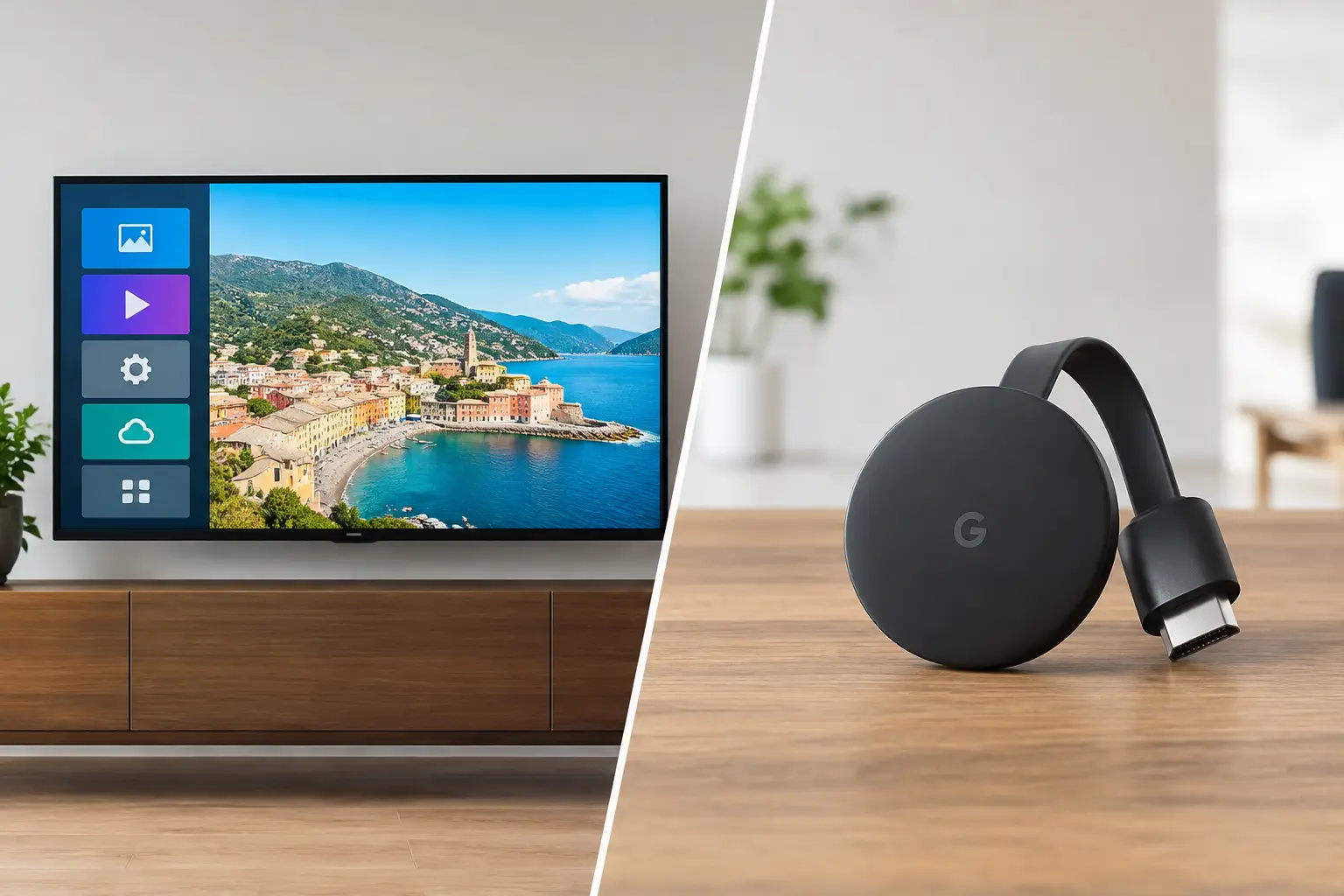
Subscription platforms are built to get screens live quickly. In many cases, you can use existing Smart TVs or affordable streaming devices rather than purchase dedicated media players and build out a server environment. A screen can be enrolled, assigned to a location or playlist, and updated from one dashboard.
That matters when you are replacing USB-based workflows. Instead of sending files to each site, asking staff to find the right USB drive, and hoping the right version is displayed, your central team can push the change remotely.
An on-premise rollout takes more planning. Your team may need to provision servers, configure network access, set firewall rules, establish backup procedures, connect authentication systems, and test player communication across every location. Those tasks can be worthwhile for organizations that require them. They are not free, and they are rarely fast.
Ongoing cost is more than the license price
Subscription pricing is easier to forecast because it is usually tied to screen count and feature tier. You pay an operating expense each month or year and can scale it as locations or screens are added. Hardware requirements are often lower when the platform works with the displays and streaming devices you already have.
On-premise pricing may look attractive if you focus only on a one-time software license. The total cost of ownership is broader. Include server hardware or hosting, implementation services, dedicated media players, IT labor, monitoring, security patches, upgrades, support contracts, and the cost of downtime when something breaks.
A large organization with existing infrastructure and in-house specialists may absorb those costs efficiently. A 10-location retailer probably cannot. For smaller and mid-sized operators, the cheapest license is not always the least expensive system to run.
Control, access, and governance
On-premise deployments provide direct control over the environment. Your organization decides where the software runs, how it is segmented, how it connects to internal systems, and when updates are installed. For some teams, that control is a non-negotiable policy requirement.
But control also creates responsibility. Someone must monitor performance, apply security fixes, manage user access, maintain backups, and troubleshoot issues. If the person who understands the system leaves, the business still needs a plan to operate it.
Subscription signage shifts much of that responsibility to the provider. Administrators still control what matters day to day: users, locations, screen groups, content approval, schedules, and playlists. The provider manages the core platform so your internal team can focus on messages, campaigns, and screen performance rather than server maintenance.
The best cloud platforms do not treat centralized control as a compromise. They provide granular permissions, organized locations, scheduled publishing, proof of playback, and device status visibility. Those controls are especially useful when dozens of managers share responsibility for hundreds of displays.
Security and connectivity: Ask the right questions
“On-premise is more secure” is too simple. Security depends on configuration, patching, access policies, network design, and the discipline of the people operating the system. A poorly maintained internal server is not safer merely because it is inside the building.
Likewise, a cloud platform should be evaluated carefully. Ask how user access is managed, whether the service supports single sign-on for larger teams, how devices authenticate, what data is stored, and how the provider handles updates and availability. The right answer depends on your organization’s policies, not a generic assumption about cloud software.
Internet access is another practical consideration. Cloud signage needs connectivity to receive new content and report device status. That does not mean the screen must go blank when a connection drops. Look for offline playback that keeps the last approved schedule running locally until the device reconnects.
An on-premise system may continue operating within a local network during an internet outage, but remote management can still be limited. Consider the failure scenarios that matter in your locations: a branch loses Wi-Fi, a TV restarts overnight, or a new promotion needs to go live across the network immediately.
Scale changes the decision
A single lobby display can be managed almost any way. The model matters more as screen count, locations, users, and content changes increase.
With subscription signage, adding a new site is usually a repeatable process: connect the screen, enroll it, assign it to a group, and publish. Headquarters can maintain brand standards while local teams receive permission to update approved sections, such as store hours, event listings, or community announcements.
On-premise environments can also scale, but growth often creates more infrastructure work. New locations may require network configuration, VPN planning, server capacity reviews, and additional implementation support. If your expansion plan includes franchises, temporary sites, or frequent remodels, that friction deserves real weight in the decision.
This is where platforms such as VitVue are built to help. Centralized scheduling, remote content publishing, screen monitoring, and support for existing Smart TVs reduce the hardware and operational burden that slows down multi-location rollouts.
When on-premise signage is the better choice
On-premise can be the right answer when a business has a documented requirement for local hosting, restricted external connectivity, or data handling rules that a SaaS provider cannot meet. It also fits organizations with established server infrastructure, experienced administrators, and a budget that accounts for lifecycle maintenance.
Choose it because those requirements are real, not because it feels more permanent. A system that takes months to deploy, requires specialized help for every update, and leaves local teams unable to act quickly can become expensive in ways that do not appear on the initial quote.
When subscription signage makes more sense
Subscription signage is usually the practical choice when you need fast deployment, central control across locations, predictable costs, and regular content updates without involving an IT team. It is particularly strong for customer-facing environments where promotions, menus, events, safety information, and brand messages change often.
It also makes sense when existing displays still have useful life. Reusing Smart TVs or pairing lower-cost TVs with streaming sticks can put budget toward better content and more screens instead of proprietary hardware.
Before choosing, map one normal month of signage work. Count the updates, the people involved, the sites affected, and the time spent proving that each screen is online and showing the right content. Then choose the model that makes those everyday tasks easier, not just the one that sounds best in a procurement meeting.
The right signage system should let your team respond while the message still matters. If a screen update feels like an IT project, your displays will always be one step behind your business.