Best Retail Digital Display Platforms for Stores
Compare the best retail digital display platforms for fast, centralized screen management, lower hardware costs, and reliable updates across every store.
In questa pagina
A price change hits at 9:00 a.m., but half your stores are still showing last week’s promotion at noon. That is the real test for the best retail digital display platforms: not whether they can play a polished video, but whether your team can update every screen quickly, confirm it worked, and move on with the day.
For retailers, digital displays are operational tools. They promote seasonal offers, direct shoppers, reinforce product launches, reduce pressure on staff, and keep every location aligned. The right platform makes those jobs simple. The wrong one replaces printed signs with another slow, fragmented workflow.
What makes a retail display platform worth buying?
A retail digital display platform should do more than put content on a screen. It needs to give a central team control while keeping store-level setup light. If a manager has to load a USB drive, call IT, or manually restart a player every time a campaign changes, the platform is not solving the problem.
Start with deployment. Some systems require dedicated media players at every screen. That can make sense for complex video walls, unusual display hardware, or highly controlled enterprise environments. For most retail stores, though, it adds purchase costs, cables, replacement inventory, and another device to troubleshoot. Platforms that run on existing Smart TVs or inexpensive streaming devices can get stores live faster with less overhead.
Next, look at content control. Retail teams need a straightforward editor, reusable templates, playlists, and scheduling that can handle dayparts, promotions, and local exceptions. A coffee shop may show breakfast offers until 11:00 a.m. and afternoon bundles after that. A specialty retailer may need national creative on most screens, with one local message for a grand opening or regional event.
Finally, visibility matters. A screen that is black, offline, or playing the wrong asset is a missed selling opportunity. The platform should make screen status and playback history easy to check from one dashboard. Remote proof is especially valuable when you manage stores across cities or states.
Best retail digital display platforms by operating model
There is no single best fit for every retail operation. The strongest choice depends on the screens you own, the number of locations you manage, and how much technical complexity your team can realistically support.
| Platform type | Best for | Main advantage | Trade-off | | --- | --- | --- | --- | | Smart TV-first signage platform | SMBs and multi-location retailers | Low hardware cost and fast setup | Device compatibility should be verified first | | Hardware-player signage platform | Custom installations and mixed hardware fleets | Broad control over specialized setups | More equipment and maintenance | | Enterprise experience platform | Large brands with advanced integrations | Extensive governance and integrations | Higher cost and longer rollout | | Basic USB or local playback tools | Temporary, single-screen use | Minimal upfront spend | No central control or dependable reporting |
Smart TV-first platforms
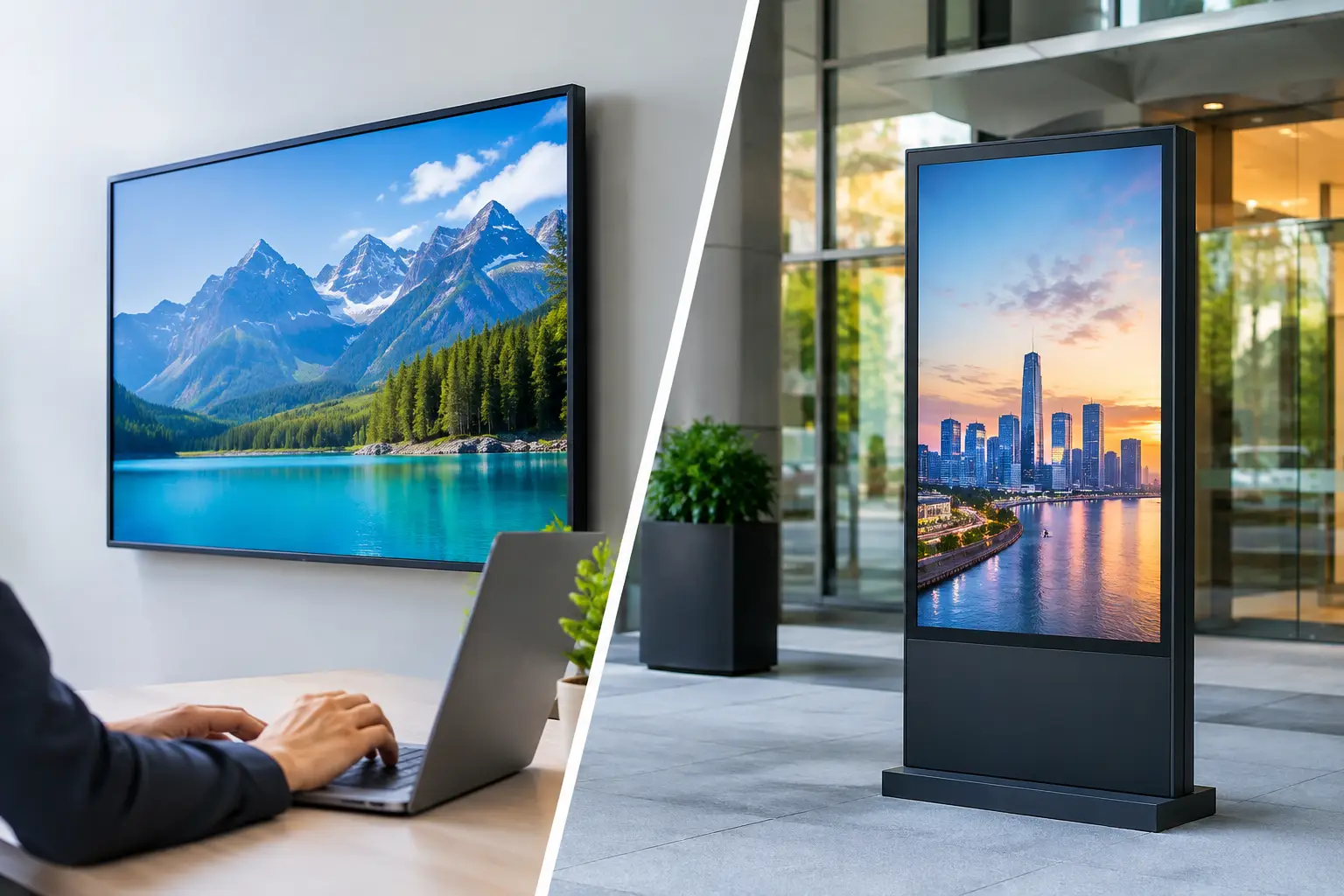
For many retailers, this is the most practical category. A Smart TV-first platform turns compatible screens, or TVs connected to affordable streaming sticks, into centrally managed digital displays. The goal is simple: install an app, connect the screen, assign content, and manage it remotely.
This approach reduces the friction that stalls store rollouts. There is no stack of dedicated media players to purchase, configure, ship, mount, and replace. A retail manager can get a new screen working without turning a merchandising request into an IT project.
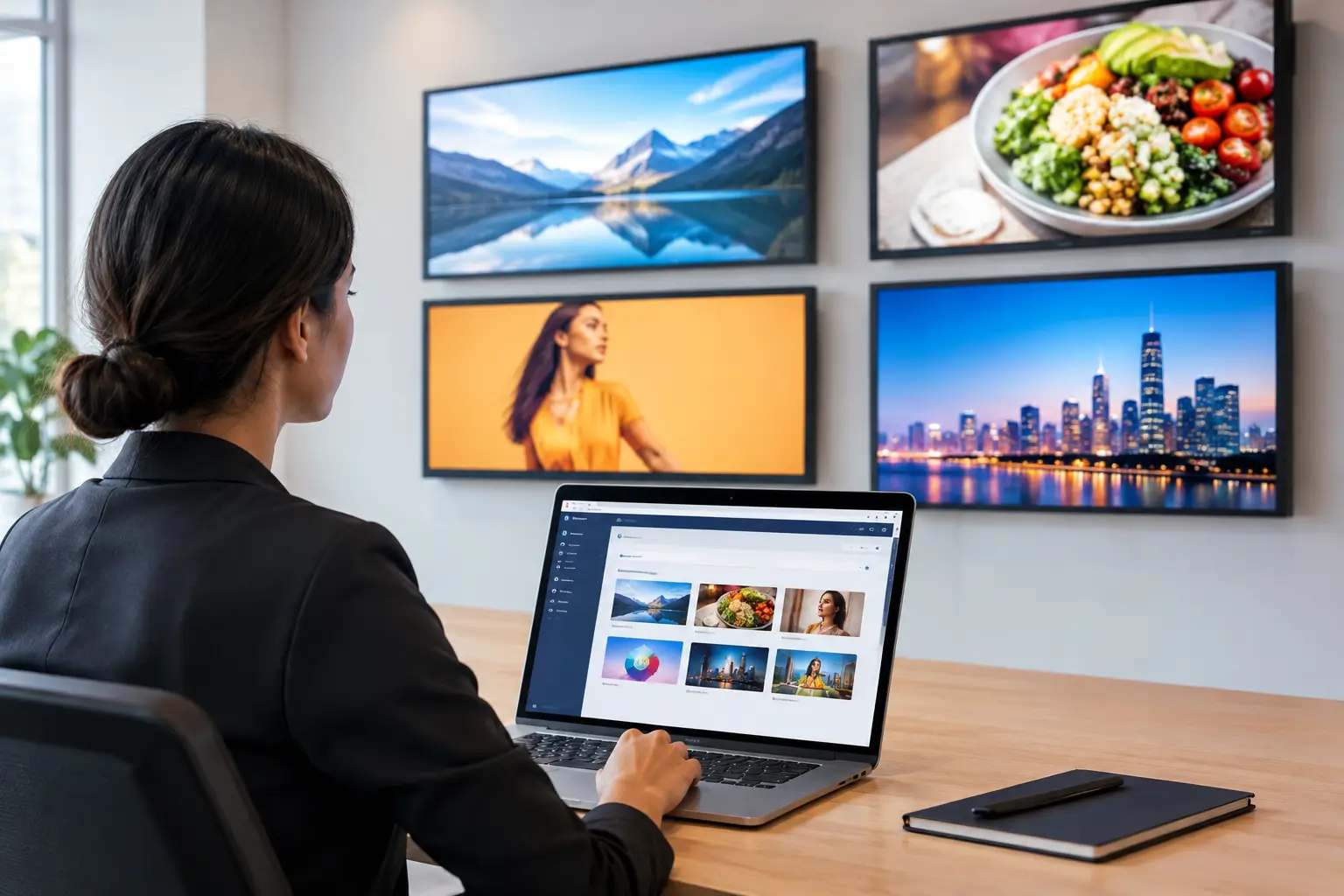
VitVue fits this model with cloud-based content creation, scheduling, deployment, and monitoring from one dashboard. It is designed for businesses that want live updates, offline playback, and multi-screen playlist control without adding traditional media player hardware. That is a meaningful advantage for franchise groups and growing retail teams that need consistency without a complicated installation.
The key question is device support. Before choosing any Smart TV-first provider, make an inventory of your current screens, operating systems, and network conditions. Reusing hardware saves money only when the screens can run reliably for the hours your stores are open.
Dedicated media-player platforms
Some digital signage providers use external players as the standard deployment model. The player connects to the display through HDMI and runs the signage software independently of the television’s built-in operating system.
This model can be a solid choice when your environment requires maximum device consistency, advanced content formats, or custom screen layouts. It is also useful when a retailer already has a standardized player fleet and internal support processes.
The cost is operational, not just financial. Every additional player means another item to install, power, connect to the network, secure, and replace if it fails. For a five-store retailer, that may be manageable. For a franchise network with dozens or hundreds of locations, it can become a recurring source of delays and support tickets.
Enterprise retail experience platforms
Large retail organizations may need signage connected to inventory systems, point-of-sale data, loyalty tools, room booking, or internal communications. Enterprise platforms are built for these requirements, with deeper integrations, permissions, approval workflows, and service arrangements.
They can be the right option when signage is part of a broader customer experience program. But do not pay for enterprise architecture simply because you have multiple stores. If your immediate need is to schedule promotions, display product information, and verify screen uptime, a lighter platform often delivers a faster return.
The features retail teams should prioritize
When comparing the best retail digital display platforms, focus on the workflows your team performs every week. A long feature list is less useful than a platform that handles the work you actually need done.
A drag-and-drop editor and quality templates matter because store promotions move quickly. Marketing should be able to create a sale graphic, update a price, add a QR code, or swap a product photo without waiting for a designer or outside agency. Brand controls still matter, especially for franchise and multi-location use, but they should not turn every small update into a bottleneck.
Scheduling should be flexible enough for campaigns, dayparts, and location-specific content. Look for the ability to set start and end dates, build playlists, and assign different content to different screen groups. A front-window display, checkout screen, and fitting-room screen often need different messages even within the same store.
Real-time publishing is equally important. A platform should let you push urgent updates immediately, whether you are correcting an offer, responding to an out-of-stock item, or promoting an event that starts that afternoon. Offline playback is the other half of reliability. If a store’s internet connection drops temporarily, the screen should continue showing its assigned content rather than going blank.
Monitoring and reporting turn signage into a managed channel. At minimum, your team should be able to see which screens are online and what they last played. Play history helps confirm that time-sensitive creative ran as scheduled. This is not just a technical feature. It gives marketing and operations a shared source of truth.
Questions to ask before committing
Ask each provider how a new store is deployed, not just how a demo screen is deployed. Find out what hardware is required, who installs it, how long activation takes, and what happens when a device goes offline. Clear answers are a good sign. Vague answers usually mean more work will land on your team later.
You should also ask how content is organized across locations. Can corporate assign a campaign to every store while allowing approved local edits? Can you group screens by region, store type, or display purpose? Can users have different permissions? These details become critical once you move beyond a few displays.
Pricing deserves the same scrutiny. Compare the full operating cost: software subscription, media players, installation, replacement devices, and staff time. A lower monthly software price can be misleading if it requires expensive hardware at every screen. Conversely, the cheapest plan is not a bargain if it lacks uptime visibility and forces manual store follow-up.
Choose for speed now and control later
Retail signage should make promotions easier to execute, not create a new device-management burden. Start with the screens you have, the locations you need to reach, and the campaign changes your team needs to make without delay.
The best platform is the one that lets your stores stay current while your central team stays in control. If you can launch quickly, update live, keep playing through brief outages, and verify what customers saw, your displays become a reliable part of retail operations rather than another task on the store manager’s list.