Gym TV Announcement System That Keeps Members Informed
A gym TV announcement system puts class updates, safety reminders, promotions, and urgent messages on every screen from one dashboard - live and clear.
בעמוד הזה
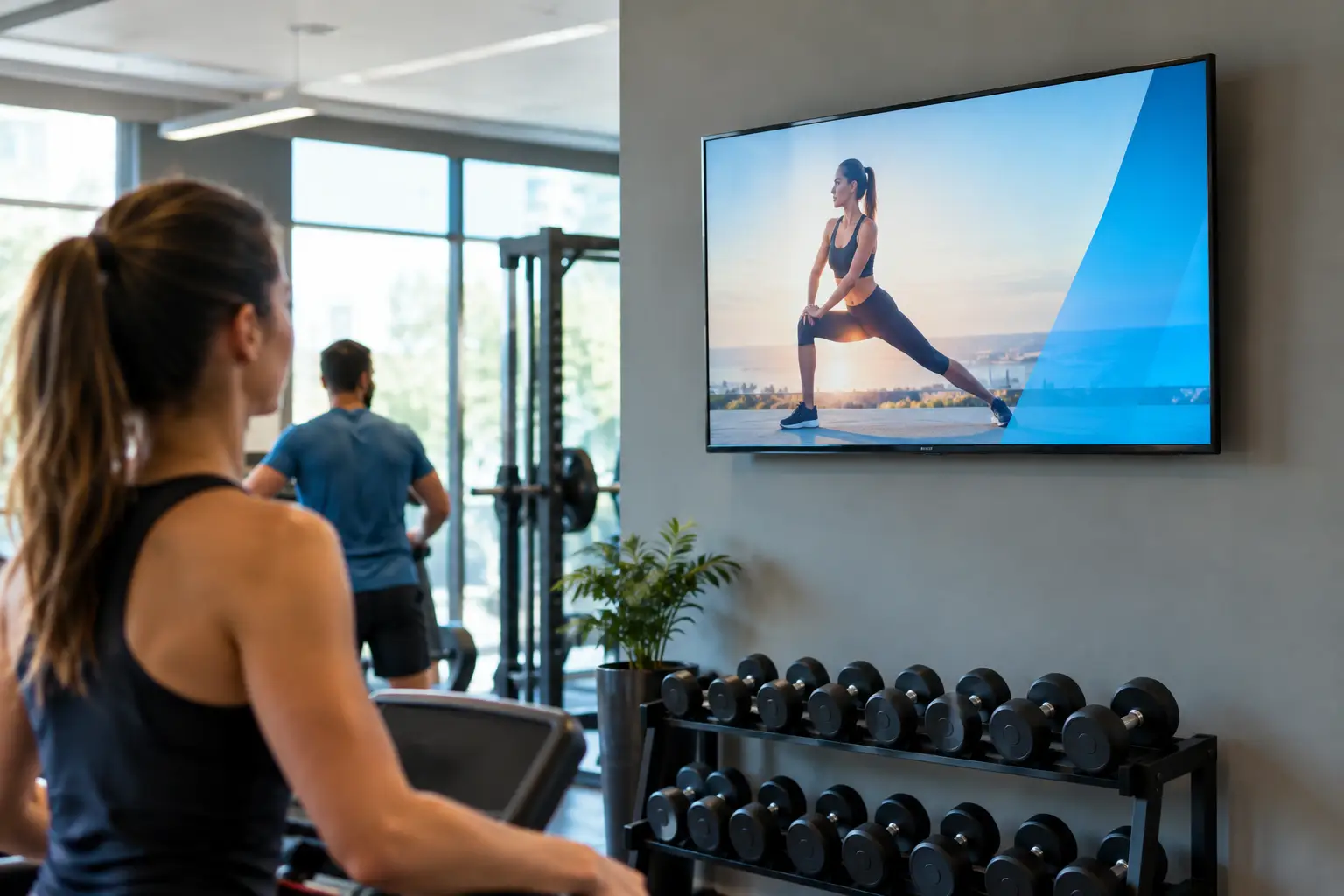
The front desk gets the same questions every day: Is yoga still on? Where did the trainer move the assessment? Why is the sauna closed? A gym TV announcement system answers those questions where members are already looking - on the screens above the cardio floor, near the lockers, and at reception.
That matters because a gym is a fast-moving environment. Class schedules shift, equipment needs service, trainers run promotions, and weather can affect operations with little notice. Printed posters and verbal reminders cannot keep up. A centrally managed screen network can.
What a Gym TV Announcement System Should Do
A gym TV announcement system is more than a looping slideshow. It is a practical communication layer for your facility. It gives staff one place to create, schedule, and publish announcements across one screen or every screen, without walking the building with a USB drive.
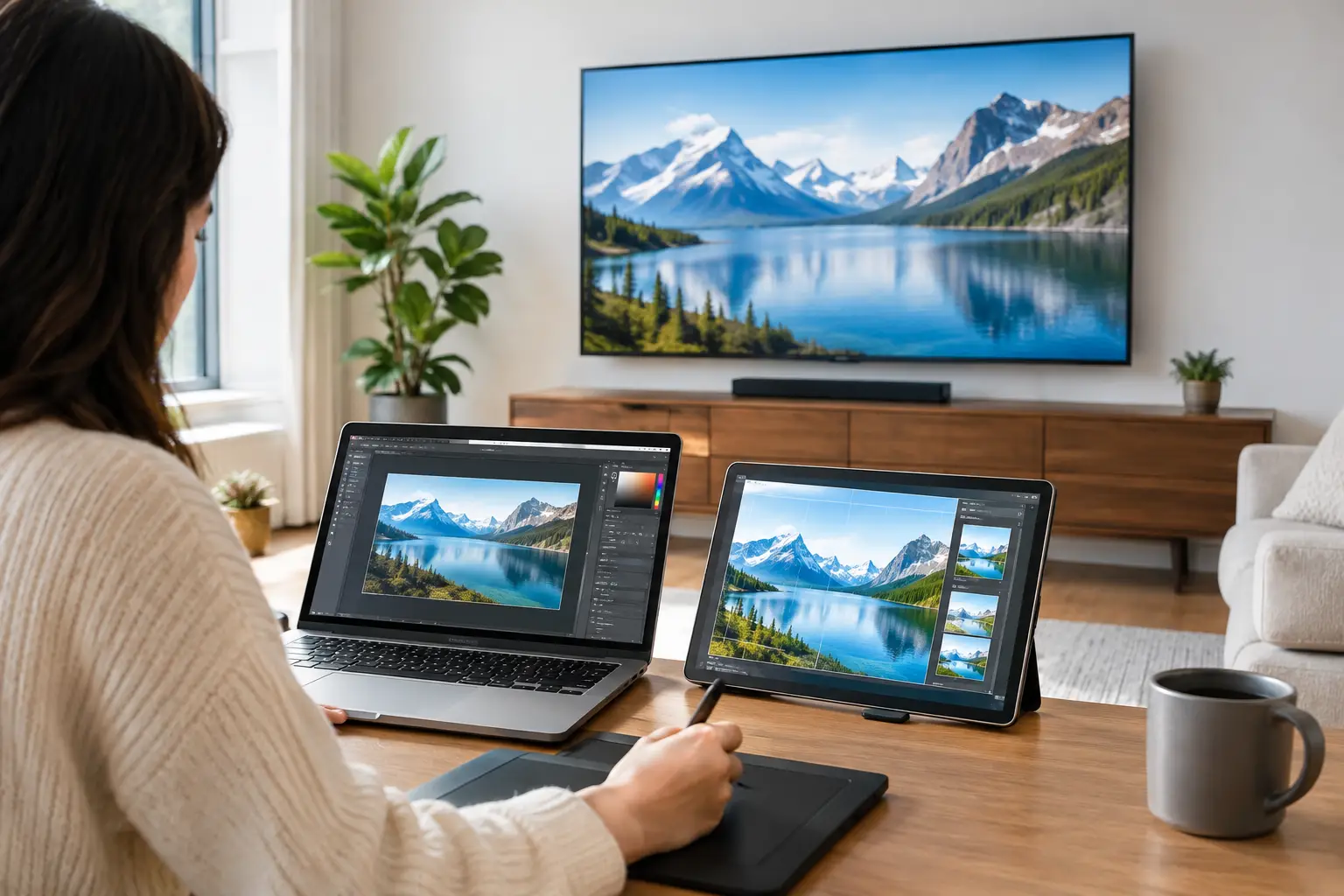
The best setup turns existing Smart TVs into controlled digital displays. Staff should be able to update a message from a browser, assign it to the right screens, and know whether it is actually playing. If your club operates multiple locations, that control needs to extend beyond a single lobby.
For most operators, the objective is simple: reduce member confusion, help staff communicate faster, and make every screen earn its wall space.
Start With the Moments Members Need Information
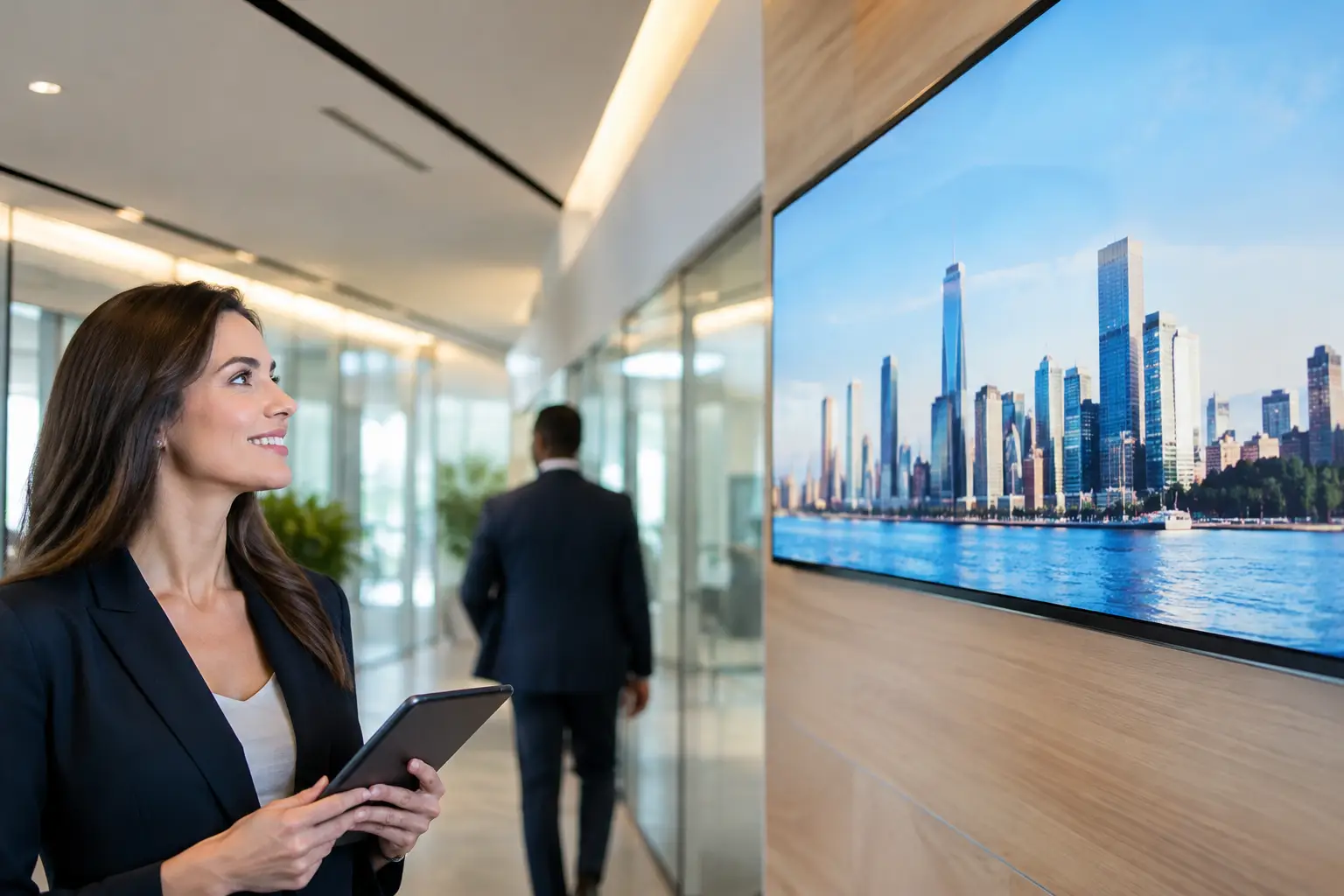
The most useful announcements are tied to real moments in the member journey. At check-in, members need quick operational updates and a reason to engage with current offers. On the training floor, they may need safety reminders, etiquette guidelines, or personal training promotions. Near studios, class schedules, instructor changes, and waitlist information carry more value.
Avoid treating every TV exactly the same. A screen by the smoothie bar can promote a recovery shake special. A display outside the cycling studio should prioritize the next class and setup reminders. The right message is often determined by location, not just by the time of day.
This is where scheduled playlists make a noticeable difference. Morning screens can feature the day’s class lineup and a welcome message. During peak evening traffic, shift toward capacity reminders, guest-pass offers, and training packages. Overnight, play evergreen content or reduce messaging to essentials. The system should do the switching automatically.
Keep emergency messaging separate from routine content
Routine announcements can be scheduled days or weeks ahead. Urgent messages cannot. A water outage, weather closure, medical incident protocol, or temporarily unavailable amenity requires immediate visibility.
Choose a system that lets authorized staff push a priority message to selected screens or the entire network in real time. It should override regular playlists when necessary, then return to scheduled content once the alert is cleared. That is much more reliable than hoping every department has printed notices ready.
Build Content That Works at a Glance
Members are not standing in front of a TV to read a memo. They are walking to a treadmill, carrying a gym bag, or checking the clock before class. Announcements need to work in seconds.
Use a clear headline, one supporting detail, and a direct action when needed. “Spin class moved to Studio B” is better than a long explanation. “Locker room maintenance, 1-3 PM” is more useful than a dense facilities notice. Use large type, high contrast, and images only when they clarify the message.
A simple rotation can include operational notices, programming updates, community highlights, and revenue-driving offers. The mix matters. If every screen is promotional, members learn to ignore it. If every screen is administrative, you miss opportunities to sell services and build participation.
For a typical club, four content categories are enough to keep communication focused:
Class schedules, instructor substitutions, and event reminders
Facility updates, safety notices, and gym etiquette
Personal training, retail, recovery, and membership promotions
Member spotlights, challenges, and community announcements
Use branded templates for recurring messages. A staff member should be able to change a date, time, or offer without rebuilding a slide from scratch. This protects visual consistency while making updates fast enough for daily operations.
Central Control Beats the USB Routine
The old approach is familiar: design a graphic, save it to a USB drive, walk it to the TV, hope the file plays, and repeat the process every time something changes. It is slow at one location and unmanageable across several.
A cloud-based gym TV announcement system removes that manual cycle. Content is created or uploaded from a central dashboard, assigned to a playlist, and deployed to the relevant displays. Managers can update a lobby message from home, a regional team can publish an approved campaign across every club, and local staff can still control the screens that matter to their facility.
That balance is important for franchise and multi-location operators. Corporate teams need brand consistency. Individual locations need flexibility for local classes, events, and maintenance issues. Look for permissions that support both instead of forcing one team to do all the work.
VitVue is built around this model: use the TVs you already own, manage content from one dashboard, and avoid adding expensive media players or a heavy IT project to the rollout.
Reliability is part of the member experience
A blank screen does not just waste a display. It creates uncertainty. Members may miss an instructor change, staff may not see an urgent notice, and managers may assume a promotion is running when it is not.
Your platform should provide screen status and play history so teams can see which displays are online and what content has played. Offline playback is equally useful. If a location has a temporary internet interruption, screens should continue showing their assigned content rather than going dark.
This visibility is especially valuable when you manage several clubs. Without it, every update depends on someone at each location confirming that the screen is working. With it, regional operators can identify issues before members start asking questions.
A Practical Rollout Plan for Your Gym
Start with the screens that have the highest member visibility: the front desk, main training floor, and studio corridor. You do not need to replace every TV in the building on day one. Proving the value on three to five screens is often enough to establish a repeatable process.
Next, decide who owns content. In a single-location gym, that may be a general manager with input from the fitness team. For larger groups, marketing can supply campaign templates while club managers handle local announcements. Define who can publish urgent alerts, who approves promotions, and how often routine content is reviewed.
Then create a baseline playlist. Include the day’s classes, current offers, key etiquette reminders, and one community-oriented message. Schedule the playlist by daypart and leave space for live updates. The goal is not to fill every second of screen time. The goal is to make information easy to notice and easy to trust.
Finally, measure whether the screens are doing their job. Track uptime and confirm that campaigns played as planned. Ask front-desk staff whether repetitive questions decrease. Compare attendance for promoted classes or events. If a specific offer gets attention on-screen but not at the desk, revise the call to action rather than assuming the screen failed.
Common Mistakes That Make Screens Easy to Ignore
The first mistake is putting too much text on a slide. Screens are not email newsletters. The second is letting outdated messages continue to run after an event has passed. Expired promotions and last week’s schedule quickly undermine confidence.
Another mistake is using the same playlist everywhere. A universal brand message may belong across the network, but local operations still need local control. The final issue is treating signage as a one-time installation rather than an ongoing communication channel. Screens work best when someone owns the calendar and reviews content regularly.
A well-run screen network should feel current without feeling noisy. Members should notice it when they need it, trust it when plans change, and never have to wonder whether the information is still accurate.
Start with the questions your staff answers most often. Put clear answers on the screens closest to where those questions arise, give your team the ability to update them immediately, and let the TVs do more than fill empty wall space.