How to Create Restaurant Promotion Screens
Learn how to create restaurant promotion screens that drive orders, update instantly, and stay consistent across every location, without added hardware.
בעמוד הזה
A lunch special that changes at 11:00 a.m. should not still be sitting in a back-office email, waiting for someone to swap a USB drive. Restaurant promotions work when guests see the right offer at the exact point where they decide what to order. To create restaurant promotion screens that actually move inventory, raise check averages, and support faster service, start with the offer - then build the screen around the decision you want customers to make.
Start With One Clear Promotional Goal
A promotion screen is not a digital version of the entire menu. It is a focused sales tool. Before choosing colors, photos, or templates, decide what the screen needs to accomplish during that daypart.
A quick-service restaurant may need to move guests toward a premium combo. A bar may need to promote happy hour before the rush. A multi-location casual dining group may want to feature a limited-time entrée consistently across every dining room. Each goal calls for different content, timing, and placement.
The strongest restaurant promotions usually do one of three things: increase the average ticket, move high-margin items, or create urgency around a limited offer. If a screen tries to do all three at once, the message becomes harder to act on. Pick the priority, then give it visual space.
For example, "Add chips and queso for $3" is a clear upsell message near the register. "Try our new seasonal menu" may work better on a waiting-area screen, where guests have more time to absorb the offer. The same campaign can appear in both places, but it should not be designed as one generic slide.
Build Restaurant Promotion Screens Around the Guest Journey
Where a customer sees a screen changes what that screen should say. A display above the ordering counter has seconds to influence a choice. A screen near the entrance can establish the promotion before a guest reaches the line. A dining-area display can encourage another drink, dessert, loyalty sign-up, or return visit.
Think in terms of moments rather than screens. The order line is for fast choices. The pickup area is for add-ons and reassurance, such as order status or a reminder about a next-visit offer. The dining room supports slower messages, including catering, events, social proof, and seasonal campaigns.
This is especially useful for restaurants with multiple displays. Instead of copying the same promotion to every TV, use connected messages. A guest might first see a limited-time bowl at the entry, notice the meal upgrade on the menu board, and then see a dessert pairing while waiting for their order. Repetition helps, but identical creative on every screen can feel static.
Make the offer readable before it is clever
Restaurant traffic is fast. Guests may be standing several feet away, reading while talking to staff, checking a phone, or watching the line move. A witty headline has value only if the offer remains obvious.
Use one large product image, a short headline, a visible price or value statement, and a direct action. Keep supporting copy to a minimum. If guests need to read three sentences to understand the deal, it is probably better suited to an email or social post.
A practical test: take three steps back from the screen. Can you identify the product, the price, and the next action in two seconds? If not, enlarge the key elements or remove competing details.
Use a Layout That Prioritizes Orders
A promotion screen needs hierarchy. The guest should see the most valuable information first, then the details that validate the decision.
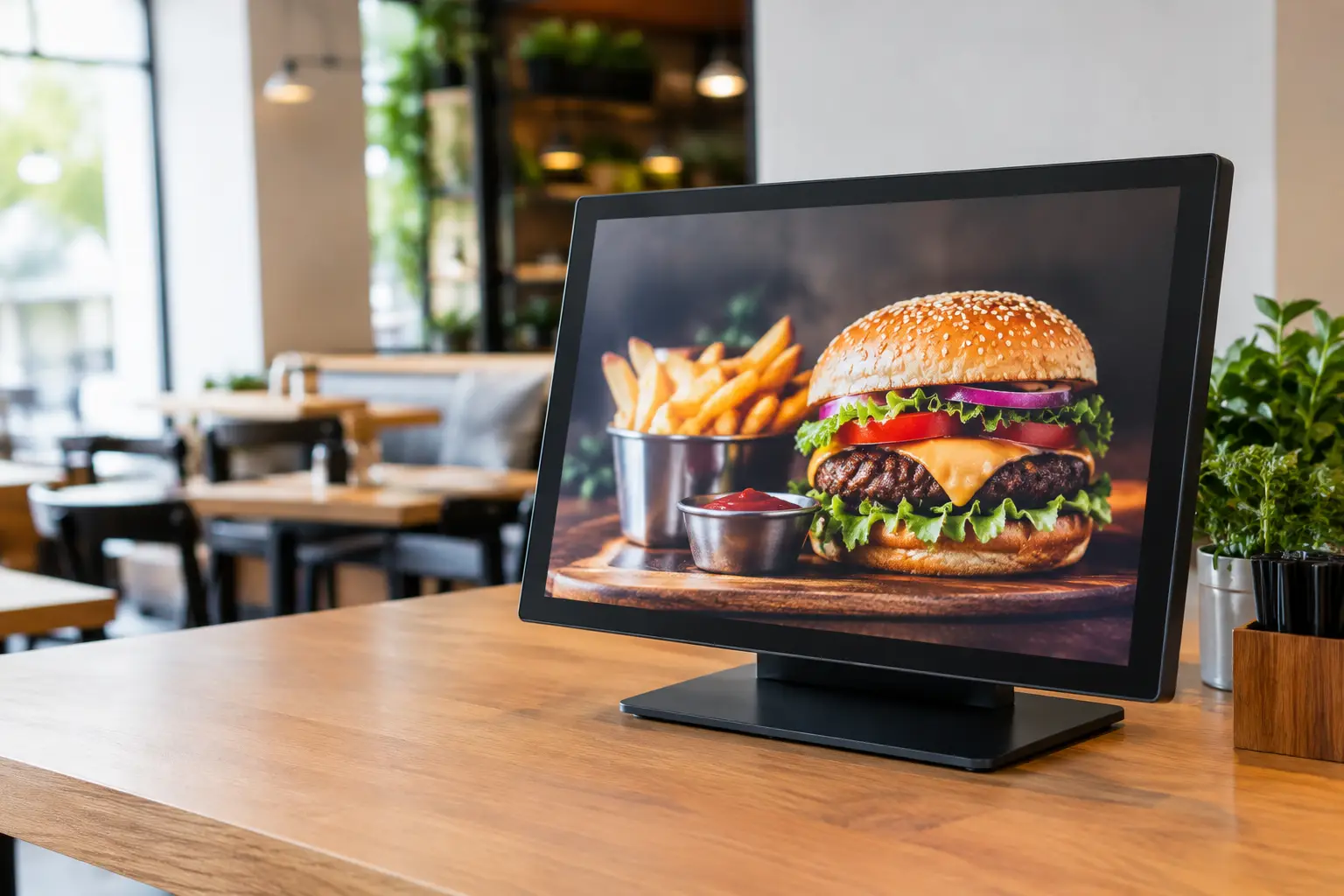
Start with the product. Food photography should make the item recognizable and appetizing, not function as background decoration. Use high-resolution images with enough contrast to stand apart from the screen background. If professional photography is unavailable, a clean product image can outperform an overly busy photo.
Next, state the value clearly. This could be a price, a bundle, a percentage off, or a time-based reason to act. "Weekday lunch combo, $10.99" is stronger than "Great lunch value." The first tells guests what they get and gives them a decision point.
Then add a single call to action. It may be as simple as "Ask for the combo," "Order before 2 p.m.," or "Scan to join rewards." Avoid stacking calls to action. Asking guests to download an app, follow an account, scan a code, and try a new item on one screen usually means none of those actions gets completed.
Brand consistency matters, particularly for franchise and multi-location operations. Use approved colors, fonts, logos, and product naming. But consistency should not come at the cost of legibility. A promotion that uses the right brand elements but cannot be read from the line is not on-brand in practice.
Match Content to Dayparts and Inventory
A screen should change when the customer need changes. Breakfast promotions should not run through dinner, and a happy-hour message should disappear when the offer ends. This sounds obvious, yet manual signage workflows make it easy for outdated content to remain on screen for days.
Schedule promotions by daypart, weekday, location, or campaign date. Breakfast bundles can run until 10:30 a.m., lunch upgrades from 11:00 a.m. to 2:00 p.m., and late-night snack offers after 9:00 p.m. When a promotion is location-specific, such as a campus special or local event offer, send it only to the relevant screens.
Inventory adds another layer. If a featured item is selling faster than expected, teams need the option to pull the creative quickly rather than asking staff to explain that the advertised item is unavailable. The ability to update screens live protects the guest experience and prevents avoidable friction at the counter.
For restaurant groups running restaurant digital signage, centralized scheduling is also a control advantage. Corporate marketing can launch a campaign across every location while individual operators retain flexibility for store-level offers. The right balance depends on the brand. Highly standardized concepts may require strict approval controls, while neighborhood restaurants may benefit from more local autonomy.
Create a Playlist, Not a Loop of Ads
A single promotion shown continuously can become visual wallpaper. At the same time, rotating too many messages means guests may miss the offer entirely. The answer is a short, intentional playlist.
For most customer-facing restaurant screens, use a mix of promotional and useful content. Useful content can include menu highlights, order instructions, loyalty reminders, event announcements, nutritional messaging, or a simple branded visual that gives the eye a break.
A practical playlist might include:
One primary limited-time offer
One high-margin add-on or bundle
One loyalty or catering message
One operational message, such as pickup instructions or hours
Keep each slide on screen long enough to read comfortably. Animated transitions can attract attention, but excessive motion makes prices and offers harder to process. Use movement to direct attention, not to fill empty space.
Make Updates Fast Enough for Restaurant Operations
The biggest operational failure with promotion screens is not poor design. It is slow change management. A campaign gets approved, but no one knows who updates the displays. A price changes, but one location keeps showing the old version. A manager turns off a screen because it is displaying last month's offer.
Assign ownership before launching campaigns. Marketing should own approved creative and brand standards. Operations should own screen placement, local scheduling needs, and escalation when an offer is unavailable. Store managers need a simple way to flag issues without becoming responsible for editing every asset.
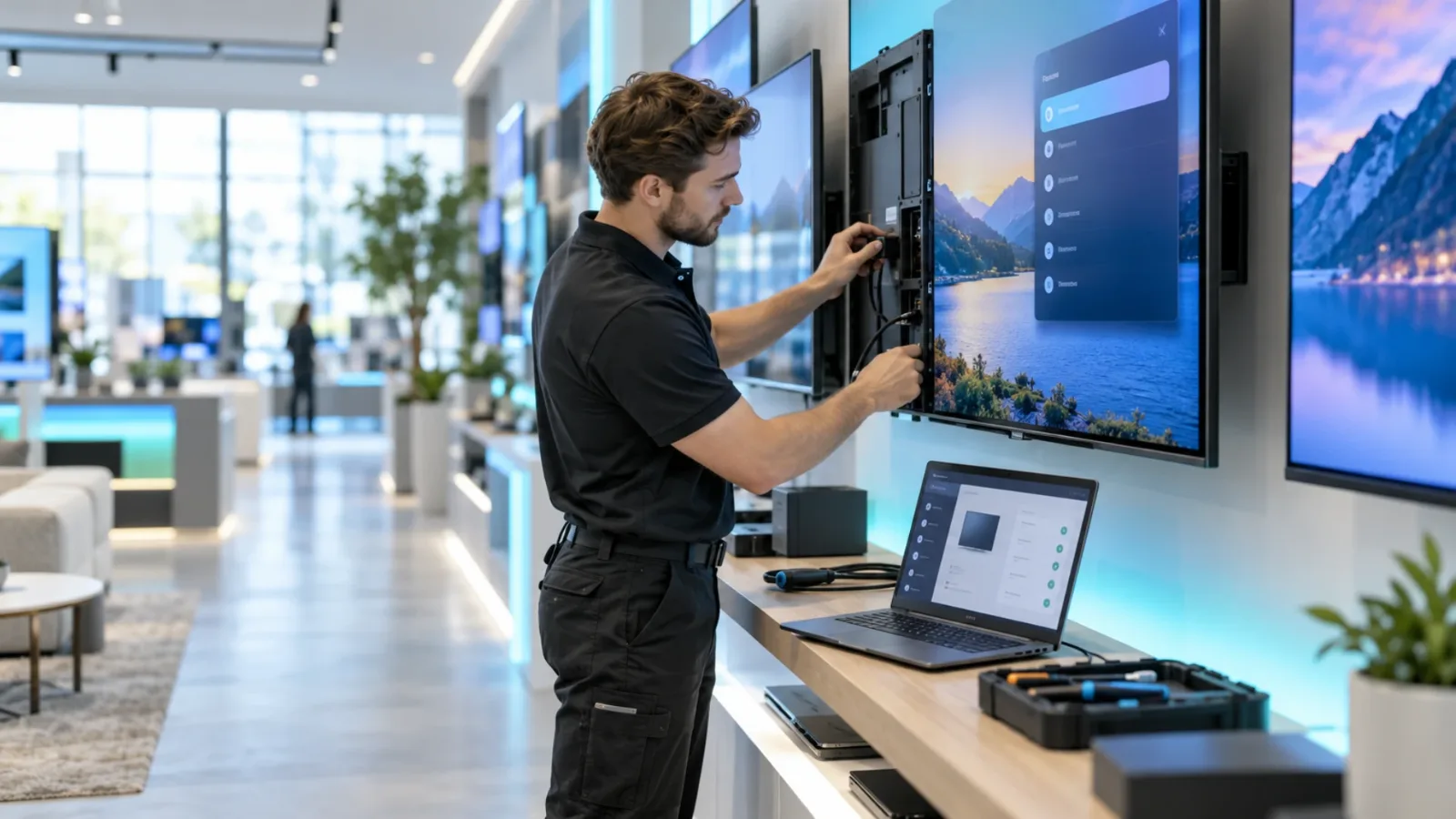
This is where cloud-based digital signage changes the workflow. Rather than loading files onto drives or relying on a dedicated media player at each location, teams can publish from one dashboard and push changes to connected screens. VitVue lets restaurants use compatible Smart TVs or inexpensive streaming-stick-connected displays, reducing the hardware and IT burden that slows many signage rollouts.
Central control also gives operators visibility. If a screen goes offline or fails to play a scheduled campaign, teams can address the issue before it becomes a multi-day store problem. For multi-location brands, that visibility is as valuable as the creative tools themselves.
Measure Whether the Promotion Earned Its Screen Time
Restaurant promotion screens should be treated as performance assets, not décor. Track the items and behaviors each campaign is designed to influence. Depending on your POS reporting, that may include unit sales, attachment rate, average check, redemption rate, or sales by daypart.
Compare results against a realistic baseline. If a beverage attachment message runs during lunch, compare it with prior lunch periods or with comparable locations that did not run the same creative. Results will never be perfectly controlled because weather, staffing, local events, and menu changes affect sales. Even so, a consistent testing process will reveal what earns repeat placement.
Test one major variable at a time. Try a different headline, product photo, value statement, or placement. Do not replace the image, price, copy, and scheduling all at once if you want to understand why performance changed. Small, measurable improvements are easier to scale across a restaurant group.
The best restaurant promotion screens feel timely because they are timely. Build campaigns your team can update in minutes, schedule with confidence, and measure against real sales. When the offer on screen reflects what the restaurant needs to sell right now, the display stops being background noise and starts doing operational work.