QR Code Digital Signage: 10 Ideas That Turn Screens Into Action
في هذه الصفحة
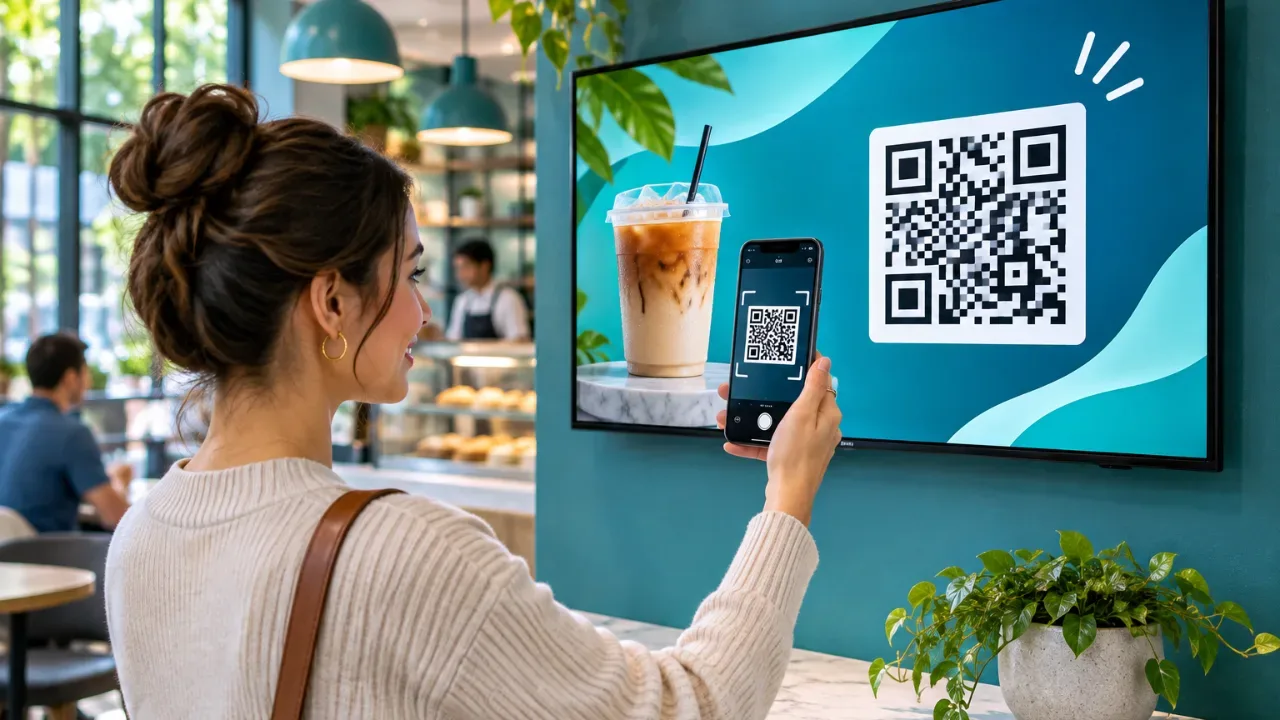
A screen can tell people about an offer. A QR code on that screen lets them act on it – order, review, sign up or connect – from their own phone, in seconds.
QR codes are the simplest way to make digital signage interactive without touchscreens or extra hardware. This guide covers what works, how big the code needs to be, and how to measure results.
Why put QR codes on digital signage?
• No touch needed. Viewers interact from their phone, so the screen stays clean and out of reach.
• Measurable. A tagged link shows exactly how many people scanned from a screen.
• Always current. Change the destination and the code on every screen updates, unlike printed codes.
• Cheap. Any TV running a digital signage app can show one.
10 QR code ideas for business screens
1. Full menu or online ordering – the screen shows the highlights, the code opens the full menu.
2. Google reviews – “Enjoyed your visit? Scan to review” near the exit or checkout.
3. Guest Wi-Fi – a Wi-Fi QR code connects phones without typing a password.
4. Loyalty sign-up – join the app or club while waiting in line.
5. Product details – in retail, link a featured product to specs, sizes or stock.
6. Event registration – lobby screens in offices, schools and hotels.
7. Feedback surveys – clinics, gyms and offices collect feedback on the spot.
8. Booking – book a class, table, appointment or room.
9. Social follow – Instagram or TikTok, ideally with a reason to follow.
10. Limited-time coupon – a code that only works today drives an immediate scan.
How big should a QR code be on a screen?
A common rule of thumb: the code’s width should be at least one tenth of the scanning distance.
Viewing distance | Minimum code size |
1 m (counter, kiosk) | 10 cm |
2 m (queue, lobby) | 20 cm |
3 m (wall menu) | 30 cm |
5 m+ | Usually too far – move the code closer to people |
On a 55” TV, a code that fills about a quarter of the screen height scans comfortably from 2–3 meters.
Design rules that get more scans
• Say what happens. “Scan for 10% off” beats a code on its own.
• High contrast. Dark code on a light background, with a white margin around it.
• Keep it on screen long enough. At least 10–15 seconds per slide, or keep the code on a fixed side panel.
• Short links. A shorter URL makes a simpler, easier-to-scan code.
• Test from the real spot. Scan with an older phone from where customers actually stand.
How to add a QR code to your screens
In VitVue, the QR Code app generates the code for you:
1. Add the QR Code app to a slide and choose a preset.
2. Enter the destination URL, text or Wi-Fi details.
3. Test the generated code with a phone in the editor preview.
4. Add the slide to a playlist and assign it to your screens.
Show the right code at the right time
A breakfast coupon at 18:00 wastes the slot. With digital signage scheduling software, the review code can run in the evening and the lunch-order code from 11:00 to 14:00.
If you run several branches, multi location digital signage software lets each store show a code that points to its own Google review page or local booking link, while the design stays the same.
How to measure QR code scans
Add UTM parameters to every destination link, for example:
?utm_source=screen&utm_medium=qr&utm_campaign=lunch-offer&utm_content=store-12
In Google Analytics you’ll see scans per campaign, per location and per screen. Compare a week with the code against a week without to see what it adds.
FAQ
Do people still scan QR codes?
Yes. Phone cameras read them without an app, and diners, shoppers and patients are used to them.
Can I change where a QR code points after it’s on screen?
Yes. Update the link in the dashboard and every screen shows the new code.
Will a QR code work on a TV across the room?
Only if it’s big enough. Use the size table above, or place the screen closer to where people stand.
Can I make a Wi-Fi QR code?
Yes. Enter the network details in the QR Code app and guests connect by scanning.
Make every screen interactive. Start free for 30 days and add your first QR code in minutes.